
Бесплатно 
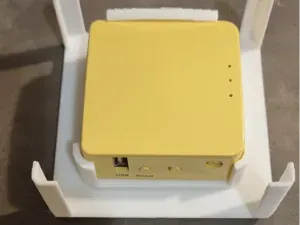
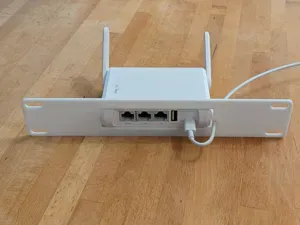
GL.iNet Beryl AX (GL-MT3000) travel router mount
Printables


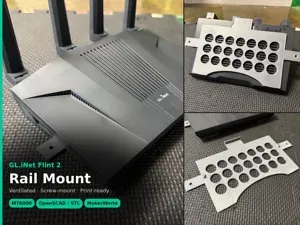
Under-shelf mounting brackets for the GL.iNet GL-MT6000 (Flint 2) WiFi router
Mount your Flint 2 under a shelf or table. This pair of brackets uses locking clips to hold the router securely while still allowing quick removal for maintenance.
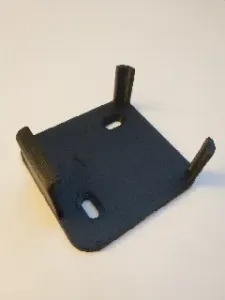
Bracket contours follow the router for a snug, reliable fit.
Instructions
See the included screenshot for how to position the model on the printer bed.
To mount the brackets under your shelf, I suggest the following:
- Place the brackets onto the sides of the router. - Use double-sided tape to tack the bracket–router assembly under your shelf in the desired position. - Slide the router out, leaving the brackets taped in place. - Mark the screw locations through the mounting holes. - Remove the brackets and tape. - Fasten the brackets with suitable wood screws. Enjoy the perfect fit!





Названия используются только для указания источника результата. Polyzon не аффилирован с перечисленными площадками.