
Бесплатно 
System 58 Sorter Box: improved MINI Box
Printables


Note: this is an older design, I keep it online out of nostalgia. Please use the updated designs:
https://www.printables.com/model/1646802-system-58-sorter-box-improved-mini-box
https://www.printables.com/model/1646988-system-58-sorter-box-flexible-insertsboxes
Design
As one of the main goals the outer box is 180mm wide, 130mm deep and 33mm high - meaning it barely fits on the Prusa MINI print bed. Hence I included GCode for the MINI. See below for other printers.
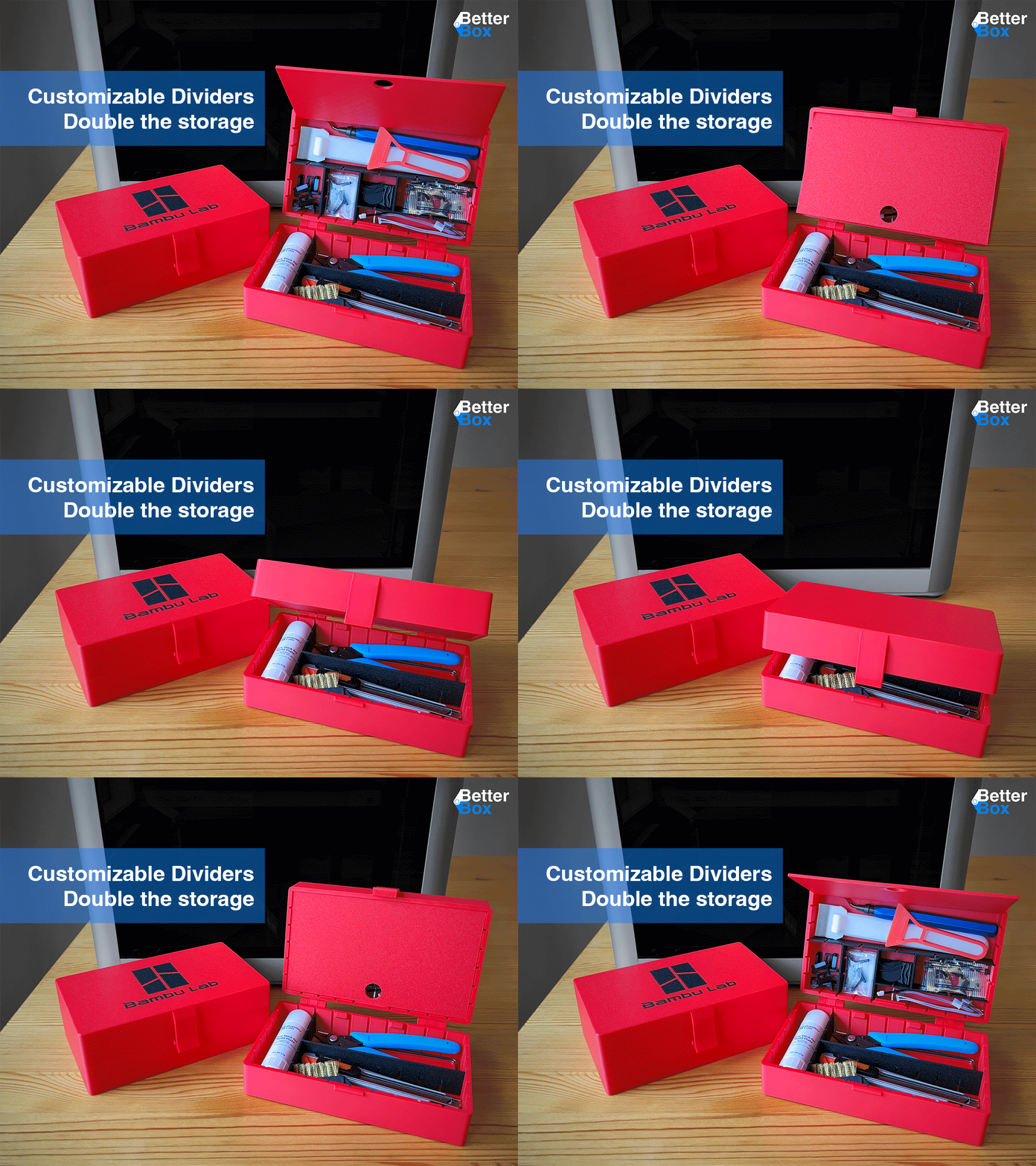
The internal removable boxes are 58mm wide - the biggest possible with the outer box still fitting the constraints of the MINI. They are 30mm high - 31mm with the lid. Those boxes have their own lid, so they can exist separately from the outer box. There are two kinds of walls, so that the small boxes can be further divided into two, three or four compartments.
The only extra materials needed are a few short pieces of filament and a few drops of super glue. See "Assembly" below.
Other compatible variations will be released over time.
Printing
PLA will usually be a fine material for those boxes. If you need them to be more heat tolerant (e.g. to be left in the sun) then you may want to switch to PETG or an even stronger material.
For the Prusa MINI, PLA: simply use the GCode files included.
Prusa Printers: open the PrusaSlicer 3mf project files - they already contain the correct settings - then select your printer and material.
Printing from STL
The main box can be printed standing normally on the print bed without supports - all protruding features have chamfers to support printing.
The main box lid should be overturned for printing. The front lock protrusion needs some support, the hinges at the back are designed to print without supports. Make sure you use supports from the print bed only, no internal supports - otherwise the hinges will be blocked.
The main box lock should be printed flat to the bed and needs no supports in this position.
The internal boxes should print standing normally, no supports needed. The lids should be overturned and then need no supports. The dividers/walls should be printed flat without supports.
Depending on how rough you plan on handling the sorting box you may want to increase infill to 100% or increase the number of perimeters - there are only very few points that even have enough space for infill (e.g. hinges or the main box locket).
Assembly
Print everything as described above.
Outer Box
Start by removing the supports from the front of the lid.
Then join the hinges on the back with a short piece of filament - the holes are designed to easily fit 1.75mm filament.
If the filament does not fit into the hole then the printer probably left some "poop" inside - use a 1.5 to 2mm drill bit to clean the holes.
Cut the filament to fit tightly. Put a drop of superglue on the sides to fixate the filament in place. Important: do not glue the lid to the main box or to the filament - this would stop the hinges from turning. Two very small drops of glue on the side of the main box hinges will suffice. If you prefer you can also use a soldering iron to weld the filament to the hinges
Do the same with the locket in the front of the box.
Inner Box
Assemble the dividers/walls as needed and plug them into the prepared slots of the boxes.
You can simply slot them together. Also see the pictures on top.
License
I chose GPL deliberately: I want this design to remain free. Feel free to print as many as you like, feel free to sell your prints. But, if you give prints away or sell them include a link back to here; if you change the design or add features - please publish your "sources", a'ka CAD files under the same license.
The included CAD files of this design were made with FreeCAD 1.0.2. I tried to label all features to make it easy to understand what was intended. Send me a message if you have questions.





Названия используются только для указания источника результата. Polyzon не аффилирован с перечисленными площадками.