
Бесплатно 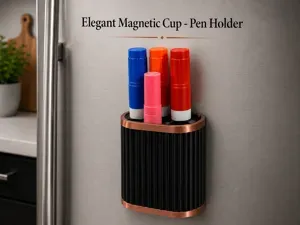
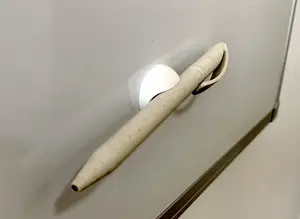
Elegant Magnetic Cup - Pen Holder
MakerWorld




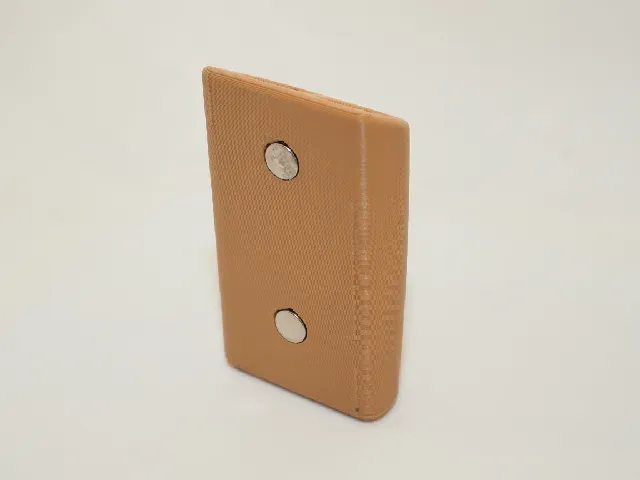
If you like this model, please consider uploading a make :)
Features
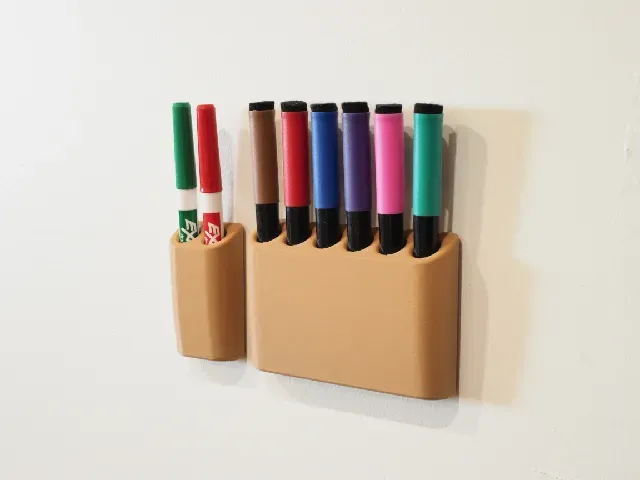
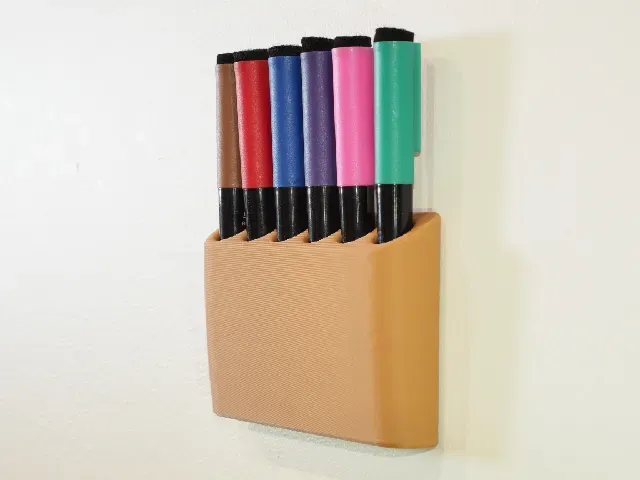
- Simple & elegant design that fits anywhere.
- Double sided adhesive or magnetic wall mounting options. Fits 8mm x 3mm round magnets. You will need to glue them in.
- Easy to print & no supports.
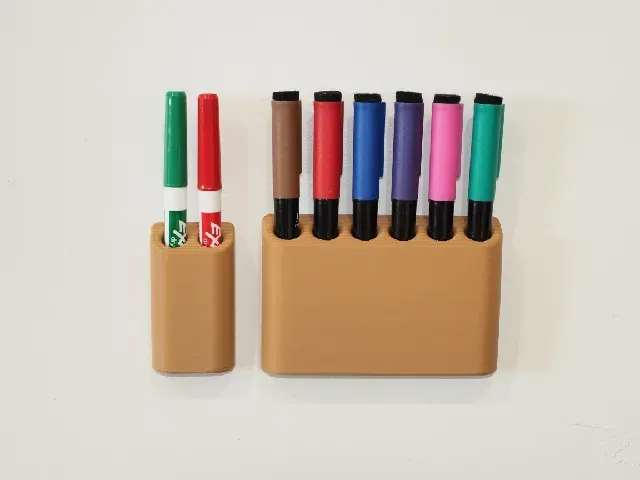
- Multiple files ready to print for various pen sizes:
- 10, 13 & 18mm hole options,
- with or without magnets,
- holding 2, 4 or 6 pens.
- Fully parametric FreeCAD file with simple variables to configure the model.
Print Settings
Pretty much any settings will work, but I used:
- 0.28mm layer height
- 0.4mm nozzle
- 2-3 walls
- Seam position: back
The main .3mf file has every file arranged on plates and the print settings I used.
Editing In FreeCAD
This model was designed in FreeCAD v1.1.0rc1, but v1.1.0rc2 works as well. v1.0.2 does not work.
You can download FreeCAD v1.1 RC2 here: https://github.com/FreeCAD/FreeCAD/releases/tag/1.1rc2
- Open the .fcstd file in FreeCAD.
- Navigate to the Tree View in the left side panel and select the "Variables" feature.
- Go to Data in the bottom half of the panel. Change the appropriate variables:
- "holder_height" changes the total height of the holder.
- "magnet" turns the rear magnet holes on or off. enter "y" (without quotes) to turn them on, and leave it blank for off.
- "magnet_col" defines the number of magnet hole columns.
- "magnet_row" defines the number of magnet hole rows.
- "pen_diameter" should be set to the diameter of your pen.
- "pen_no" defines the number of pens the holder should hold.
- "pen_tolerance" sets the tolerance for the pen hole. The number here is added to "pen_diameter" for the total hole diameter. You probably want to leave this at 0.5 to 2mm.
- When done, select "Body" in the Tree View, then File > Export. Export as a .3mf or .stl for 3D printing.


Названия используются только для указания источника результата. Polyzon не аффилирован с перечисленными площадками.