
Бесплатно 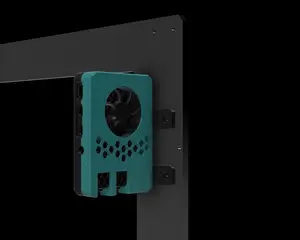
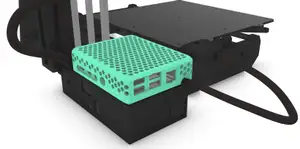
Raspberry Pi 4 - OctoPrint Prusa Mount (MK3/MK3S)
Printables
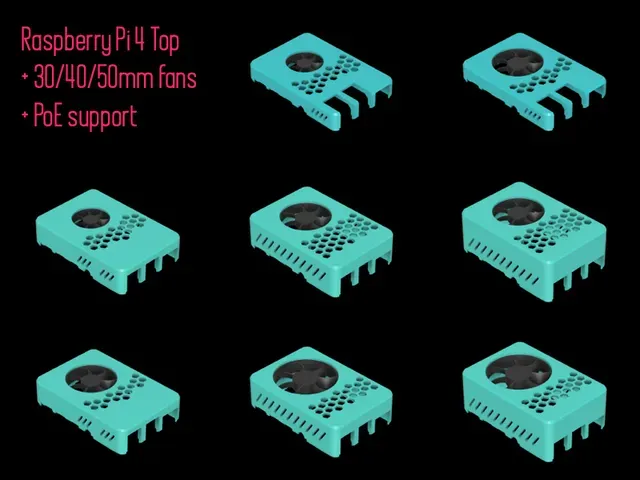
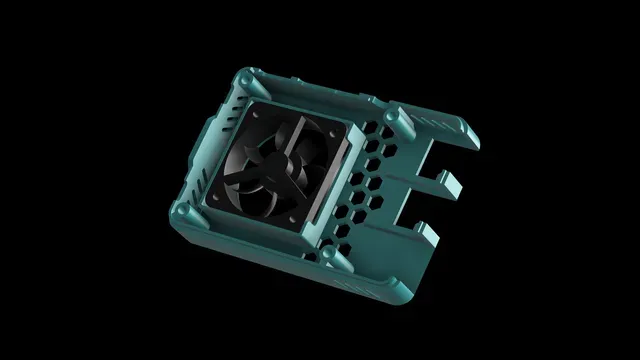
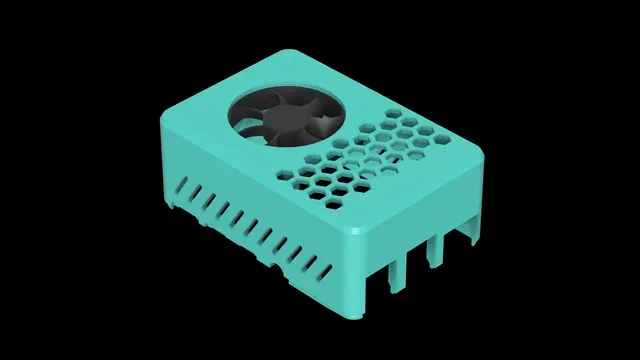

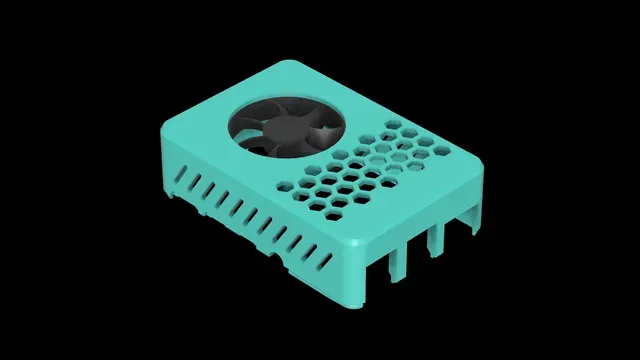

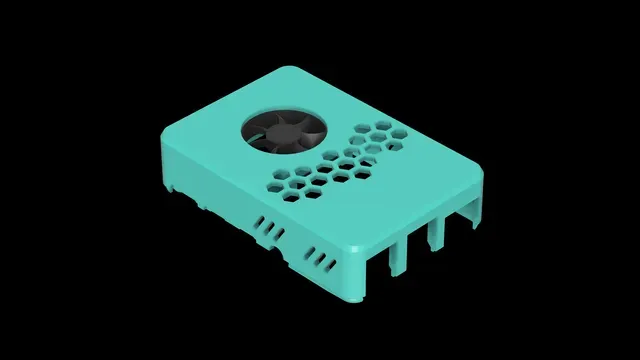
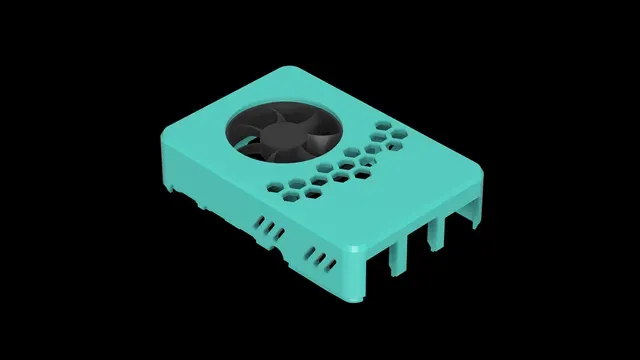

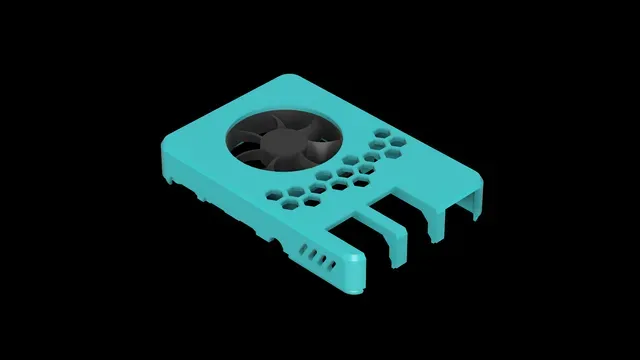
This is a remix of the great Raspberry Pi Case Top of Malolo . We've had a good cooperation over the last few days and have worked on the design and new ideas to make the case even better.
So the idea to integrate a fan without the ugly screws.
I have therefore built a mount where the fan is simply pushed in.
Updates:
22.12.2019
- added new low version for 30/40mm fans
- added new medium version for 30/40mm fans
- added new low PoE Hat version for 40/50mm fans
- added new high PoE Hat version for 40/50mm fans
- now with better centered push-in mount
Please note:
Low Case
Unfortunately, the GPIO socket connector are a bit too high for the low case and therefore have to be modified. Pull the GPIO pin out of the connector and connect the cables directly to the pins.
Medium Case
You shouldn't have any problems with the fan gpio pins.
PoE Hat
Remove the mounted Sunon fan from the original Raspberry PoE Hat and simply use a bigger 30/40/50mm fan. For Example Pi-FAN, Noctua NF-A4x10 etc.
Replace PoE Hat fan on the original socket
You can use a less noisy replacement fan on the original Hat socket and control it via overlay. The only thing you need is a JST ZH 1.5 cable which you solder or crimp to the fan. Pay attention to polarity. If the JST-socket is shorted, it will no longer work!
If you want to run the fan from system start you have to change the temperature thresholds & cooling-levels settings in the overlay file.
Edit Overlay
cd /boot/overlays
sudo cp rpi-poe.dtbo rpi-poe.dtbo.backup
sudo rm rpi-poe.dtbo
sudo wget https://raw.githubusercontent.com/raspberrypi/linux/rpi-4.14.y/arch/arm/boot/dts/overlays/rpi-poe-overlay.dts
sudo nano rpi-poe-overlay.dts
I changed values as followed:
trip0: trip0 { temperature = <30000>; hysteresis = <5000>; type = "active"; }; trip1: trip1 { temperature = <55000>; hysteresis = <5000>; type = "active"; };
cooling-maps { map0 { trip = <&trip0>; cooling-device = <&fan0 2 2>; }; map1 { trip = <&trip1>; cooling-device = <&fan0 2 2>; }; };
sudo dtc -@ -I dts -O dtb -o rpi-poe.dtbo rpi-poe-overlay.dts (converts .dts to .dtbo)
sudo reboot
DONE!
Let me know what I can improve or what wish you have.
Looking forward to your makes :)







Названия используются только для указания источника результата. Polyzon не аффилирован с перечисленными площадками.