
Бесплатно 
Z-Axis Endstop Switch Holder
Printables


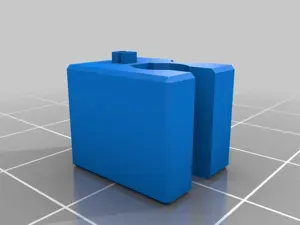
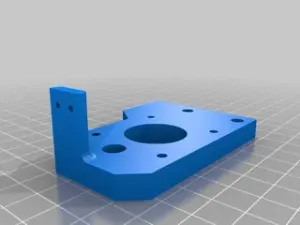
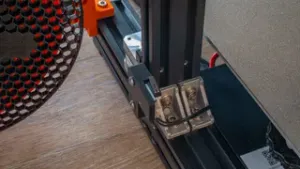
Remixed lower z-axis motor mount support that includes the Z-axis endstop adjustment screw
Print instructions
Category: 3D Printer Parts Instructions
1) attach mechanical endstop switch to X-end. I used a 2/56 SHCS in the existing holes from the lulzbot X-end set
2) tap the 0.125" hole in the top surface of the Z-axis motor mount support.
3) use a M4 x 55 SHCS and M4 nut threaded into the Z-axis motor mount support as the adjustable trigger for the mechanical endstop switch.




Названия используются только для указания источника результата. Polyzon не аффилирован с перечисленными площадками.