
Бесплатно 
4-Key Fidget Macropad RP2040/QMK Clicker
MakerWorld
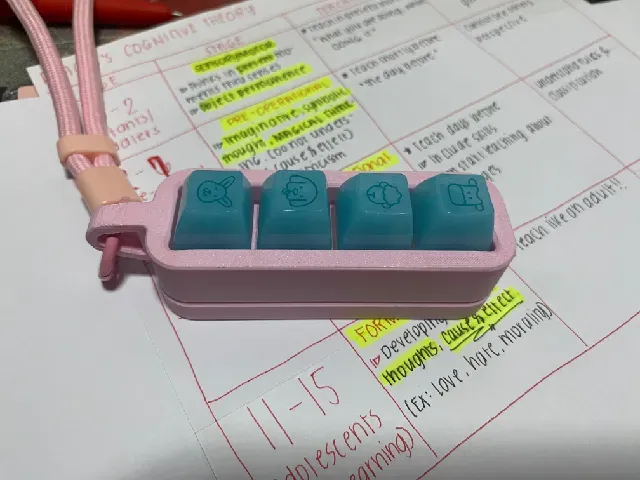
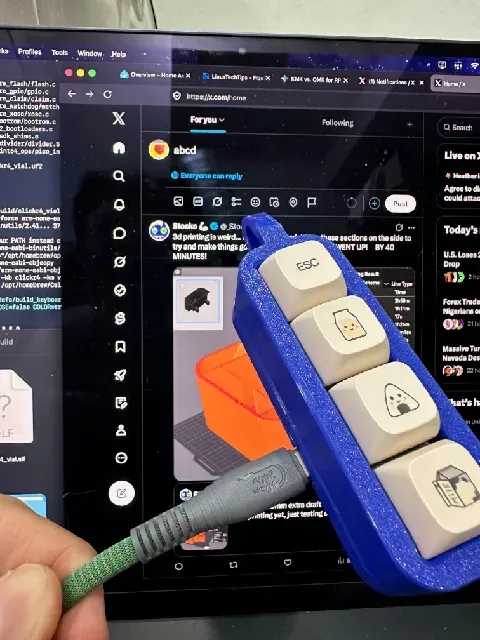
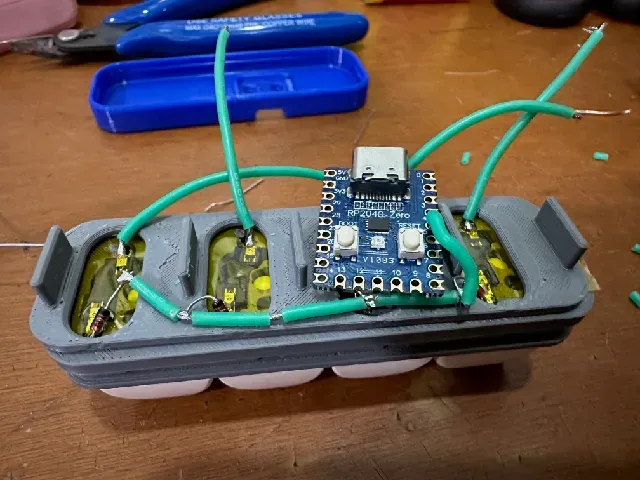
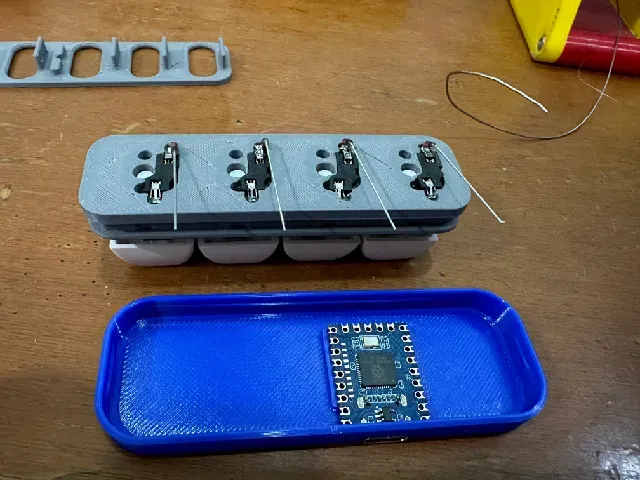
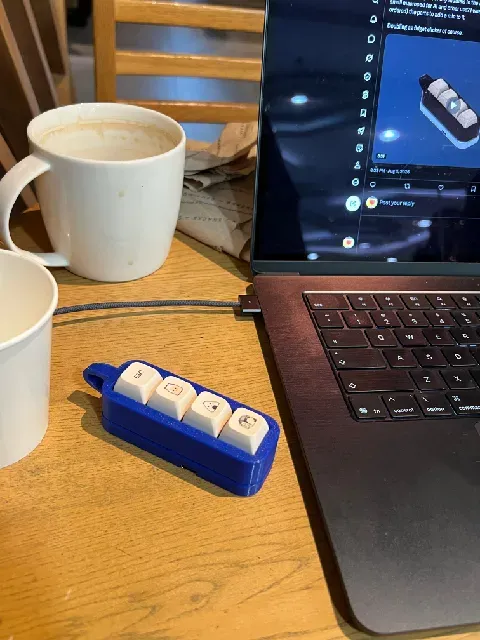
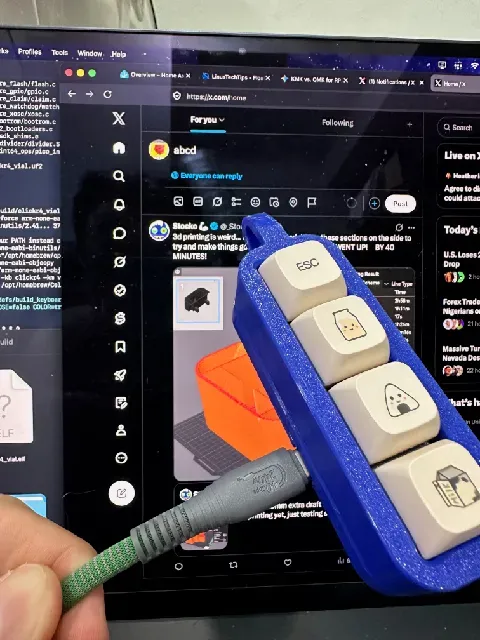
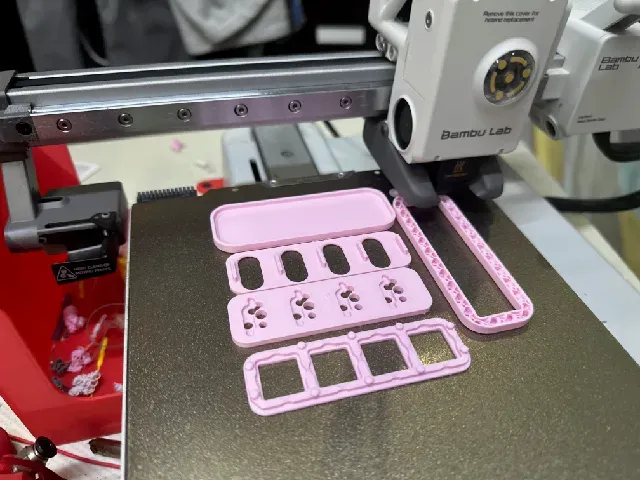
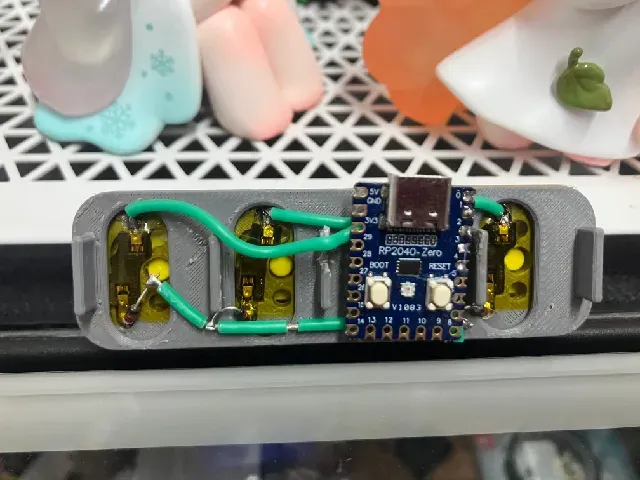
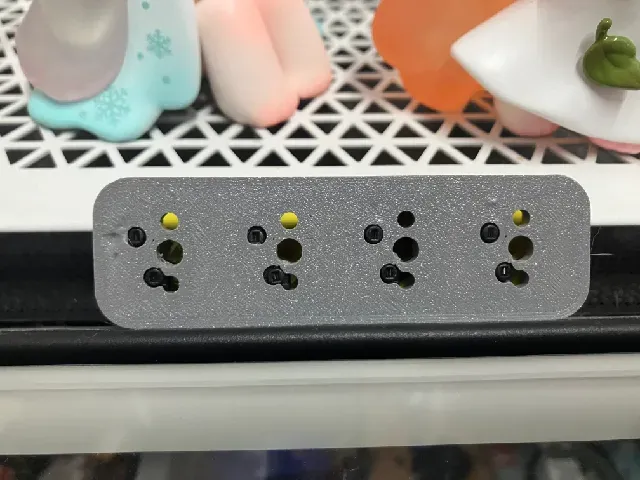
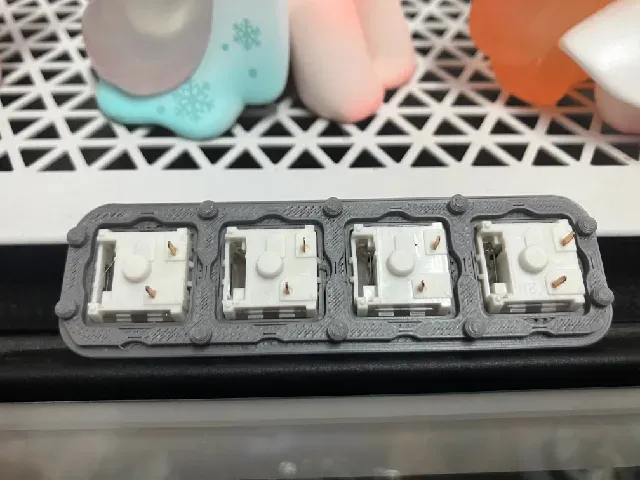
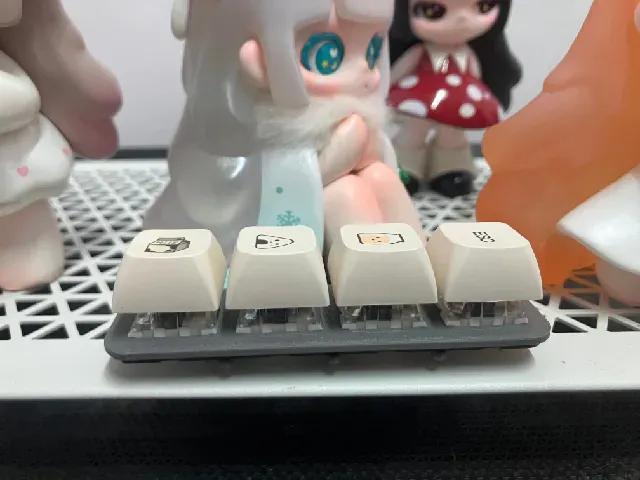
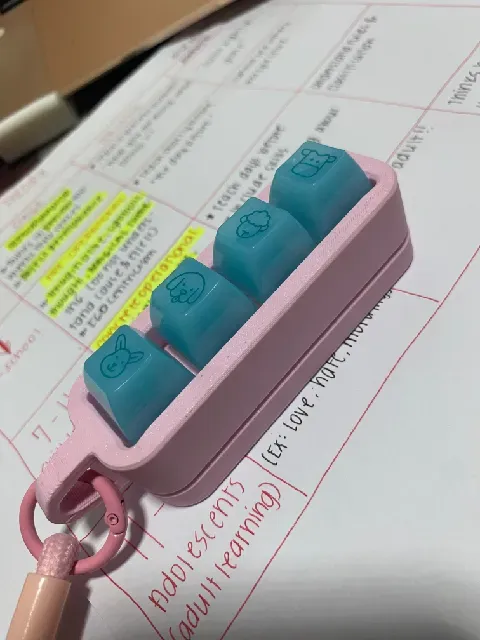
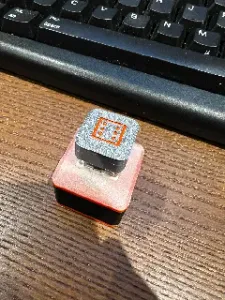
My girlfriend requested a fidget toy. I designed a 4-switch mechanical macropad she loves and carries with her everywhere to click. I wasn’t satisfied with just a fidget, so I made room for an RP2040-Zero. It can be used as a pure clicker or a real programmable keyboard.Two versions in one design
- Pure fidget toy – no electronics. Print the version without the bottom cutouts.
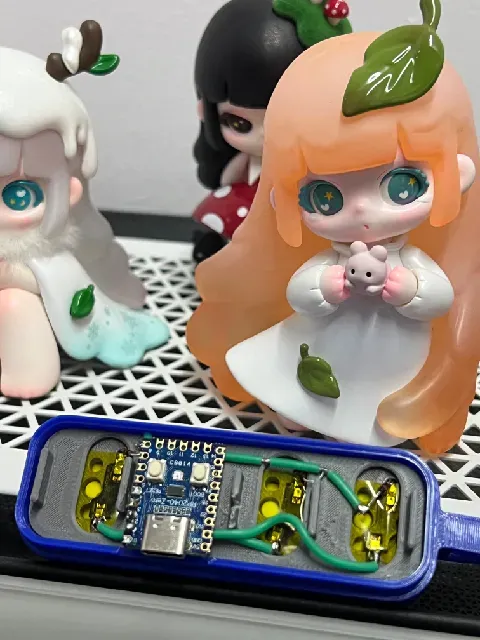
- Full macropad – add an RP2040-Zero + diodes (optional Kailh hotswap sockets) and run QMK.
All three plates need to be pressed together to solder. Later I’ll release a more open riser plate.Fidget version assembly
- Print the top, link plate (small holes), riser, and bottom without the electronics cutouts.
- Snap the switches into the rectangles.
- Place the link plate in the correct orientation so it doesn’t hit the pins.
- Add the riser plate, then put that assembly into the top plate from the bottom.
- Snap the bottom in place.
Macropad version assembly You’ll need four Kailh switch sockets (they come in packs of 20 or 50) and one RP2040-Zero.
- Snap the Kailh sockets into the link plate – they only go one way. No glue needed if your printer is dialed in.
- Press the switches into the top plate so the dots touch the sockets.
- Place the riser under that.
- Press all three plates together and solder.
Wiring for the included QMK firmwareSolder a diode from one side of each switch (clear/cathode facing the switch) to a short wire. Join the four diode ends into one common wire and connect it to GP4. Connect the other side of each switch to GP0–GP3.
Firmware & files Repo: https://github.com/Avaviel/clickr4 The repo itself was made with the assistance of AI. I made the entire 3D model myself, using Keyboard-Layout-Editor.com and yet-another-keyboard-builder only for the matrix layout.
License I give no license to print this model for sale. If you message me or email me ( avaviel@gmail.com ) I’d be happy to give out a free license if you simply display where you obtained the model in a specific way.I’ll be releasing more keyboards soon – follow me (or message if you want to test prototypes)!
Названия используются только для указания источника результата. Polyzon не аффилирован с перечисленными площадками.
Комментарии