
Бесплатно 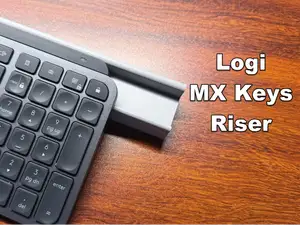
Logitech MX Keys & MX Keys Mini Keyboard Riser
MakerWorld
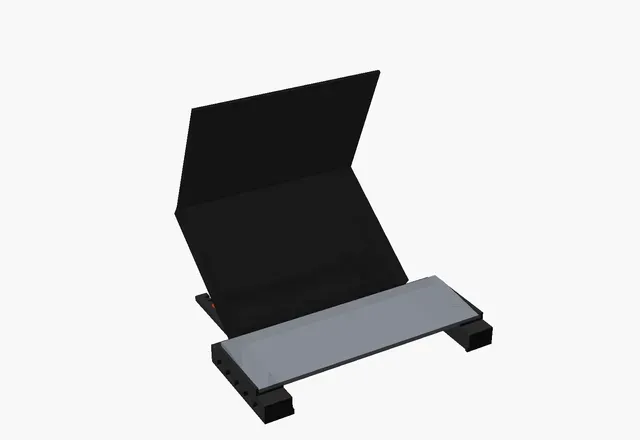

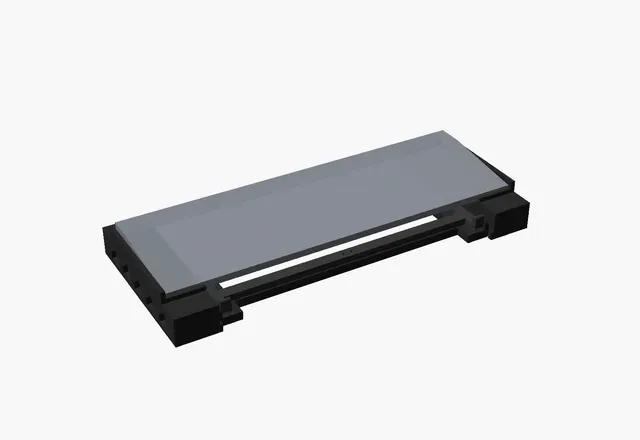
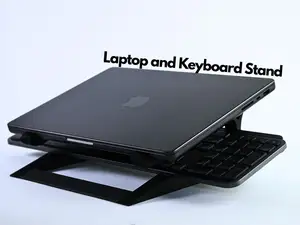
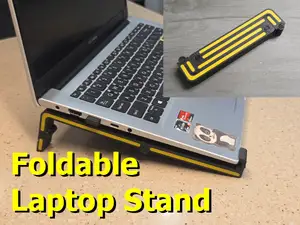
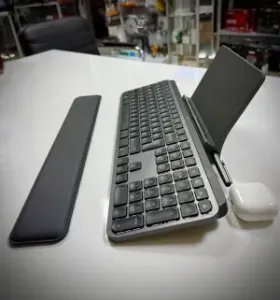
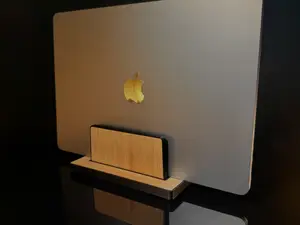
ptop plus external keyboard is a great setup, until you look down at the screen all day. FoldDesk raises the laptop screen closer to eye level while your MX Keys stays in front of you at typing height. When you don't need it, the laptop stand folds flat and slides into the gap under the keyboard, so your desk stays clean.
How it works
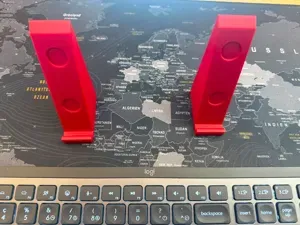
- Two end towers hold the Logitech MX Keys / MX Keys S. The keyboard itself acts as the bridge between them, so there are no extra crossbars.
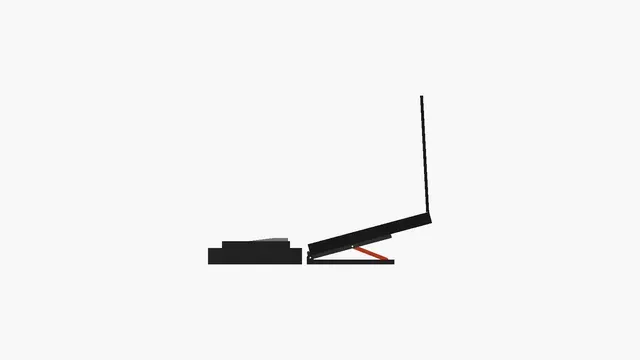
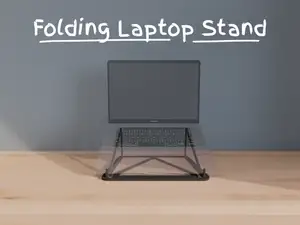
- The laptop stand folds down to just 28 mm and slides into the tunnel under the keyboard. Small stops at the front keep it from sliding out the other side.
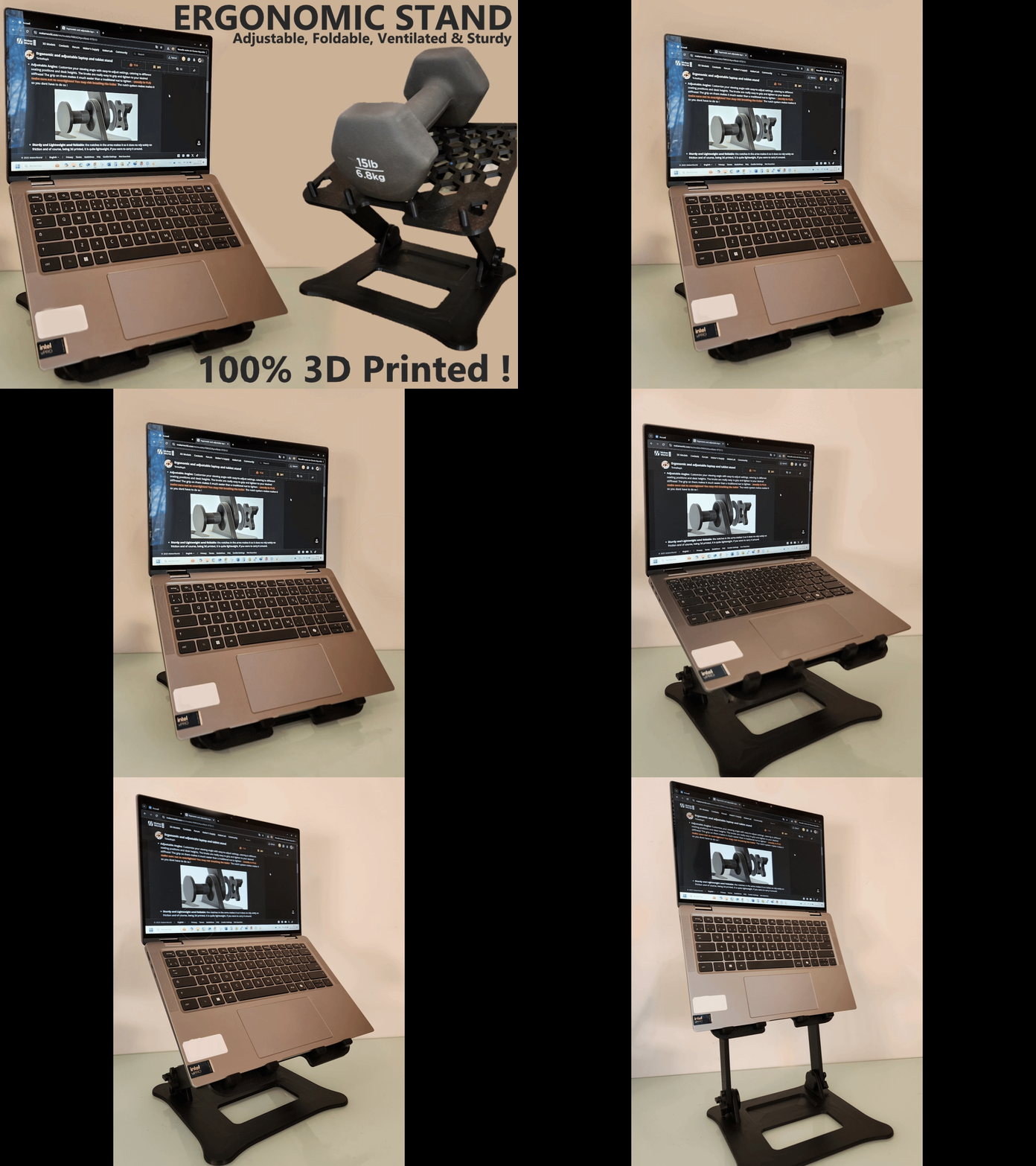
- To use it, pull the stand out behind the keyboard, lift the platform and drop the props into a notch: 15°, 25°, 35° or 45° .
- Front lips hold the laptop's edge so it can't slide off.
Features
- Every part fits a 220 × 220 mm bed (Ender 3 and bigger)
- No supports. All parts print flat in the orientation provided
- Grip windows in the towers make it easy to carry and save filament
- Recesses for 10 mm rubber bumper feet
- Fully parametric OpenSCAD source: change the stand width, length, angles, keyboard size or clearances for your own setup
Fits
- Keyboard: Logitech MX Keys / MX Keys S (430 × 132 mm). Other keyboards can be set in the .scad file.
- Laptop: designed around a 15.6" laptop (359 mm wide). The stand is 340 mm wide and should be narrower than your laptop. Adjust stand_w for other sizes.
Parts
File
Qty
tower_left / tower_right
1 each
base_half_left / base_half_right
1 each
platform_half_left / platform_half_right
1 each
prop_x2
2
Hardware
- 2× M3×20 bolt + nut (main hinge)
- 2× M3×25 bolt + nut (prop pivot)
- 8× M3×10 bolt + nut (centre joints)
- Optional: 12× 10 mm rubber bumper feet
Assembly
- Bolt the two base halves together at the centre joints. Do the same with the two platform halves.
- Place the platform on the base with the lips at the front, and fit the M3×20 hinge bolts through the ears.
- Bolt each prop to the inside of its platform arm with an M3×25. Keep it loose enough to swing.
- Place the towers about 390 mm apart, drop the keyboard in, and slide the folded stand in from the back.
Print settings
- Material: PETG recommended (PLA works)
- Walls: 4
- Infill: 20–25%

Названия используются только для указания источника результата. Polyzon не аффилирован с перечисленными площадками.
Комментарии