
Бесплатно 
Magnetic Charging Stand for iPhone, Apple Watch & AirPods - MagSafe - Four Versions
Printables

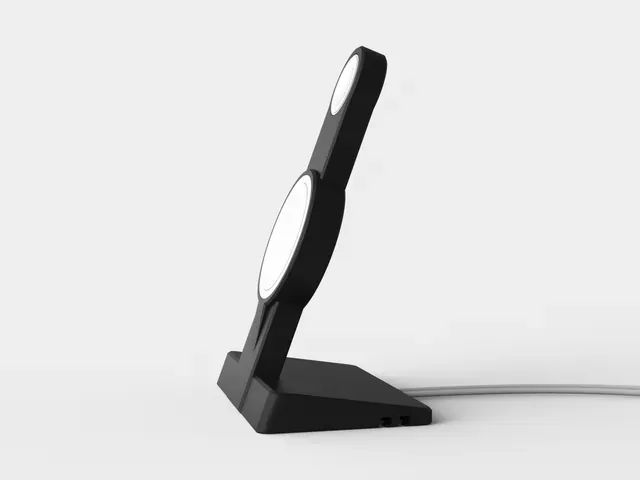


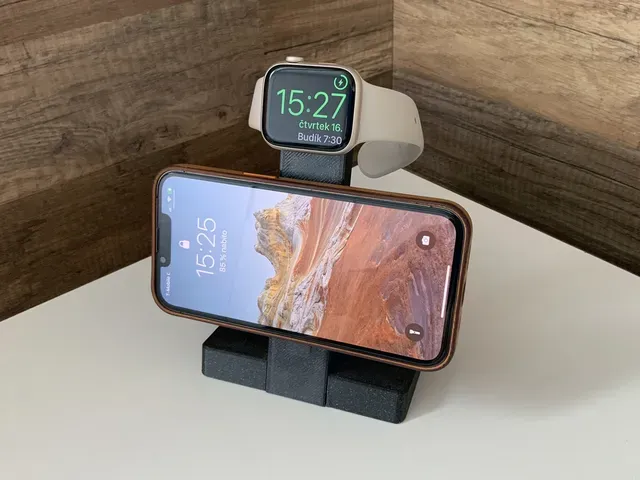
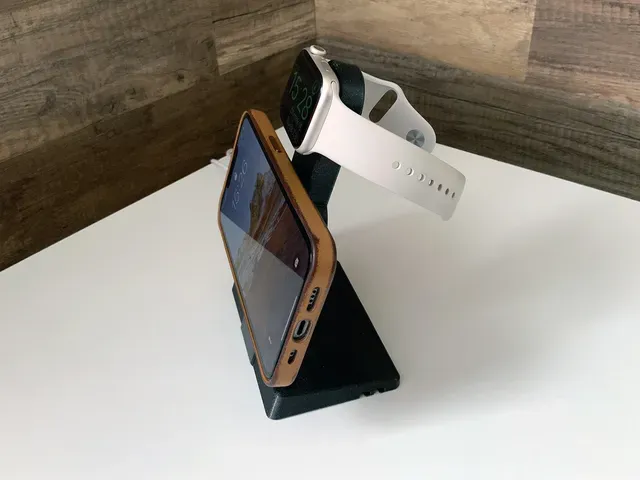
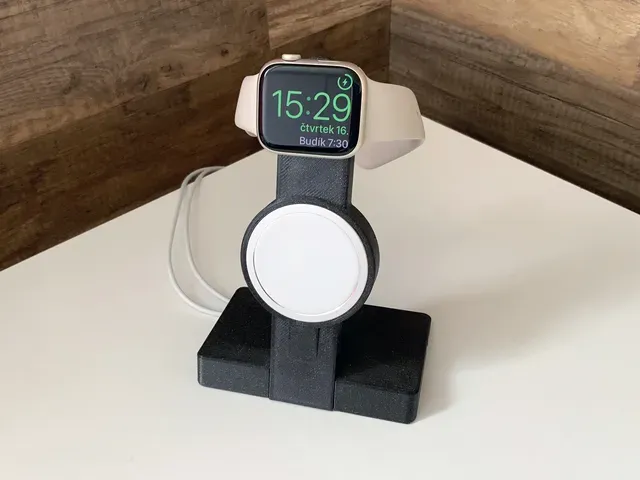
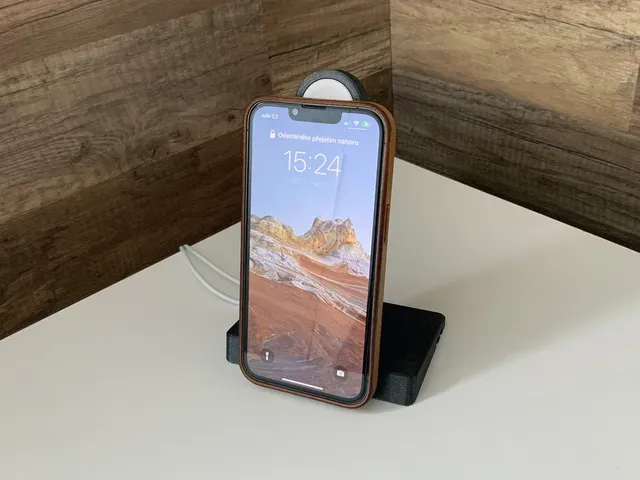
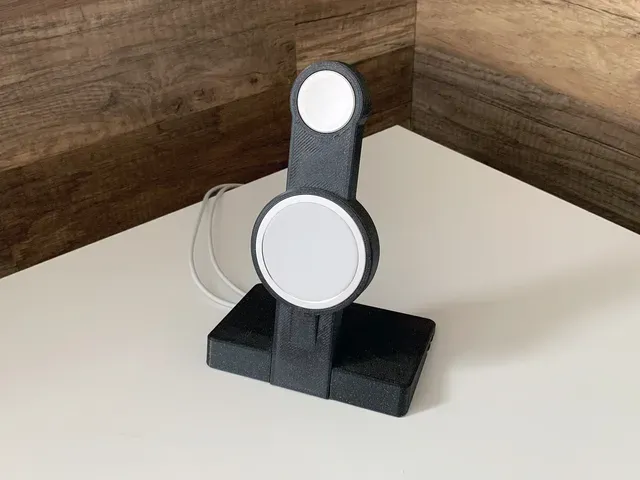
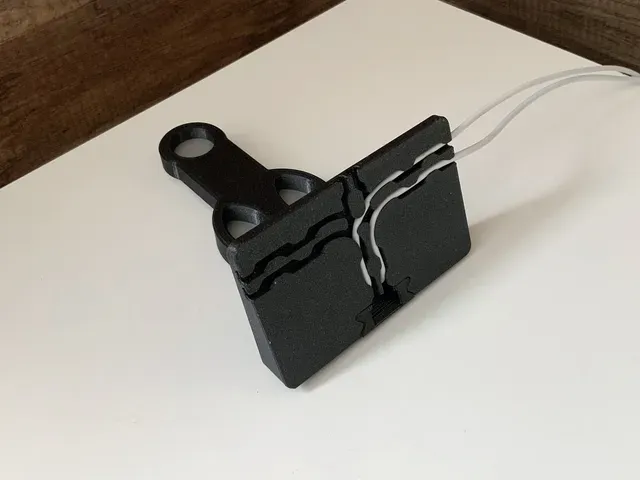
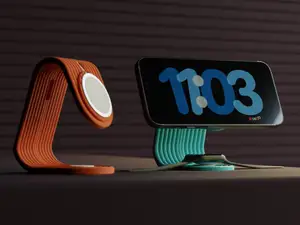
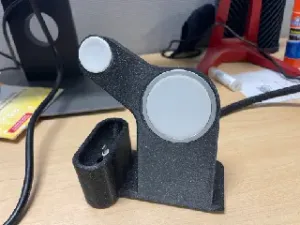
This stand is for iPhone and Apple Watch charging using original Apple wireless chargers. In this setup I use the Apple MagSafe Charger and the Apple Watch Magnetic Fast Charger. There is a cable management system below the Stand base (see the image).
Stand is compatible with iPhones supporting magsafe technology (note: such iPhone has integrated magnets to exact snap charging coil in place or attaching various accessories). iPhone can attach to the stand with case on in horizontal or vertical position (but verticaly without Apple Watch).
Charging Stand can hold: iPhone 13 mini (horizontaly or verticaly) with case on iPhone 13, 14 (horizontaly or verticaly) with case on iPhone 13, 14 Pro (horizontaly or verticaly) with case on iPhone 13, 14 Pro Max (only horizontaly) with case on AirPods Pro (2nd generation) Case Apple Watch series 6, 7, 8 all sizes Apple Watch SE all sizes Apple Watch Ultra
Note: • Heavier watch bands makes troubles. Apple Watch slips down from the magnetic chareger. • There is a thickness difference between magnetic charger for Apple Watch 6 and 7. So keep it in mind when choosing right model for Stand Arm! • If you need to charge the AirPods Pro (1st generation) Case , you need to lay down the Stand Arm - Base over the cabinet/table edge. • The AirPods Pro (2nd generation) Case has already magnets so it snaps to the charger.
Assembly: 1. Slide the Arm into the Base 2. Guide the Apple Watch Magnetic Fast Charger USB-C/USB-A connector through the hole in the Arm from top to bottom. Where there is a bottleneck in the middle of the path, the connector needs to be lifted and reinserted behind the bottleneck. 3. Carefully insert the Watch Charging Coil Puck into the Arm and push it in place. 4. Guide the Apple MagSafe Charger USB-C connector through the hole in the Arm from middle to bottom. 5. Carefully insert the MagSafe Puck into the Arm and push it in place. 6. Guide all cables below the Base in channels towards left, right or back edge of Base according your needs. 7. Plug all USB-C/USB-A connectors into the Power Adapter.
A feedback, comment or like is always welcome!
Share with me how this product helps you, how you use it or why you like it or not. What is your story with this product?





Названия используются только для указания источника результата. Polyzon не аффилирован с перечисленными площадками.