
Бесплатно 
Prusa MK3/MK4/MK4S 14.8mm (W) LED Light Bar Brackets
Printables
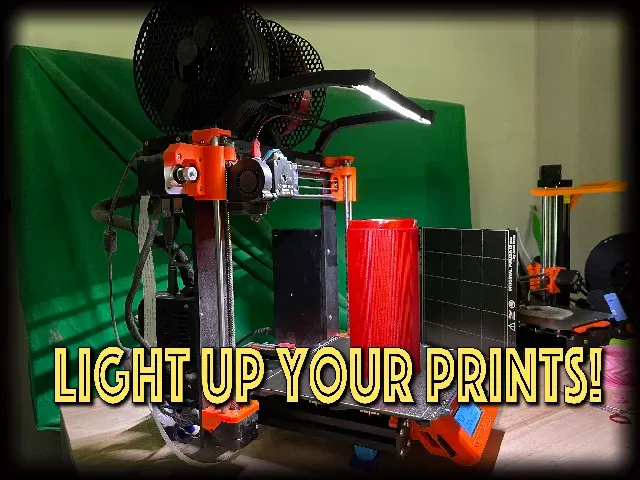
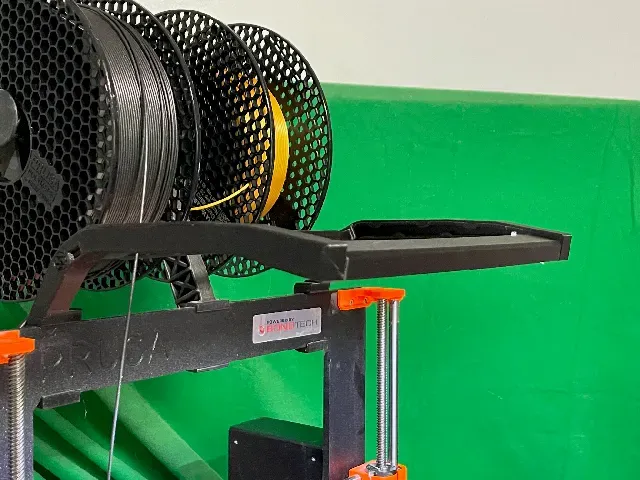
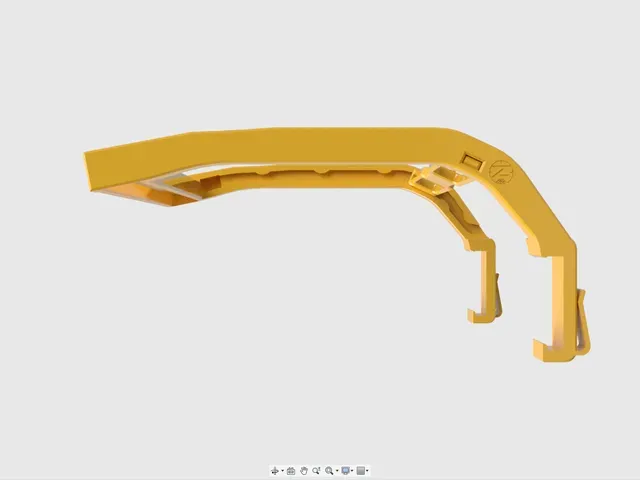
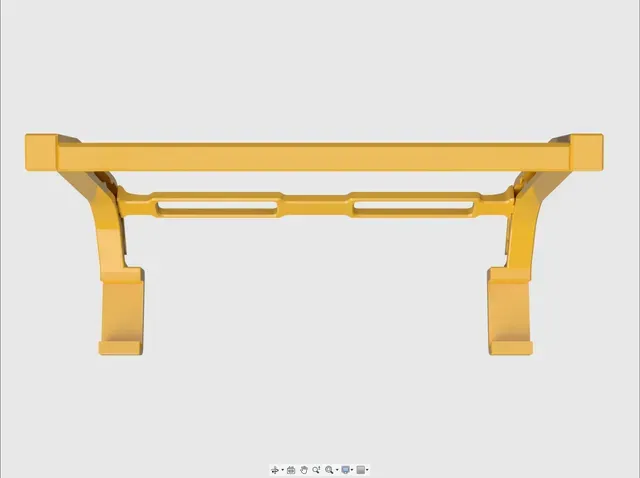
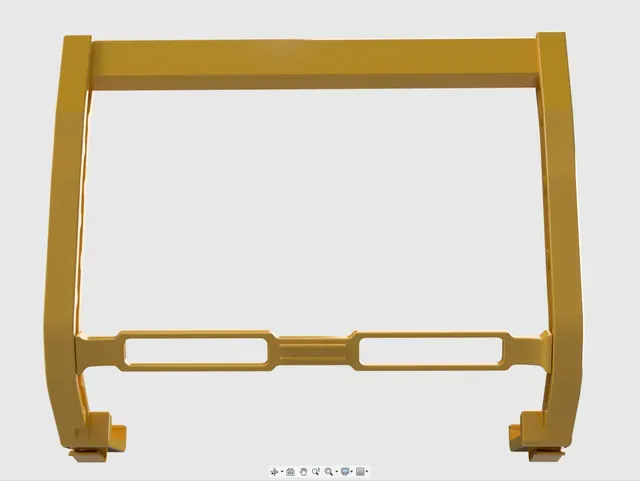
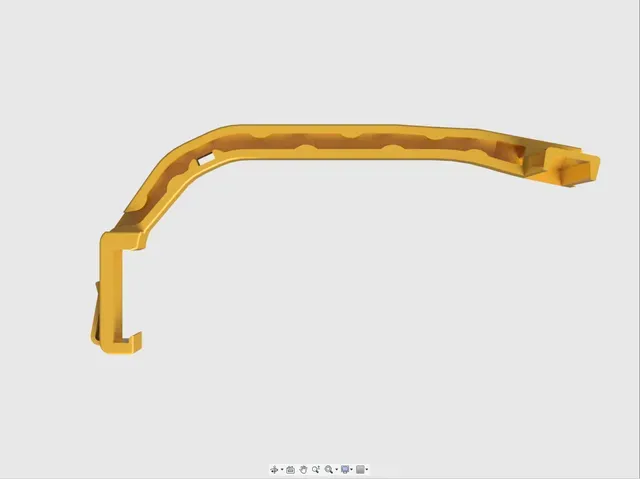
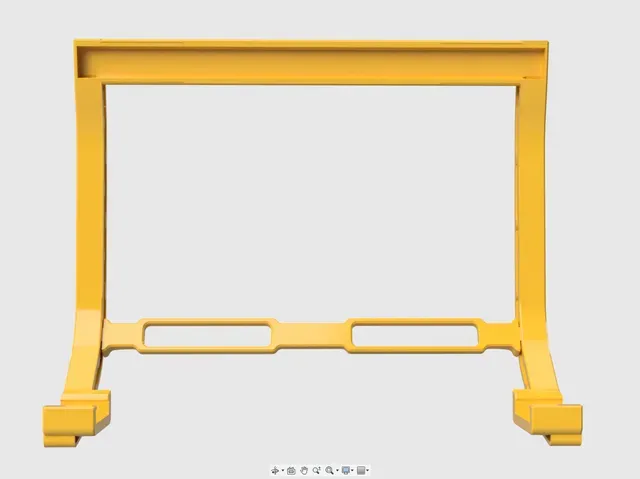
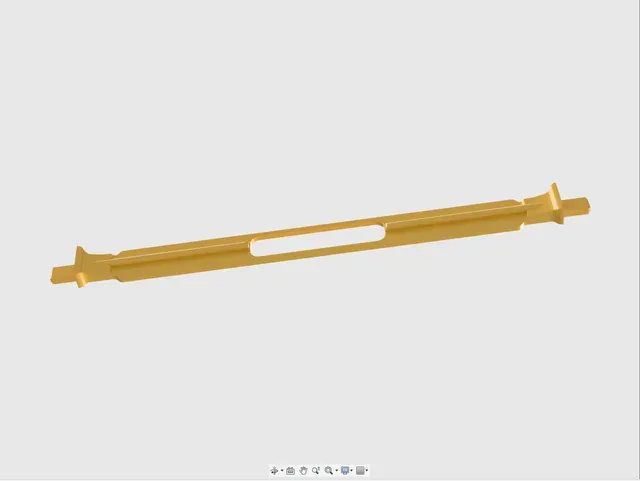
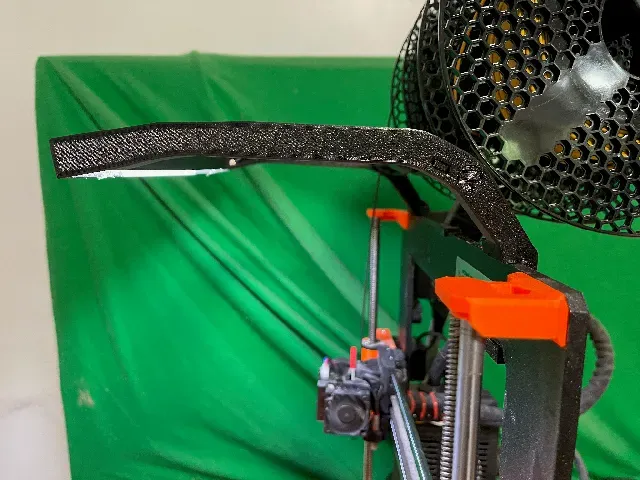
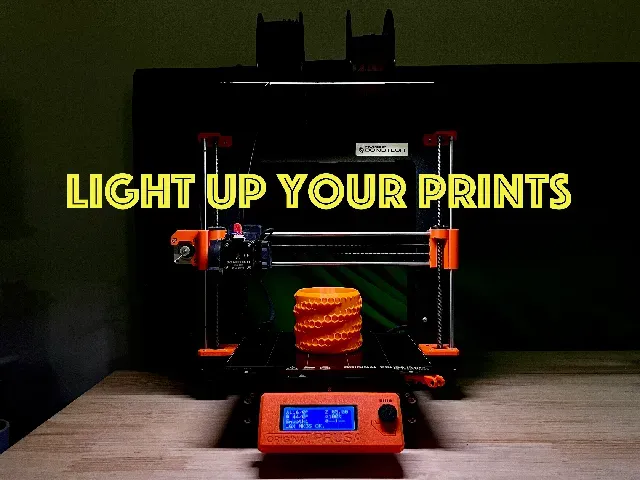
This is the current version of the LED light holder and filament guide that I've used on the MK3 for several years. Recently updated to use a simple sewing machine LED strip, so no soldering unless you really want to.
Sewing machine LED strip that I used: https://amzn.to/3xkzxmx
If you need to substitute a different sewing machine strip, be sure there is enough cable between the LED strip and the switch, some are very short.
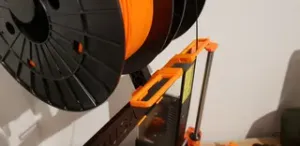
The design includes a filament guide for both single and dual roll filament holders.
To get the model lighting up your prints:
Print the file "Z42 Prusa MK3 light bar and filament guide" it includes the arms and the light bar cover.
Then print the appropriate filament guide for your set up.
All models should be printed in PETG or another slightly flexible filament, PLA may break when snapping the arms in place.
The Gcode files are set up for PETG and three perimeters.
With the files printed run the cable for the LED strip through the arms that is closest to you USB plug. Be sure to do this first, as the cord will not go through the arm after the filament guide is in place.
assemble the model to match the pictures and use a bit of CA(super) glue on the light bar connection to the arms.
When putting the filament guide in place be sure to hold the LED cord above the tab on the filament guide.
Cut the LED strip to fit in it's channel and use the tape on the back to the strip to attach it. I do not trust the tape so I also run a bead of CA glue along the edge of the led strip to make sure it stays in place.
Once the CA glue has dried attach the model to the MK3 by hooking it onto the bottom of the top of the printer frame and pressing the upper part of the hook firmly over the top. It should snap in place.
Plug in your USB LED strip, turn it on, flip the room lights off and bask in the glory of your well lit printing surface.




Названия используются только для указания источника результата. Polyzon не аффилирован с перечисленными площадками.
Комментарии