
Бесплатно 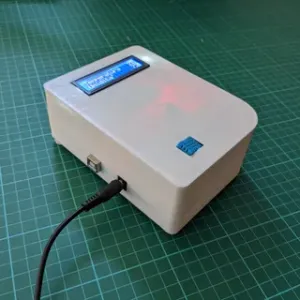
Arduino Temperature and Humidity sensor case (DHT11)
Printables

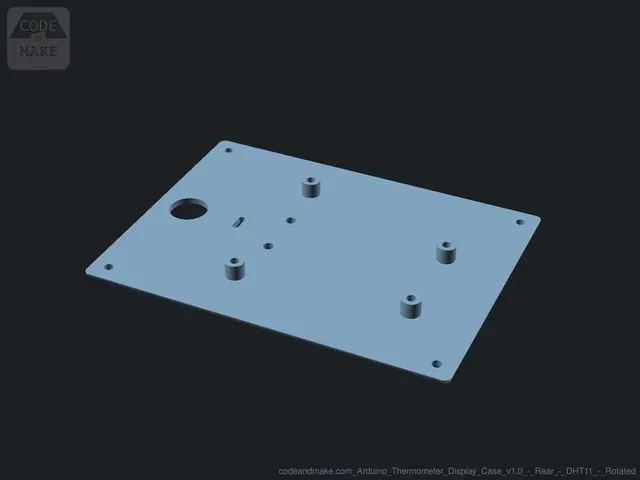


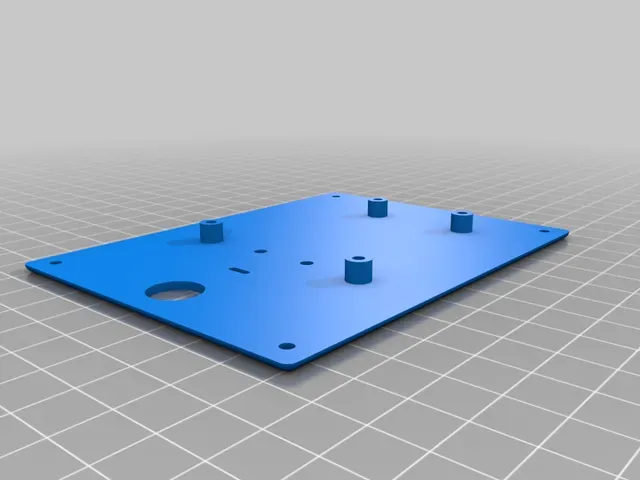

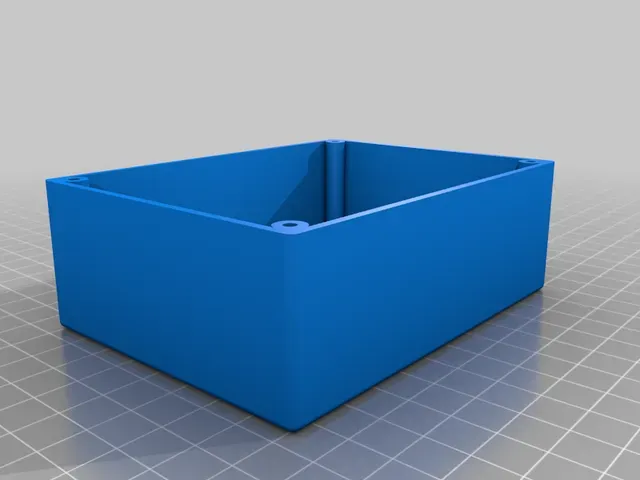
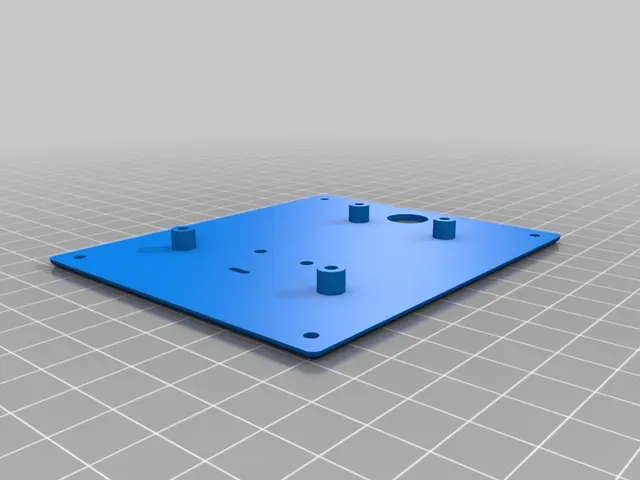
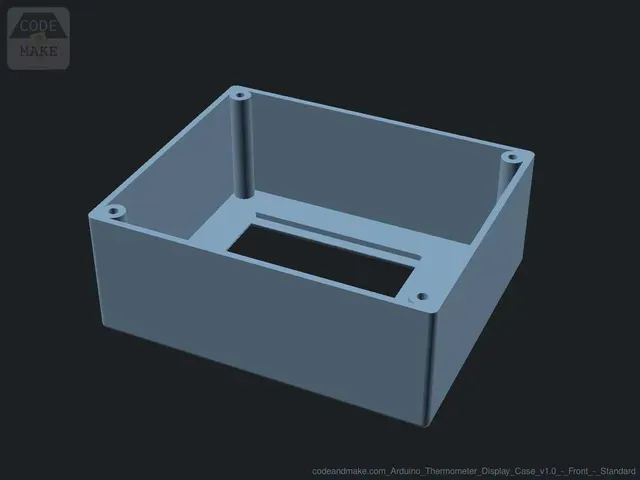
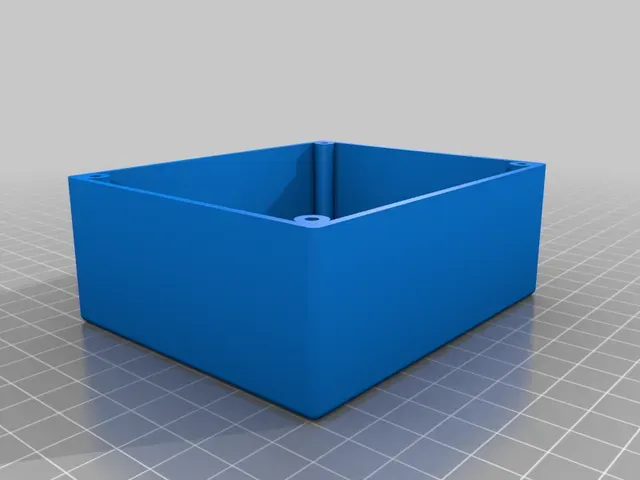



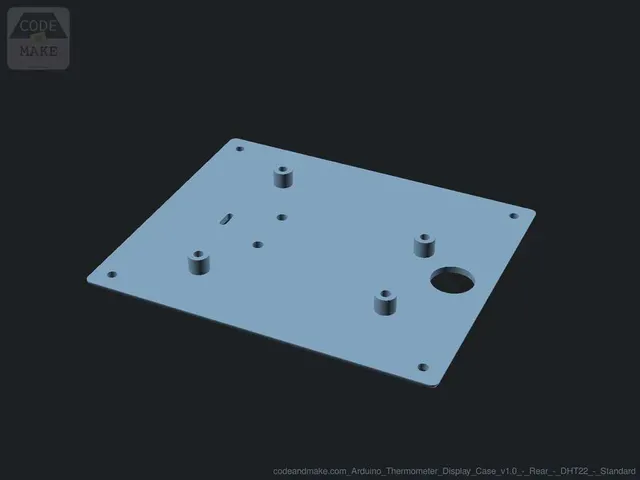
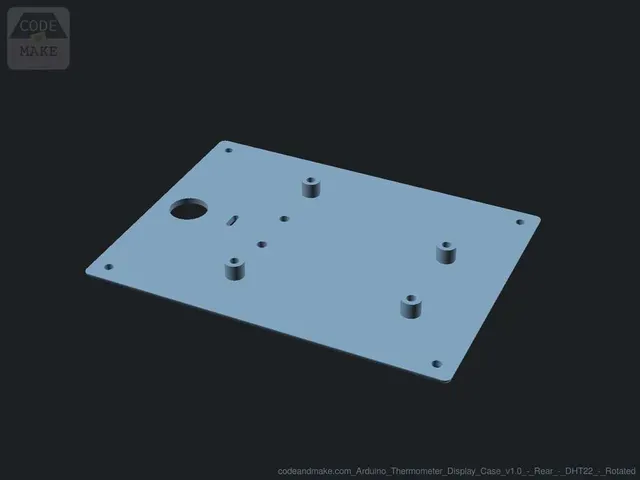
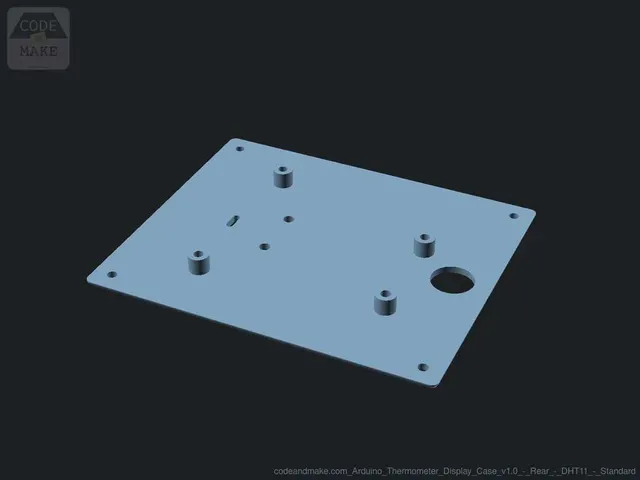
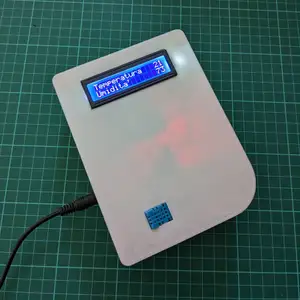
For this project we are building an Arduino-based thermometer and humidity display. It shows the current temperature, temperature index (feel), humidity level and dew point. It also displays a graph of the readings from the past 12 hours.
This design is* completely free * and shared under a permissive license. Your support is hugely appreciated.
Did you know?
Some of our designs cannot be found on Thingiverse. If you are looking for more, check out our premium projects:
https://codeandmake.com/premium
Parts
If you plan to 3D print the case included with this project, you will need the exact components listed below. If you use alternative components they may not fit inside the case.
You will need:
- Arduino Uno R3 (or compatible board)
- Adafruit Proto-Screwshield (Wingshield)
- Velleman VMA412 2.8" Touchscreen Display Module
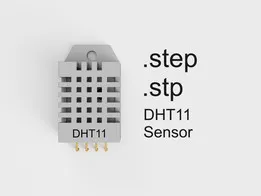
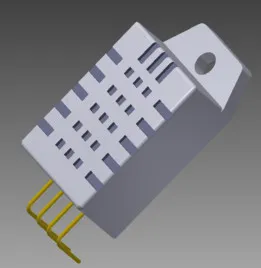
- DFROBOT DHT22 (SEN0137) Temperature and Humidity Sensor (a DFROBOT DHT11 (DFR0067) sensor can be used instead with a minor code change)
- Panel Mount 2.1mm DC barrel jack - The barrel should be ~11.5mm in diameter and ~16mm in length including the terminals
- A USB mains plug
- A USB to 2.1mm jack cable
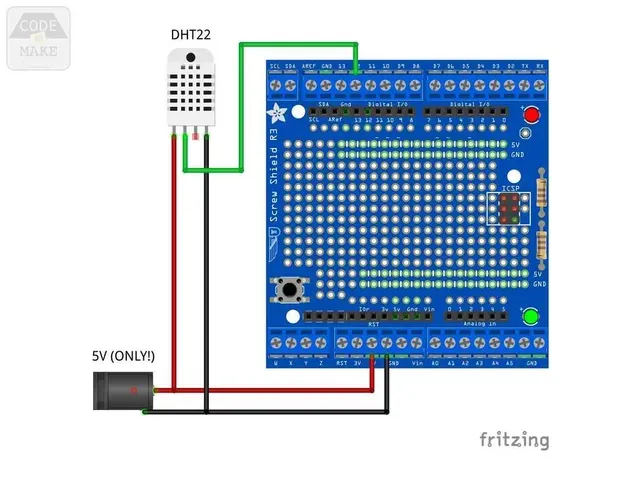
- 2x 15-25cm (6-10") ~26 AWG wire - ideally in different colors (e.g. red and black).
For the 3D printed case, you will need the following bolts/screws:
- 2-4x M3x5mm - To mount the Arduino
- 4x M3x12mm - To join the front and rear of the case
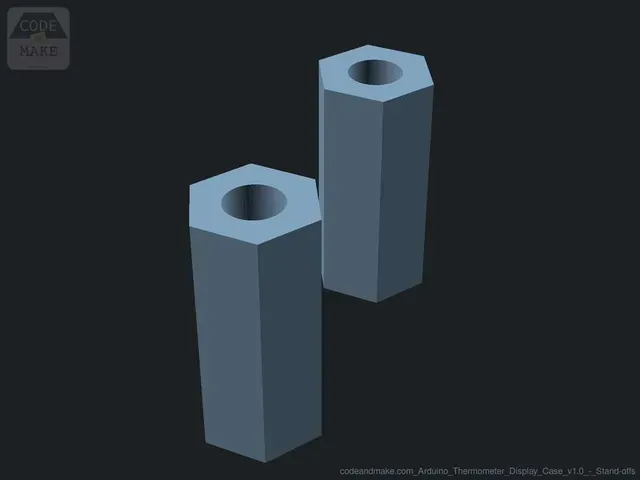
- 2x M3x20mm - To mount the DHT22/DHT11 via the 14mm stand-offs
- 2x M3 nuts - For the DHT22/DHT11 stand-off bolts/screws
A note on accuracy
The DHT22 sensor is said to be accurate to within 0.5C and 5% humidity (the DHT11 is slightly less accurate). However, the electronic components used in this project generate heat, which can affect the sensor's measurements.
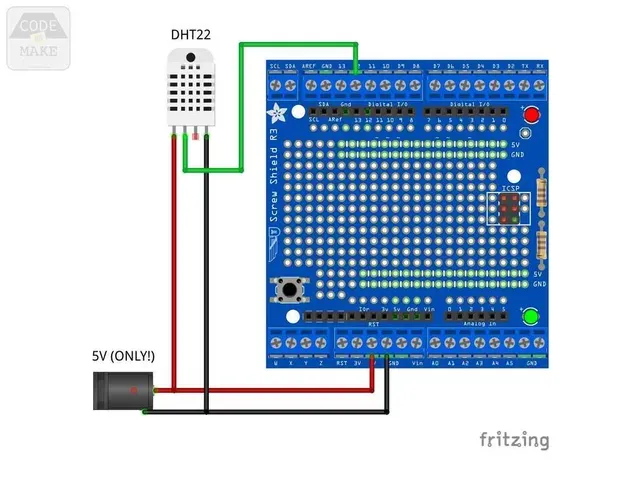
In particular, the Arduino's on-board voltage regulator generates a significant amount of heat, so we bypass the voltage regulator in this project by wiring a 5V power supply directly to the 5V pin and we mount the DHT22/DHT11 to the exterior of the case with an air-gap between the sensor and the case.
By doing this we've achieved temperature readings that are within 0.5-1.0C of independent thermometers.
A note on viewing angle
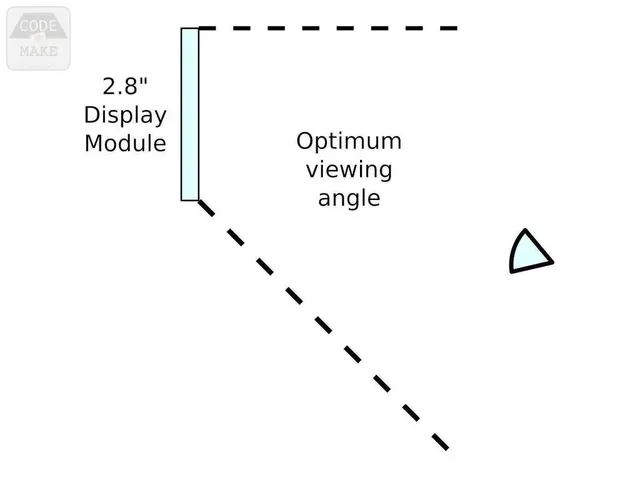
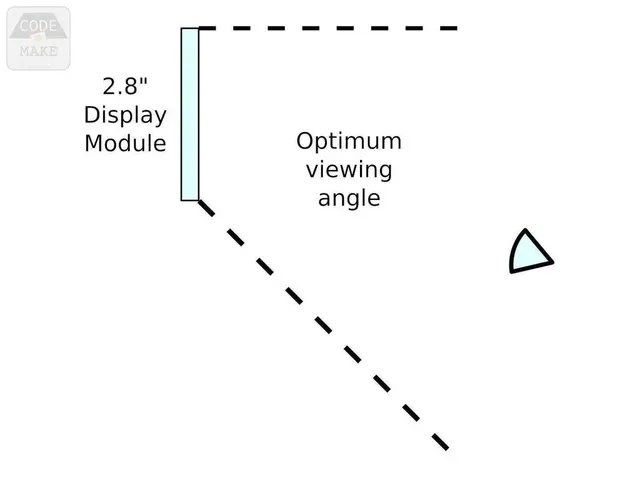
The 2.8" display module has a optimum viewing angle that means it is best viewed from straight-on and below, or straight-on and above, but not both. Therefore, you should consider where it will reside once built.
We've created two versions of the case, meaning you can pick the one that will be best suited to your needs, depending on whether it will mostly be viewed from above or below. You should choose:
- the 'standard' version if it will mostly be viewed from below - e.g. if it will be on a high shelf
- the 'rotated' version if it will mostly be viewed from above - e.g. if it will be on a table or desk - note: a small code change will be required to rotate the display
Code
Before constructing this project, you should upload the code (.ino) to your Arduino.
If you haven't already, install Arduino IDE and configure it ready to program your Arduino.
Please see our tutorial for installing the Arduino IDE in Ubuntu and configuring it for an Arduino Uno. The steps will be similar for other operating systems.
Dependencies
The code for this project has several dependencies on other libraries. We recommend installing the dependencies through the Arduino IDE's Library Manager, which can be accessed via: 'Tools > Manage Libraries...'. Simply search for the following libraries and install them:
- DHT sensor library
- Adafruit Unified Sensor - required by DHT sensor library
- MCUFRIEND_kbv
- Adafruit GFX Library




Названия используются только для указания источника результата. Polyzon не аффилирован с перечисленными площадками.