
Бесплатно 
Sayha - Wanhao i3 RAMPS Case
Printables
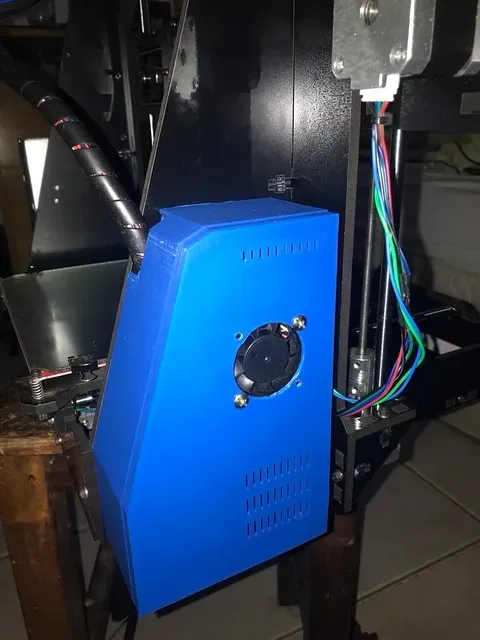


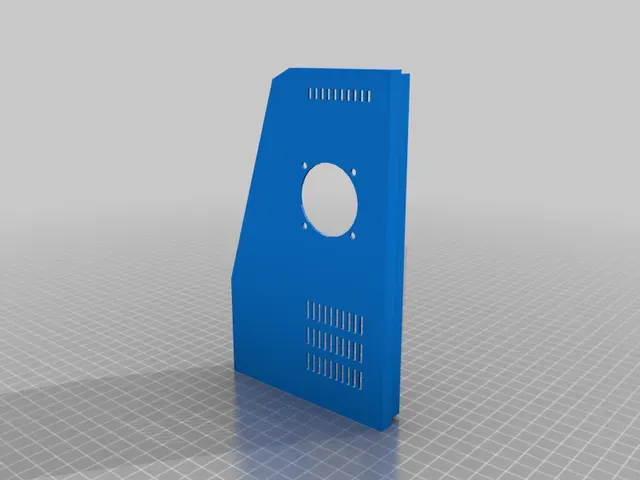

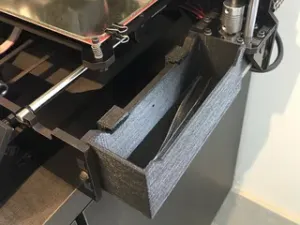
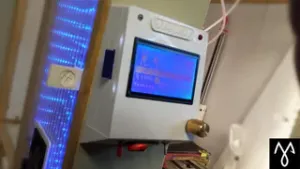
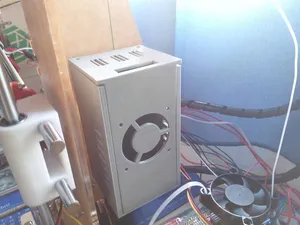
Case for Graber i3 with RAMPS board.
No more exposed wires! with better thermals than running it open.
Design
I designed it in a way that you don't need to remove the Arduino from the printer, the so you can install it with minimal work as possible.
It doesn't increase the space the printer takes, but makes it much safer to operate and transport, you don't have to worry about dangling cables unplugging or shorting.
It also have enough spare space to fit upgrades. I have a fan controller, an ESPE01 and separate 5v dc-dc converter at the bottom.
The lid is friction fit, and is easily accessible for maintenance.
Mounting
It uses the original mounting holes. You will need 4 extra M3 screws with matching nuts to hold the case.
The bottom stand uses the original screw, just remove it and put it back in.
You don't need to remove the Arduino from the printer, the case just goes around it, you don't even need too unplug the cables. The only cables that need to be unplugged are the:
- X stepper, X limit (routed through the middle slot)
- Left Z stepper (routed through the bottom slot)
Thermals
I conducted a lot of thermal tests and it is not only safe, but it is in fact substantially cooler during operation, you need a 40mm fan on the lid, blowing air in. The air fins forces the airflow between the bed mosfet and drivers. Previously the bed mosfet was operating nearly 90ºC now it operates under 40ºC. Running it at 100% RPM is really overkill, so I'm using a Mini360 DC-DC to run the 40mm fan at around 7v, it is nearly silent and should also increase its lifetime substantially.
USB cable
The USB cable still accessible for firmware updates, if you open the Lid. But If you use the printer using the USB cable I don't recommend it, as there are no external holes for the cable. Unless you leave the cable permanently plugged in on the inside and drill a hole for the cable to exit.
MKR2
Since I upgraded my printer to a MKR2 Board, I also have a modification of this case for the MKR2, I can upload it in some time in the future
Print Settings
Printer Brand:
Prusa
Printer: Prusa Clone
Rafts:
No
Supports: Yes
Resolution:
200
Infill: 20
Filament: Voolt ABS Blue
Notes:
Use at least 3 walls, Print with a 5-10mm skirt to prevent warping.
Category: 3D Printer Accessories

%2Fhttps%3A%2F%2Ffbi.cults3d.com%2Fuploaders%2F13325082%2Fillustration-file%2Fe0d4a502-e4d5-42ba-8376-c9f33e49aac0%2FCapture%2520d%25E2%2580%2599e%25CC%2581cran%25202017-08-22%2520a%25CC%2580%252015.12.18.png&w=300)




Названия используются только для указания источника результата. Polyzon не аффилирован с перечисленными площадками.