
Бесплатно 
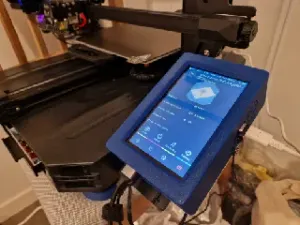
Raspberry Pi 3 case for Ender-3 S1 Pro and Waveshare 5" touchscreen
Thingiverse
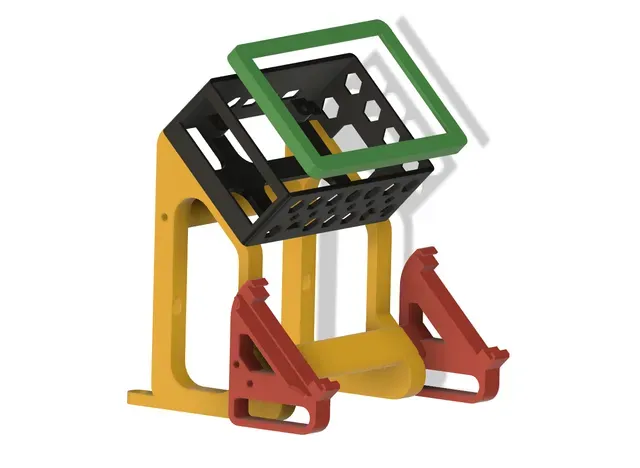
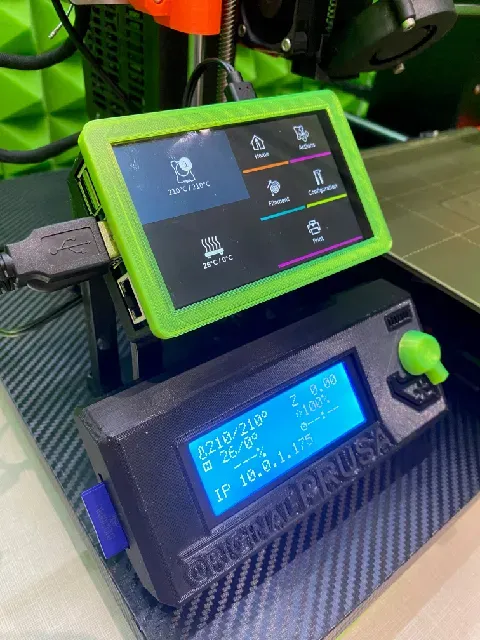


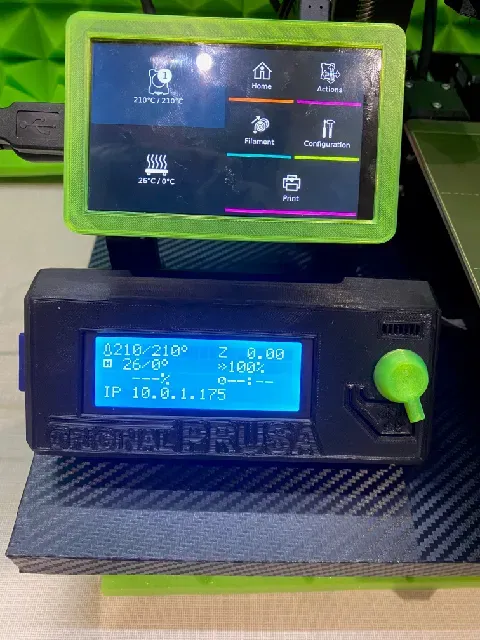
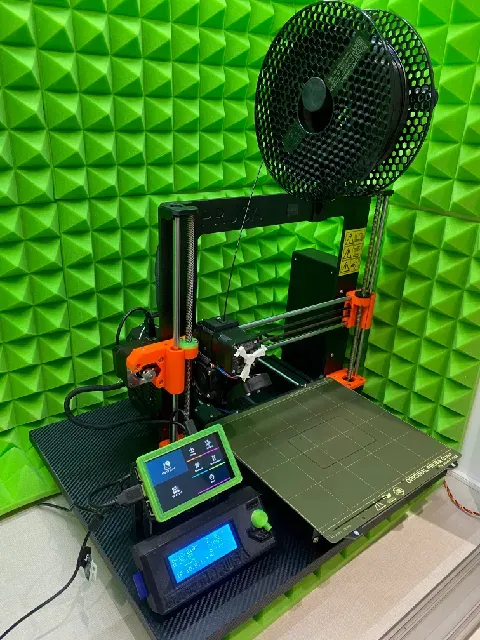
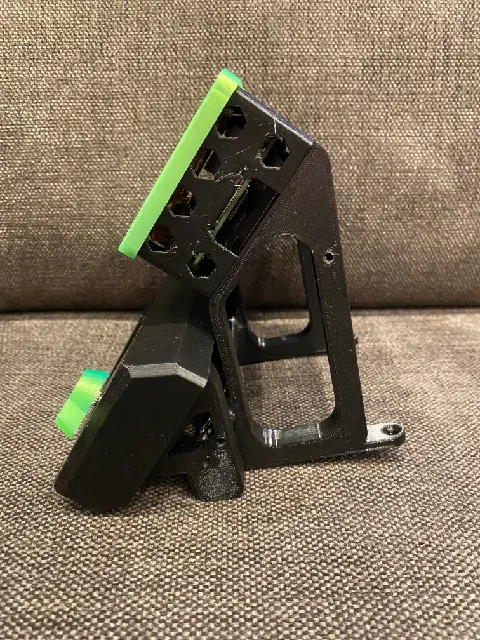
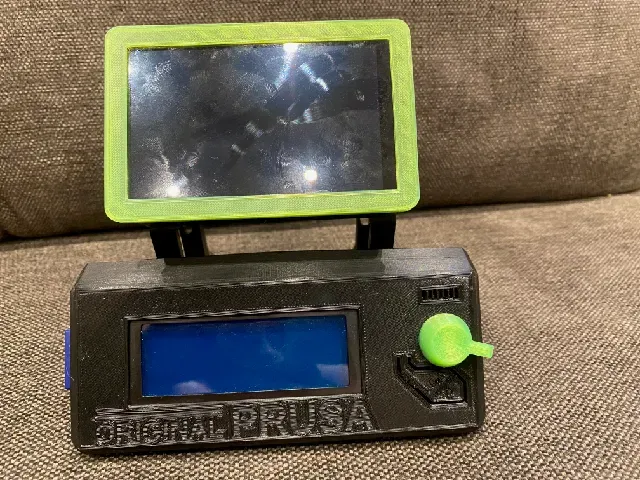

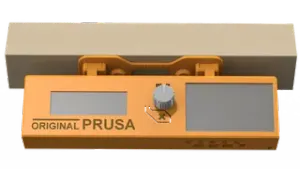
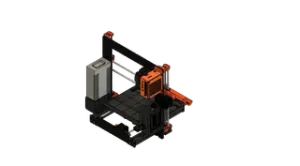
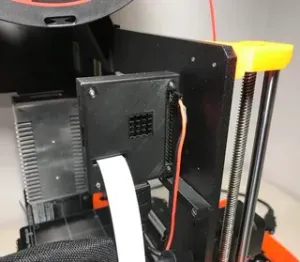
Stand alone Holder for 2 displays
- Hyperpixel 4.0 touch screen with RaspBerry 4 ( high resolution display )
- Prusa LCD display
Print instructions
Print : PTGE, 0,2mm, 20%
Assembly: glue the stand part, Display box should assembled with screw M3x10.
see video
RaspBerry display and touch configuration:
Since the display is up side down due to usb cables as usually , you have to rotate display and touch screen input.
On RaspBerry PI 4 :
To rotate display use Putty (any ssh client) to connect to RB4 ..
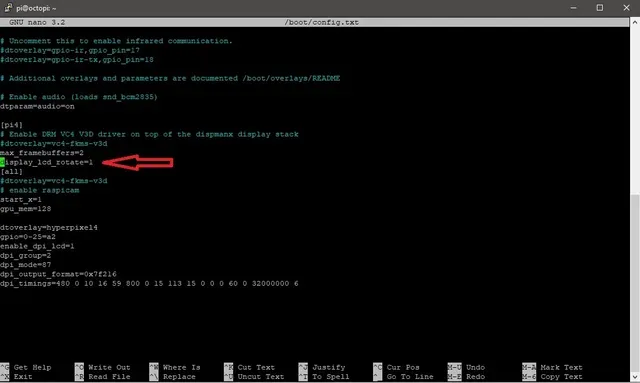
In /boot/config.txt add line bellow .. (type "sudo nano /boot/config.txt")
Go to the bottom of the file and type in "rotate_screen=1" .. if there is this option, change the parameter to 1
See attached screenshot. It will rotate the screen 270° Clockwise ( default is 90°
Now you have to change touch orientation to match display orientation.
In this folder /usr/share/X11/xorg.conf.d/" is config file, may be "40-libinput.conf"
Type cd /usr/share/X11/xorg.conf.d/"
Type ls to see the folder content. If there is this file, type sudo nano 40-libinput.conf
At the end of this file, add the option :
Option "TransformationMatrix" "0 1 0 -1 0 1 0 0 1"
see attached screenshot ..
Ctrl X to save, reboot your RB4 ( sudo reboot )...
Now you should have display and touch orientation up side down, so you can mount it to frame.





Названия используются только для указания источника результата. Polyzon не аффилирован с перечисленными площадками.