
Бесплатно 
Meshify C Power Only Molly Guard
Thingiverse


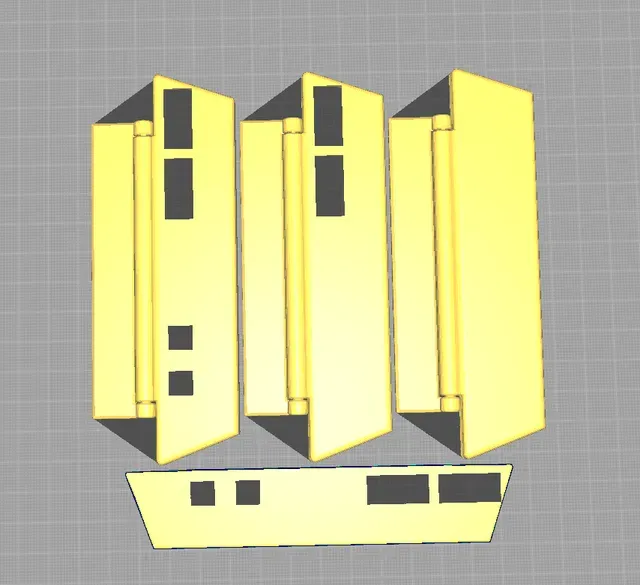

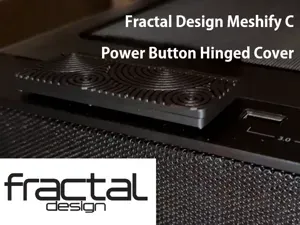
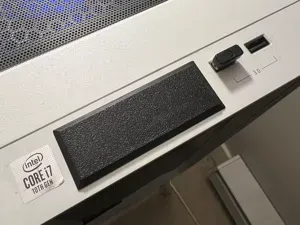
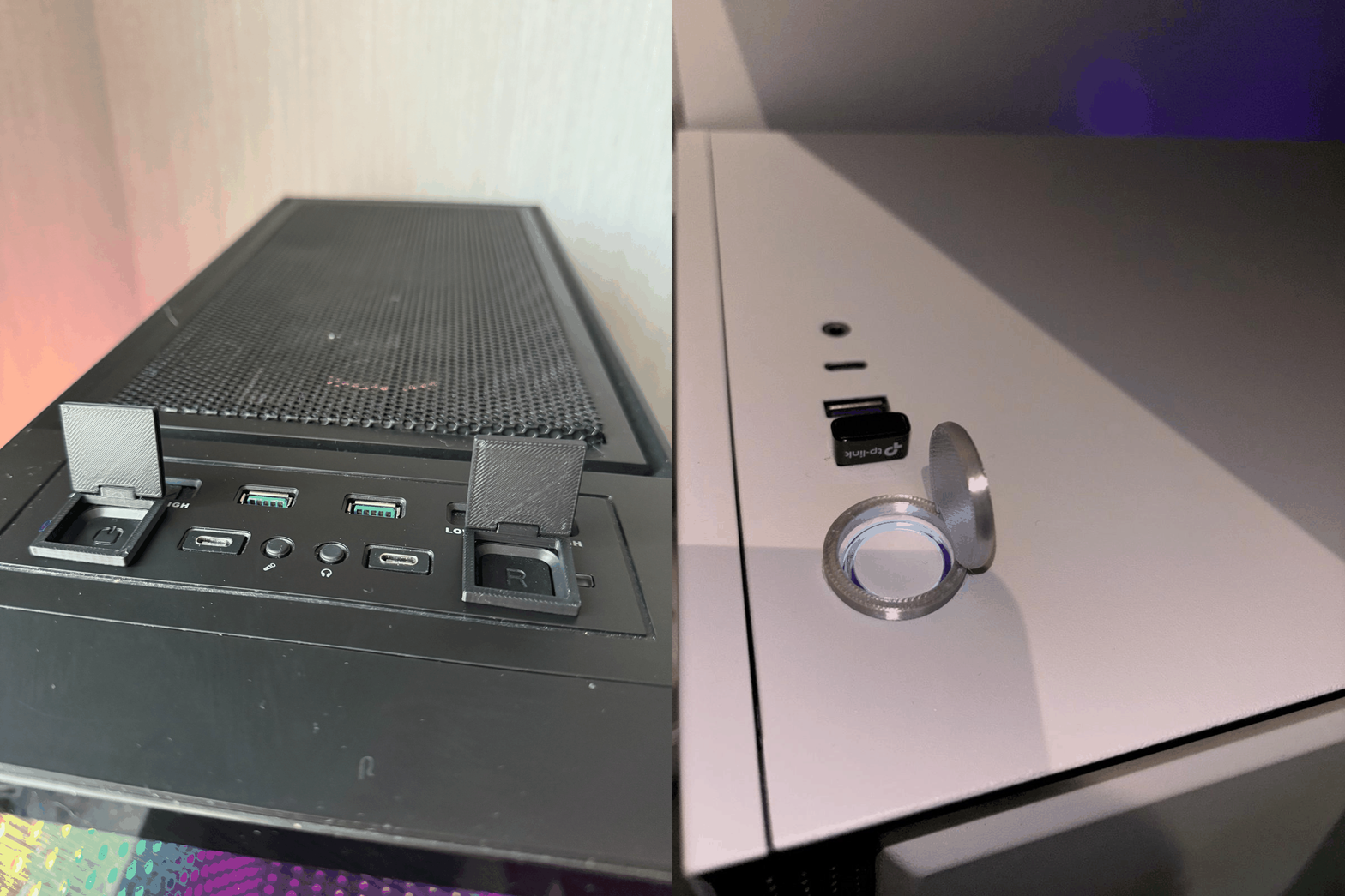
A clean, simple cover for the Fractal Design Meshify C PC case power buttons. The original author designed this to keep the cat off the case... I haven't had this issue (yet), but it's also helpful to keep yourself from bumping the power/reset as well.
I've created three versions:
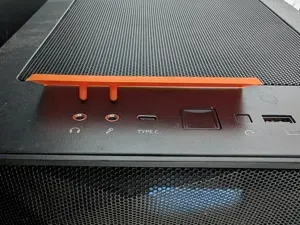
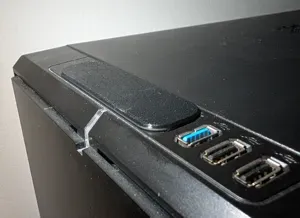
- A flat-topped version for ease-of-printing and a simple, clean look - A USB-holes-only version, to retain usability of the USB connections - A USB-holes and AUX-holes version, so all auxilary connectors remain usable! With the USB or AUX ports in use, there's still enough room to open the cover enough to push the power button if needed, just be sure to mount it so that the cables plug in at the "top" of the slots. This allows for the most wiggle room when opening the cover slightly, even with things plugged in.
I've included all my source files and gcode prep for those of you who would like to dabble or just get it printed!
From the original part description:
Hinge is print in place, no screws or pins needed, but be sure to set the supports to be from bed only, so they don't clog it from the inside
You have to use some sort of double sided tape or hot glue to stick it to the case though, I find command tape to work wonderfully
I found the tolerance of 0.4 to work best on my printer, but if you have issues with it being too loose, comment and I'll try to provide a version with lower tolerance"
Printing Instructions
- Print with the model laying with the top of the cover face-up - It will require supports pretty much any way it lies… but with the cover face-up you'll need supports under the large, flat area. - I recommend whatever support structure is easiest to get off afterward (I like to use zig zag or grid, as that pops off quickly) - Take it off your print bed when it's done. - Remove the printed supports Post-Printing
Apply adhesive to the hinge block and fix it to the top of the PC case.
I recommend lining this up on the USB port/AUX port side first, then holding it in place while getting the adhesive prepped.





Названия используются только для указания источника результата. Polyzon не аффилирован с перечисленными площадками.