
Бесплатно 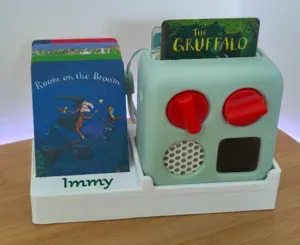
Yoto Mini Dock & Card Storage
MakerWorld

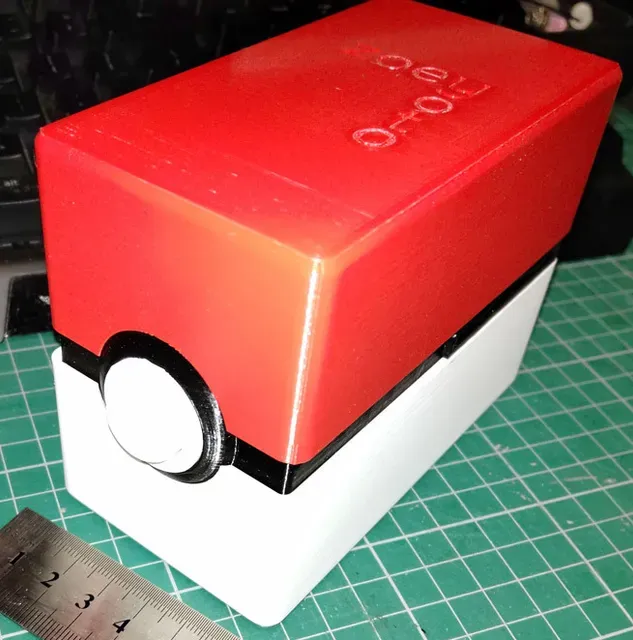


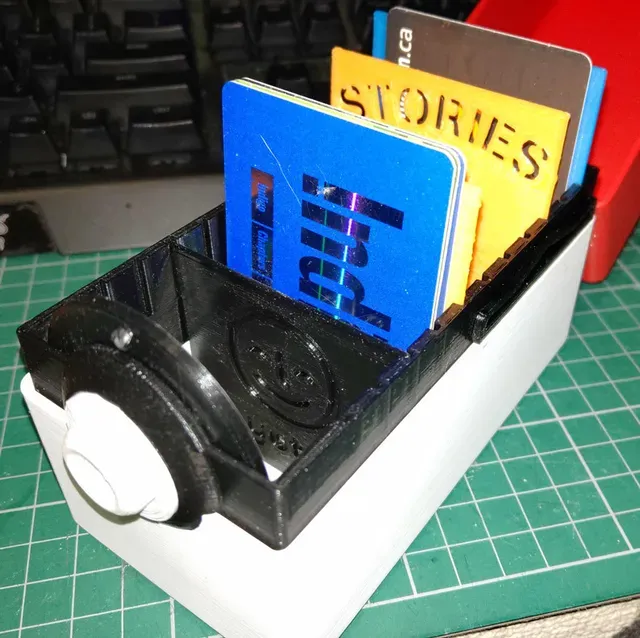







EDIT 2024-05-12: Added v3 versions with some more modifications.
EDIT 2024-05-12: Added the Fusion 360 model file for those that may want to edit from that.
EDIT 2024-05-11: Added two new v2 files (black hinge, red top), as @reconbot pointed out he was having issues with the top file having a gap. Warning: I have not tested these new files, sorry, don't have my 3D printer set up anymore.
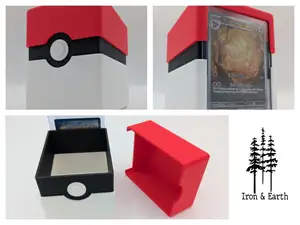
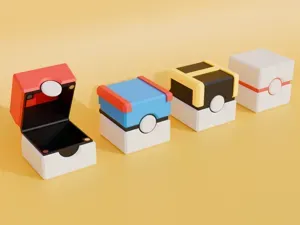
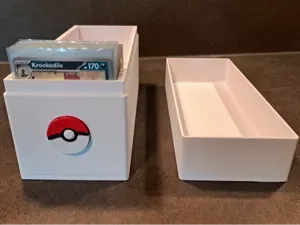
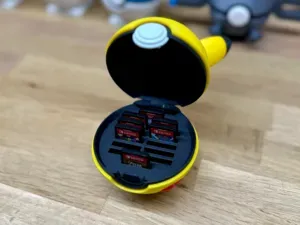
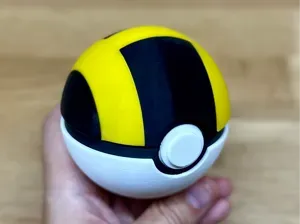
A storage box for Yoto cards. Holds about 100 (I don't have Yoto cards myself, made this for someone else, but some gift cards are in the photos for scale).
Some notes:

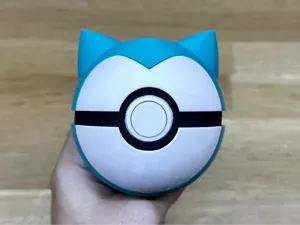
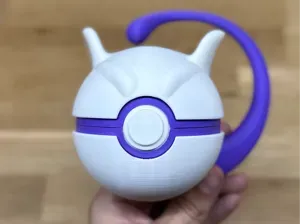
a) It's not a screen-accurate PokeBall, sorry. I prefer the button remaining on the lower half, for aesthetic and weight reasons.
b) The spring, while springy at first, is just plastic, and I'm not sure how long it'll hold before it deforms to not be so springy. But for now it works, maybe I'll try to redesign that, maybe a hidden spring, for a V2.
c) I customized the top of the box I printed, that text is not in the STL file.
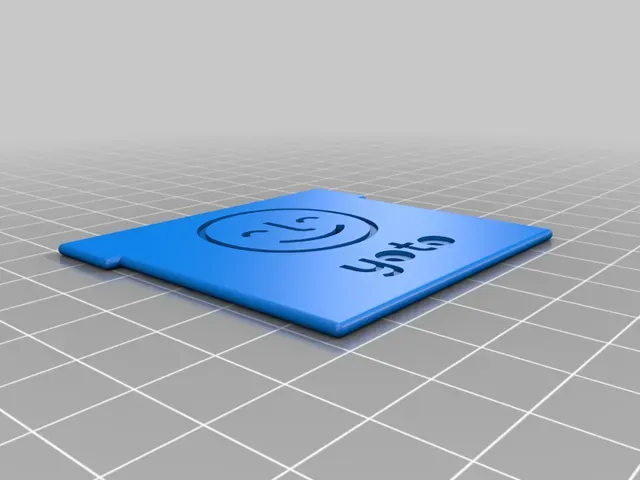
d) Dividers - there are 2 types, with 5 variants each (See photo for some samples).
Type 1: "Original" - These were the ones with the Smiley Face outline and Yoto letters debossed and not fully through the divider. However, I had a heck of a time printing it, the top layer was rough (ironing made it worse). I gave up trying to figure it out and made "Type 2".
Type 2: "Face Down" - To keep the Smiley Face outline, I needed some contacts with the rest of the divider. Also removed the center of the "o"s. These cards are printed with the text facing down on the print plate, which made it nice and shiny on smooth with my glass.
After that, each divider has a:
Short - same height as the black midsection
Blank - taller, no text, extrude your own!
Music, Stories, Others - taller, with text for those categories.
e) Most of it doesn't need glue, except the button. But you can add glue to ensure parts such as the upper hinge, button back, and side springs stay in place (don't glue the upper spring part of the spring though!!)
f) print out two of the "pokebox_black_spring.STL" files, I didn't put both in the same STL, in case people would rather line them up differently.
g) none of it should need supports, though I did add it for the "pokebox_black_midsection" print myself, because I wanted to ensure the circle didn't droop and stayed as rounded as possible.
h) Oops, thank you @NatureVR for asking about the hinge rod. It's just scrap 1.75mm filament. You stick it in, melt the end (I touched it against the metal end of a hot glue gun) until it's flatter so that it can't come back out on that side, snip off the other end so that it's shorter, then melt that end too! You can probably use something like a soldering iron as well, which would have a sharper, more precise tip, but it might be a lot hotter and melt the surrounding plastic if it gets too close, so I just went with the cheapo glue gun from the dollar store.
If there are any problems, don't hesitate to leave a comment and I'll try to reply!
Print Settings
Printer Brand:
Creality
Printer:
Ender 3
Category: Audio



Названия используются только для указания источника результата. Polyzon не аффилирован с перечисленными площадками.