
Бесплатно 
Ender 3/v2/neo Cable chain Z axis Roller with bearings
Printables

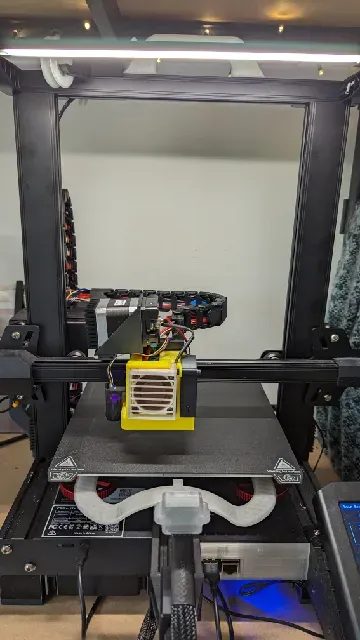

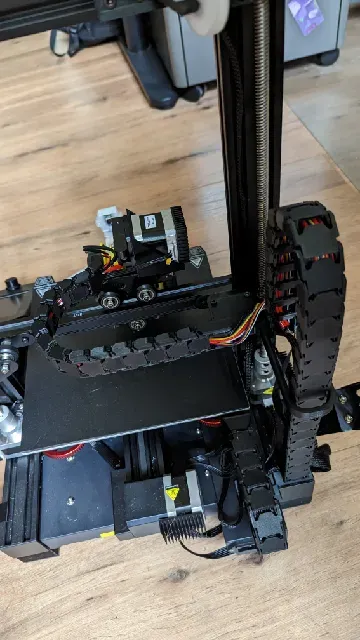
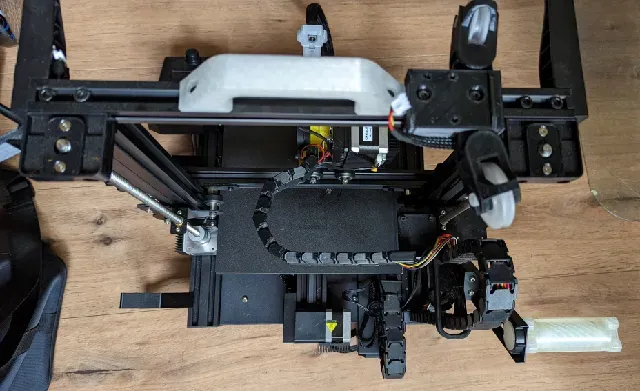
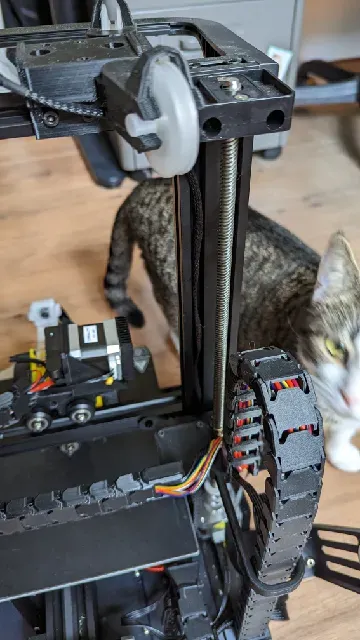




Patreon - https://patreon.com/CosmicNimbusPrinting Cults3D - https://cults3d.com/en/users/CosmicNimbus
Hey fellow Ender 3 v2 Neo user !
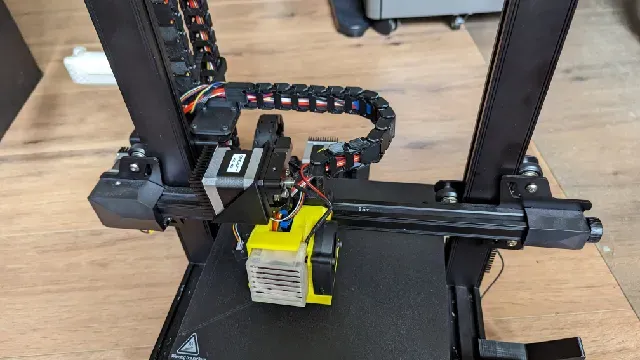
I've been looking for a working cable chain setup for my E3v2Neo that also allows for the Direct Drive Extrusion mount on the hot end. So here is my remix of a couple of different people's models to build the ultimate Frankenstein !
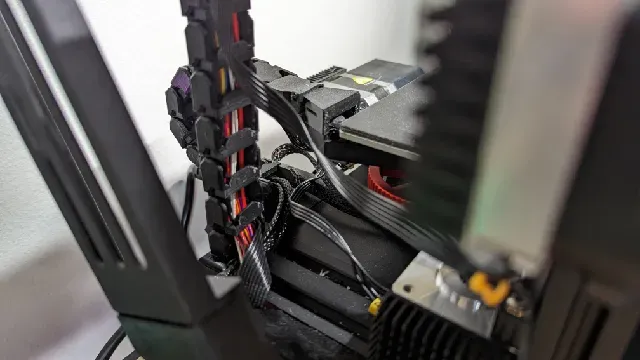
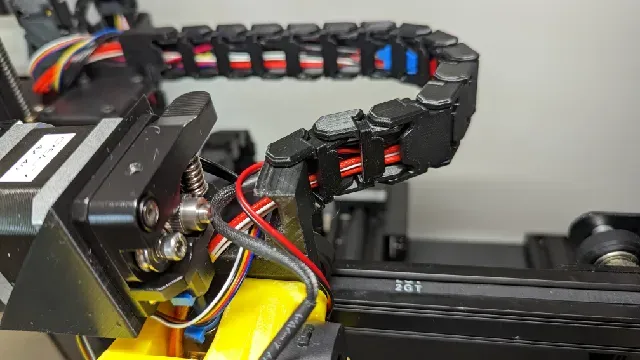
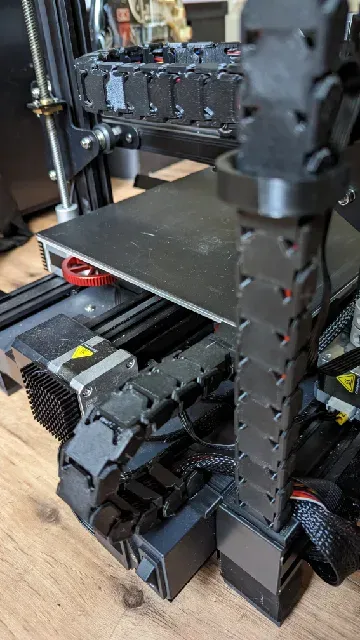
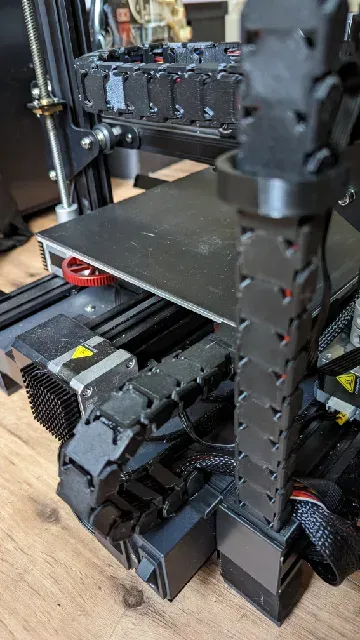
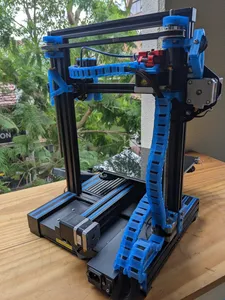
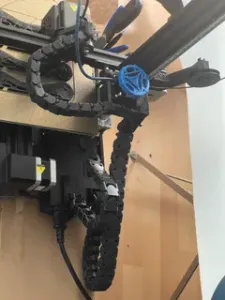
I tried to include many photos of the printer from lots of angles, as I know how hard it is to see what's going on sometimes in included photos.
You'll need to print these segments for each axis
- x-Axis: 14 Chain Segments and Clips - y-Axis: 10 Chain Segments and Clips (pictures have 9, but needs at least10) - z-Axis: 25 Chain Segments and Clips You can also download a Z chain roller I made here https://www.printables.com/model/726844-ender-3v2neo-cable-chain-z-axis-roller-with-bearin
I used the y/z axis mount from jbodoque_1401268 's model - you'll need to download this from his page as I couldn't include it due to licensing
I used the Chain links, clips z/x and y mounts from Printerfreak 's model
I used the Direct Drive mount from TheGameIsFunny 's model
I added a hook on the z/x mount that holds the z chain neatly, rather than is hanging loosely. I'm working on a clip for this which will add rollers so it runs up and down a little smoother.
The biggest problem I've run into with other people's models is the x-axis. With this model, it doesn't quite print to the very right edge of the x axis as it seems slightly short - I'm happy to update the model to give it a slightly longer reach if anyone wishes me to.
For the X axis, make sure flip the last 3 chains so it can bend around the frame. I also had to extend the z and extruder stepper motor wires so they will reach (I intend to extend them even further so they can run up the z chain as well, I think 15cm might be enough).
I had to run the cables down to the left and under the printer to run the cables corrextly for the y cable chain.
You can also use the cable chain links without the clips if you alternate them.
Would love to see your makes !!
Happy printing !






Названия используются только для указания источника результата. Polyzon не аффилирован с перечисленными площадками.