
Бесплатно 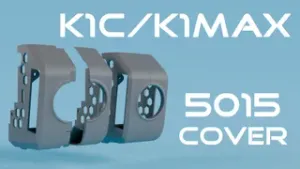
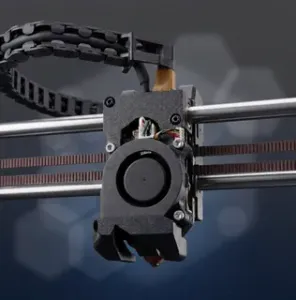
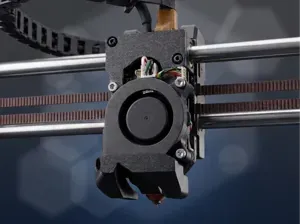
Creality K1C/K1MAX silent covers 5015 Fan
Printables

V4 update (September 29, 2024):
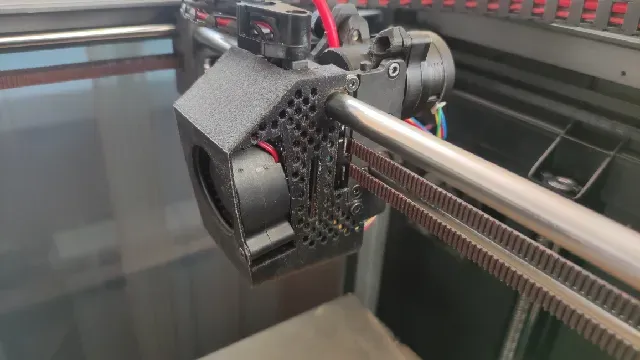
- Removed the ugly circular overhang at the bottom - Changed duct geometry for better airflow alignment - Supports inside the ducts are no longer needed These toolhead covers allow to install a 5015 or 5020 part cooling fan on Creality K1, greatly reducing noise and increasing airflow. They don't reduce the print area, and are lighter than the stock one.
Here are my fan noise measurements.
Part cooling disabled: 45 dB
Stock fan at 100% RPM: 55 dB
5020 fan at 100% RPM: 45 dB
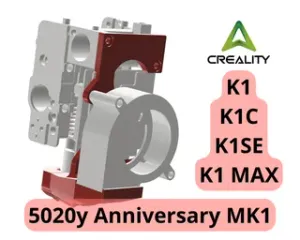
There are two versions: for 5015 and 5020 fans. 5020 will be quieter than 5015, while having the same or slightly better airflow. So if you have neither 5015 nor 5020, buy a 5020.
The 5020 fan, due to dual intakes, cools the toolhead MCU during operation, and thus is recommended for high chamber temperatures, when the toolhead MCU may overheat.
These toolhead covers are incompatible with X axis linear rail mods.
Here's an overhang test:
You will need:
1x 24V 5015 or 5020 blower with ball bearings
2x M3 heat inserts (4.6-5mm OD)
2x M3x8 or longer FHCS screws
1x N-channel field-effect transistor (MOSFET) for 2 wire fans. Bipolar PNP and NPN transistors will not work!
1x JST 1.25 4pin connector with wires (can be taken from the stock fan)
The cover should be printed on its front face with manual tree supports. Use PP-GF, PA-GF, PA-CF or other heat resistant filaments. ABS will not withstand long prints with high-temp filaments.
Assembly guide:
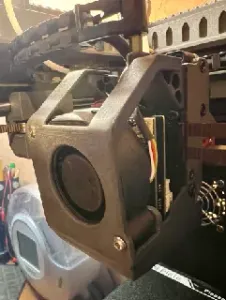
- Melt the heat inserts into the fan as shown on the pictures. - Solder the wires to the fan and MOSFET as shown on the connection scheme. - Attach the fan to the cover via the screws. - Connect the fan and install the cover. When installed, the 5020 fan presses against the CAN wires. This is fine and won't damage anything. - Only for 2 wire fans: Open the printer.cfg file, find the “output_pin: fan0” section and change the cycle_time to 0.1000. This will eliminate PWM noise.






Названия используются только для указания источника результата. Polyzon не аффилирован с перечисленными площадками.