
Бесплатно 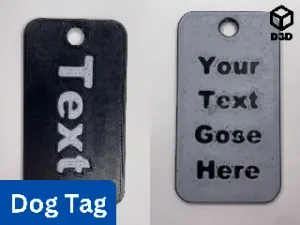
Two-Sided Customizable Dog Tag (Fusion 360)
Printables
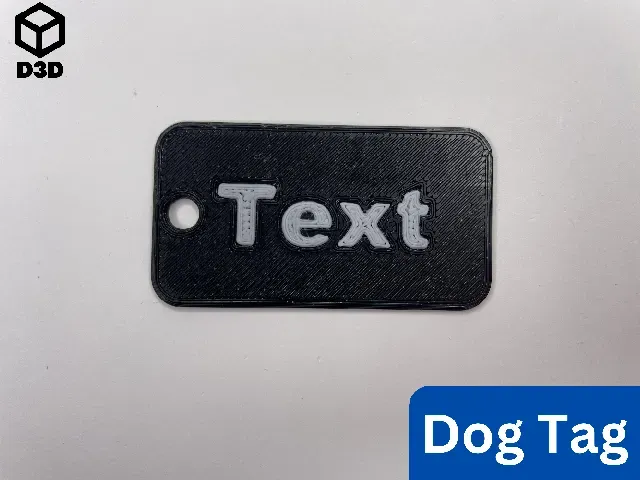


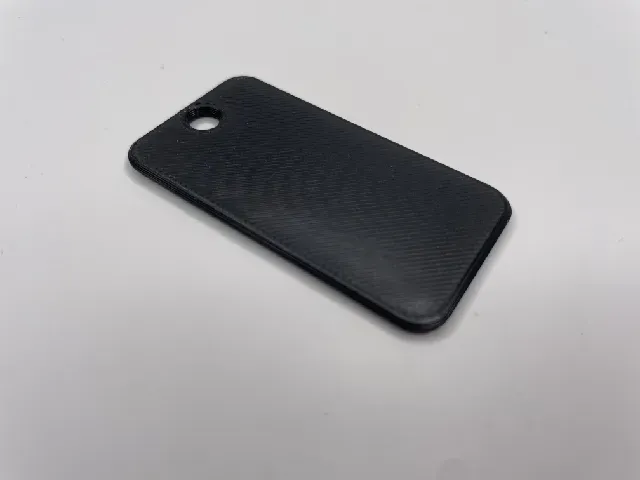



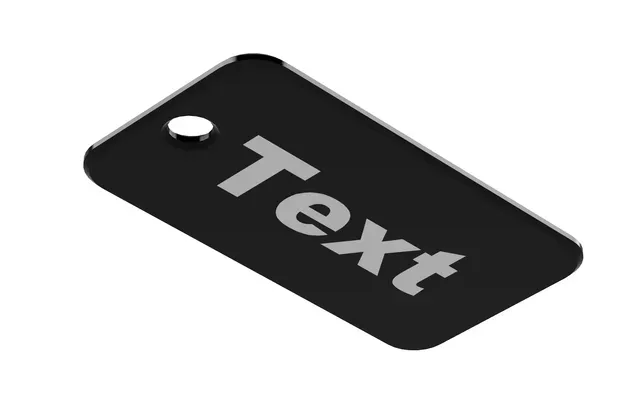
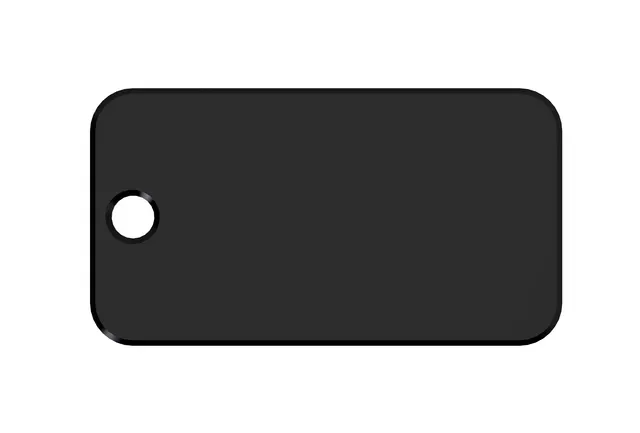
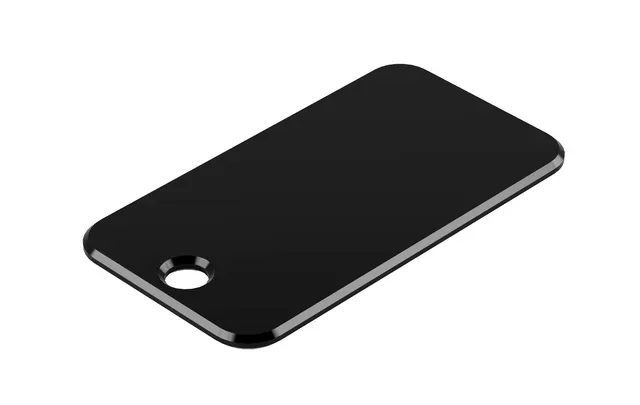
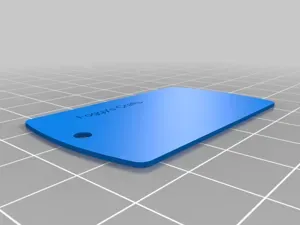
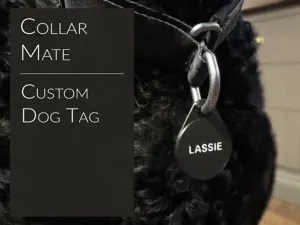
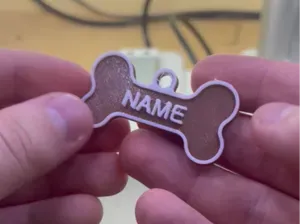
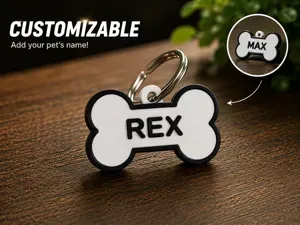
This is a one-sided customizable dog tag. It was designed in Fusion 360 and can be modified for many purposes.
Print Instructions
- Material: PLA or PETG (two different colors) - Supports: No - Orientation: - Print all the pieces face down Assembly/Instructions
Note: This print employs either a layer swap or the multi-pass printing method (detailed by Make Anything in Multipass Multicolor using Prusa Slicer // Single Extruder Multicolor 3D Printing ). A layer swap simply involves adding a pause to your print and then changing the filament so that the text stands out against the background. Multi-pass printing is slightly more involved, but it can yield phenomenal results.
Layer Swap (For Single Extruder Printers)
- Prep - Modify the .f3d file for your purposes - Export your dog tag with just the body of the dog tag and not the text in the file or download the “Dog Tag (One Sided) - Body” file for an example - Import that file into your slicer - Add a print pause so that the text contrasts with the background (as shown in the photo) - Ensure that the text is facing the build plate for the best results - Printing - Print the file - Change the filament at the pause to a contrasting color Multi-Pass Printing Method (For Single Extruder Printers)
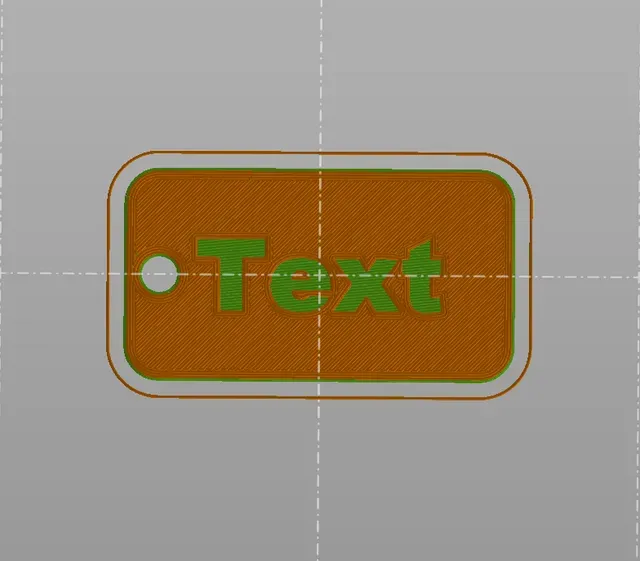
- Prep - Modify the .f3d file for your purposes - Export your dog tag with the body of the dog tag and text in the same file or download the “Dog Tag (One Sided) - All” file for an example - Import that file into your slicer - Ensure that the entire file, including the text and the body of the dog tag, is oriented with the text facing the build plate - Ensure that the text is lined up with the holes in the body of the dog tag - Delete the body of the dog tag - Then slice that file with just the text - Undo the deletion of the body of the dog tag - Ensure that everything is still lined up - Delete the text - Slice the file with just the body of the dog tag - Printing - Print the file with the text, in whatever color you want - Remove any purge lines from the build surface, but leave the text on the build plate - Print the file with the body of the dog tag on top of the text - Change the color of the filament between the file so that the body of the dog tag contrasts with the text MMU or MMS
- Prep - Modify the .f3d file for your purposes - Export your dog tag with the body of the dog tag and text in the same file or download the “Dog Tag (One Sided) - All” file for an example - Import that file into your slicer - Ensure that the entire file, including the text and the body of the dog tag, is oriented with the text facing the build plate - Ensure that the text is lined up with the holes in the body of the dog tag - Assign one color to the body of the dog tag and one color to the text of the dog tag If you enjoy this model, please leave a like and a comment. Please contact me if you have any questions, concerns, or problems.


Названия используются только для указания источника результата. Polyzon не аффилирован с перечисленными площадками.