
Бесплатно 
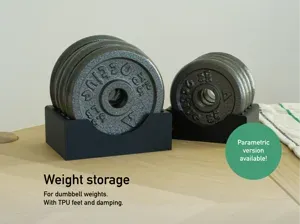
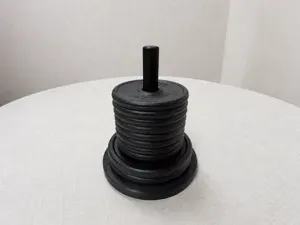
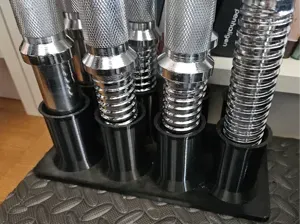
Dumbbell Weight Stands
Printables


How to customize this model:
- Download the *.f3d-file - Open the file in Fusion 360 - Click on “Modify” → “Change Parameters” - Enter the right parameters for your weight plates under “User Parameters” You can then export the components and print them.
There are the following parameters:
weight_plate_diameter Enter the diameter of your weight plates
weight_plate_thickness Enter the thickness of your weight plates
space_between_weight_plates can't be zero! Enter the space you want to have between your weight plates.


Названия используются только для указания источника результата. Polyzon не аффилирован с перечисленными площадками.
Комментарии