Grátis 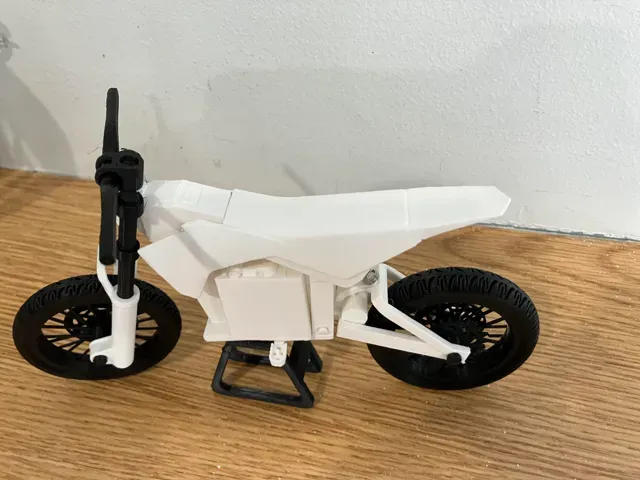
Mini MX650
MakerWorld
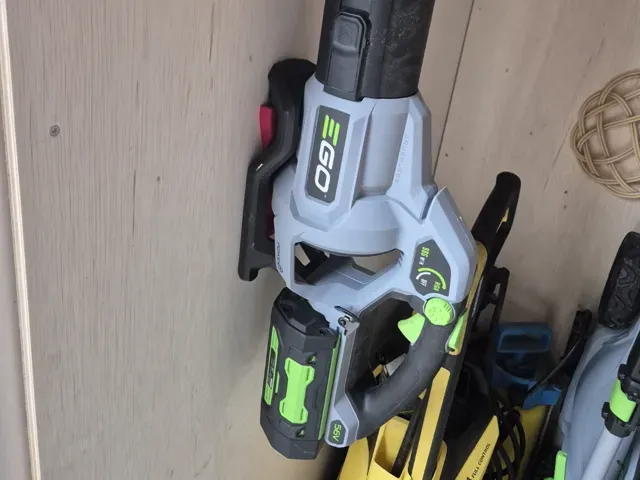
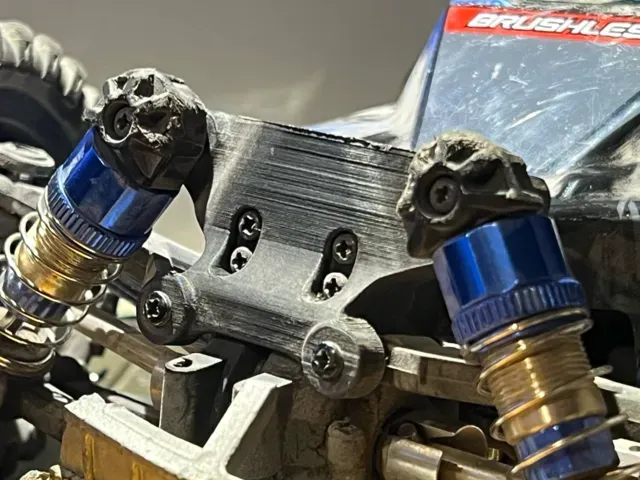
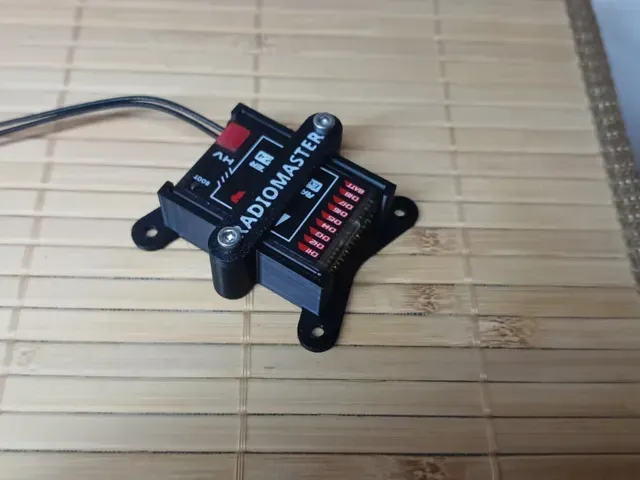
This collection gathers STL files for practical mounts, mesh network enclosures, and small vehicle or printer accessories. It helps you find parts for a 3D printer setup, a workshop wall, or a hobby build without sorting through unrelated models. Each listing points to an author page where the actual files and notes live. Polyzon does not confirm whether models are free, their price, license, official status, affiliation, safety or fitness. Check the current terms at the source.
O texto desta coleção está em inglês; a busca funciona em qualquer idioma.
 Uma coleção do Polyzon · 20 modelos de 1 site
O Polyzon monta esta coleção a partir dos resultados de busca dos sites conectados. Repetições e modelos sem prévia são removidos, correspondências fracas vão para o final e o restante segue a ordem da busca. Os modelos pertencem aos seus autores — confira os termos na página de cada modelo.
Regras de seleção: equipe editorial do Polyzon · Texto atualizado em 15/10/2026

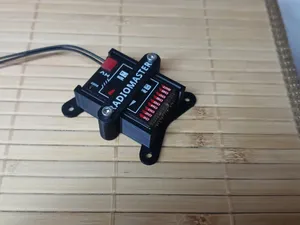
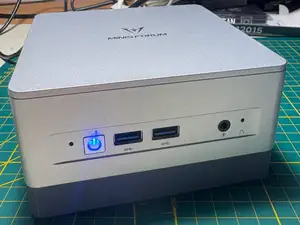
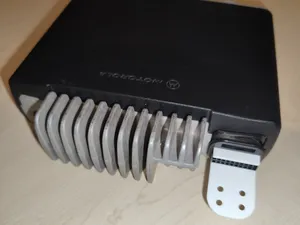
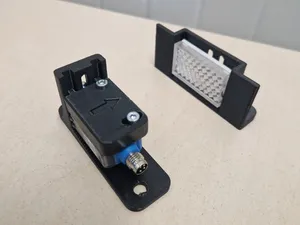
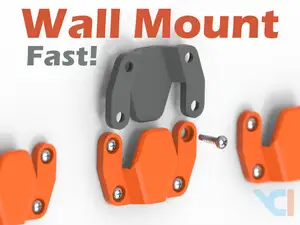

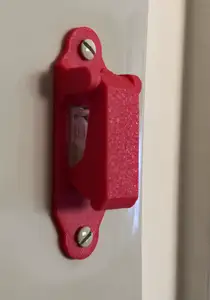
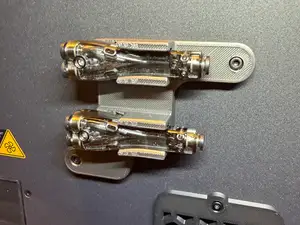
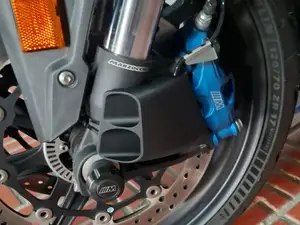
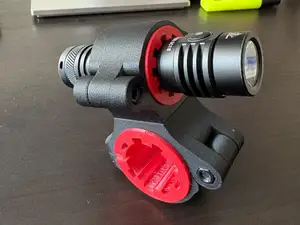
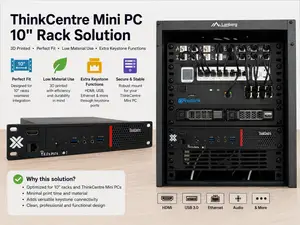
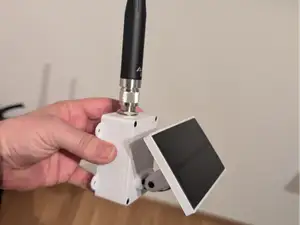
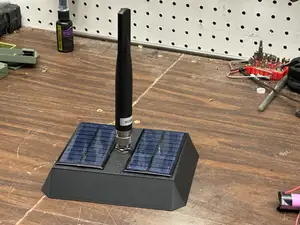
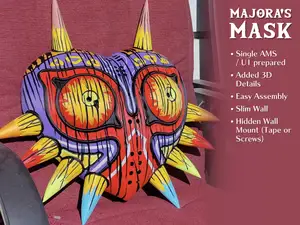

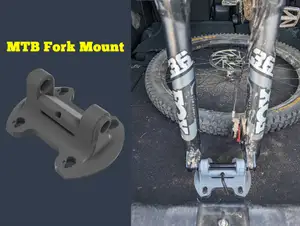
Wall and surface mounts range from simple brackets to adjustable arms, while mesh network parts tend to be enclosures, node housings, and repeater cases. Bike and vehicle mounts focus on handlebar, fork, or roof attachment, and printer or tool accessories include adapters, holders, and rack parts. The differences often come down to mounting pattern, load direction, and how much hardware the design expects.
Before printing, check the listed size and scale, the number of separate parts, and whether the author calls for supports. Look at the material and settings the author lists, because a wall bracket and a small enclosure can call for different layer heights and wall counts. Photos of real prints can show how clearances, screw holes, and fit turn out after printing.
To narrow the results, try synonyms such as bracket, holder, clamp, case, or housing alongside the object you need. Related topics include wall mounting, mesh networking, bicycle accessories, RC hobby parts, and printer upgrades. Adding a device type, tube diameter, or mounting standard to the query usually removes unrelated shapes.


%2Fhttps%3A%2F%2Ffbi.cults3d.com%2Fuploaders%2F22912680%2Fillustration-file%2F83ae4b82-af3d-4d6e-8c02-1549b698f1c3%2F109-25.jpg&w=300)
O catálogo completo de temas — de casa e utilidades a CNC, com busca em todos os sites conectados.