Grátis 
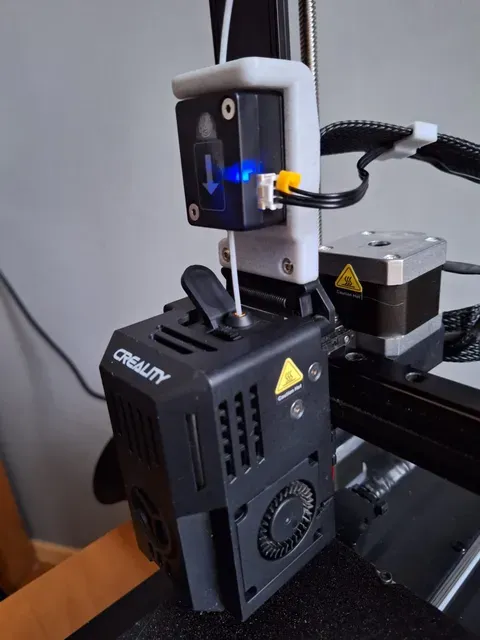
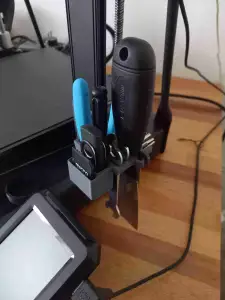
Runout sensor mount for Creality 3v3 KE
Thingiverse
This collection gathers STL files made for the Creality Ender 3 V3 KE and its close relatives: mounts, holders, brackets and replacement parts. Most of them solve a practical problem around the machine rather than being decorative. It is a useful starting point if you want to adapt your 3D printer to a specific setup or replace a broken piece. Polyzon does not confirm whether models are free, their price, license, official status, affiliation, safety or fitness. Check the current terms at the source.
O texto desta coleção está em inglês; a busca funciona em qualquer idioma.
 Uma coleção do Polyzon · 48 modelos de 4 sites
O Polyzon monta esta coleção a partir dos resultados de busca dos sites conectados. Repetições e modelos sem prévia são removidos, correspondências fracas vão para o final e o restante segue a ordem da busca. Os modelos pertencem aos seus autores — confira os termos na página de cada modelo.
Regras de seleção: equipe editorial do Polyzon · Texto atualizado em 12/10/2026
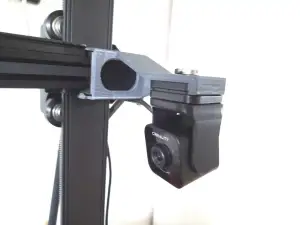

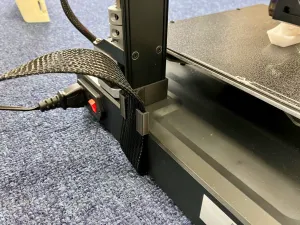


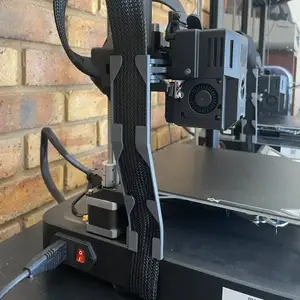


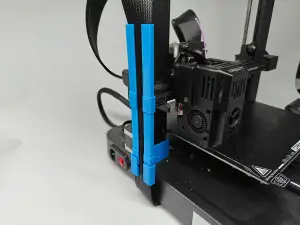

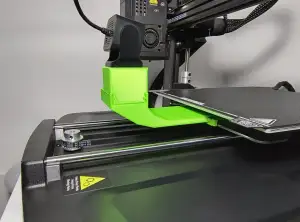


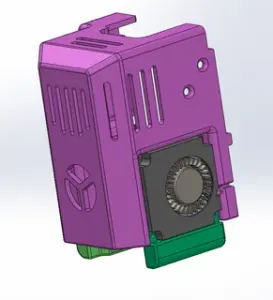


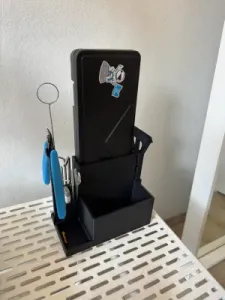
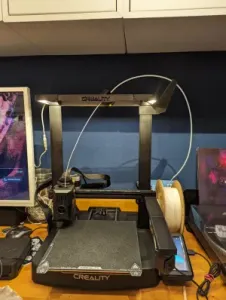
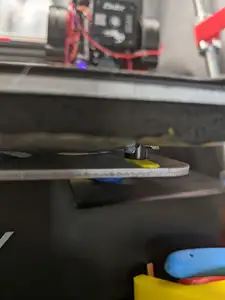
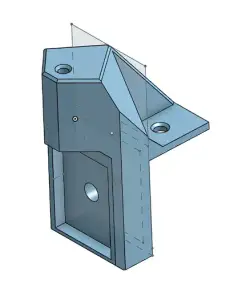
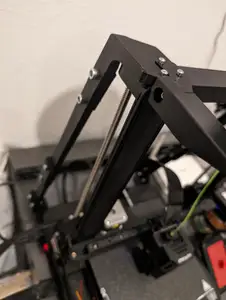
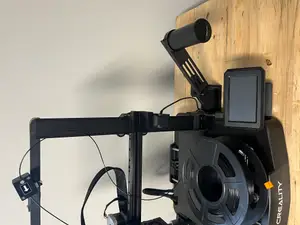


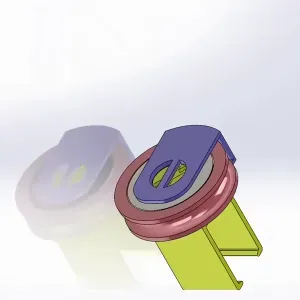

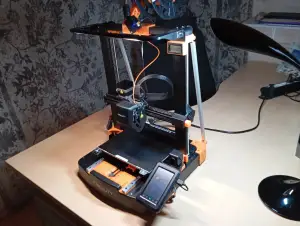
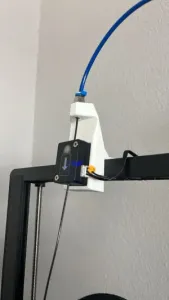

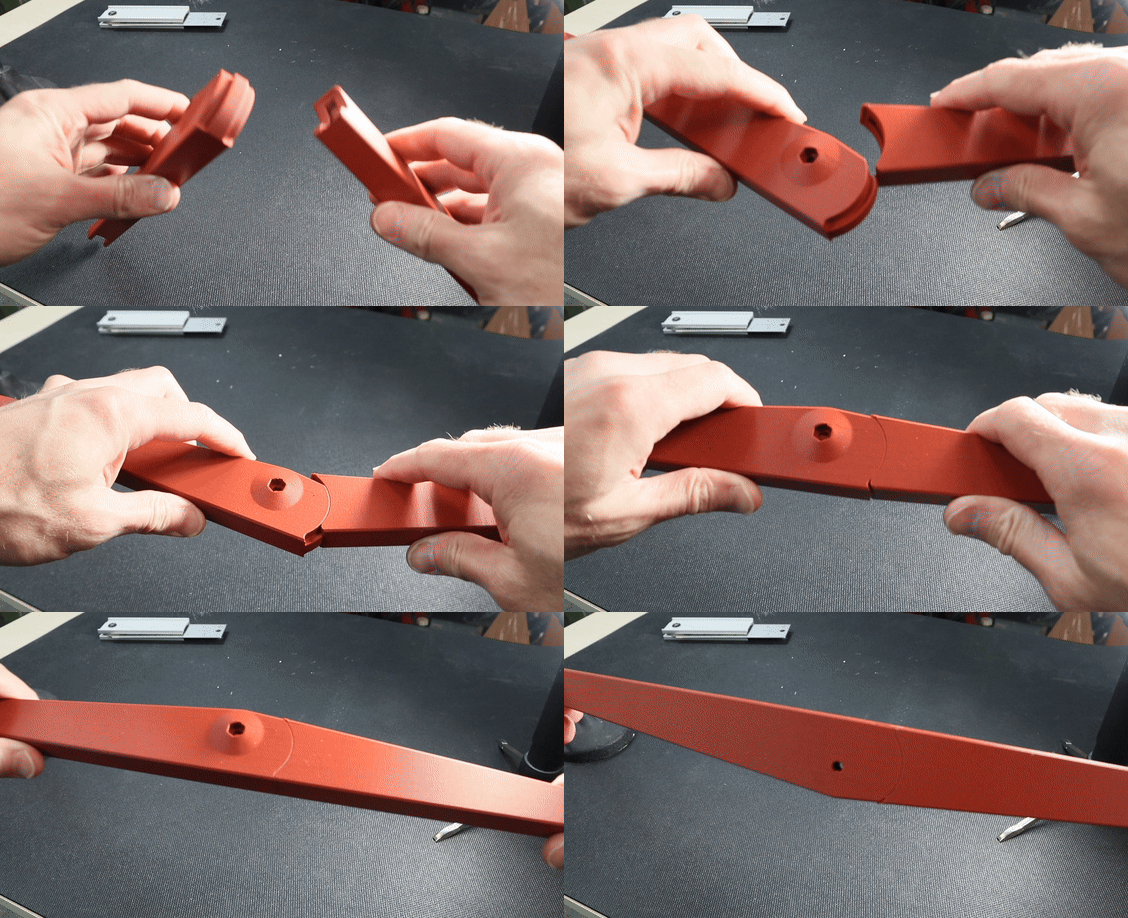
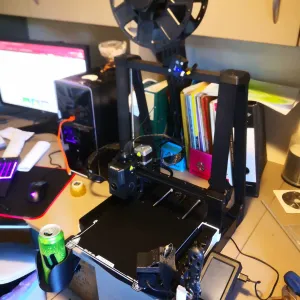

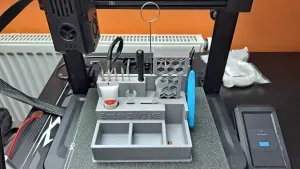

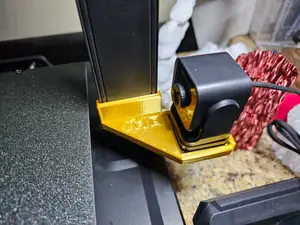
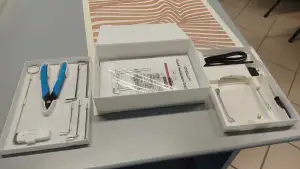
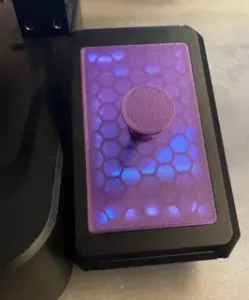


The largest group covers accessories that attach to the frame: camera and screen mounts, tool holders, cable clamps and clips that keep wiring tidy. A second group deals with the extrusion side, including housings and holders around the hot end and filament path. Structural pieces form a third group — braces and stiffening arms that add rigidity to the gantry and Z axis. Some models are written for both the KE and the SE variant, so check which version the author had in mind.
Before printing, open the model page and read what the author lists: the intended machine variant, the number of parts, whether supports are needed, and the material and settings used. Mounts that carry a camera or a screen benefit from a material that resists heat and does not creep under load, while brackets under tension are usually printed with more walls and infill. Photos of real prints show how the part sits on the machine and where tolerances matter. If a fit is tight, scaling slightly or reaming a hole is easier than reprinting the whole piece.
To widen the results, search for the machine name together with the part you need, such as camera mount, cable clamp, tool holder or extruder housing. Related terms help too: gantry, Z axis, runout sensor, screen bracket, spine cover. Because the same accessory is often published for neighbouring models, browsing the SE and V3 listings can turn up a file that fits with small edits. Sorting by newest or by popularity within the collection is a quick way to see what other owners have been building lately.
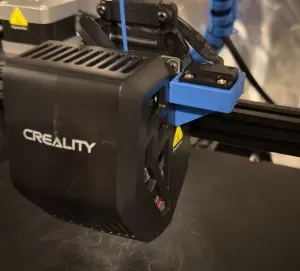
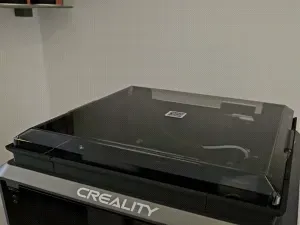

O catálogo completo de temas — de casa e utilidades a CNC, com busca em todos os sites conectados.