Grátis 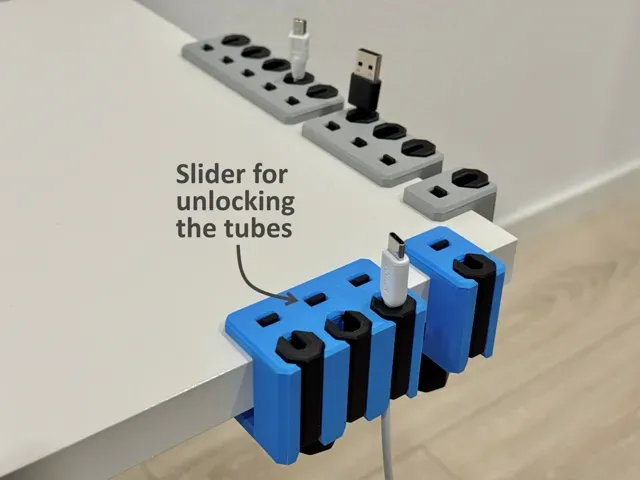
Desk cable holder / cable organizer with clamp
MakerWorld
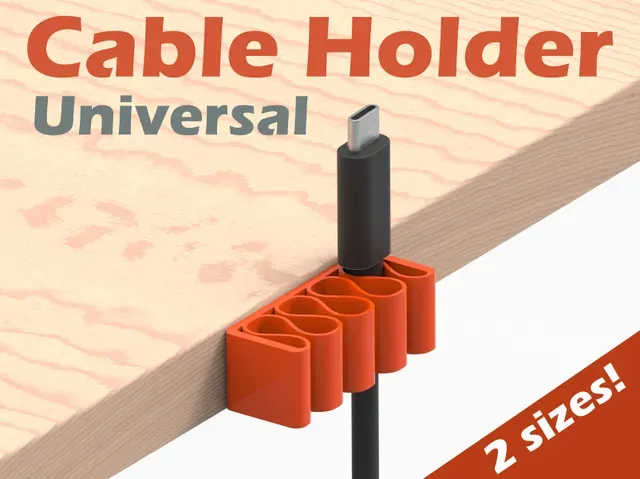
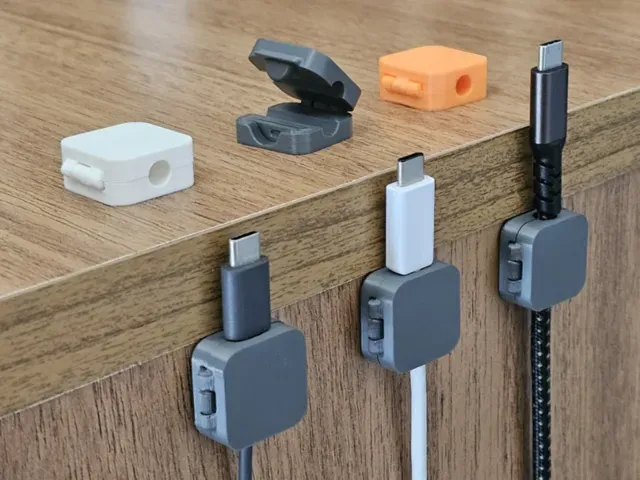
This collection gathers cable holder STL files for desks, workbenches and 3D printer frames. It covers clamp-on organizers, universal holders with several slots, and parametric versions you can resize before printing. Browsing it helps you find a shape that matches the cable diameter and the surface you want to attach it to. Polyzon does not confirm whether models are free, their price, license, official status, affiliation, safety or fitness. Check the current terms at the source.
O texto desta coleção está em inglês; a busca funciona em qualquer idioma.
 Uma coleção do Polyzon · 47 modelos de 4 sites
O Polyzon monta esta coleção a partir dos resultados de busca dos sites conectados. Repetições e modelos sem prévia são removidos, correspondências fracas vão para o final e o restante segue a ordem da busca. Os modelos pertencem aos seus autores — confira os termos na página de cada modelo.
Regras de seleção: equipe editorial do Polyzon · Texto atualizado em 11/10/2026


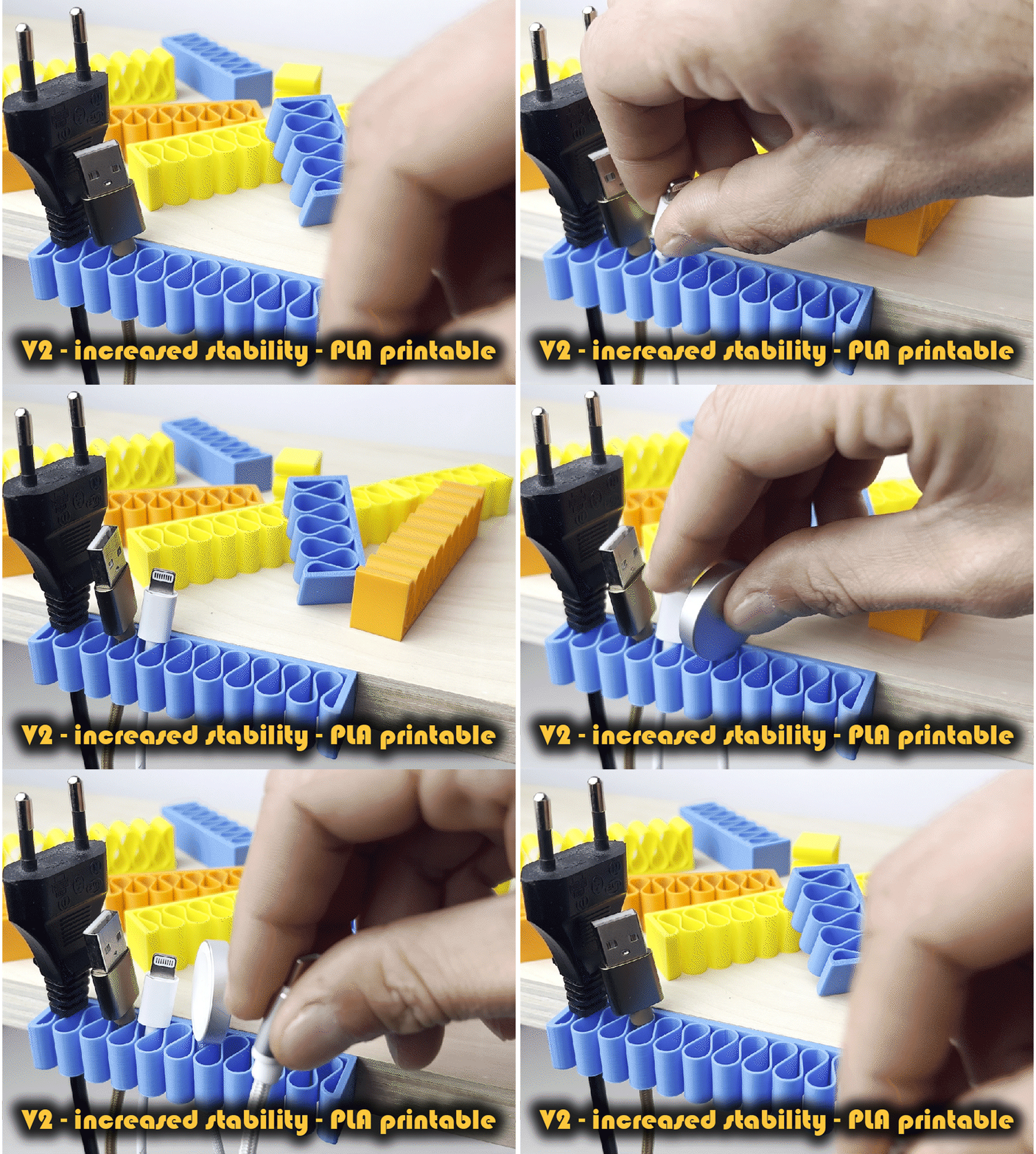
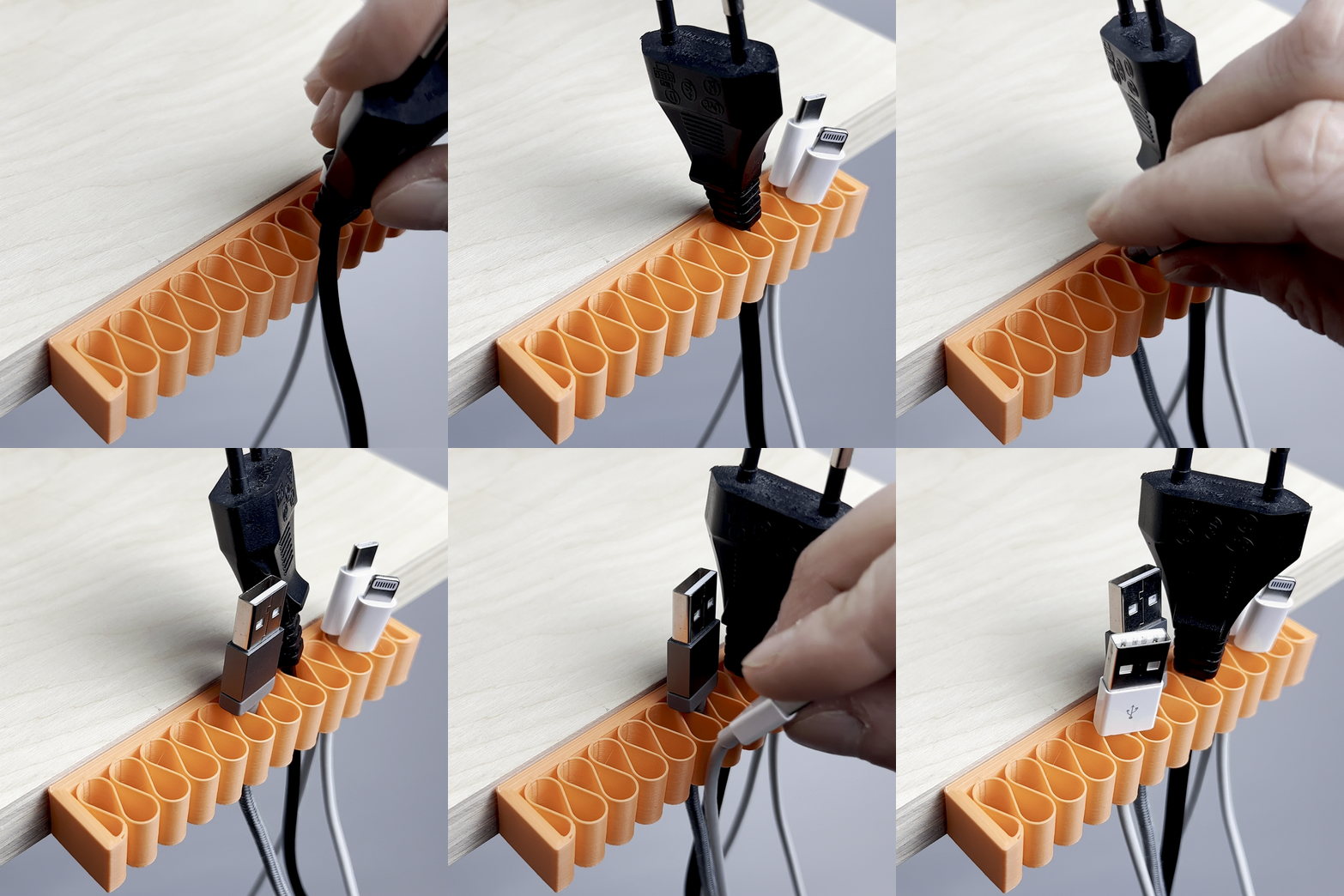
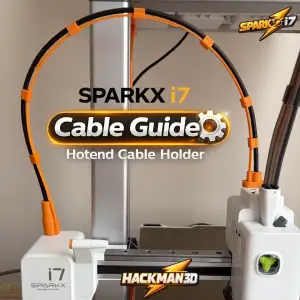


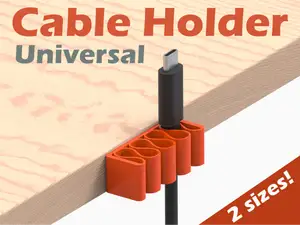
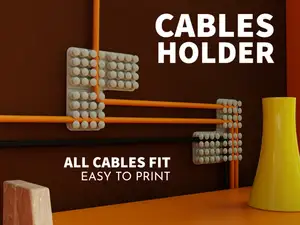


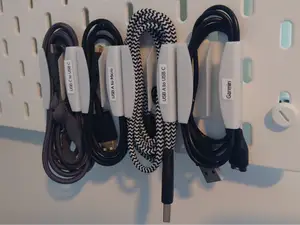


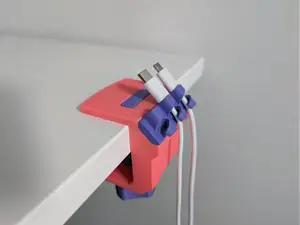

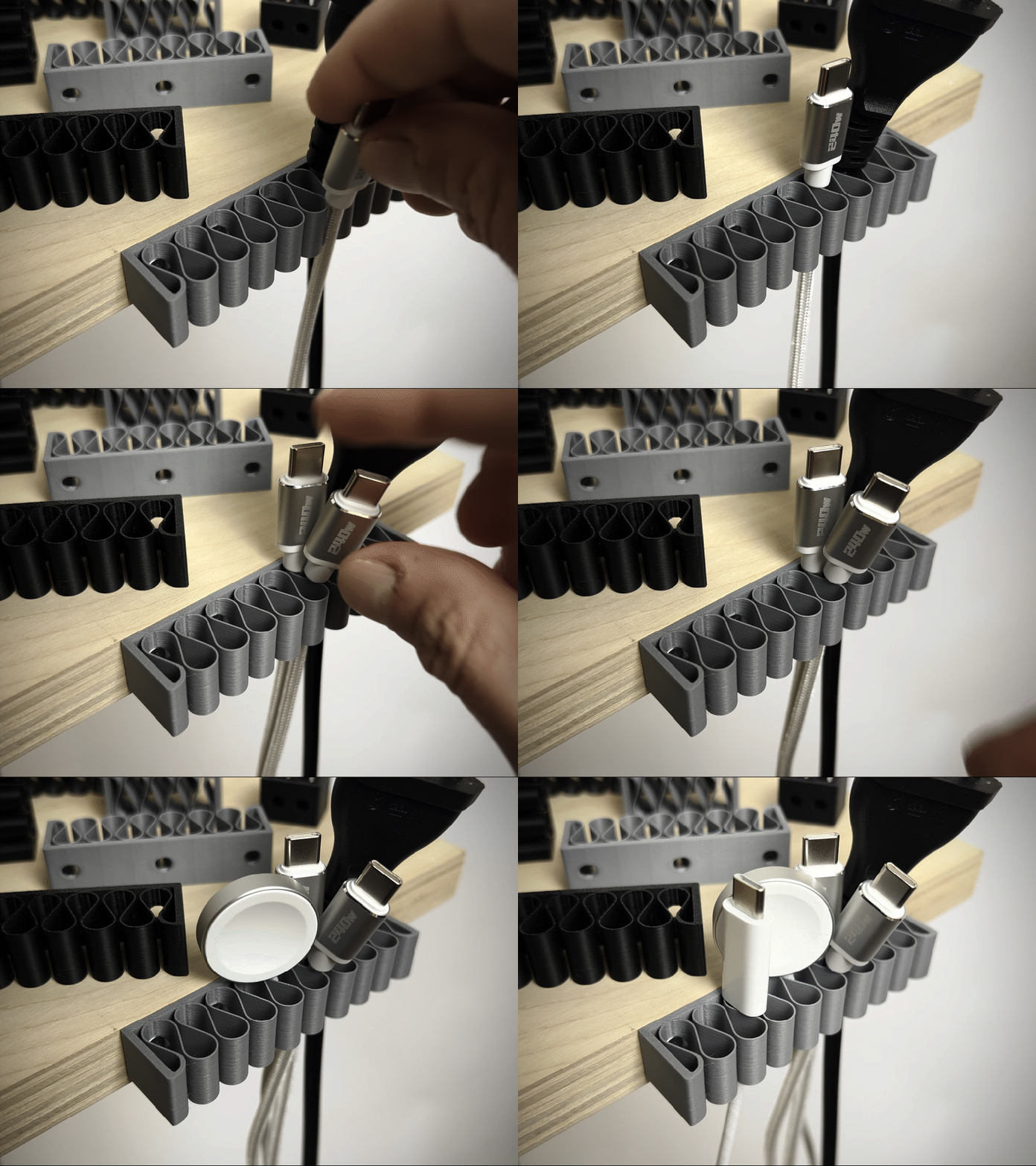

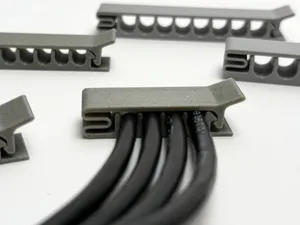

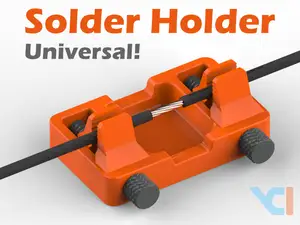

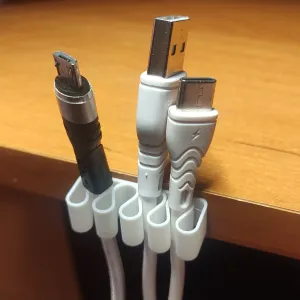
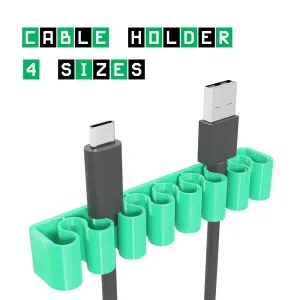
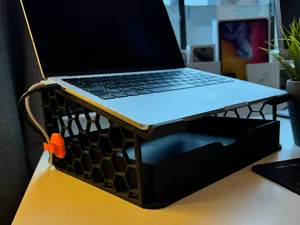


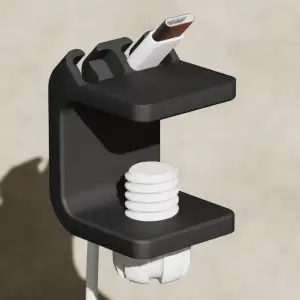


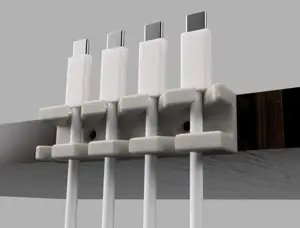

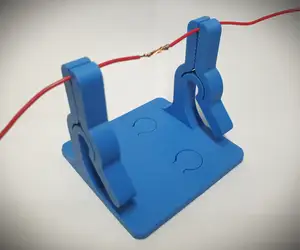


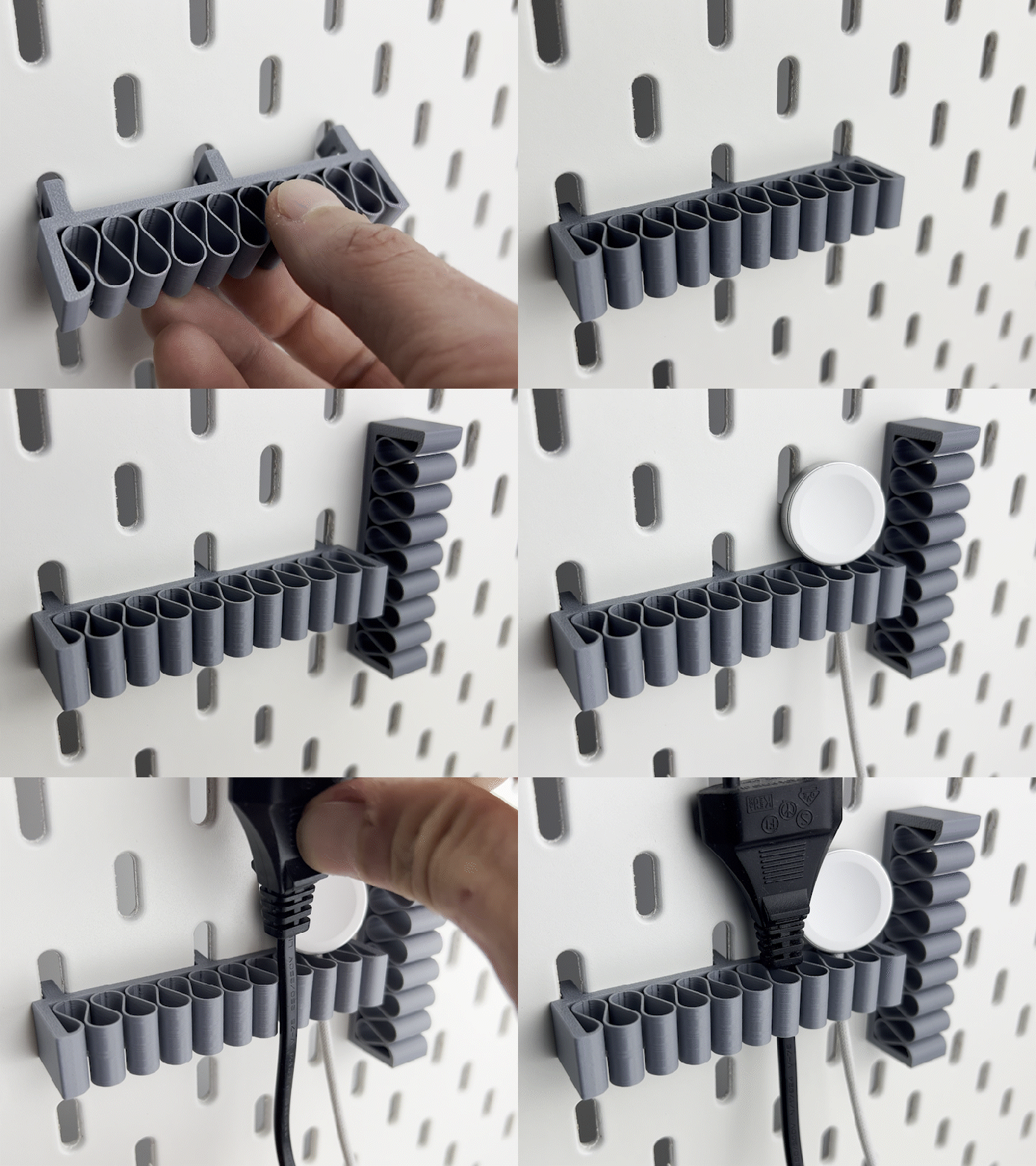
The models fall into a few groups. Desk organizers with a clamp grip a tabletop edge and route several cables at once, while universal holders use open slots or screw mounts and take a range of cable thicknesses. Printer-specific guides sit close to the hotend or the frame and keep a moving cable away from the rails. Flexible-filament versions bend with the cable instead of holding a fixed angle.
When choosing, look at the cable diameter the author lists and compare it with your own cables, since a slot that is too wide lets the cable slip. Check the number of parts and whether assembly needs screws, inserts or glue, and read the notes on supports and orientation. The material and settings the author mentions matter too: rigid parts behave differently from those meant for TPU, and thin clamp arms can snap if printed in the wrong direction. Photos of real prints on the model page show how the part sits in place.
To widen the results, try related terms such as cable organizer, cable guide, cable clip, cord holder or wire management, and combine them with a location like desk, wall, under-desk or printer frame. Adding a mounting type — clamp, screw, adhesive pad, hook — narrows the list further. If you need a specific fit, search for parametric or customizable versions and adjust the dimensions in the source file before exporting an STL.


O catálogo completo de temas — de casa e utilidades a CNC, com busca em todos os sites conectados.