
Grátis 
Dowel, screw and marking jig, fully customizable
Thingiverse
This collection gathers 3D models used for marking: gauges that scribe lines at a set distance, stencils and templates that transfer outlines, and small jigs that position a hole or a center point. It is useful when you need a repeatable mark rather than a one-off measurement, and a 3D printer lets you size the tool to the ruler, pipe or sheet you already own. Polyzon does not confirm whether models are free, their price, license, official status, affiliation, safety or fitness. Check the current terms at the source.
O texto desta coleção está em inglês; a busca funciona em qualquer idioma.
 Uma coleção do Polyzon · 48 modelos de 4 sites
O Polyzon monta esta coleção a partir dos resultados de busca dos sites conectados. Repetições e modelos sem prévia são removidos, correspondências fracas vão para o final e o restante segue a ordem da busca. Os modelos pertencem aos seus autores — confira os termos na página de cada modelo.
Regras de seleção: equipe editorial do Polyzon · Texto atualizado em 15/10/2026

%2Fhttps%3A%2F%2Ffbi.cults3d.com%2Fuploaders%2F24369128%2Fillustration-file%2Faf58fdaf-028f-435b-85da-4a9a65021c6e%2Ftrench_crusade_ducat_activation_markers.jpg&w=300)


%2Fhttps%3A%2F%2Ffbi.cults3d.com%2Fuploaders%2F17375792%2Fillustration-file%2F605a80fc-c667-4fc8-84a0-c9bbb0571098%2FWholeArmy_2.jpg&w=300)

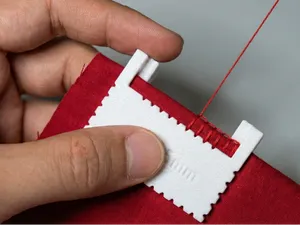

%2Fhttps%3A%2F%2Ffbi.cults3d.com%2Fuploaders%2F15751598%2Fillustration-file%2F898d1b00-7aee-419b-a926-a7421286d0cd%2FICON-IF-01.jpg&w=300)

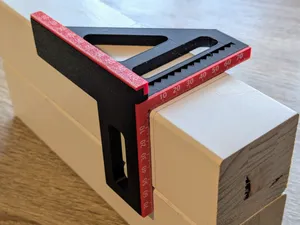

%2Fhttps%3A%2F%2Ffbi.cults3d.com%2Fuploaders%2F43743942%2Fillustration-file%2F0b823e91-0e2c-44a0-8b47-241935a14ba1%2FIMG_1600-kopiia.jpg&w=300)

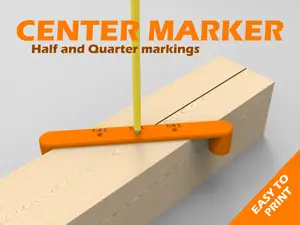

%2Fhttps%3A%2F%2Ffbi.cults3d.com%2Fuploaders%2F30684428%2Fillustration-file%2F3d53cf26-547b-498e-848a-ea7f1b85f62c%2FIMG_3332.jpg&w=300)
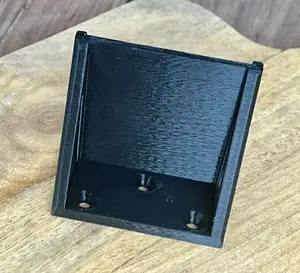
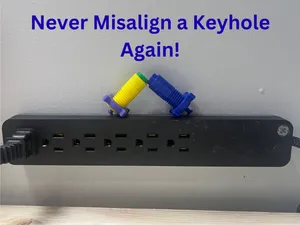

%2Fhttps%3A%2F%2Ffbi.cults3d.com%2Fuploaders%2F24442209%2Fillustration-file%2F80560521-8aef-40e3-a92e-ec11319b6567%2FIMG_20220928_172057_704.jpg&w=300)

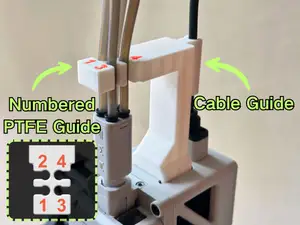

%2Fhttps%3A%2F%2Ffbi.cults3d.com%2Fuploaders%2F16766425%2Fillustration-file%2F611a88f6-eae2-4141-b7b1-80df8f4cca16%2Fplantilla-recta-y-circular-y-numero.jpg&w=300)

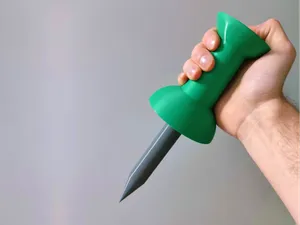

%2Fhttps%3A%2F%2Ffbi.cults3d.com%2Fuploaders%2F14110063%2Fillustration-file%2F4c80e23f-55fb-4ce1-9a84-34fc3e75d2c1%2Fpiston_reine_v3.png&w=300)

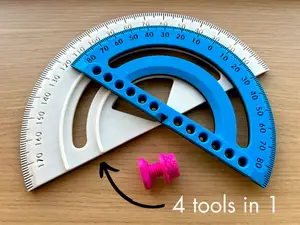

%2Fhttps%3A%2F%2Ffbi.cults3d.com%2Fuploaders%2F23152574%2Fillustration-file%2Fe3edb10b-4630-4733-bbc5-af9b477bd42e%2FIMG_8201.jpeg&w=300)


%2Fhttps%3A%2F%2Ffbi.cults3d.com%2Fuploaders%2F18646162%2Fillustration-file%2F24ecfe91-8408-4a9f-ac79-528135596530%2FCapa.png&w=300)


%2Fhttps%3A%2F%2Ffbi.cults3d.com%2Fuploaders%2F26907222%2Fillustration-file%2F207114b9-1849-4c3c-8a54-ea1b89302546%2FSin-t%25C3%25ADtulo.jpg&w=300)
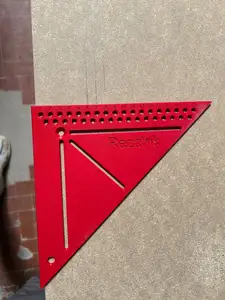
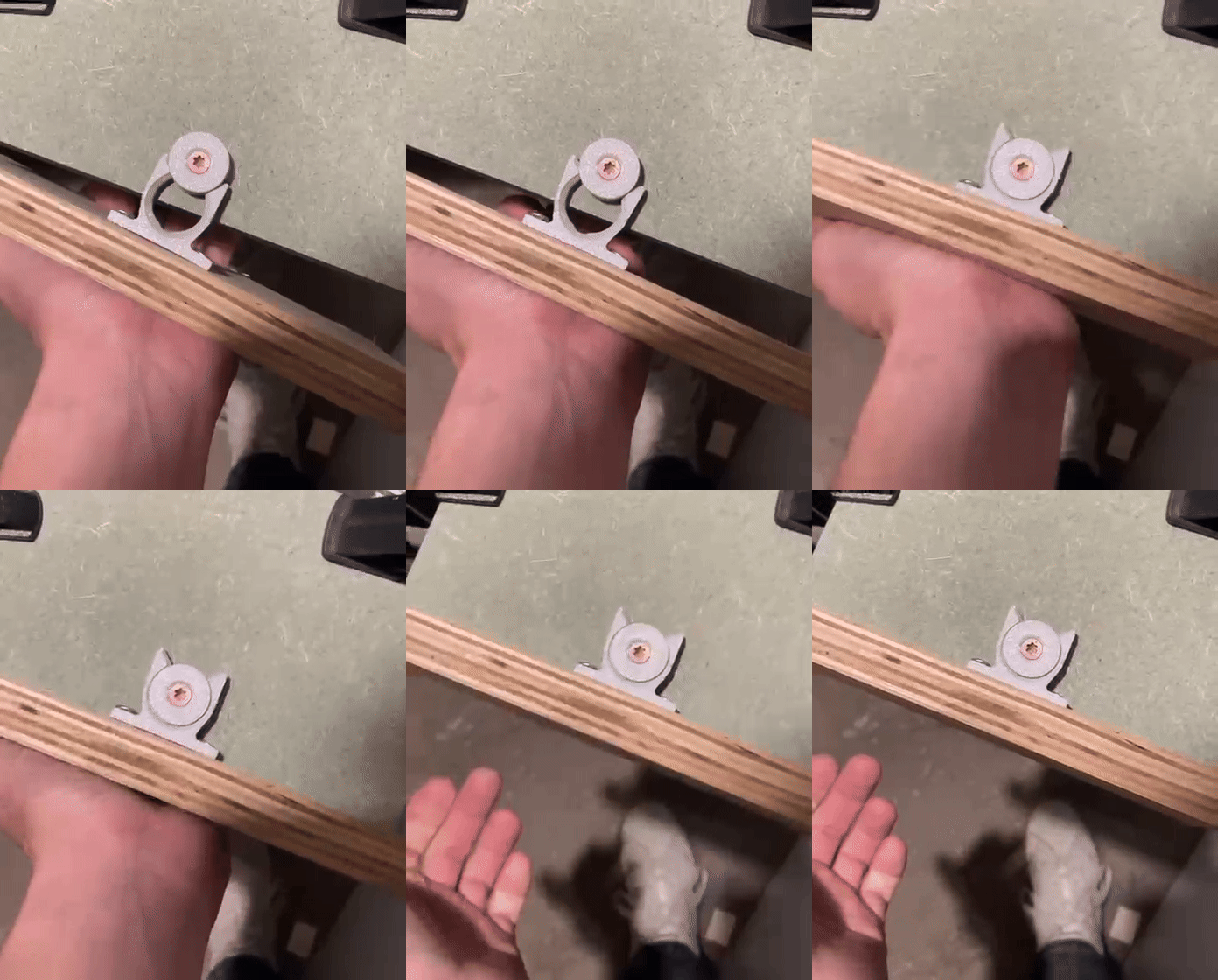
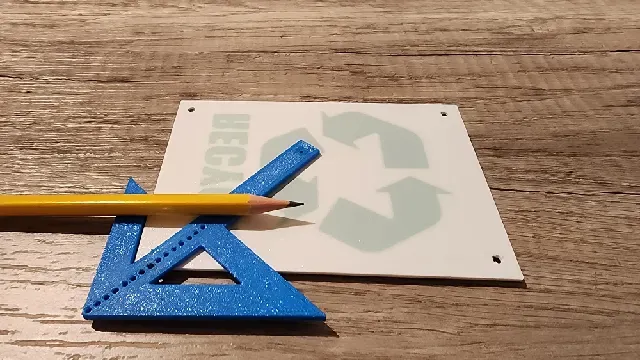
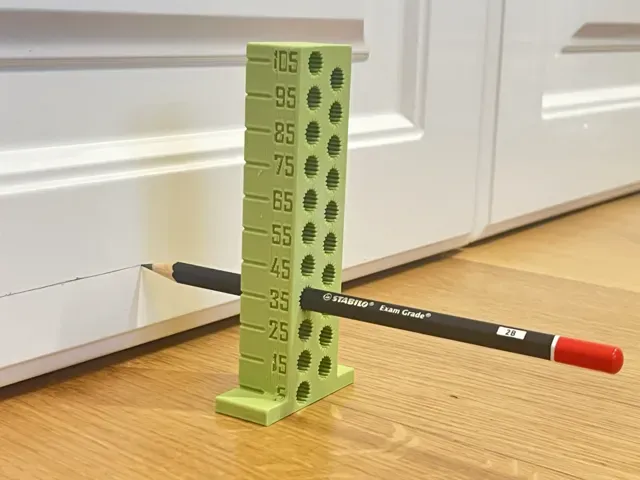
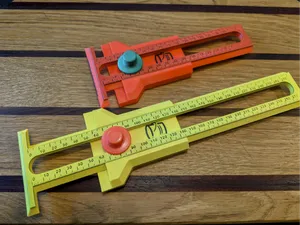
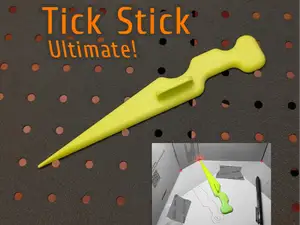
The models fall into a few groups. Woodworking gauges and squares set a distance from an edge or hold an angle, often around a standard ruler or a pencil. Stencils and flat templates copy a shape onto rock, fabric or sheet material, while hole and center markers locate a point before drilling. A separate group covers tabletop markers and objective tokens, which are printed as small scenery pieces rather than as measuring tools.
When choosing, look at the dimensions the author lists and check them against your own material, ruler width or pipe profile. Read the part count and whether the model needs screws, nails, magnets or an inserted pencil, and check the print orientation and whether supports are required. Photos of real prints on the model page show how the scale and the fit turned out.
To narrow the search, try the terms used in your trade: marking gauge, scribe, stencil, template, jig, center finder, angle stop or square. Adding the material or the target, such as wood, metal, drywall, fabric or 28mm, brings up more specific results, and related topics like layout tools, measuring aids or workshop organizers often lead to the same kind of model.




O catálogo completo de temas — de casa e utilidades a CNC, com busca em todos os sites conectados.
%2Fhttps%3A%2F%2Ffbi.cults3d.com%2Fuploaders%2F42778744%2Fillustration-file%2Fbbfc7e58-dd83-4c5b-9965-7efaf3f3e36f%2FUntitled7.png&w=640)