Grátis 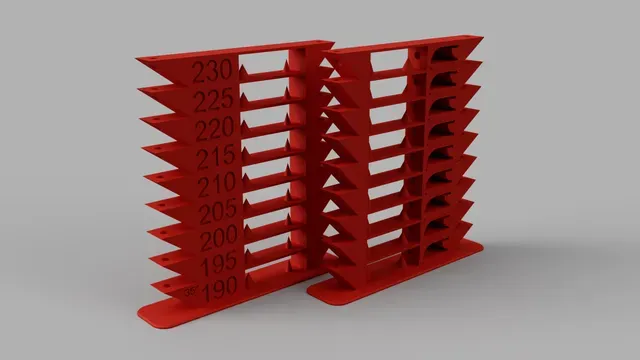
All in One Temperature & Bridging Tower - PLA & PETG GCode included
Printables
This collection gathers G-code files and G-code-related tools for 3D printing. It covers calibration towers, start and end scripts, visualizers, and models that include G-code. The entries help you compare how different files are structured before you slice or print them. Polyzon does not confirm whether models are free, their price, license, official status, affiliation, safety or fitness. Check the current terms at the source.
O texto desta coleção está em inglês; a busca funciona em qualquer idioma.
 Uma coleção do Polyzon · 48 modelos de 5 sites
O Polyzon monta esta coleção a partir dos resultados de busca dos sites conectados. Repetições e modelos sem prévia são removidos, correspondências fracas vão para o final e o restante segue a ordem da busca. Os modelos pertencem aos seus autores — confira os termos na página de cada modelo.
Regras de seleção: equipe editorial do Polyzon · Texto atualizado em 14/10/2026


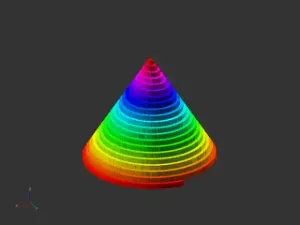
%2Fhttps%3A%2F%2Ffbi.cults3d.com%2Fuploaders%2F14364026%2Fillustration-file%2F6820af54-7fcc-4626-aaf3-052980281d92%2Ffeatured_preview_TEMP_TOWER_PETER_v004.jpg&w=300)








![Загрузка и выгрузка нити - Stock Ender 3 v2 [GCODE]](https://cache.polyzon.org/api/img?url=https%3A%2F%2Fimages.cults3d.com%2F5rotfU5qpC-8QWi_6L6xgJtbL80%3D%2F516x516%2Ffilters%3Ano_upscale()%2Fhttps%3A%2F%2Ffbi.cults3d.com%2Fuploaders%2F14057370%2Fillustration-file%2Fd34634ca-0290-4d8d-8aaf-6245634cbc3b%2Fender-3-v2-feeder-knob-728x587.jpg&w=300)


%2Fhttps%3A%2F%2Ffbi.cults3d.com%2Fuploaders%2F13751381%2Fillustration-file%2F454e5826-ae26-4c61-abc3-64c824fd56a3%2Flogo.jpg&w=300)

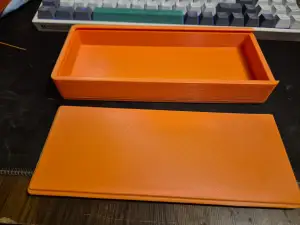


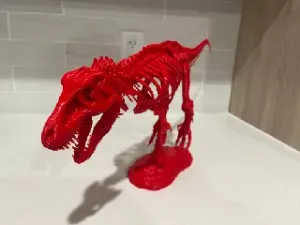


%2Fhttps%3A%2F%2Ffbi.cults3d.com%2Fuploaders%2F14818766%2Fillustration-file%2F52ac4c09-82aa-40cd-922a-2dab4d2be451%2Ftemptower_20200705-66-10gdeq2.png&w=300)
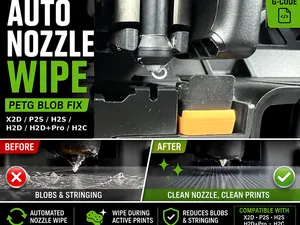
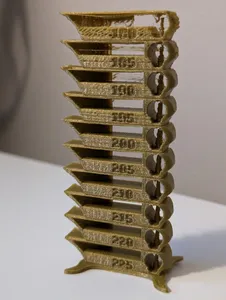

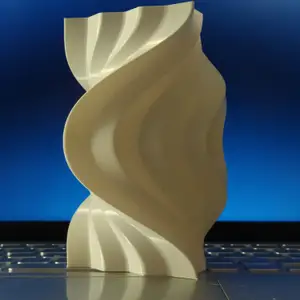


%2Fhttps%3A%2F%2Ffbi.cults3d.com%2Fuploaders%2F18658010%2Fillustration-file%2Ff3e57b31-9684-4c6e-bc4e-80b0d376e871%2Fvader.jpg&w=300)

The most common entries are calibration prints, especially temperature and bridging towers. They differ by material, temperature range, and the number of test sections in one file. Start and end scripts form another group, often written for a particular printer profile and slicer workflow. Visualizers, analyzers, and editors are tools rather than printable objects; they show toolpaths, layer times, or extrusion values.
When choosing a G-code file, check the author's notes for the intended nozzle diameter, layer height, temperatures, and speeds. Look at the model page for size and scale, number of parts and assembly steps, and whether supports are needed. Photos of real prints can show surface finish and bridging behavior better than a render. If a file was made for a different machine, compare its settings with your own before running it.
To refine a search, try terms such as calibration tower, temperature test, start gcode, end gcode, toolpath viewer, or gcode converter. Related topics include slicer profiles, flow and retraction tests, first-layer checks, and print simulation. Combining a material name with a test type often narrows results to files that match the filament you plan to use.
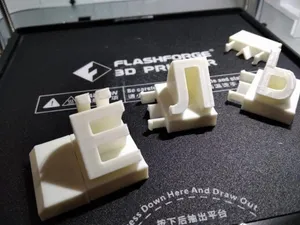


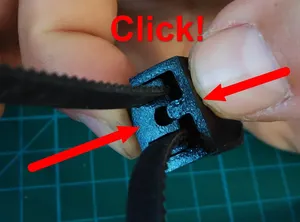
O catálogo completo de temas — de casa e utilidades a CNC, com busca em todos os sites conectados.