Grátis 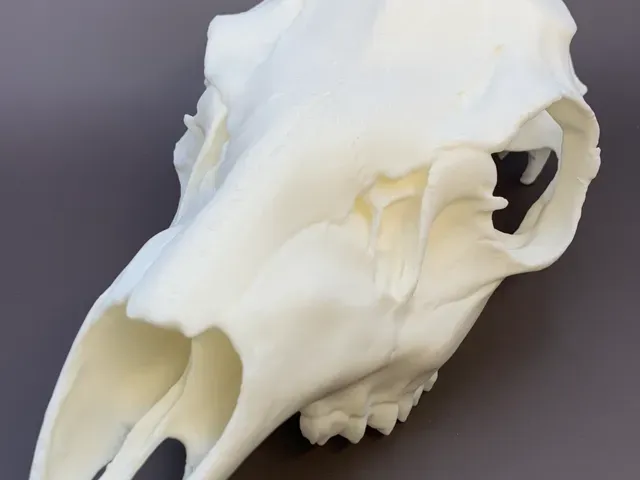
European-style Whitetail Buck Mount (3.25" spread)
MakerWorld
This collection gathers 3D models of mounts, brackets and holders: spreader bars and spreader brackets, wall and desk mounts for lights and streaming devices, decorative wall mounts, and small holders for tools and hobby parts. It helps when you need a printed part to attach something to a wall, a bar, a desk or a vehicle. Each listing comes from a different source, so the files and descriptions vary in detail. Polyzon does not confirm whether models are free, their price, license, official status, affiliation, safety or fitness. Check the current terms at the source.
O texto desta coleção está em inglês; a busca funciona em qualquer idioma.
 Uma coleção do Polyzon · 47 modelos de 6 sites
O Polyzon monta esta coleção a partir dos resultados de busca dos sites conectados. Repetições e modelos sem prévia são removidos, correspondências fracas vão para o final e o restante segue a ordem da busca. Os modelos pertencem aos seus autores — confira os termos na página de cada modelo.
Regras de seleção: equipe editorial do Polyzon · Texto atualizado em 15/10/2026
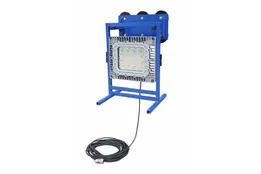

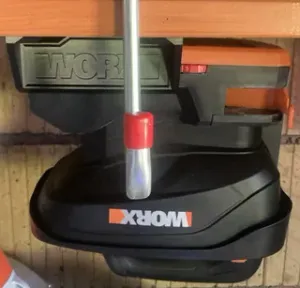
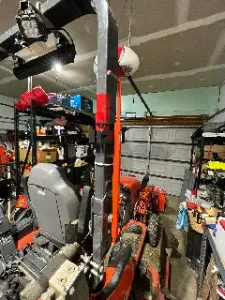
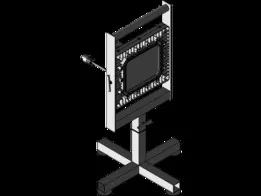


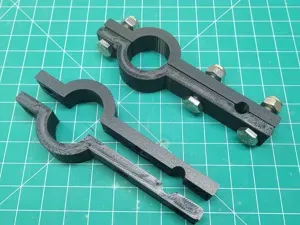

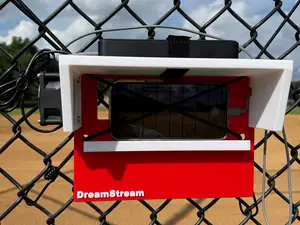



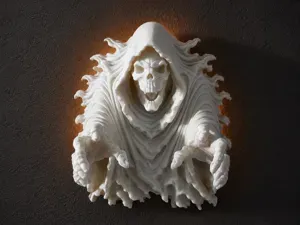
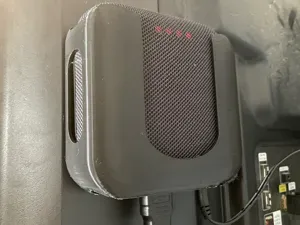


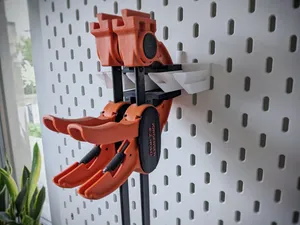
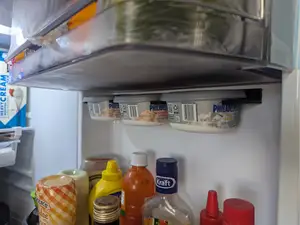
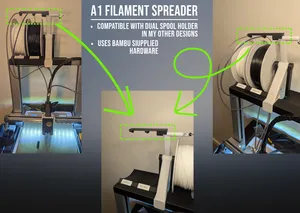
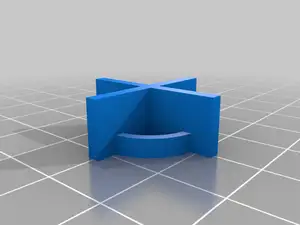


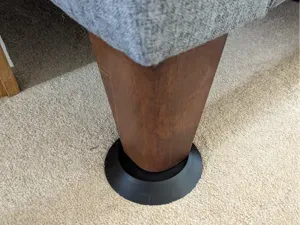
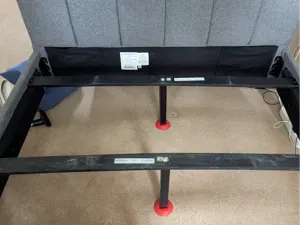


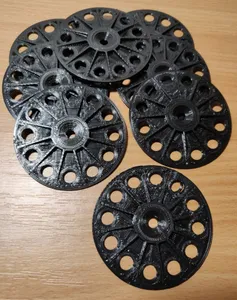
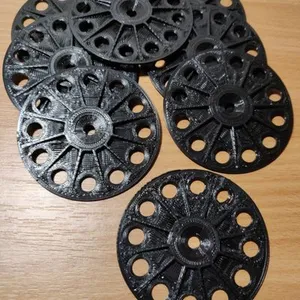


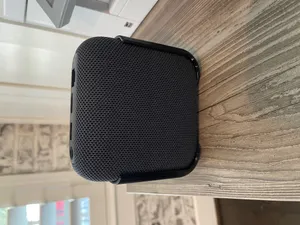

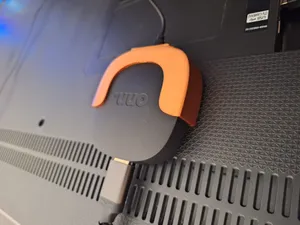


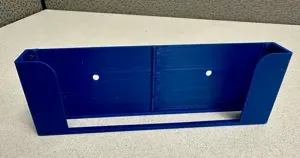


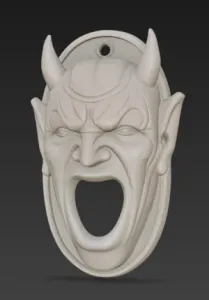
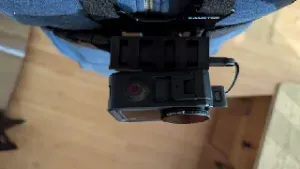
The models differ mainly in what they hold and how they attach. Spreader brackets and bar holders are shaped around a frame, rail or hitch point, while light and streaming mounts use a wall plate, a clamp or a magnetic base. Decorative wall mounts are mostly a shaped back plate with a hook or a slot, and cup or clamp holders are built around a specific tool or accessory. RC and hobby mounts are small, often paired with shock towers or ceiling hangers.
Before printing, read the author's page for the dimensions and scale, the number of separate parts and how they join, and whether supports are needed. Check the material and settings the author lists, since a thin bracket and a load-bearing holder behave differently in the same filament. Look at photos of real prints to judge wall thickness, screw holes and clearances. If a model is split into parts, plan the fasteners and the assembly order first.
To narrow the results, search by the thing being mounted rather than the word mount alone: bracket, holder, clamp, wall plate, rail, bar, cup, hook. Adding the object, such as light bar, streaming box, spreader, telescope or RC plane, brings more relevant files. Related terms like adapter, base, stand, dock and hanger often lead to the same kind of part.
If nothing matches, try the function instead of the name: a holder for a round tube, a wall plate with a slot, or a clamp for a flat panel. Changing the attachment type in the query, for example wall, desk, rail or magnetic, usually shifts the results more than changing the object.


%2Fhttps%3A%2F%2Ffbi.cults3d.com%2Fuploaders%2F13499062%2Fillustration-file%2F2b183fef-ebc8-49a7-a4b6-39ae371b8204%2FAPC_0010a.jpg&w=300)


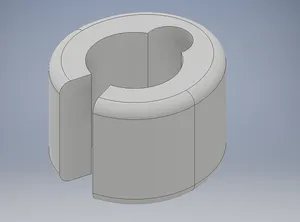
O catálogo completo de temas — de casa e utilidades a CNC, com busca em todos os sites conectados.