Grátis 
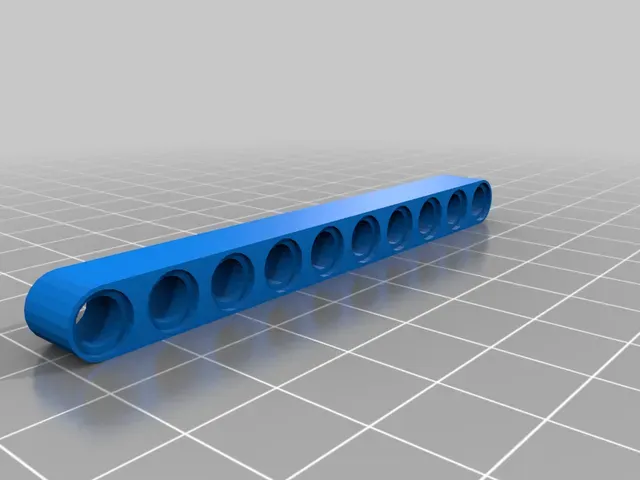
Lego Technic 4M Beam
Thingiverse
This collection gathers 3D-printable parts modelled after LEGO Technic beams: straight beams and liftarms in many stud lengths, connectors, pins and axles, plus a few larger assemblies. It helps when a build needs a specific length or a custom piece and you would rather print it on a 3D printer than search for the original part. Files come from several platforms, so each model page states its own terms. Polyzon does not confirm whether models are free, their price, license, official status, affiliation, safety or fitness. Check the current terms at the source.
O texto desta coleção está em inglês; a busca funciona em qualquer idioma.
 Uma coleção do Polyzon · 47 modelos de 4 sites
O Polyzon monta esta coleção a partir dos resultados de busca dos sites conectados. Repetições e modelos sem prévia são removidos, correspondências fracas vão para o final e o restante segue a ordem da busca. Os modelos pertencem aos seus autores — confira os termos na página de cada modelo.
Regras de seleção: equipe editorial do Polyzon · Texto atualizado em 12/10/2026


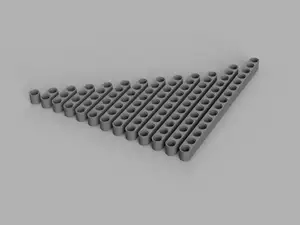
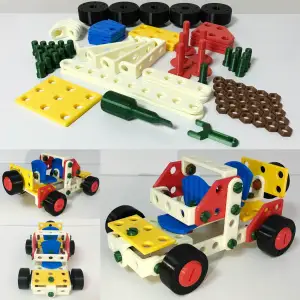


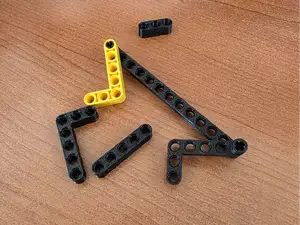
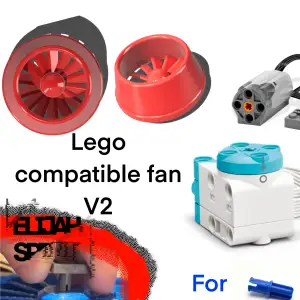

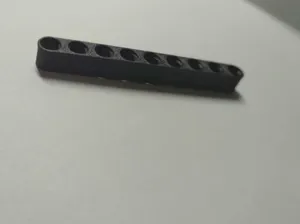

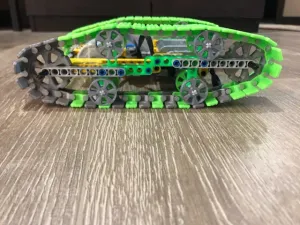


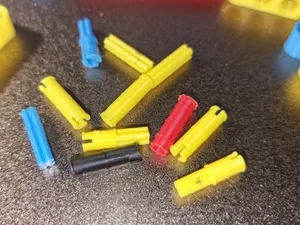



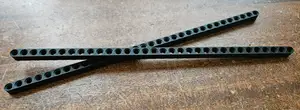
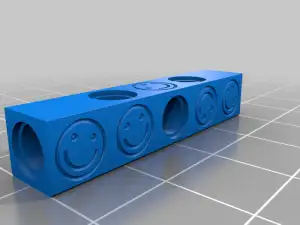

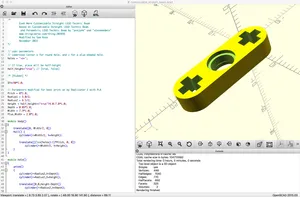
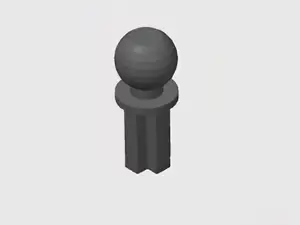
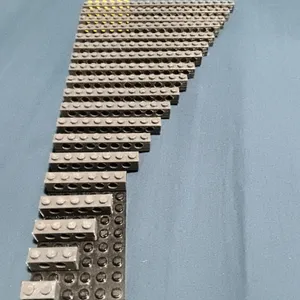


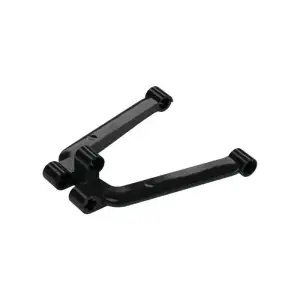

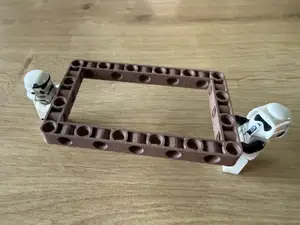
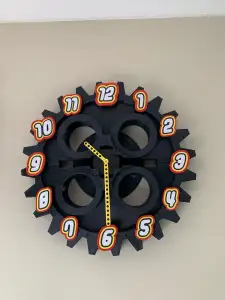

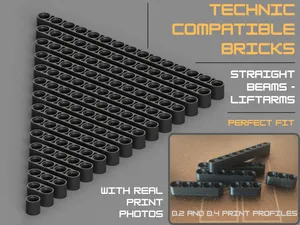
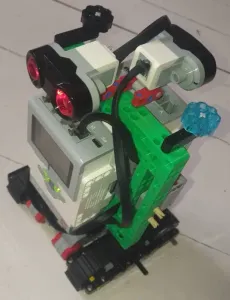


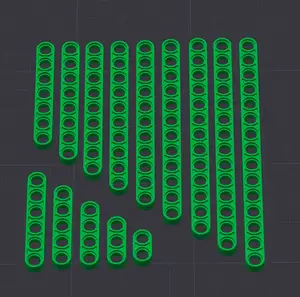


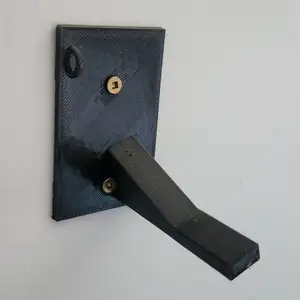


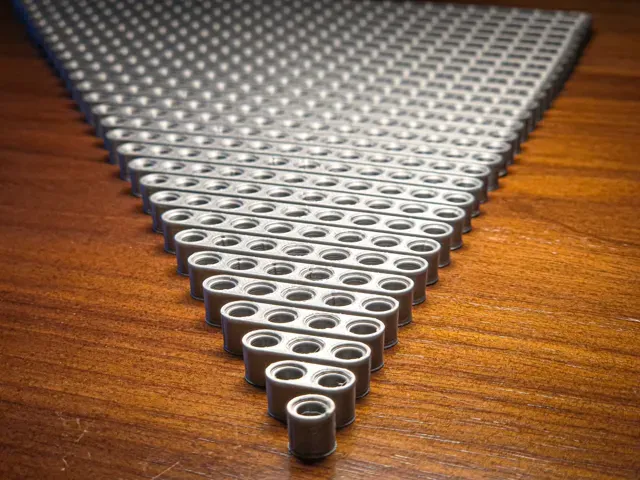
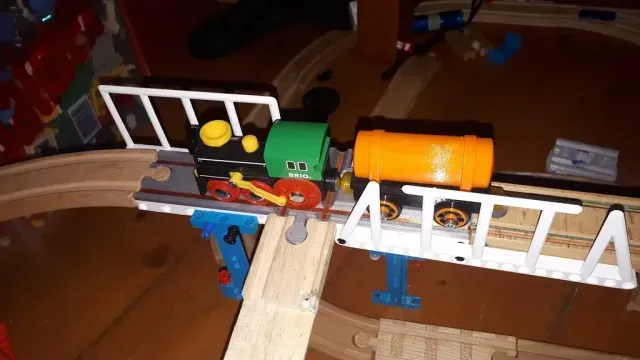
The most common items are straight beams and liftarms, listed by stud length or by hole count, from short pieces up to very long ones. Alongside them appear perpendicular connectors, girders, pins and axles, and mixed sets that bundle several parts of different lengths. Larger entries use the same geometry inside a finished object, such as a stand, a forklift-style assembly or a tracked vehicle.
When choosing a file, read the dimensions first: overall length, hole spacing and hole diameter decide whether the piece will join the parts you already have. Check how many separate parts the model contains, whether it prints as one piece or needs assembly, and whether the author lists supports, orientation, layer height and material. Photos of real prints and any notes on tolerances are more useful than a rendered image.
To widen the results, try the terms used for the same shapes: liftarm, beam, girder, brick, axle, pin, stud, connector. Searching by length or hole count, such as a specific stud number, narrows the list quickly, and adding a purpose like motor mount, frame or stand brings up assemblies rather than single parts. Related topics include construction kits, RC builds and custom parametric parts you can adjust before printing.


O catálogo completo de temas — de casa e utilidades a CNC, com busca em todos os sites conectados.