
Grátis 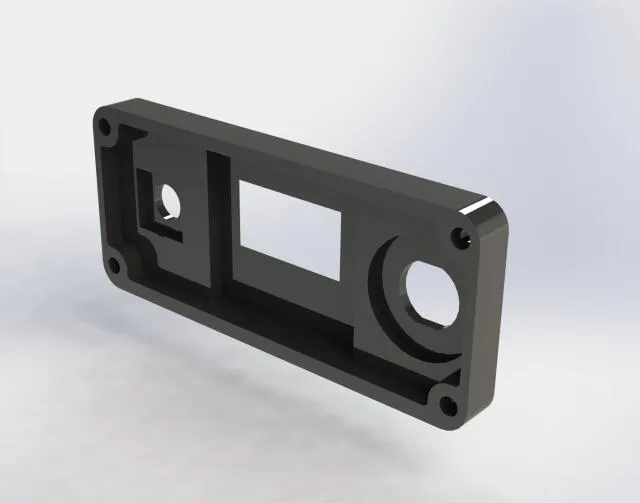
Передняя панель корпуса паяльника Т12 STM32
3DToday
This collection gathers 3D models that replace, extend or decorate the front panel of a case, from full-size PC housings to compact electronics enclosures. It is useful when a stock faceplate is damaged, lacks the cutouts you need, or does not match the rest of the build. Most files are made for FDM 3D printing, though small faceplates also appear as resin-friendly STL sets. Polyzon does not confirm whether models are free, their price, license, official status, affiliation, safety or fitness. Check the current terms at the source.
O texto desta coleção está em inglês; a busca funciona em qualquer idioma.
 Uma coleção do Polyzon · 48 modelos de 5 sites
O Polyzon monta esta coleção a partir dos resultados de busca dos sites conectados. Repetições e modelos sem prévia são removidos, correspondências fracas vão para o final e o restante segue a ordem da busca. Os modelos pertencem aos seus autores — confira os termos na página de cada modelo.
Regras de seleção: equipe editorial do Polyzon · Texto atualizado em 12/10/2026





%2Fhttps%3A%2F%2Ffbi.cults3d.com%2Fuploaders%2F14157400%2Fillustration-file%2F2338e526-d9ab-46f8-8865-536c475e7d08%2Fd9772dff6ad4ab9ee02c25a16fc351db.png&w=300)


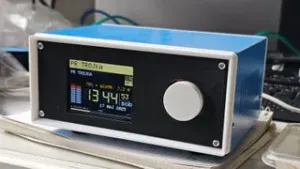
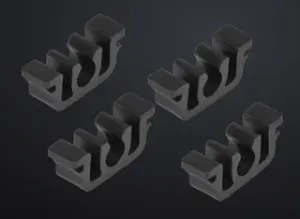


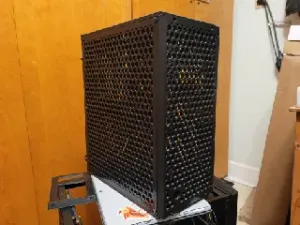


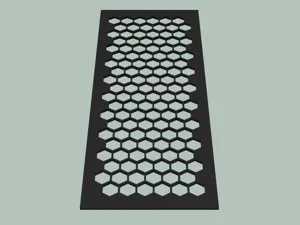
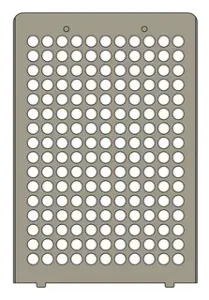


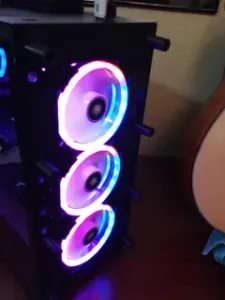


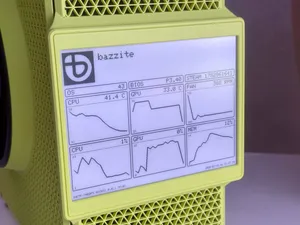


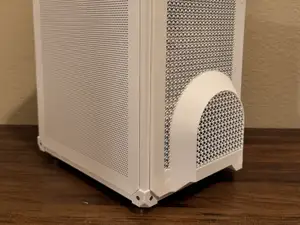

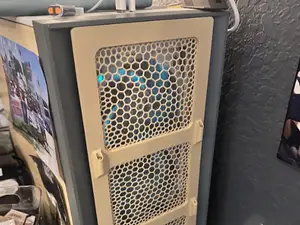


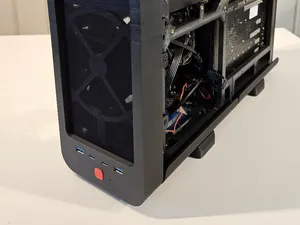
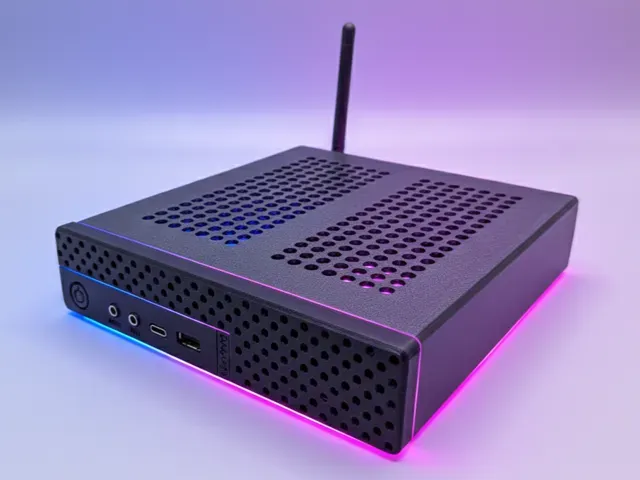
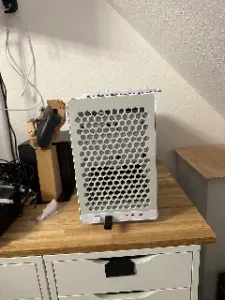
The models differ mainly by what sits behind the panel. PC case fronts are usually wide, flat parts with openings for fans, drives or buttons, and they often have to match an existing mounting pattern. Electronics enclosures and soldering station cases use narrower panels with cutouts for displays, connectors and switches. Small device covers and deck boxes sit at the other end of the scale: thin faceplates that mostly close an opening or carry a graphic.
When choosing a file, look at the dimensions the author lists and compare them with the part you are replacing, including wall thickness and screw hole spacing. Check how many separate pieces are involved and whether they are meant to be glued, snapped or screwed together. Read the print orientation and support notes, since large flat panels warp easily and tall thin ones flex. Material matters too: a panel near heat or load behaves differently in PLA than in PETG or ABS. Photos of finished prints show more about fit than a render does.
To narrow the search, try synonyms for the same part: faceplate, bezel, cover, fascia, front cover, or the name of the device plus panel. Adding a function word helps, such as ventilation, air intake, display cutout, or button hole. Related topics worth browsing are case mods, enclosure parts, drive bay covers and mounting brackets, since these are often published as separate models that fit the same opening.



O catálogo completo de temas — de casa e utilidades a CNC, com busca em todos os sites conectados.

