
Grátis 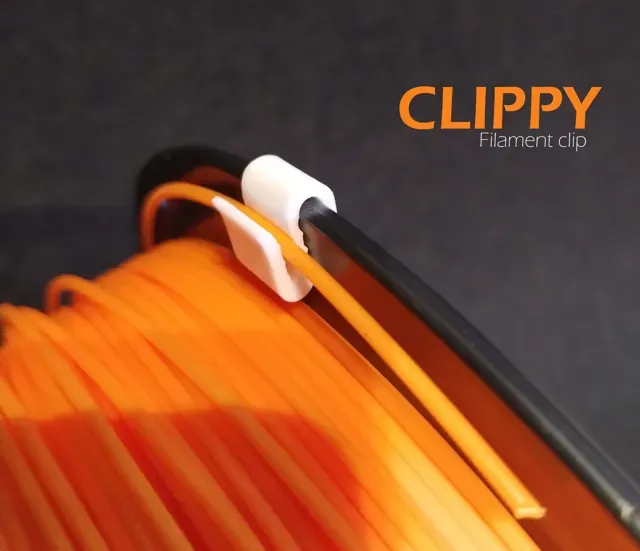
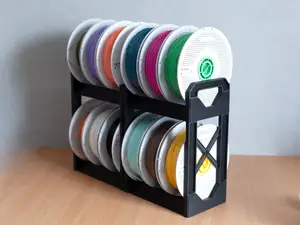
CLIPPY - Filament clip
MakerWorld
This collection gathers 3D printing models for stands and racks: phone and tablet holders, spool and filament racks, stackable storage for bottles, cans and shoes, plus wall-mounted hooks and workshop organizers. Because a rack is usually a simple functional part, it is a common early project for a 3D printer. The STL files differ mainly in how they mount, how many parts they need and how much space they take up. Polyzon does not confirm whether models are free, their price, license, official status, affiliation, safety or fitness. Check the current terms at the source.
O texto desta coleção está em inglês; a busca funciona em qualquer idioma.
 Uma coleção do Polyzon · 47 modelos de 6 sites
O Polyzon monta esta coleção a partir dos resultados de busca dos sites conectados. Repetições e modelos sem prévia são removidos, correspondências fracas vão para o final e o restante segue a ordem da busca. Os modelos pertencem aos seus autores — confira os termos na página de cada modelo.
Regras de seleção: equipe editorial do Polyzon · Texto atualizado em 13/10/2026






%2Fhttps%3A%2F%2Ffbi.cults3d.com%2Fuploaders%2F14358083%2Fillustration-file%2Fcb39e54e-7cc0-40ce-a7ed-ccfd8dedf2aa%2Fturtle-gif.gif&w=300)
%2Fhttps%3A%2F%2Ffbi.cults3d.com%2Fuploaders%2F1794236%2Fillustration-file%2F5819%2F05_copie.jpg&w=300)


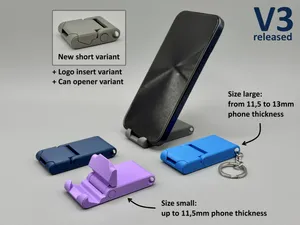

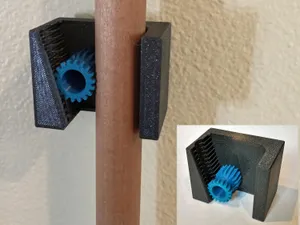




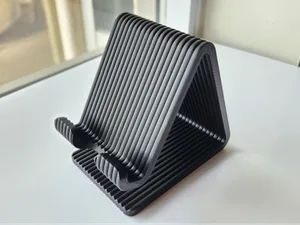




%2Fhttps%3A%2F%2Ffbi.cults3d.com%2Fuploaders%2F13683099%2Fillustration-file%2F8b8ccf95-bbac-422f-910c-76e8127654be%2FiPhone%2520Mount%2520(Super%2520Small).gif&w=300)
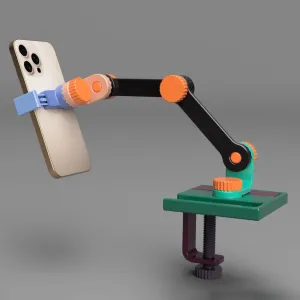





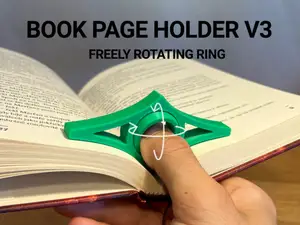


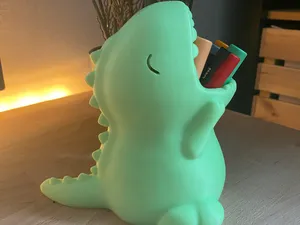

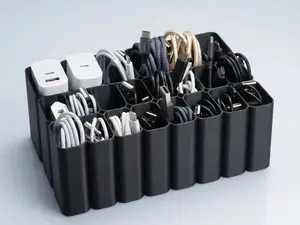
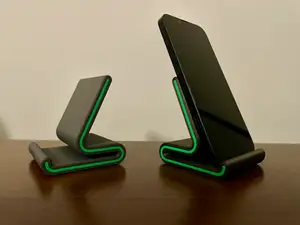
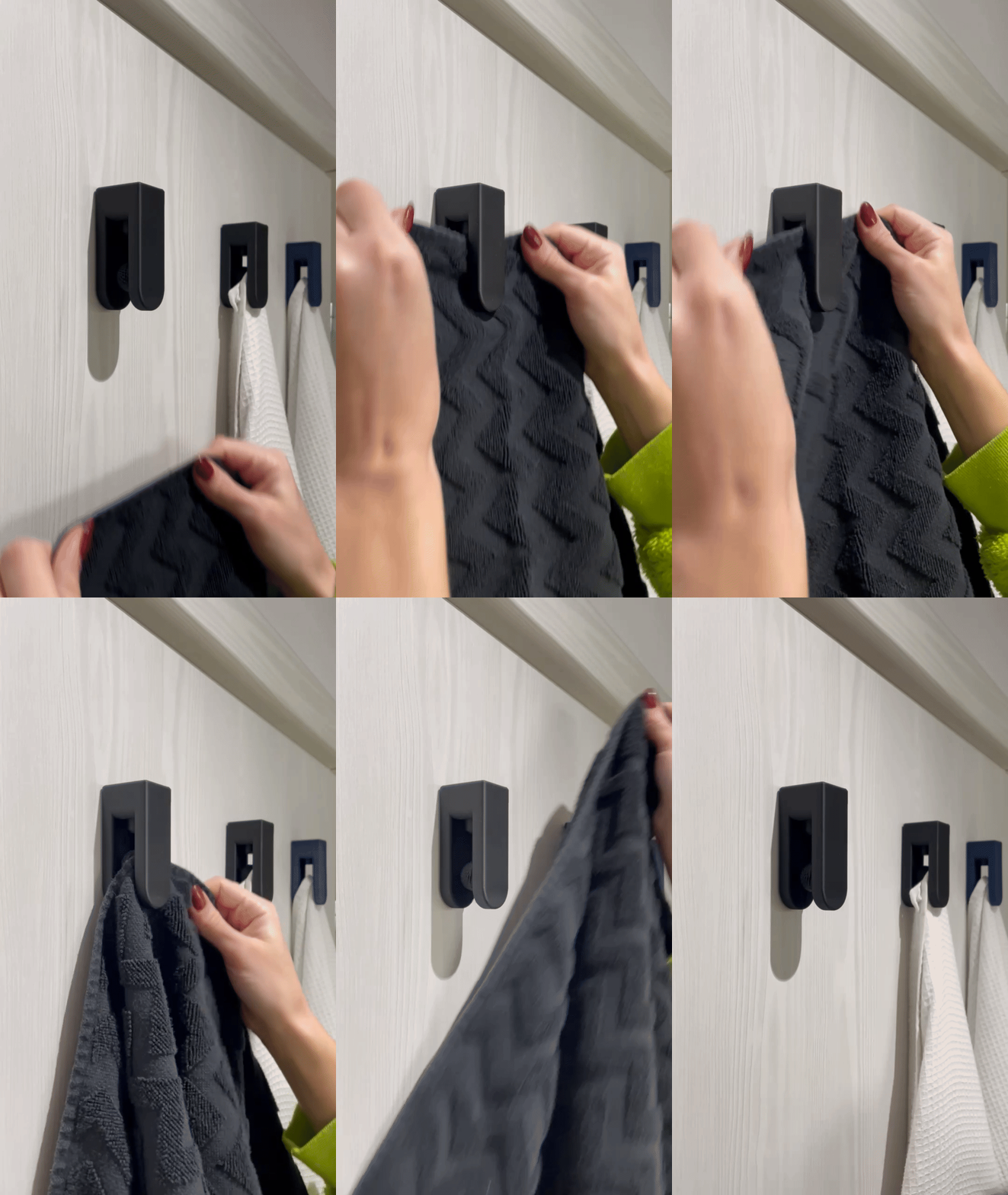
The models fall into a few practical groups. Desk stands hold a phone or tablet at a fixed angle and often print as one piece, while wall racks and hooks are designed to be fixed to a surface and carry coats, towels or tools. Storage racks for bottles, cans, shoes and wine are usually stackable or modular, so several units can be combined. Workshop items such as paint brush or dart racks follow the same logic: a base, slots or pegs, and a mounting point.
When choosing a model, open the author's page and read the listed dimensions before anything else. Check the number of separate parts and whether they join with pins, screws or sliding fits, since that decides how much assembly and post-processing you take on. Look at whether the model needs supports, which material and layer height the author lists, and how much filament the whole set consumes. Photos of real prints show how the slots, threads and mounting holes actually come out.
To widen the search, try synonyms and related terms: holder, stand, organizer, bracket, shelf, caddy, dispenser, wall mount, desk organizer. Adding the object you want to store narrows results quickly, for example spool, bottle, can, shoe, headphone, tablet or brush. If a model is parametric or customizable, the description usually explains which dimensions you can change before exporting the STL.



O catálogo completo de temas — de casa e utilidades a CNC, com busca em todos os sites conectados.