
Grátis 
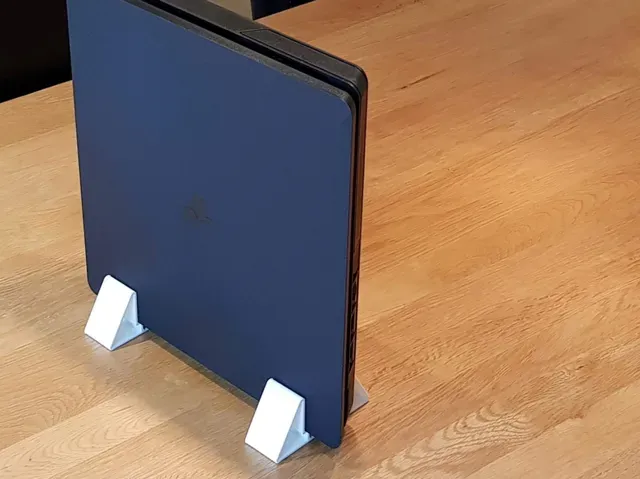
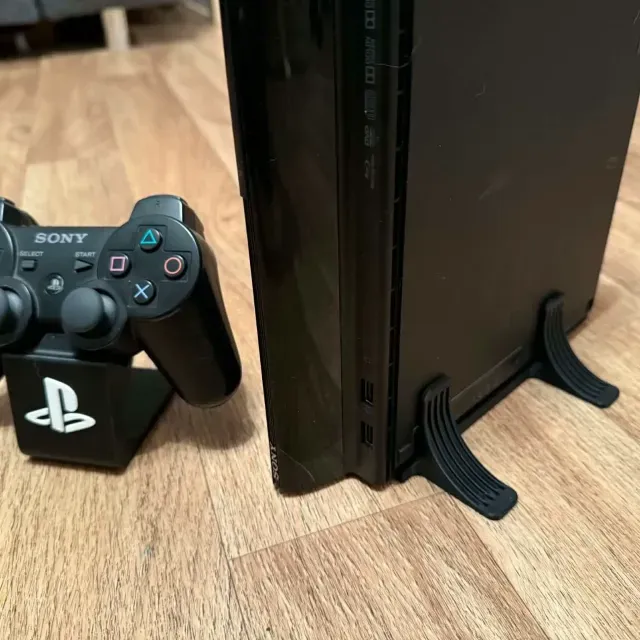
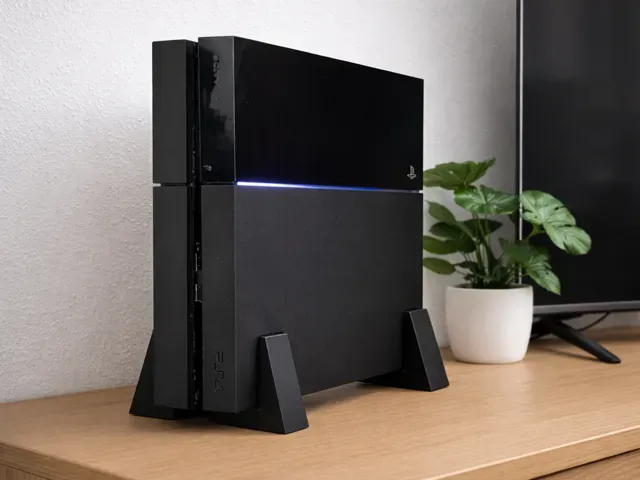
Foot for PS4 SLIM
Thingiverse
This collection gathers STL files for holding a PS4 Slim in place: upright stands, wall brackets, controller rests and simple replacement feet. The models differ mainly in how the console sits, how many parts they use and how they attach to a desk or wall. It is useful when you want a 3D printer to solve a placement problem instead of buying another plastic accessory. Polyzon does not confirm whether models are free, their price, license, official status, affiliation, safety or fitness. Check the current terms at the source.
O texto desta coleção está em inglês; a busca funciona em qualquer idioma.
 Uma coleção do Polyzon · 48 modelos de 3 sites
O Polyzon monta esta coleção a partir dos resultados de busca dos sites conectados. Repetições e modelos sem prévia são removidos, correspondências fracas vão para o final e o restante segue a ordem da busca. Os modelos pertencem aos seus autores — confira os termos na página de cada modelo.
Regras de seleção: equipe editorial do Polyzon · Texto atualizado em 15/10/2026

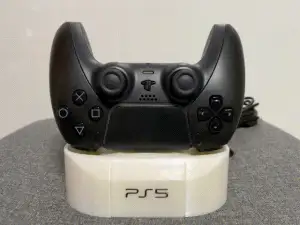

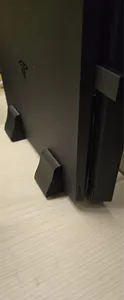
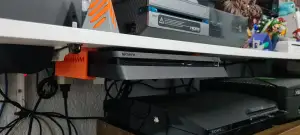

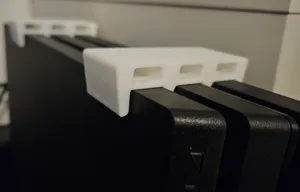
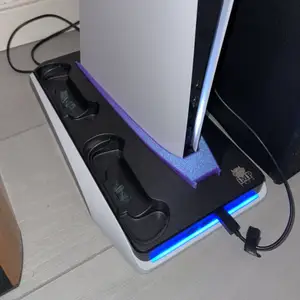

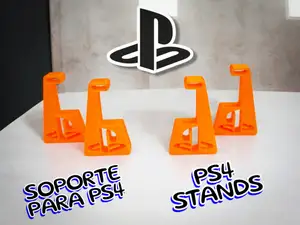
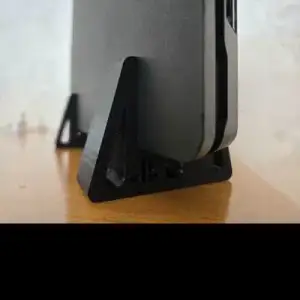


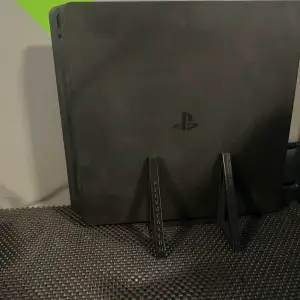

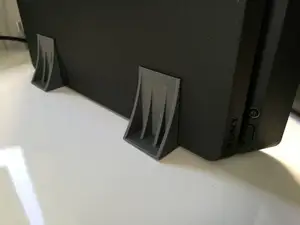
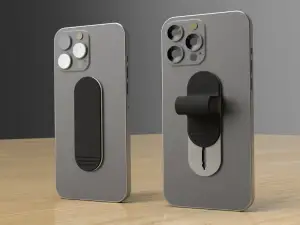


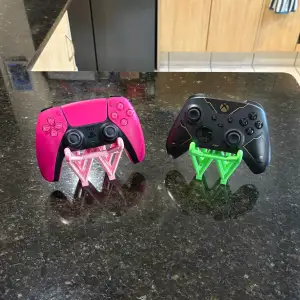


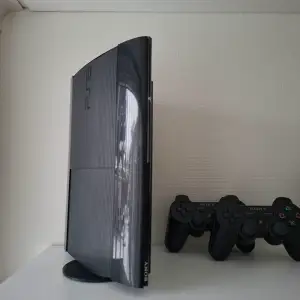

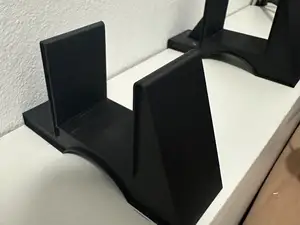
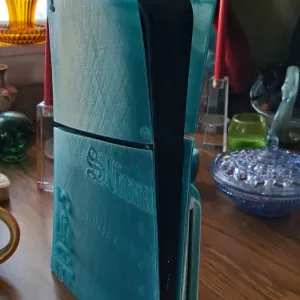

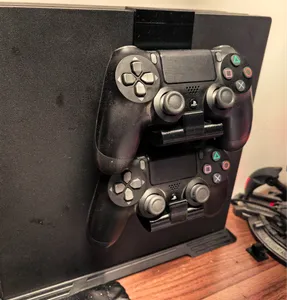
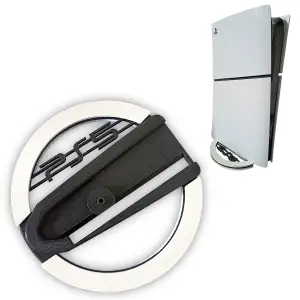


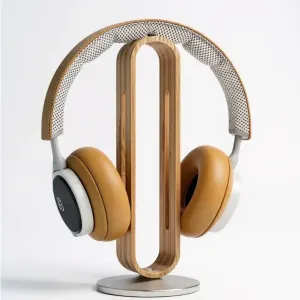

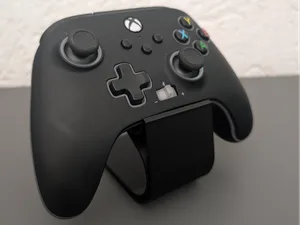
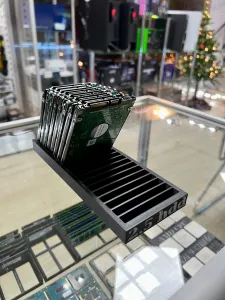


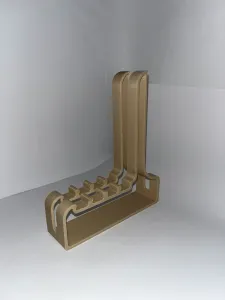

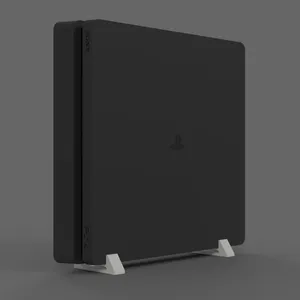


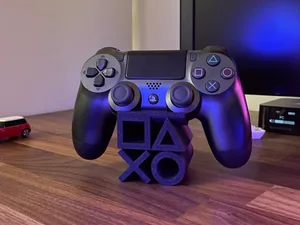
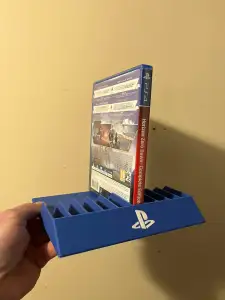
Vertical stands are the largest group: a cradle or a pair of side plates that keeps the console on its edge, sometimes with a slot for cables or a wider base for stability. Wall mounts take the console off the surface entirely and usually consist of a bracket plus a hook or a lip that the body rests on. Controller rests are a separate family — a small tray or a post that holds a DualShock-shaped pad, and some designs combine it with the console stand in one piece.
Before printing, open the author's page and read the listed dimensions and scale, since the Slim body is thinner than the earlier and Pro revisions and a stand drawn for one will not fit another. Check how many parts the model has and whether they join with screws, pins or glue, and look at the print orientation the author suggests, because tall thin brackets need enough walls to resist the weight. Photos of real prints on the page show how the console actually sits, which is more useful than a render.
If the results feel narrow, try other wording: vertical stand, desk stand, wall bracket, console holder, or the revision names Slim, Pro and the earlier model. Related searches such as controller mount, cable organizer or desk riser often surface designs that do the same job in a different shape. You can also search by the console family name alone and then filter by the revision you own.



O catálogo completo de temas — de casa e utilidades a CNC, com busca em todos os sites conectados.