Grátis 
Ender 3 Max OctoPi Station
Thingiverse
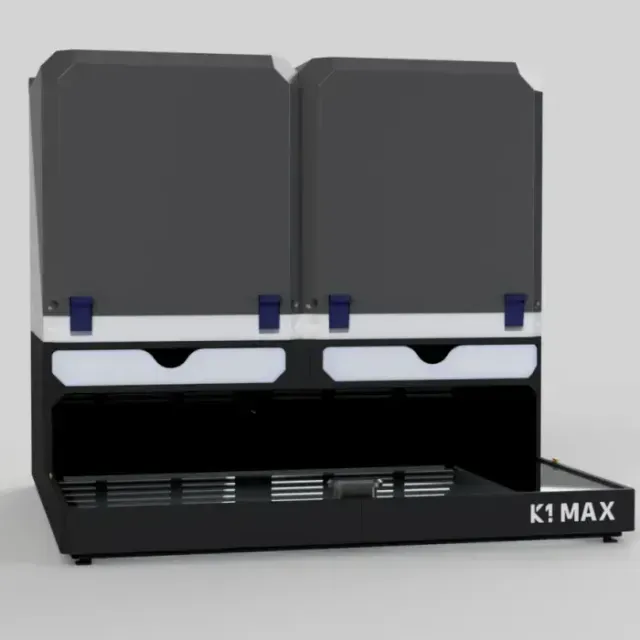
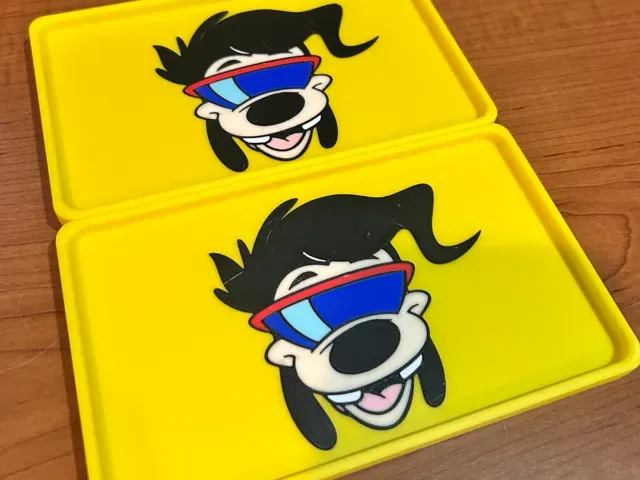
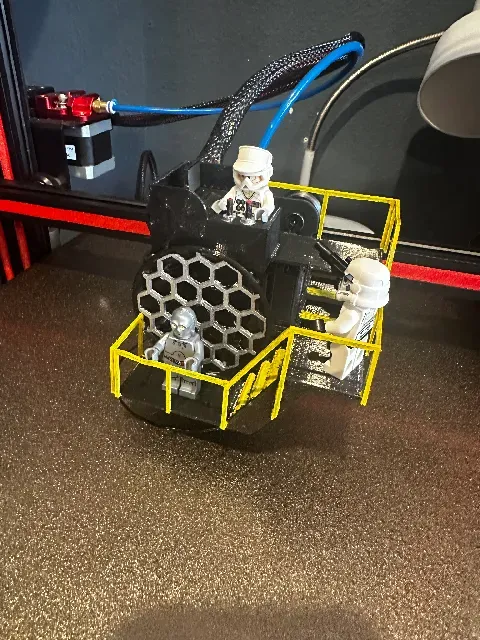
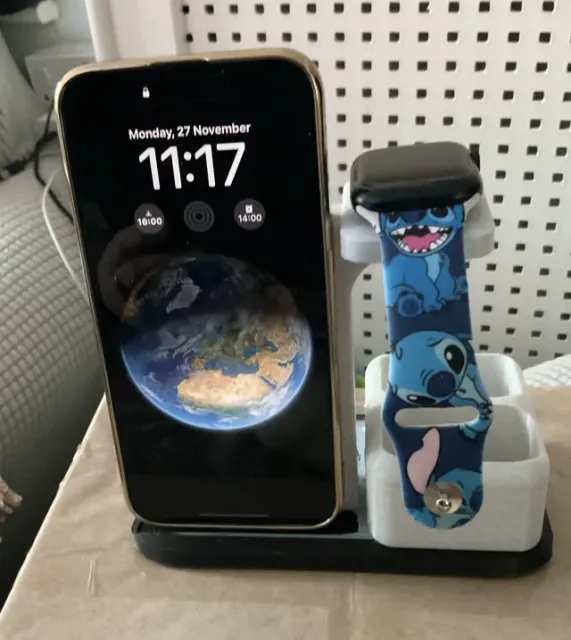
This collection gathers STL files for station-style accessories tied to Max-labeled devices and printer setups. You will find mounts, charging docks, control panels and desk organizers that help arrange a workspace around a 3D printer or a handheld device. The range is broad, so the collection works as a starting point for a specific station build. Polyzon does not confirm whether models are free, their price, license, official status, affiliation, safety or fitness. Check the current terms at the source.
O texto desta coleção está em inglês; a busca funciona em qualquer idioma.
 Uma coleção do Polyzon · 48 modelos de 4 sites
O Polyzon monta esta coleção a partir dos resultados de busca dos sites conectados. Repetições e modelos sem prévia são removidos, correspondências fracas vão para o final e o restante segue a ordem da busca. Os modelos pertencem aos seus autores — confira os termos na página de cada modelo.
Regras de seleção: equipe editorial do Polyzon · Texto atualizado em 12/10/2026
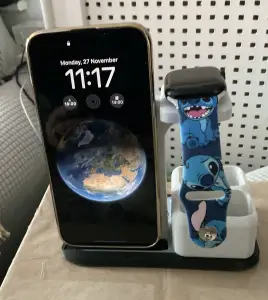

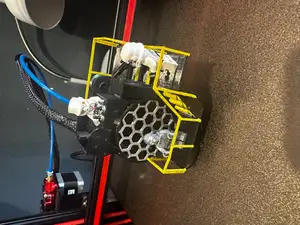
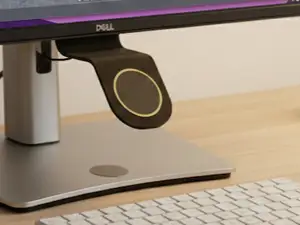


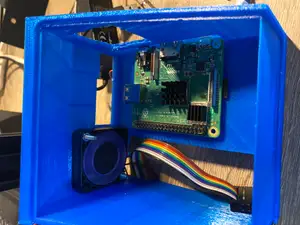

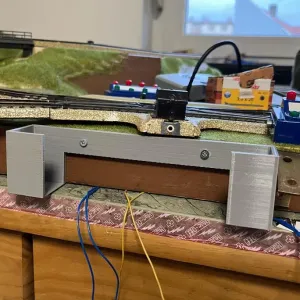

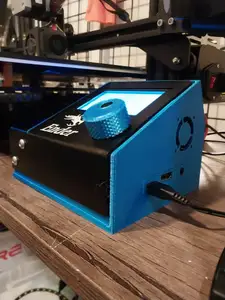
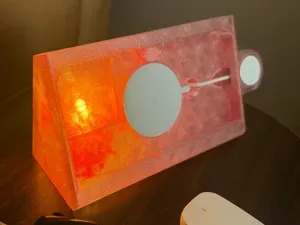
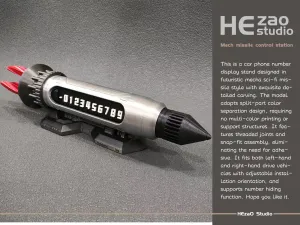

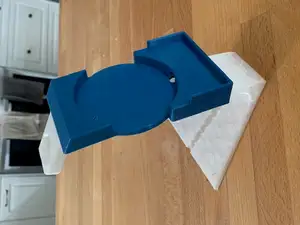
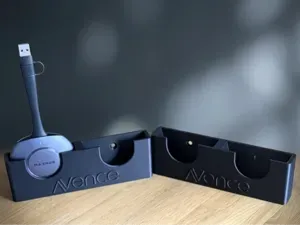
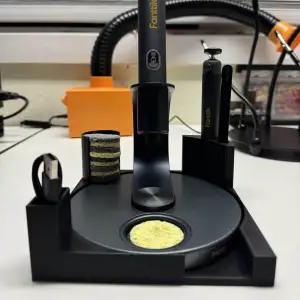

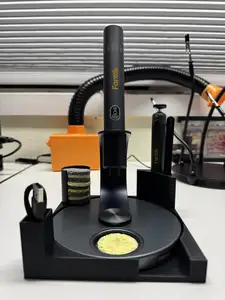
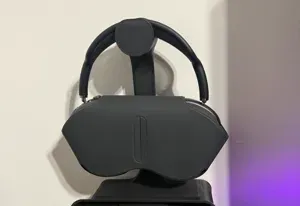
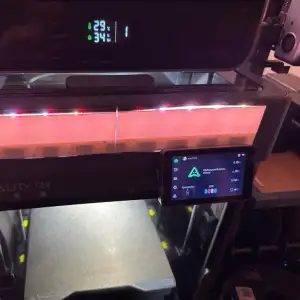

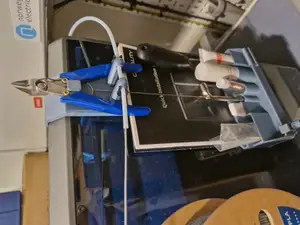
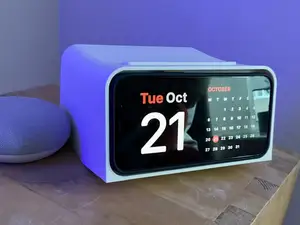


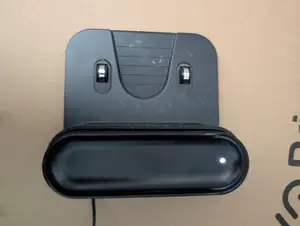
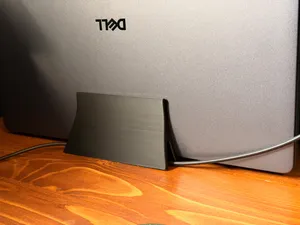



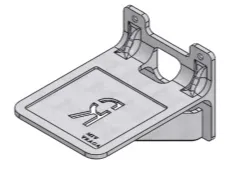
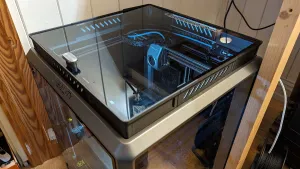

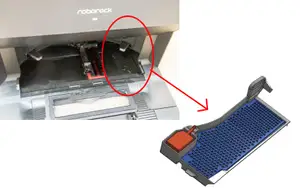
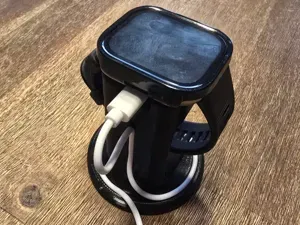
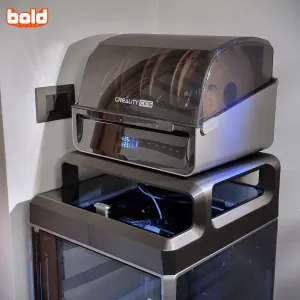

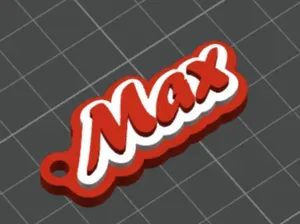
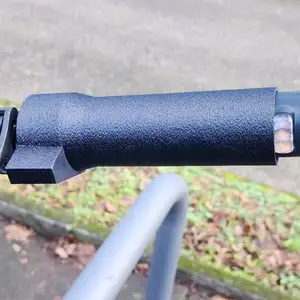

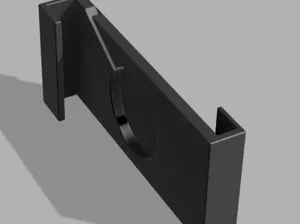
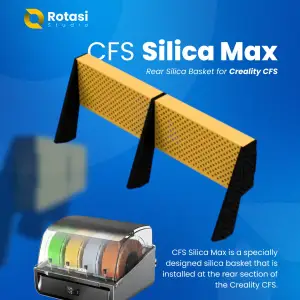

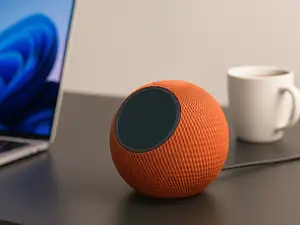
The models split into several practical groups: mounts that hold a control unit or display, charging stations with slots for a phone or watch, trays and organizers for small parts, and service or docking stations for household devices. Some designs are simple brackets with a single opening, while others combine several compartments or a cable route. The differences usually come down to the footprint, the number of parts and whether the model is meant to sit on a desk or attach to a surface.
Before printing, check the dimensions and scale on the model page, because a station that fits one device may not match another. Look at how many parts need assembly, whether the author lists supports, and which material and settings were used for the shown print. Photos of real prints help you judge overhangs, clearances and how cables or devices sit in the finished piece.
To narrow the results, try synonyms such as dock, holder, stand, mount, organizer or charging base, and combine them with the device or printer name. Related topics include cable management, desk organization, control panel mounts and wall brackets. If you need a different layout, search for the type of station plus the space where it will be used, such as nightstand, workshop or printer enclosure.



O catálogo completo de temas — de casa e utilidades a CNC, com busca em todos os sites conectados.