Grátis 
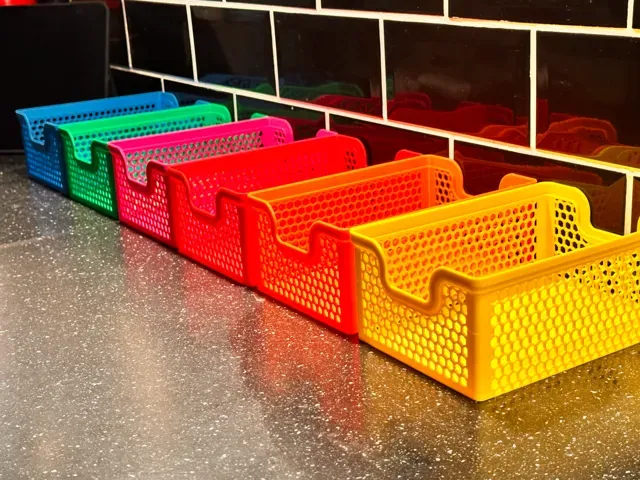
Honeycomb storage wall
Printables
This collection gathers STL files for storage: modular bins, stackable boxes, drawer inserts, wall panels and small-parts trays. Most of them are meant to be printed on a home 3D printer and combined into a system that fits a shelf, a workbench or a drawer. It is a practical starting point when you want to sort tools, hardware or household items instead of buying containers. Polyzon does not confirm whether models are free, their price, license, official status, affiliation, safety or fitness. Check the current terms at the source.
O texto desta coleção está em inglês; a busca funciona em qualquer idioma.
 Uma coleção do Polyzon · 47 modelos de 5 sites
O Polyzon monta esta coleção a partir dos resultados de busca dos sites conectados. Repetições e modelos sem prévia são removidos, correspondências fracas vão para o final e o restante segue a ordem da busca. Os modelos pertencem aos seus autores — confira os termos na página de cada modelo.
Regras de seleção: equipe editorial do Polyzon · Texto atualizado em 14/10/2026

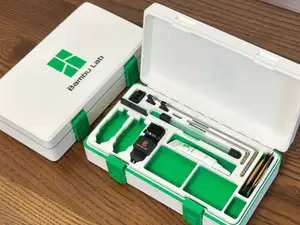
![Gridfinity Storage Box V2 [5x4]](https://cache.polyzon.org/api/img?url=https%3A%2F%2Fmakerworld.bblmw.com%2Fmakerworld%2Fmodel%2FUS408f00d3d48b24%2Fdesign%2F5ffc10635b1f7511.jpg&w=300)

%2Fhttps%3A%2F%2Ffbi.cults3d.com%2Fuploaders%2F13701891%2Fillustration-file%2Fd66ac3ef-9a7c-4152-a3ee-bca495e4b8c8%2F75fbb7f751dcbed3164815928ce30210_display_large.JPG&w=300)
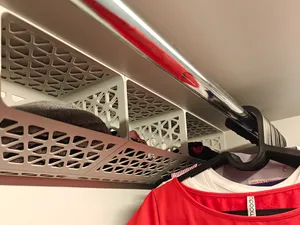
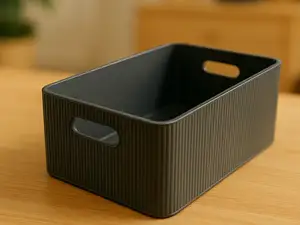

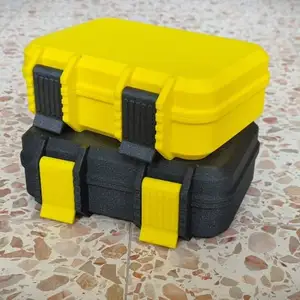

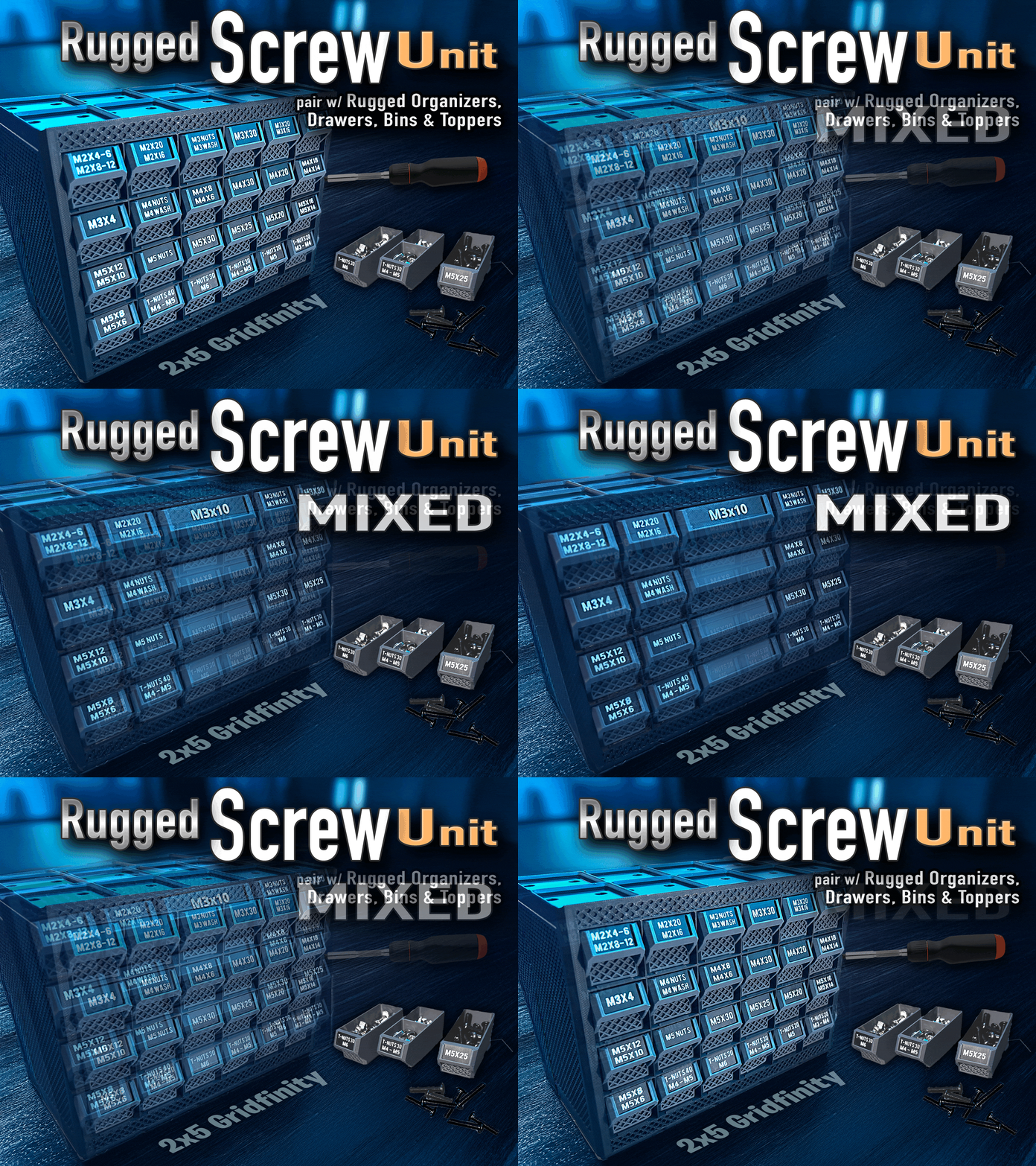
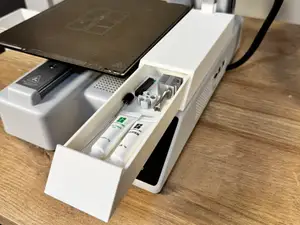


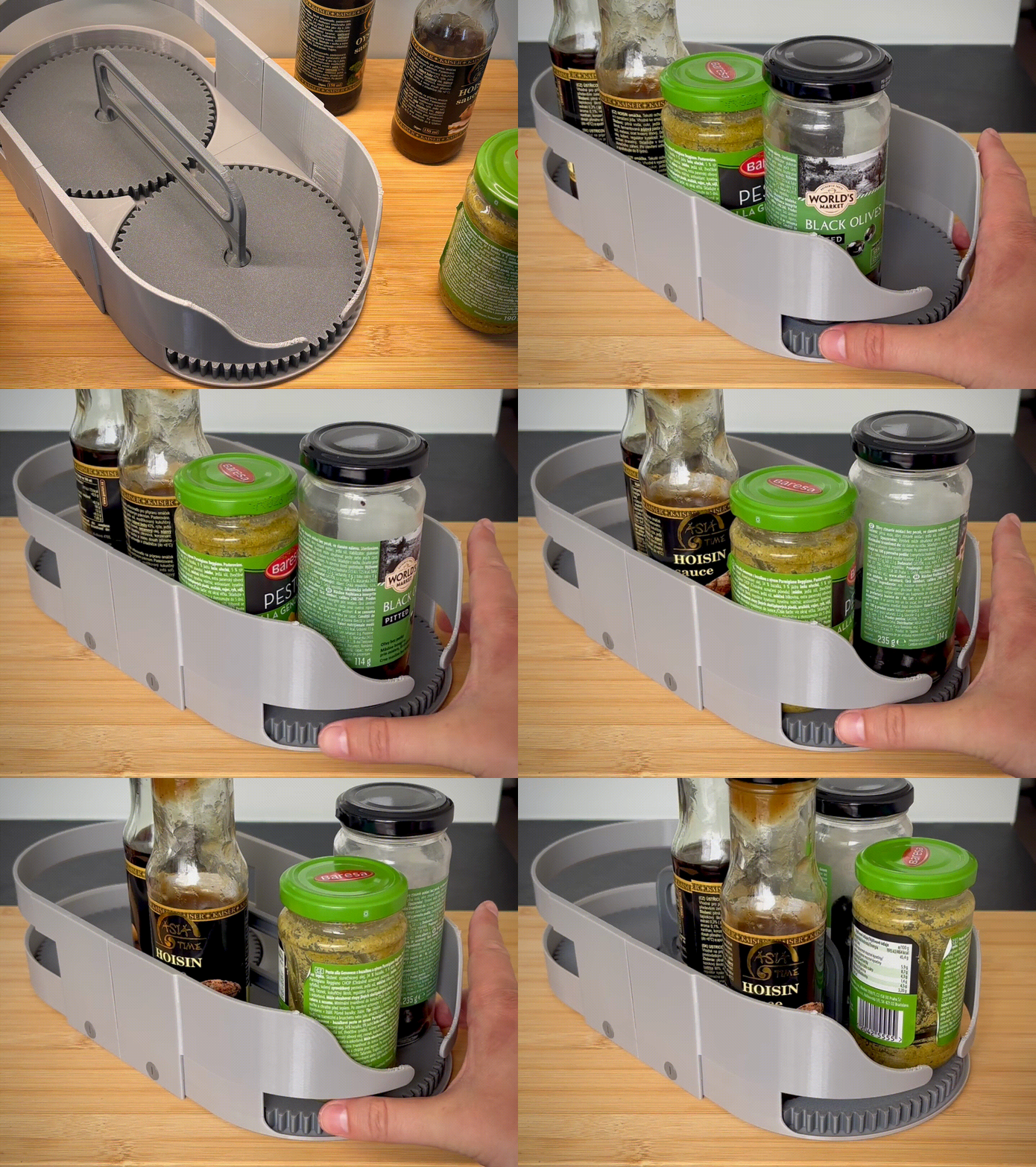
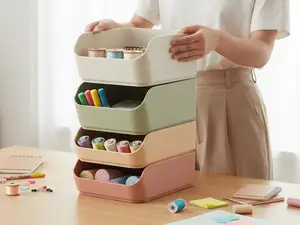


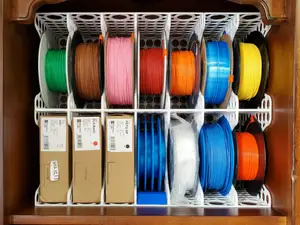

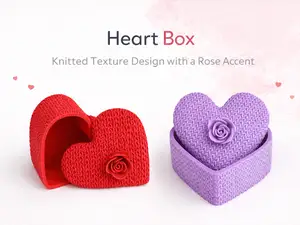
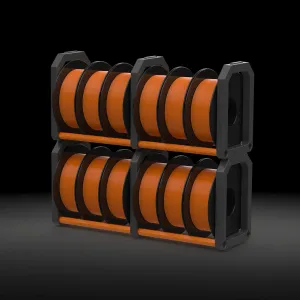

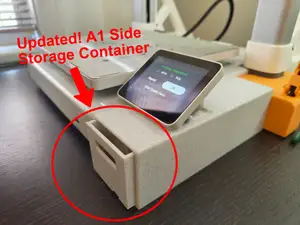
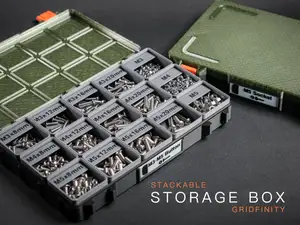
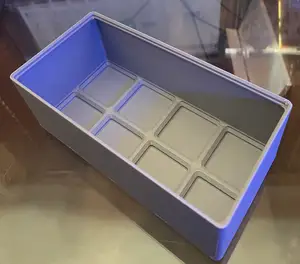


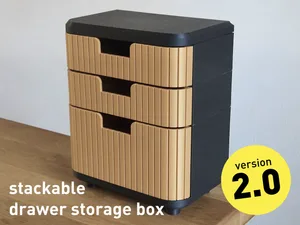


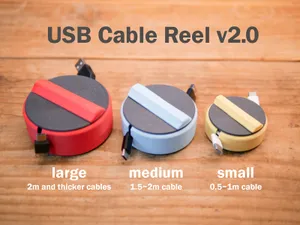


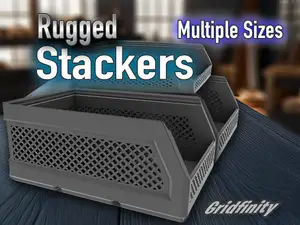

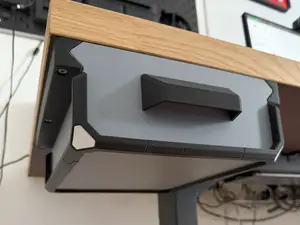
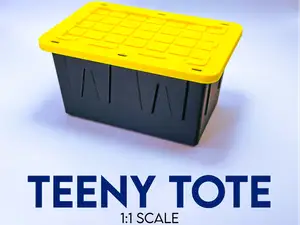
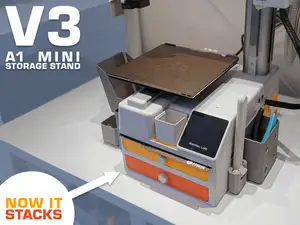
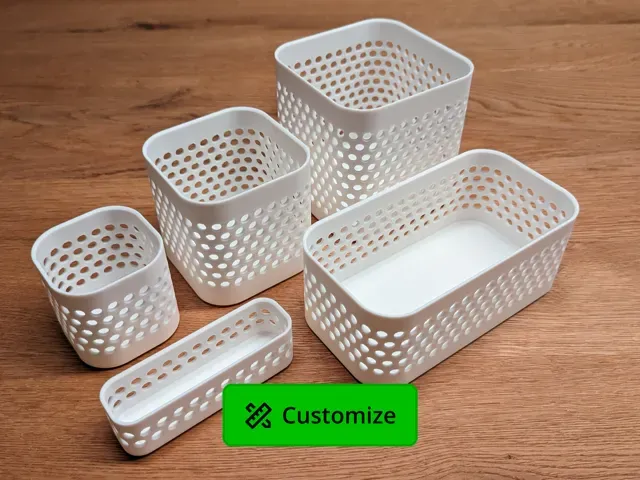
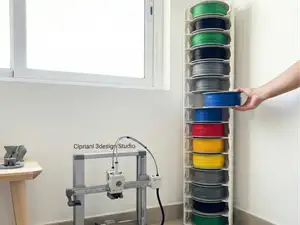
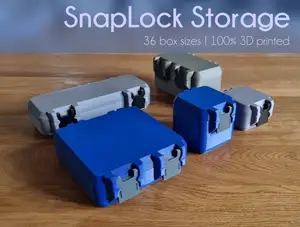
The models fall into a few groups. Gridfinity-style bins and baseplates form a grid system where units stack and slide next to each other. Parametric boxes let you set length, width and height before exporting, while fixed-size boxes are ready as they are. Wall and shelf organizers mount panels or brackets to a surface, and drawer inserts are shaped to fill a specific opening. Small-parts crates and hardware trays are usually shallow and divided into compartments.
Before printing, open the author's page and read the listed dimensions, wall thickness and number of parts. Check whether the model needs supports, whether it prints as one piece or as several that snap or screw together, and which material and layer height the author used. Look at photos of real prints to judge how the lid, hinge or latch behaves. For large boxes, compare the footprint with your build volume and consider printing in sections.
To find more options, search for related terms such as bin, tray, caddy, insert, rack, organizer, drawer divider or tool holder, and add the system name if you already use one. Naming the place helps too: workshop, desk, kitchen, bathroom, garage or closet. If you need a specific fit, look for parametric or customizable versions and adjust the dimensions to your own measurements.


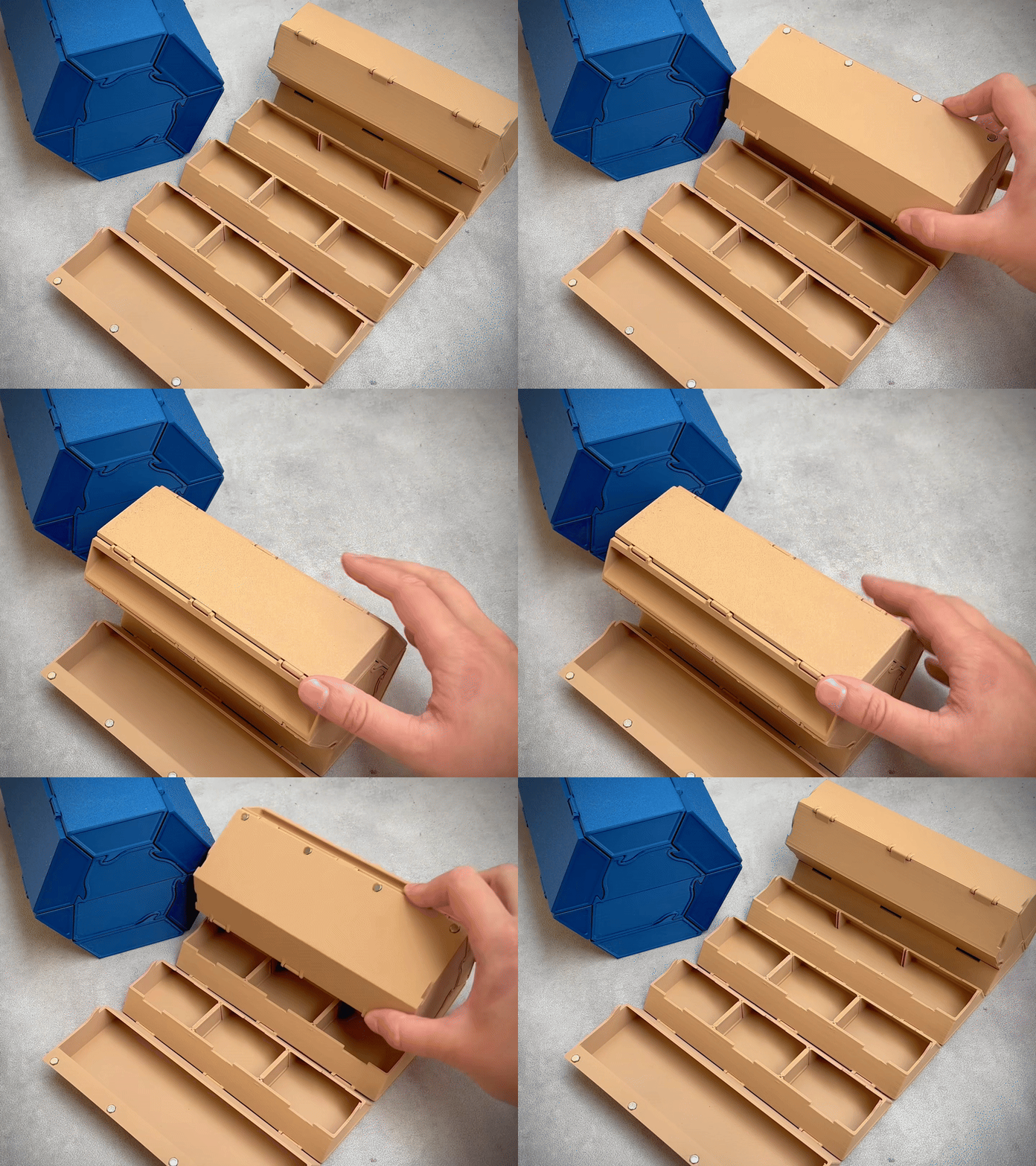

O catálogo completo de temas — de casa e utilidades a CNC, com busca em todos os sites conectados.