
Grátis 
XL-RCM 10.0 PIXXY: Pocket drone / FPV quad
Thingiverse
This collection gathers 3D-printable parts for FPV drones: frames in different sizes, nano and long-range quads, racing bodies, and mounts for cameras, antennas and transmitters. It is useful when you want to build or repair a quad around parts you can print yourself instead of buying a complete airframe. Most entries are STL files, so the result depends on the material and settings you choose. Polyzon does not confirm whether models are free, their price, license, official status, affiliation, safety or fitness. Check the current terms at the source.
O texto desta coleção está em inglês; a busca funciona em qualquer idioma.
 Uma coleção do Polyzon · 47 modelos de 3 sites
O Polyzon monta esta coleção a partir dos resultados de busca dos sites conectados. Repetições e modelos sem prévia são removidos, correspondências fracas vão para o final e o restante segue a ordem da busca. Os modelos pertencem aos seus autores — confira os termos na página de cada modelo.
Regras de seleção: equipe editorial do Polyzon · Texto atualizado em 15/10/2026


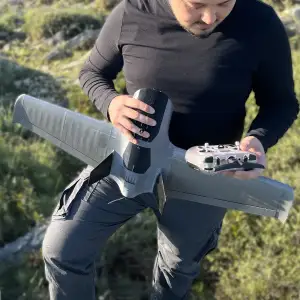

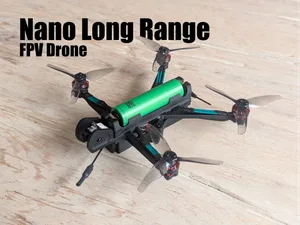
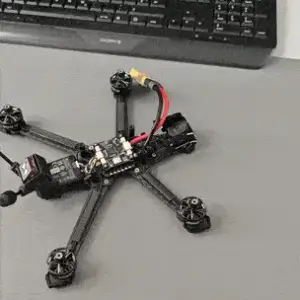

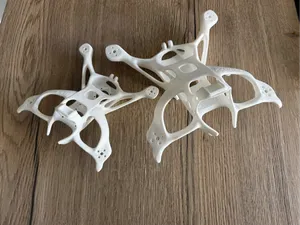
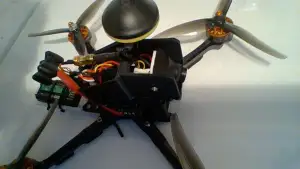

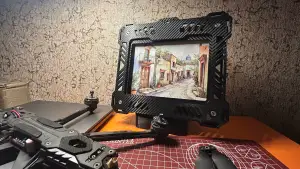

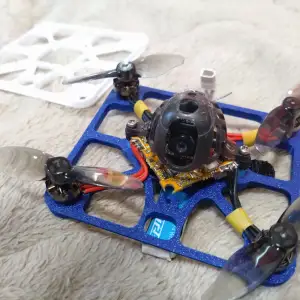

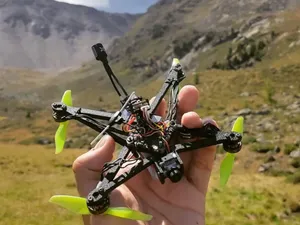
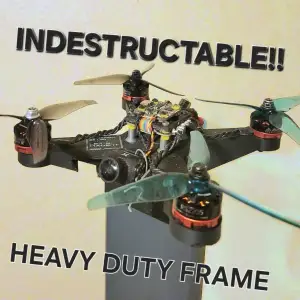

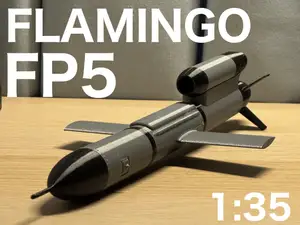

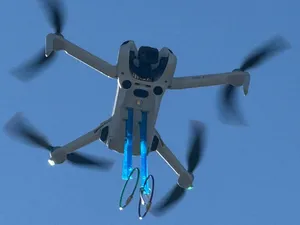
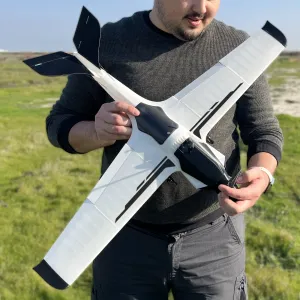

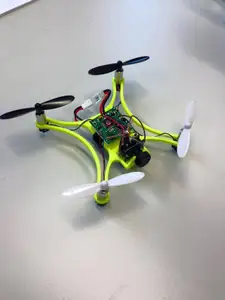
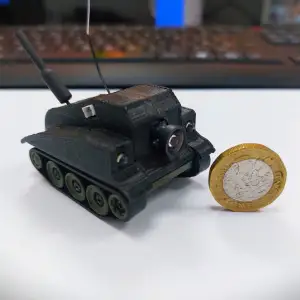

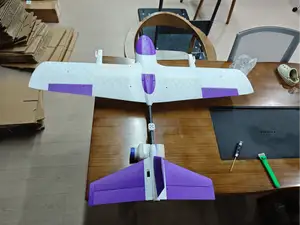
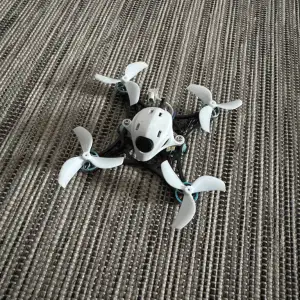

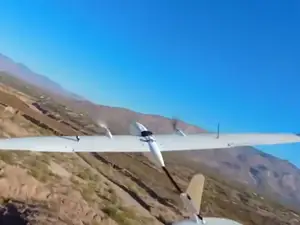
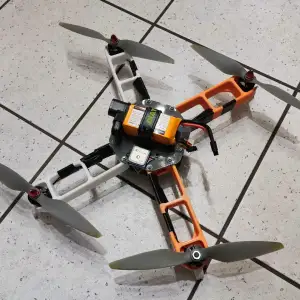

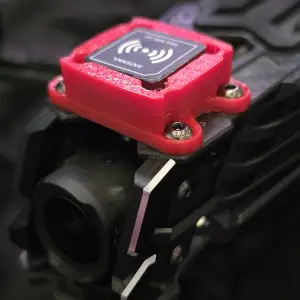


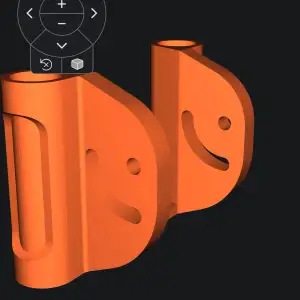
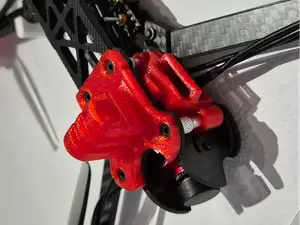
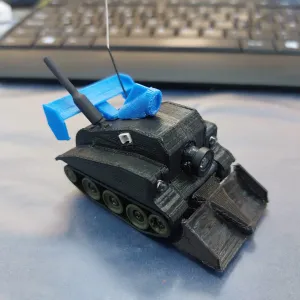

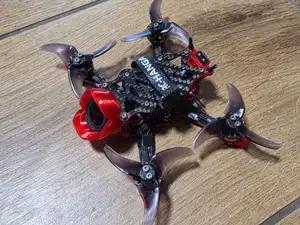
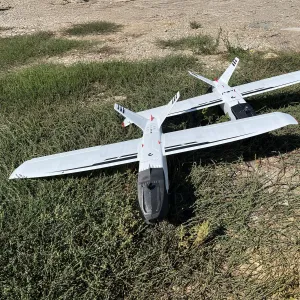
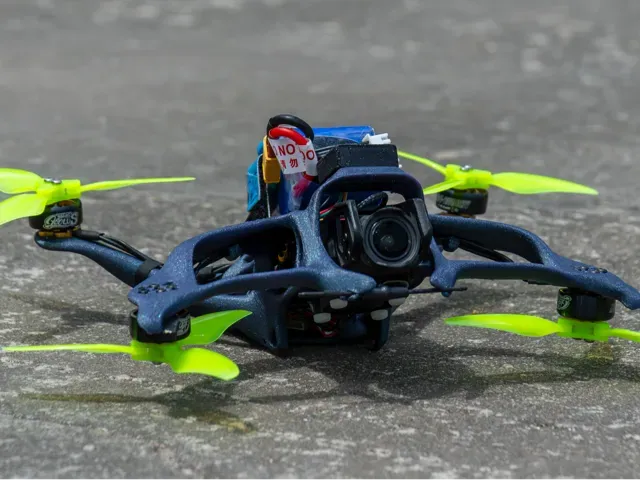
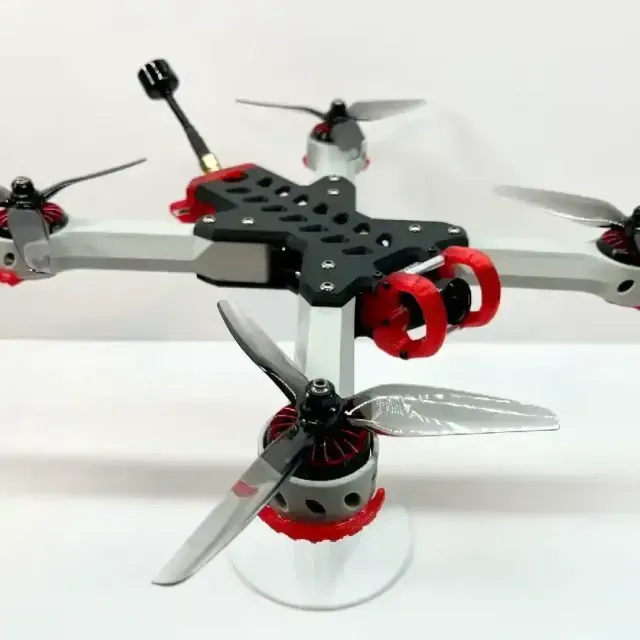
Frames are the largest group and differ mainly by prop size and layout. Small frames around two inches suit light indoor builds, while four, five and six-inch frames are aimed at outdoor flying, and some designs use a single-piece body instead of stacked plates. Racing-oriented frames usually have a simpler, stiffer shape, while freestyle and long-range designs leave more room for electronics and a battery.
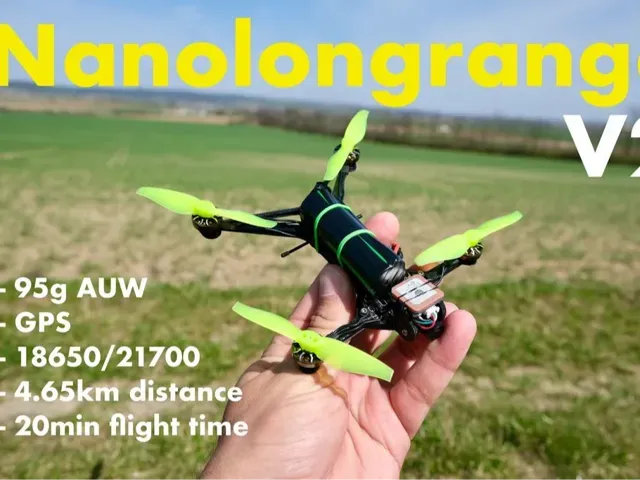
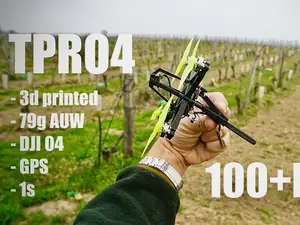
Nano long-range quads form a separate group: they are built around a single small cell, a compact frame and a GPS module, so weight and component placement matter more than in a full-size build. Mounts are simpler parts — camera holders, antenna brackets, transmitter mounts and wall hangers — and they are usually printed to fit one specific device, so check the dimensions the author lists.
When choosing a model, read the author's page for the prop size, the number of parts, whether supports are needed, and the material and layer settings they used. Photos of finished prints show how the part fits together better than renders. If a search comes up short, try related terms such as quadcopter frame, drone arm, camera mount, antenna holder, or the size you need, like 3-inch or 5-inch.
For complete drone projects, look at how the parts are joined: screw bosses, press fits and zip-tie slots all behave differently after printing. A frame printed in a brittle material may not survive a hard landing, so the filament choice is part of the build decision. If you plan to add a camera, GPS or a video transmitter, check that the model leaves space for those parts before you start printing.

O catálogo completo de temas — de casa e utilidades a CNC, com busca em todos os sites conectados.