
Grátis 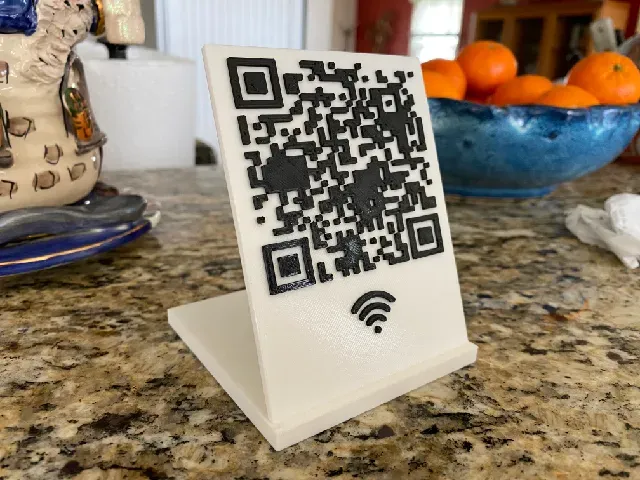
WiFI QR Code Sign
Printables
This collection gathers 3D models tied to Wi-Fi: QR code signs that share network details, enclosures for boards and routers, and lamps or displays driven over a network. It is useful when you want a physical object around your wireless setup and prefer to print it yourself. Each entry comes from a different source, so the STL files, scales and print notes vary from one model page to the next. Polyzon does not confirm whether models are free, their price, license, official status, affiliation, safety or fitness. Check the current terms at the source.
O texto desta coleção está em inglês; a busca funciona em qualquer idioma.
 Uma coleção do Polyzon · 48 modelos de 5 sites
O Polyzon monta esta coleção a partir dos resultados de busca dos sites conectados. Repetições e modelos sem prévia são removidos, correspondências fracas vão para o final e o restante segue a ordem da busca. Os modelos pertencem aos seus autores — confira os termos na página de cada modelo.
Regras de seleção: equipe editorial do Polyzon · Texto atualizado em 14/10/2026

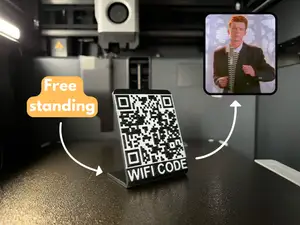

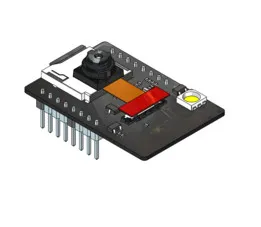
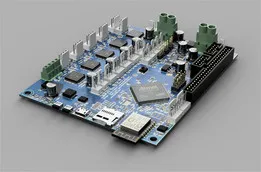

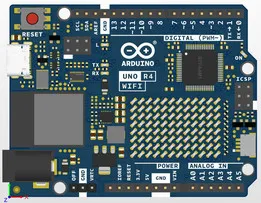
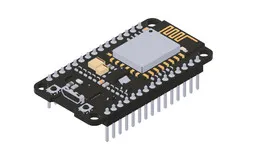
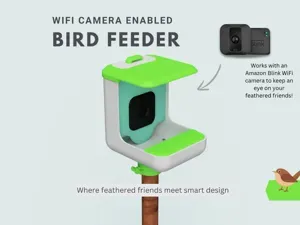


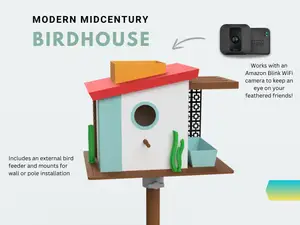
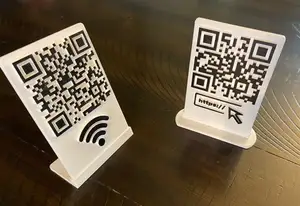

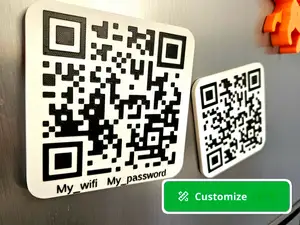

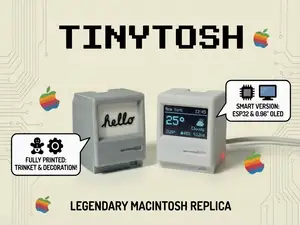


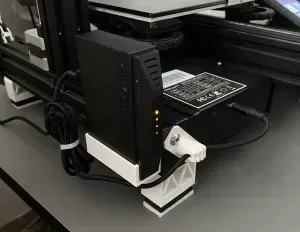


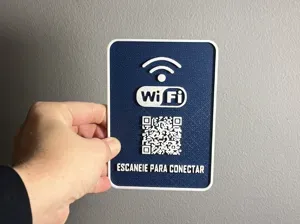

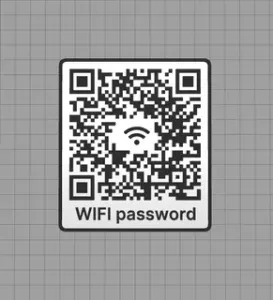

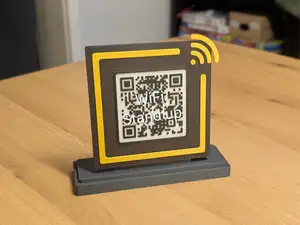


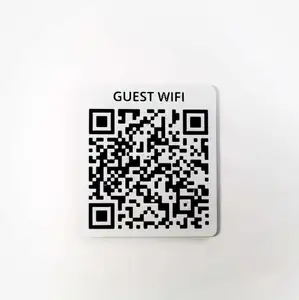
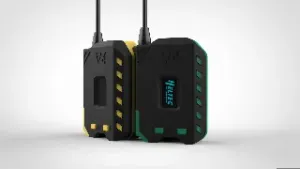


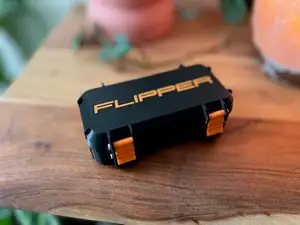
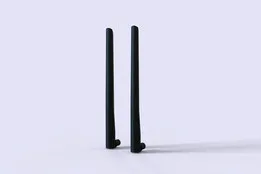
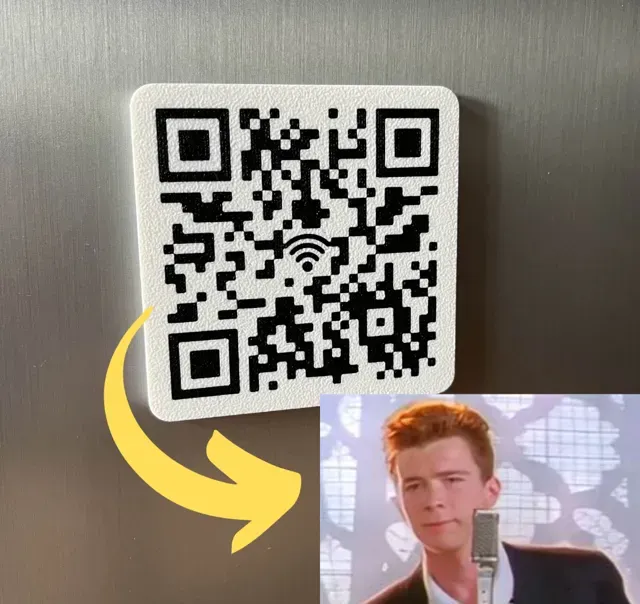
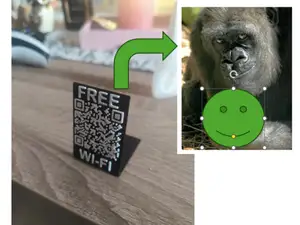
The models fall into a few clear groups. QR code signs and plaques are flat or standing pieces where the code is either modeled directly or cut as a recess, and they differ mainly in how the code is generated and how large the finished tile is. Wi-Fi controlled lamps and light panels combine a printed shade or frame with a controller board, while enclosures cover routers, relays and small development boards such as the ESP8266 or ESP32. Display and sensor builds sit between the two: a printed housing plus a screen or antenna opening.
When choosing a model, open the author's page and read what is listed there. Check the outer dimensions and scale, the number of separate parts and how they join, and whether the author states that supports or a particular orientation are needed. Look at the material and settings the author mentions, since thin QR code walls and snap-fit lids behave differently in PLA and PETG. Photos of real prints are the quickest way to judge whether lettering, code contrast and port cutouts come out cleanly on your 3D printer.
To narrow the results, search by the part you need rather than the topic as a whole: network sign, router box, relay case, lamp shade, display housing. Related terms help too, such as ESP32, ESP8266, Zigbee, NFC tag, smart home enclosure or QR plaque. If you are after a specific look, add words like desk, wall mount, fridge magnet or standing, and combine them with the board or screen size you already have.



O catálogo completo de temas — de casa e utilidades a CNC, com busca em todos os sites conectados.