
Ücretsiz 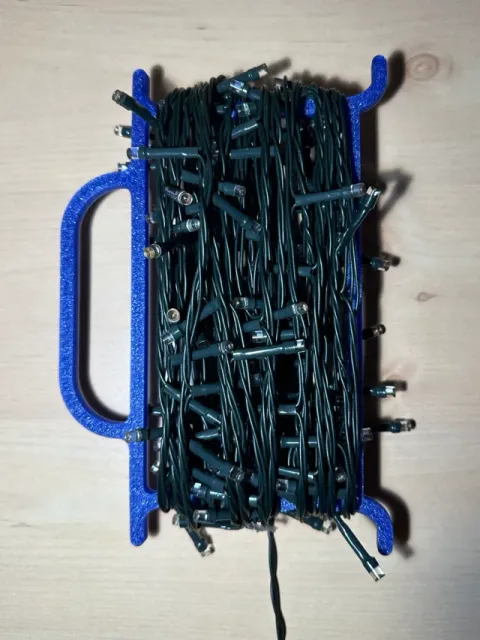
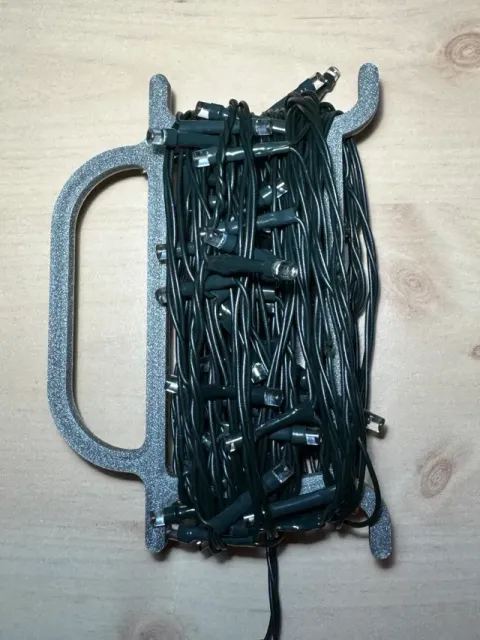
Christmas/Fairy Lights Wind Up Storage Reel/Organiser_Large (200mm)
MakerWorld
This collection gathers A320-related 3D models for flight sim panels, cockpit sections, FCU mounts and display aircraft. It is useful when you need STL files for a home cockpit project or a desk model. Check the author's page for scale, part count and assembly notes before you start 3D printing. Polyzon does not confirm whether models are free, their price, license, official status, affiliation, safety or fitness. Check the current terms at the source.
Bu koleksiyonun metni İngilizce; arama ise her dilde çalışır.
 Bir Polyzon koleksiyonu · 48 model 8 siteden
Polyzon bu koleksiyonu bağlı sitelerdeki arama sonuçlarından oluşturur. Tekrarlar ve önizlemesi olmayan modeller çıkarılır, zayıf eşleşmeler sona alınır, geri kalanlar arama sırasını korur. Modeller yazarlarına aittir; her modelin sayfasındaki koşulları kontrol edin.
Seçim kuralları: Polyzon editör ekibi · Metin güncellendi: 15.10.2026
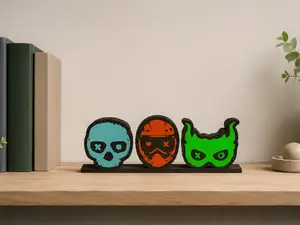


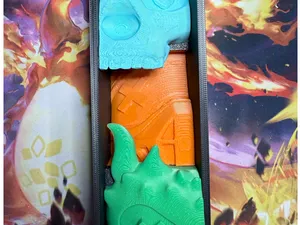





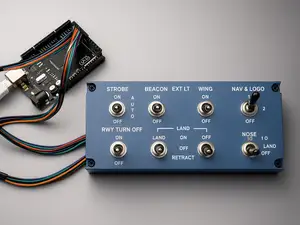


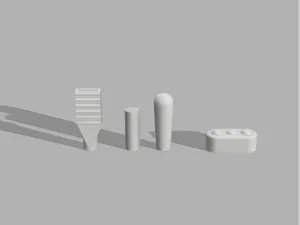
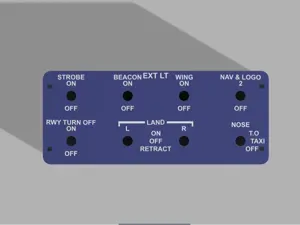
%2Fhttps%3A%2F%2Ffbi.cults3d.com%2Fuploaders%2F13953124%2Fillustration-file%2F1bd99740-8973-4936-8c8a-2950840af3ce%2FIn-Dark-2.jpg&w=300)

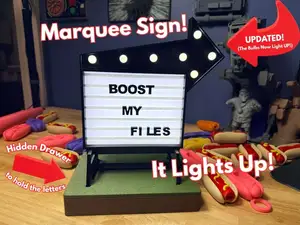
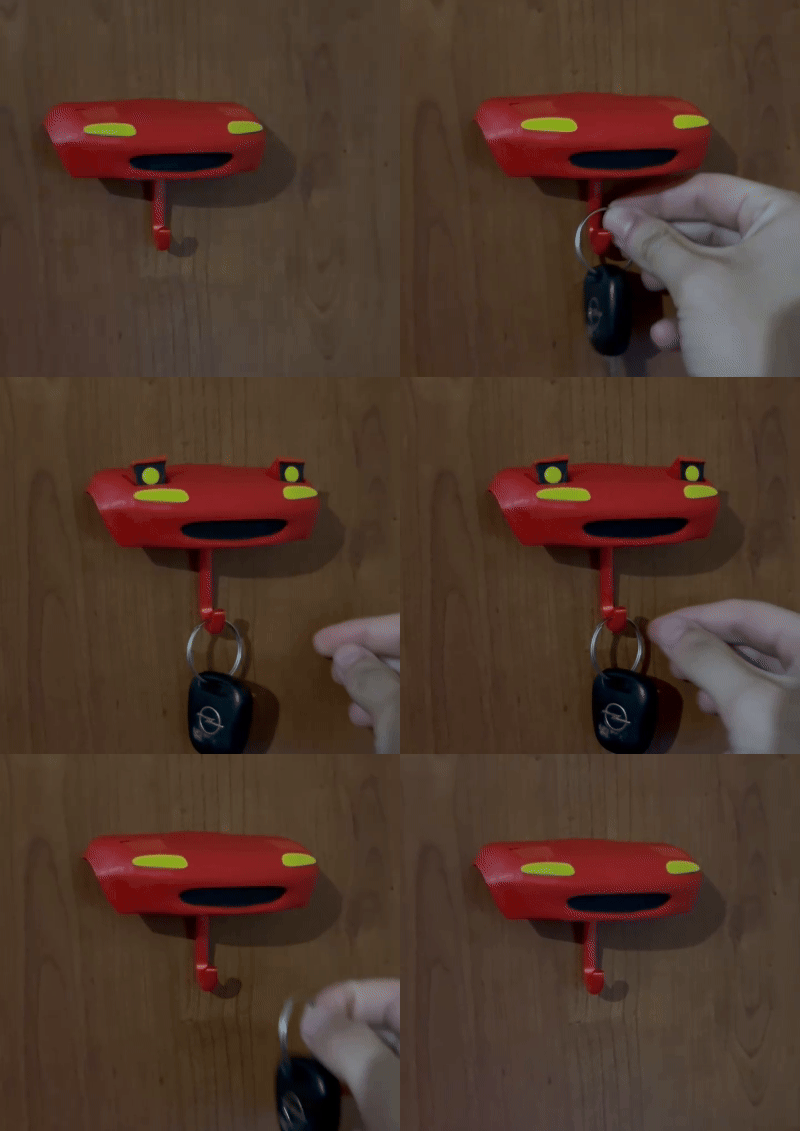




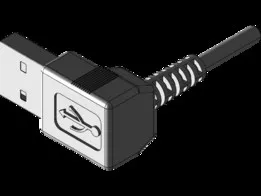

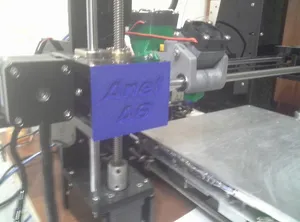


%2Fhttps%3A%2F%2Ffbi.cults3d.com%2Fuploaders%2F15429630%2Fillustration-file%2F446bf763-1952-4fdb-a920-4b29cb8d5f55%2FThe%2520Nest%25203DIY%2520Captain.jpeg&w=300)
%2Fhttps%3A%2F%2Ffbi.cults3d.com%2Fuploaders%2F2694459%2Fillustration-file%2F620daae6-6a9f-4095-9488-1ee006ed1329%2FCapture%2520d%25E2%2580%2599e%25CC%2581cran%25202017-03-16%2520a%25CC%2580%252011.41.17.png&w=300)

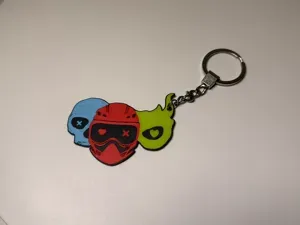

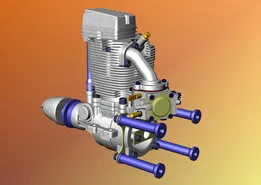

%2Fhttps%3A%2F%2Ffbi.cults3d.com%2Fuploaders%2F14324891%2Fillustration-file%2F719b7813-3323-41b2-96a3-db98554d4c63%2FP11_7088.jpg&w=300)

%2Fhttps%3A%2F%2Ffbi.cults3d.com%2Fuploaders%2F13757080%2Fillustration-file%2F2d0e6ba5-486c-4635-9f42-57dbc3008c21%2F3D%2520Printed%2520Lamp%25202_detail.jpg&w=300)

The models range from full cockpit panel sections and MIP frames to smaller FCU mounts, support feet and landing gear parts. Some files are split into multiple pieces for a larger simulator layout, while others are single desktop accessories or scale miniatures. Panel sets often follow a specific cockpit layout, so compare the included parts with the aircraft version you are building.
When choosing a file, check the listed dimensions, the number of parts and whether the design expects screws, inserts or glue. Look at the material and print settings the author lists, and review photos of real prints to judge surface detail and fit. For large panels, consider how the parts will be joined and whether the model is divided to fit a smaller build volume.
To narrow the results, try terms such as cockpit panel, MIP, FCU, overhead panel, side stick or throttle quadrant. Related searches include flight simulator, home cockpit, desk model, scale model and airliner. Combining the aircraft name with a specific part or scale usually gives a shorter list to review.



Ev ve günlük yaşamdan CNC'ye kadar tüm konuların kataloğu; bağlı sitelerin hepsinde arama yapabilirsiniz.