
Ücretsiz 
SD / MicroSD Slide-In Box
Thingiverse
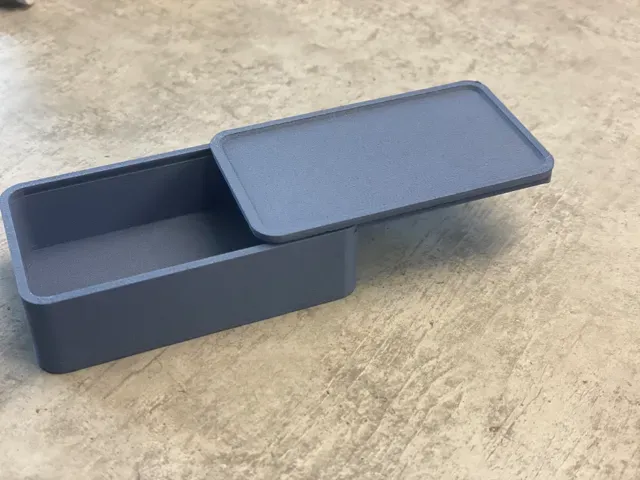
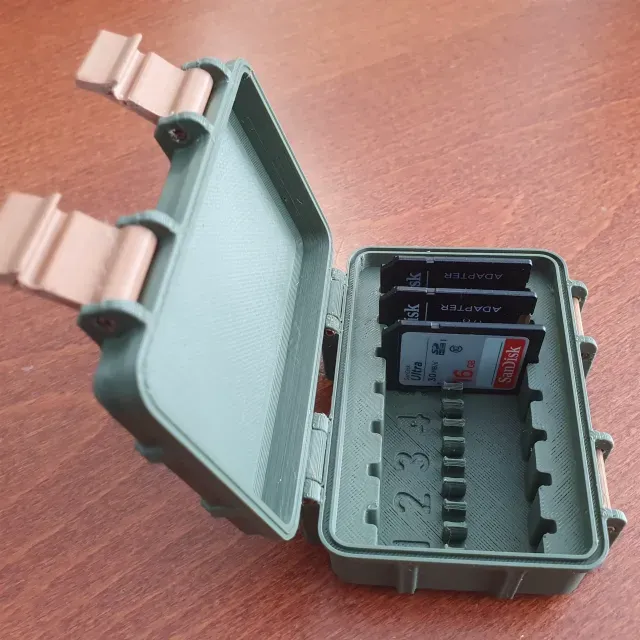
This collection gathers STL files for slide-in boxes, sliding cases, holders and slot adapters. The models range from small containers for cards and batteries to enclosures for boards and mounts that slide onto a rail. It is useful when you need a part that closes or attaches by sliding rather than by screws, and you want to compare a few approaches before starting a 3D printing job. Polyzon does not confirm whether models are free, their price, license, official status, affiliation, safety or fitness. Check the current terms at the source.
Bu koleksiyonun metni İngilizce; arama ise her dilde çalışır.
 Bir Polyzon koleksiyonu · 45 model 3 siteden
Polyzon bu koleksiyonu bağlı sitelerdeki arama sonuçlarından oluşturur. Tekrarlar ve önizlemesi olmayan modeller çıkarılır, zayıf eşleşmeler sona alınır, geri kalanlar arama sırasını korur. Modeller yazarlarına aittir; her modelin sayfasındaki koşulları kontrol edin.
Seçim kuralları: Polyzon editör ekibi · Metin güncellendi: 14.10.2026

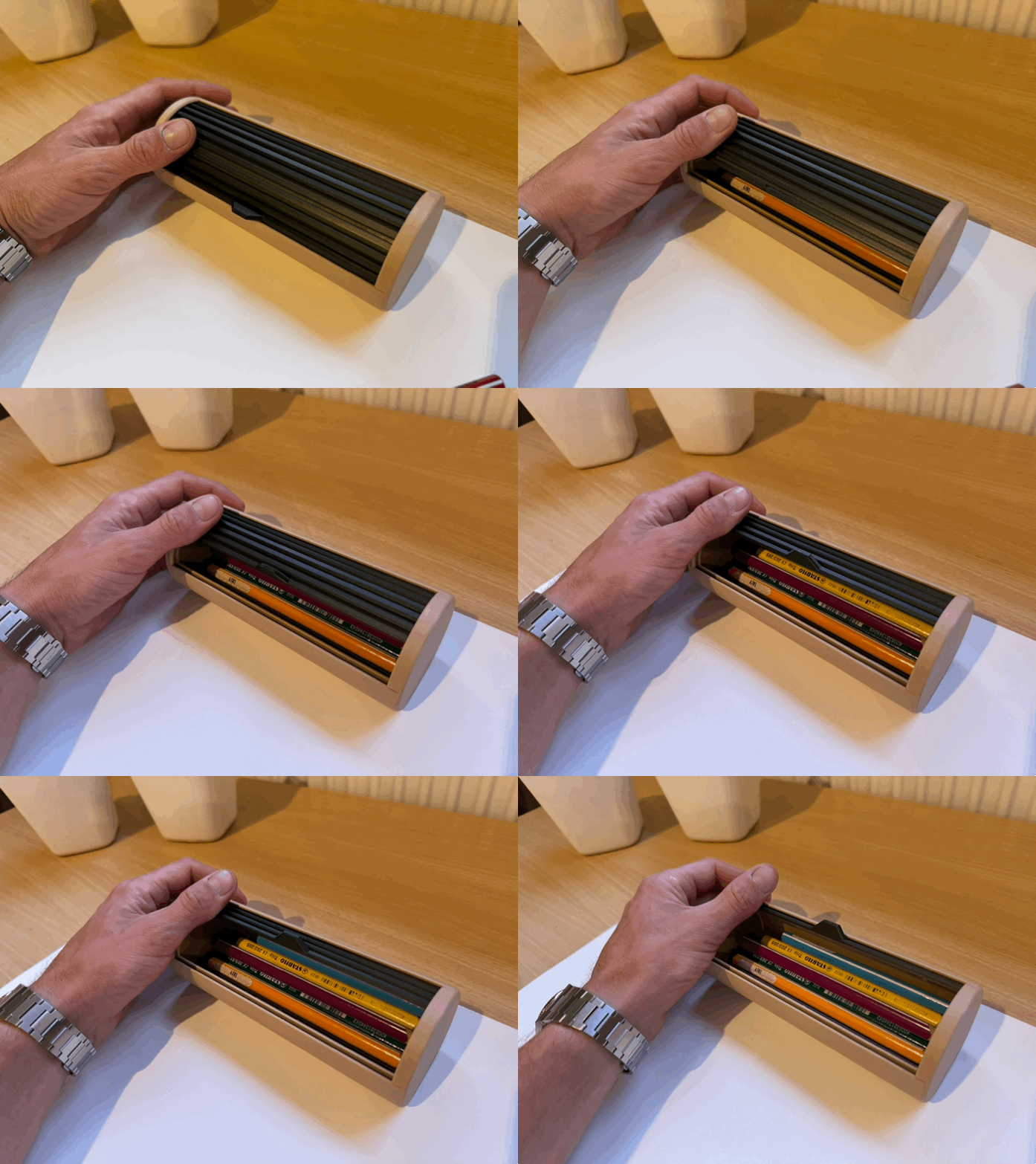
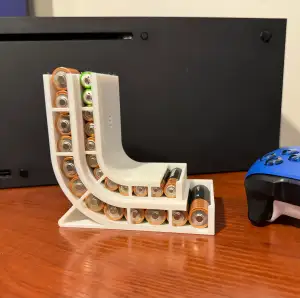

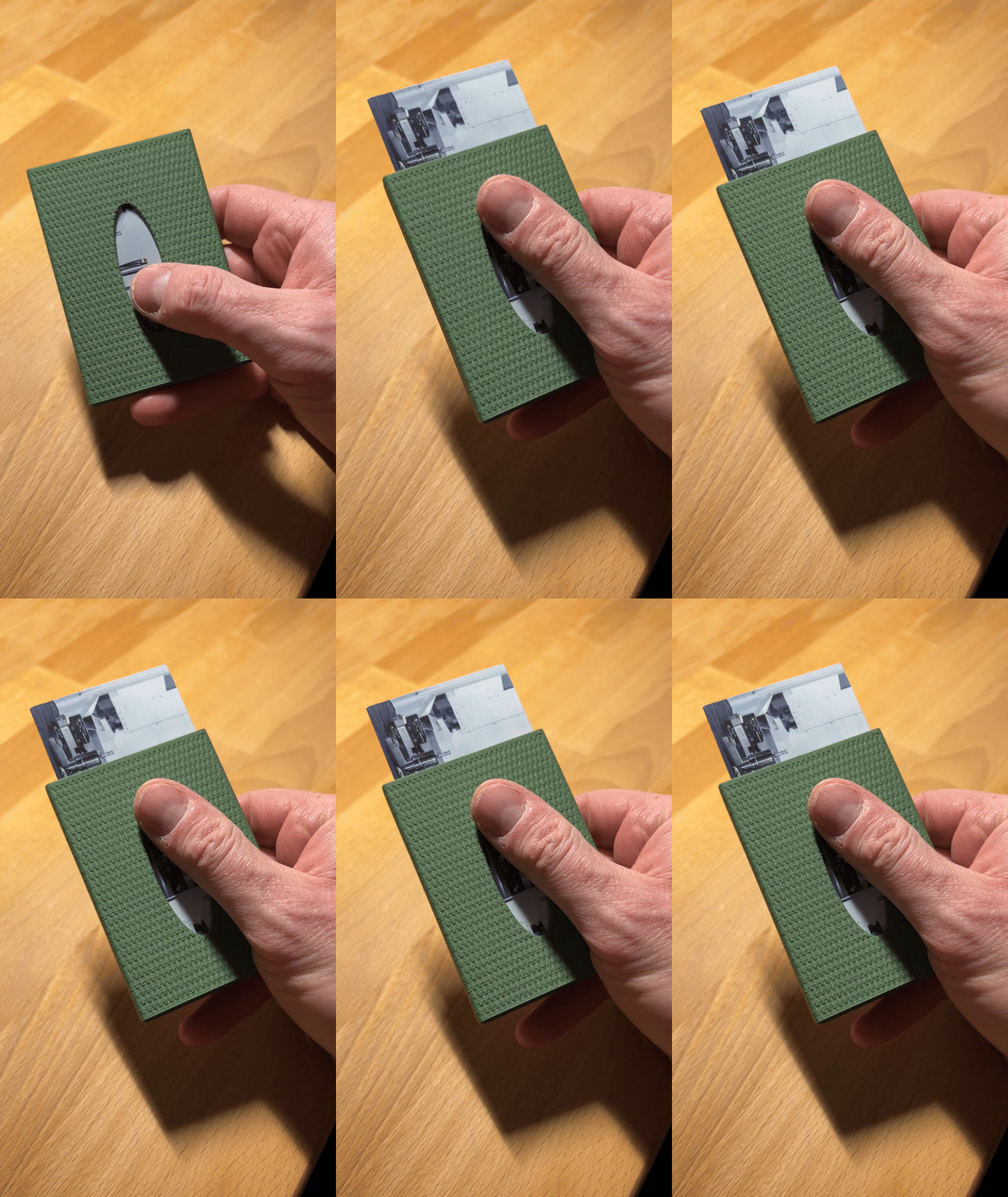
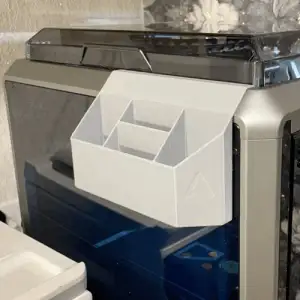

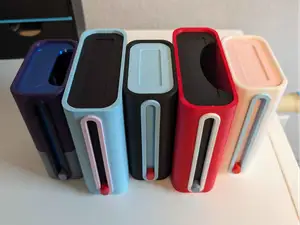
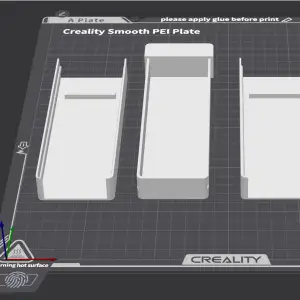

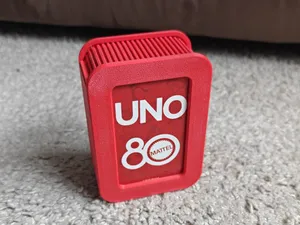
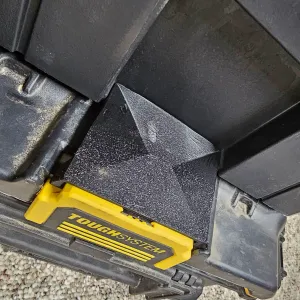

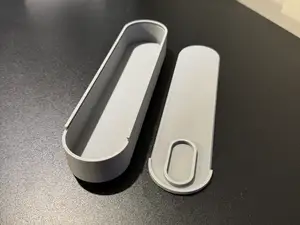
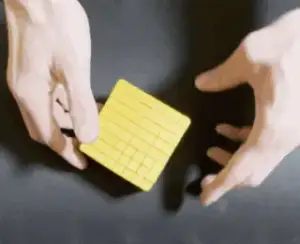

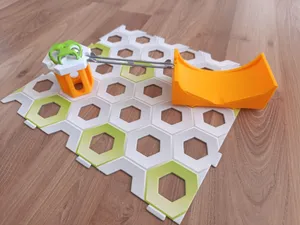
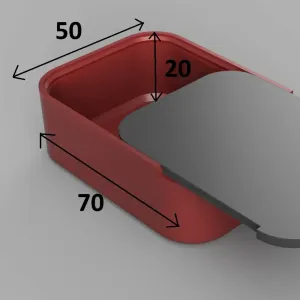

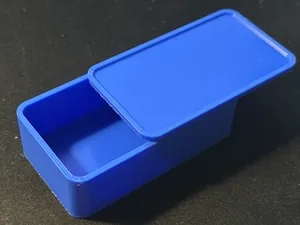
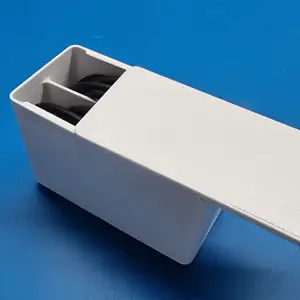

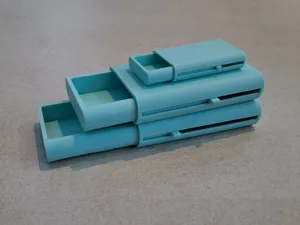
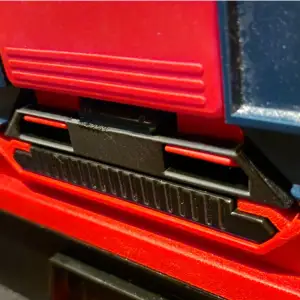

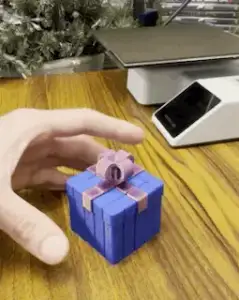

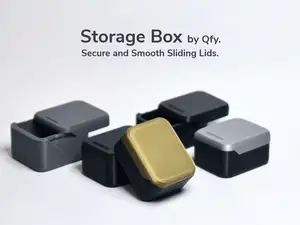

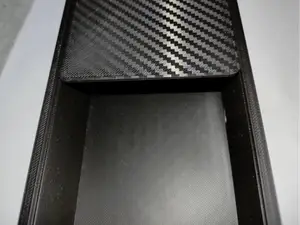
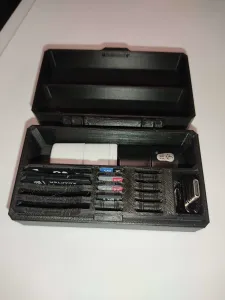

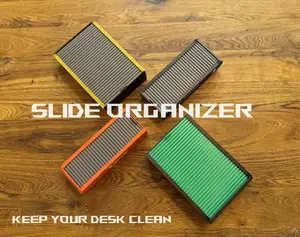
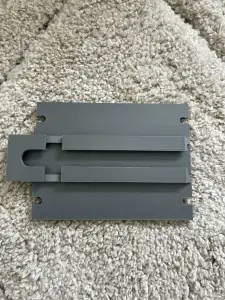

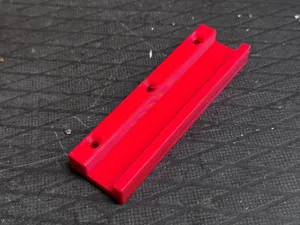

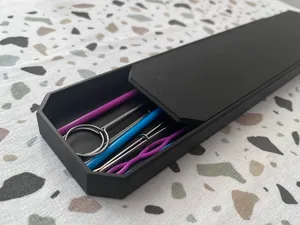

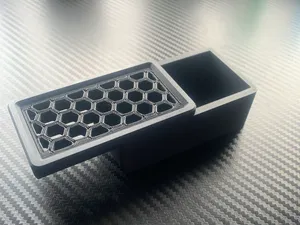

The models fall into a few groups. Small slide-in boxes and cases are usually two-piece shells that close by pushing one part into the other, sometimes with a lid or a friction fit. Card and battery holders add shaped pockets or ribs inside that shell. Electronics enclosures follow the same idea but leave openings for ports, buttons or cables, while rail and slot adapters are mostly a bracket with a sliding profile on one side. Sliding containers and fidget-style boxes use the same motion as a toy or a puzzle rather than as packaging.
When choosing a model, look at the dimensions the author lists and compare them with the object you want to hold or the rail you want to attach to. Check how many parts the model has, whether it needs supports, and which material and settings the author used. For sliding joints, the gap between the two parts matters: a clearance that works on one printer may be too tight or too loose on another, so scaling or a test print of the joint helps. Photos of real prints on the model page show how the finished part looks and where the seams land.
If the results are thin, try other words for the same idea: sliding box, slide case, tray, caddy, holder, sleeve, dovetail, rail mount, slot adapter. Searching by the object you want to store or by the device you want to connect often works better than searching by the mechanism. Related topics such as parametric boxes, organizers, wall mounts and printer accessories also turn up parts that slide together, and a parametric file lets you adjust the size to your own measurements.

Ev ve günlük yaşamdan CNC'ye kadar tüm konuların kataloğu; bağlı sitelerin hepsinde arama yapabilirsiniz.