%2Fhttps%3A%2F%2Ffbi.cults3d.com%2Fuploaders%2F13285828%2Fillustration-file%2Fcfb06b10-ee28-4b00-9fb3-029d7cde2ff2%2FCapture%2520d%25E2%2580%2599e%25CC%2581cran%25202017-08-02%2520a%25CC%2580%252018.39.17.png&w=640)
Ücretsiz 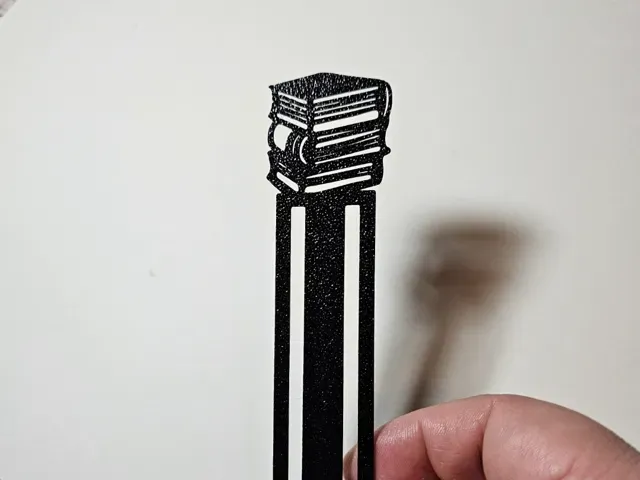
Bookmark Books
MakerWorld
This collection gathers 3D models made for marking pages: clip-on figures, flat bookmarks with text, card-shaped designs and small holders that keep a book open. Most of them are thin, single-piece prints, so they are a small project for a 3D printer and a way to use up short lengths of filament. The range covers both simple shapes and multi-colour designs, which differ a lot in how they are printed. Polyzon does not confirm whether models are free, their price, license, official status, affiliation, safety or fitness. Check the current terms at the source.
Bu koleksiyonun metni İngilizce; arama ise her dilde çalışır.
 Bir Polyzon koleksiyonu · 48 model 5 siteden
Polyzon bu koleksiyonu bağlı sitelerdeki arama sonuçlarından oluşturur. Tekrarlar ve önizlemesi olmayan modeller çıkarılır, zayıf eşleşmeler sona alınır, geri kalanlar arama sırasını korur. Modeller yazarlarına aittir; her modelin sayfasındaki koşulları kontrol edin.
Seçim kuralları: Polyzon editör ekibi · Metin güncellendi: 14.10.2026
%2Fhttps%3A%2F%2Ffbi.cults3d.com%2Fuploaders%2F13285828%2Fillustration-file%2Fcfb06b10-ee28-4b00-9fb3-029d7cde2ff2%2FCapture%2520d%25E2%2580%2599e%25CC%2581cran%25202017-08-02%2520a%25CC%2580%252018.39.17.png&w=300)

%2Fhttps%3A%2F%2Ffbi.cults3d.com%2Fuploaders%2F13285828%2Fillustration-file%2Fbad7d0d7-fdf7-4868-aed7-675de4b4d1f3%2FCapture%2520d%25E2%2580%2599e%25CC%2581cran%25202017-08-02%2520a%25CC%2580%252018.38.32.png&w=300)

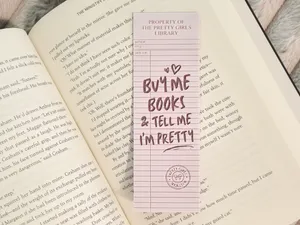


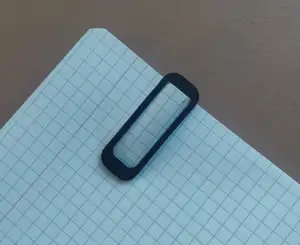
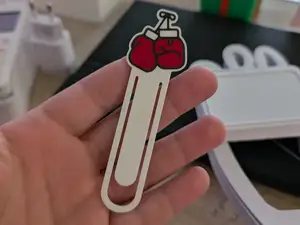
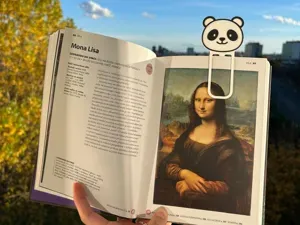

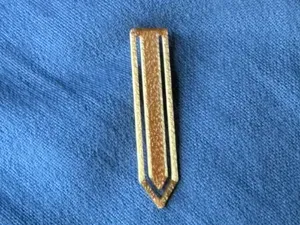
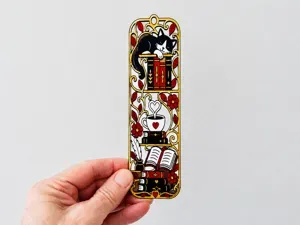



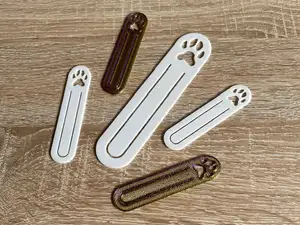
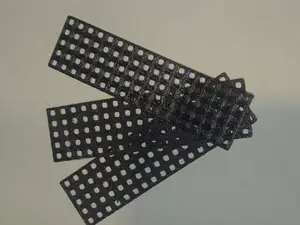




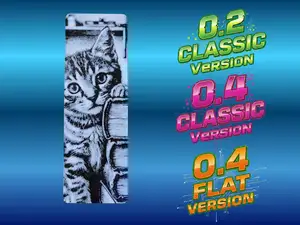

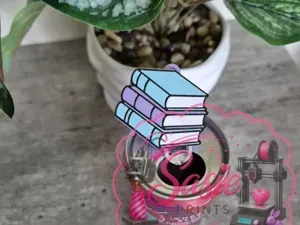
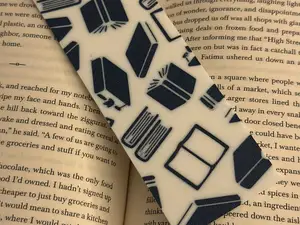
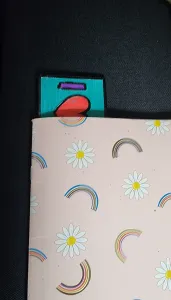
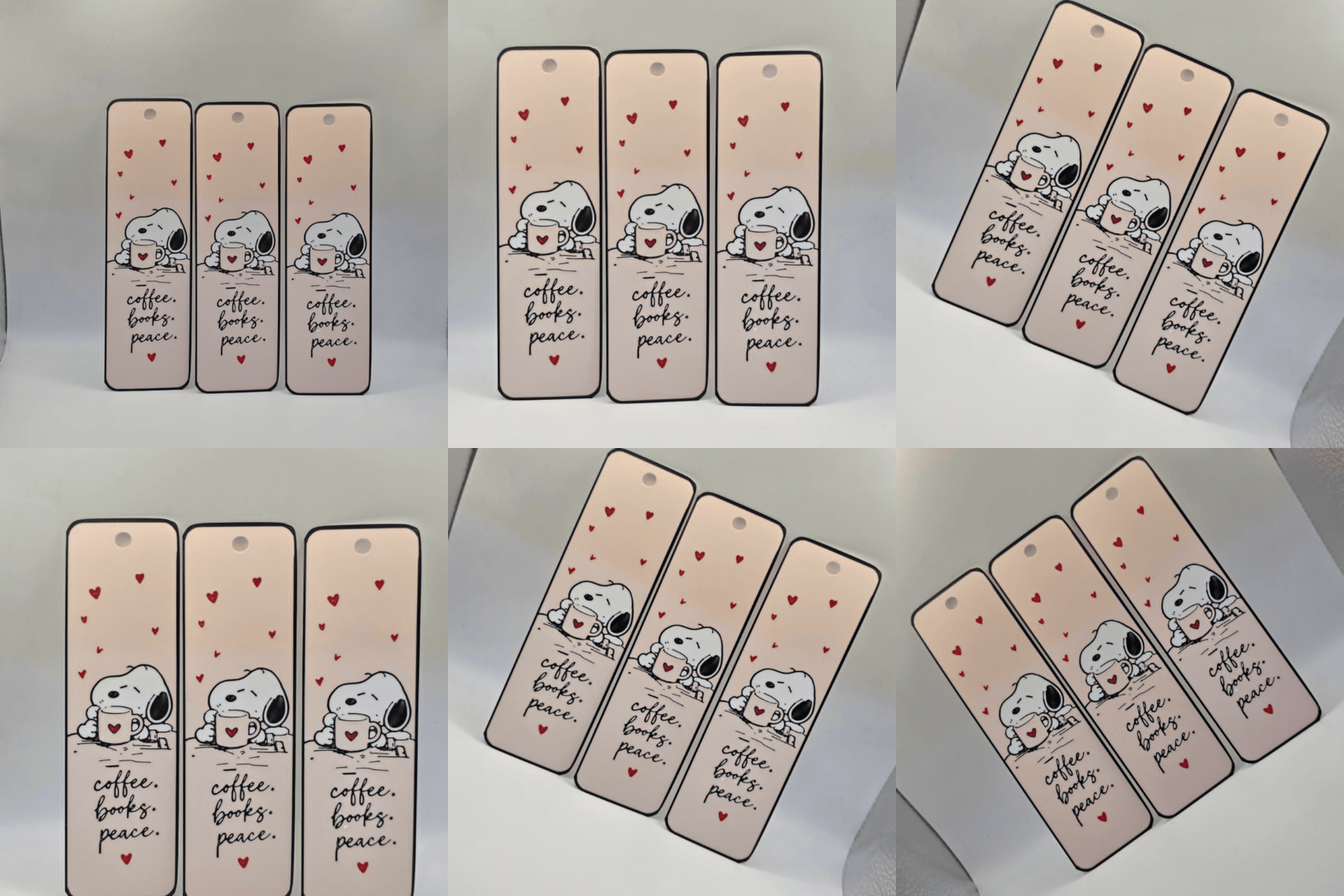

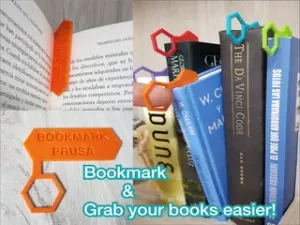
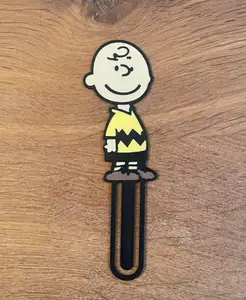
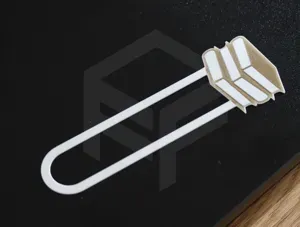
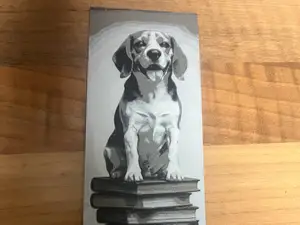

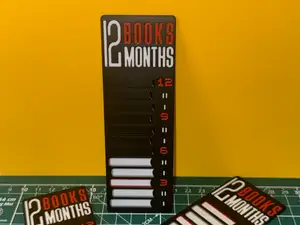
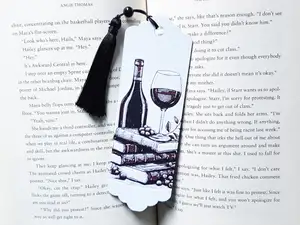
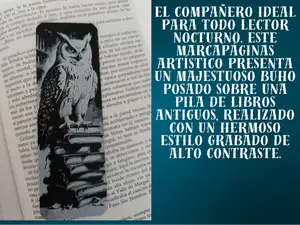
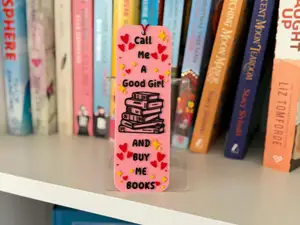
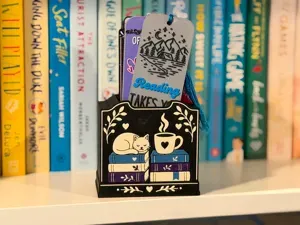
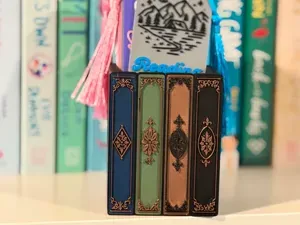
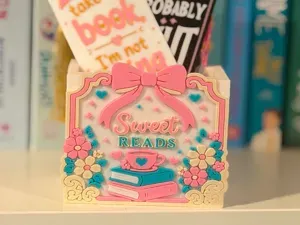
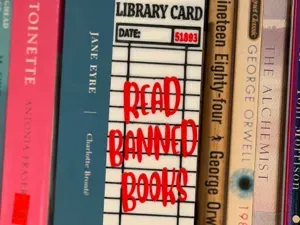
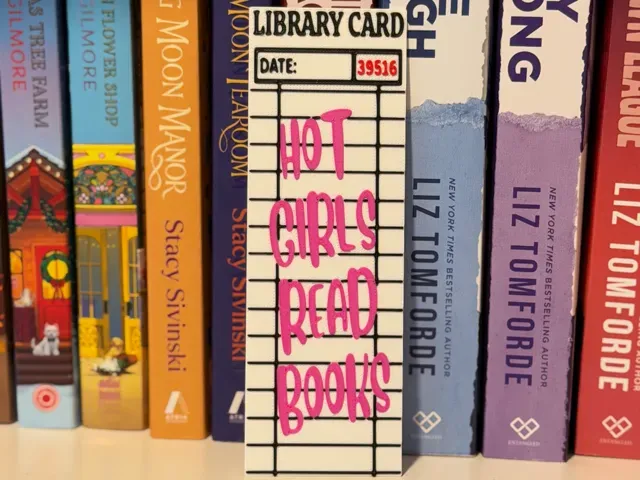
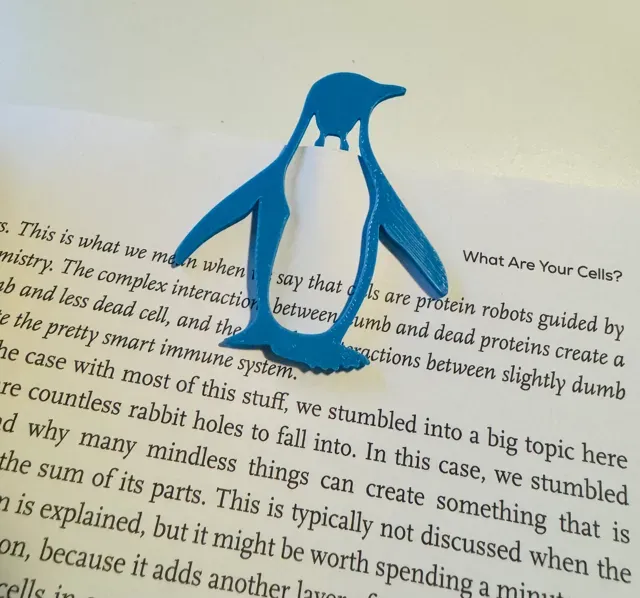
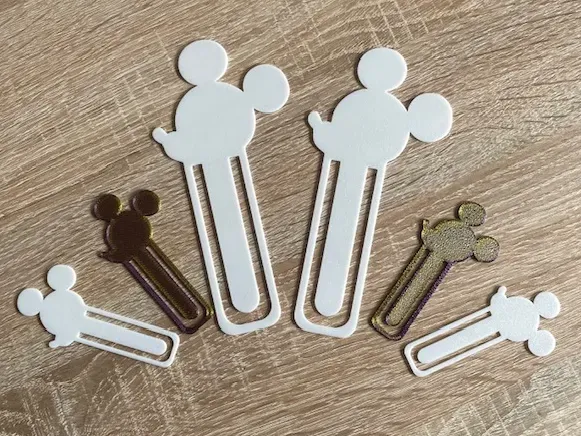
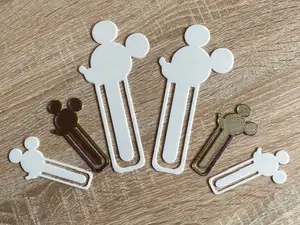
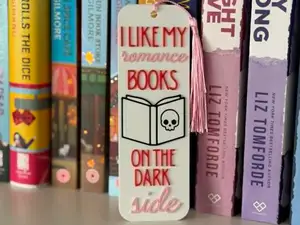
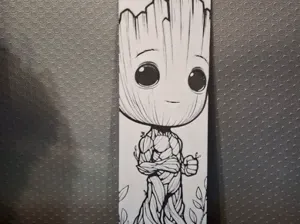
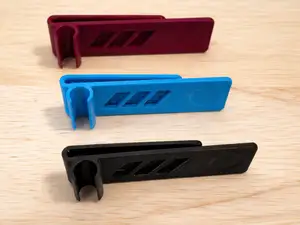
The models fall into a few groups. Clip-style bookmarks grip the page and often take the form of an animal or a character peeking over the edge. Flat bookmarks lie between the pages and usually carry a phrase, a card layout or a graphic. Holders are larger pieces that stand on a shelf or a desk and keep a book open or store several bookmarks at once.
When choosing, look at the thickness and the size the author lists, since a clip that is too thick can distort a page and a flat bookmark that is too thin may bend. Check how many parts the model has and whether it needs assembly or glue. Read the print profile the author gives: layer height, material, colour changes and whether supports are required. Photos of real prints show how the details and the text come out at the stated scale.
To narrow the results, try other names for the same object, such as page marker, page clip or reading marker, and add a theme you like: cats, penguins, dragons, space, plants or lettering. Combining a form with a use, for example bookmark holder, bookmark stand or clip bookmark, brings up different sets of models. Related searches for book accessories, reading gifts or desk organisers can also lead to pieces that pair with a bookmark.




Ev ve günlük yaşamdan CNC'ye kadar tüm konuların kataloğu; bağlı sitelerin hepsinde arama yapabilirsiniz.