Ücretsiz 
Raspberry pi camera case/enclosure
Thingiverse
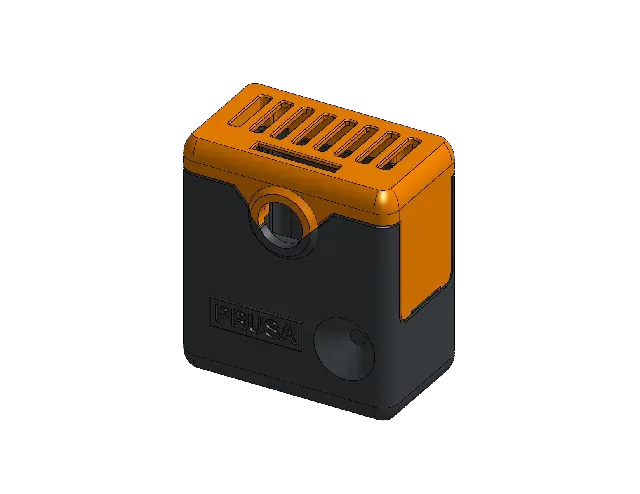
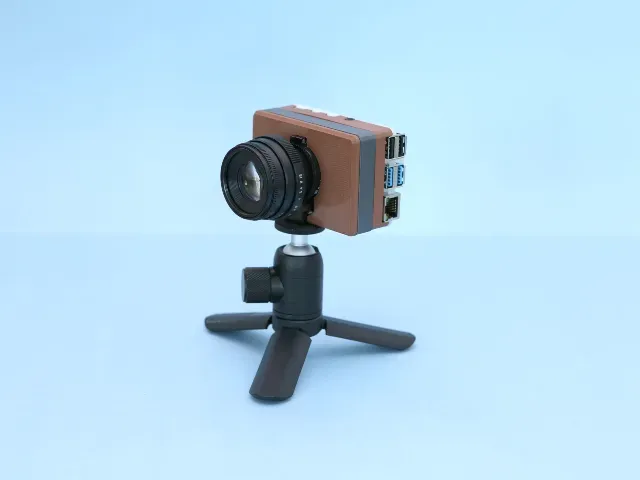
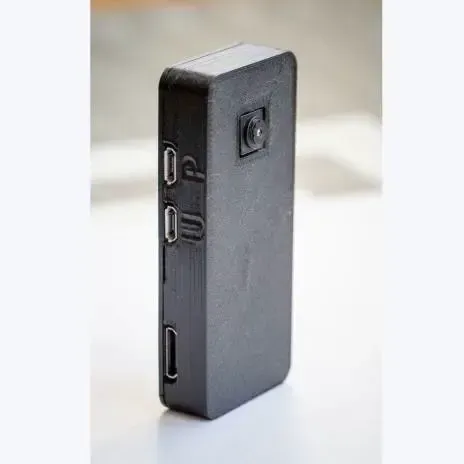
This collection gathers 3D models that protect or mount a camera: enclosures for single-board computers, shells for phones, housings for USB modules and boxes for compact cameras. Most of them are small parts, so they print quickly on a desktop 3D printer. The variety comes from the camera each design was drawn around, which is the first thing to compare. Polyzon does not confirm whether models are free, their price, license, official status, affiliation, safety or fitness. Check the current terms at the source.
Bu koleksiyonun metni İngilizce; arama ise her dilde çalışır.
 Bir Polyzon koleksiyonu · 47 model 4 siteden
Polyzon bu koleksiyonu bağlı sitelerdeki arama sonuçlarından oluşturur. Tekrarlar ve önizlemesi olmayan modeller çıkarılır, zayıf eşleşmeler sona alınır, geri kalanlar arama sırasını korur. Modeller yazarlarına aittir; her modelin sayfasındaki koşulları kontrol edin.
Seçim kuralları: Polyzon editör ekibi · Metin güncellendi: 14.10.2026
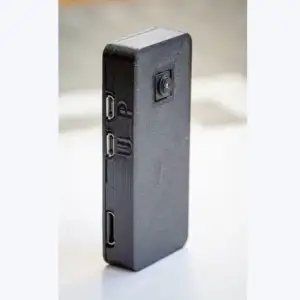

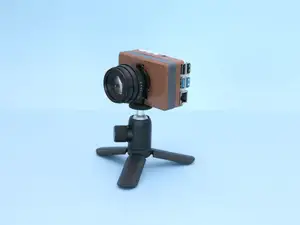
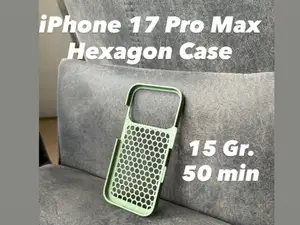

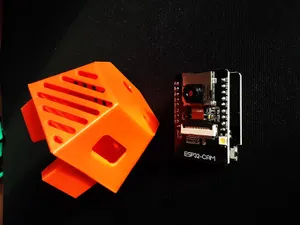
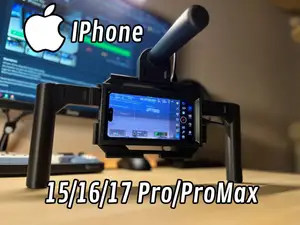
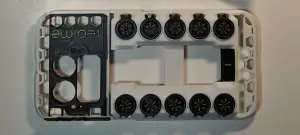

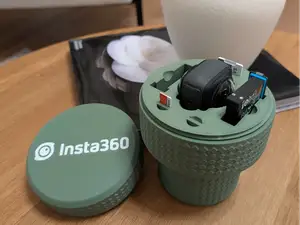
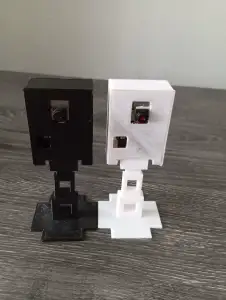


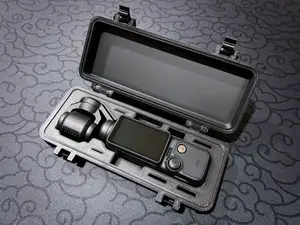
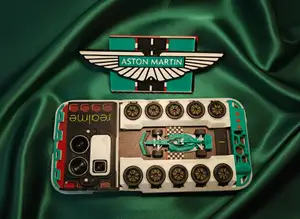


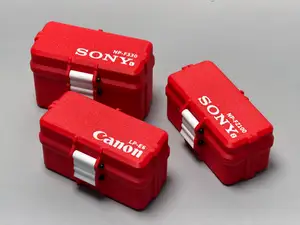
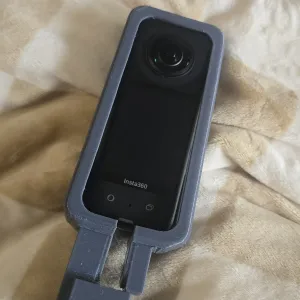


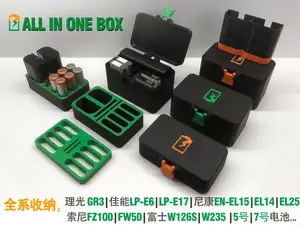
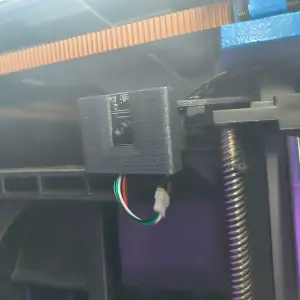


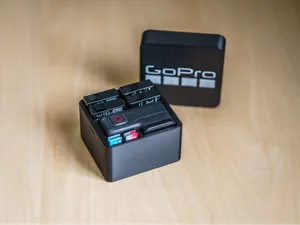
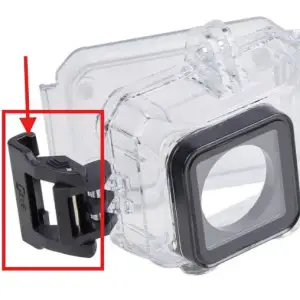

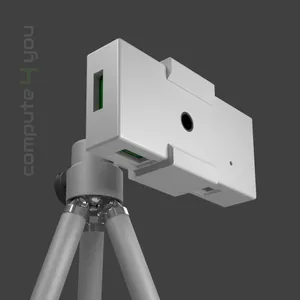
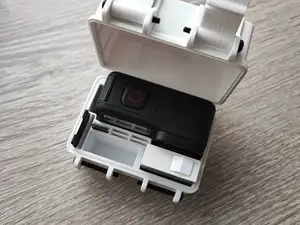
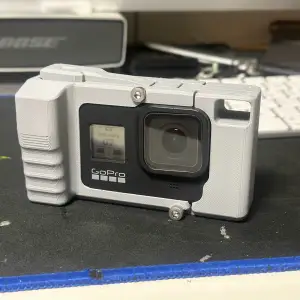


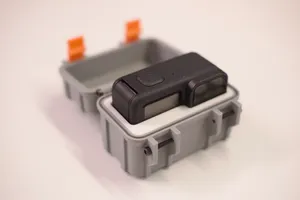


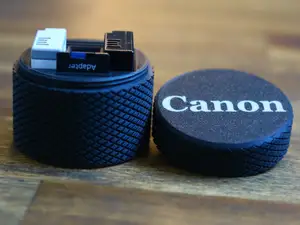
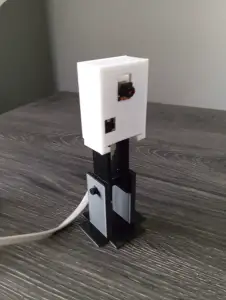

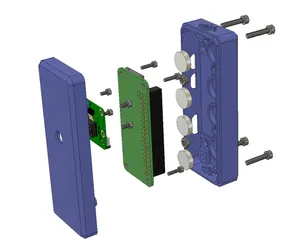
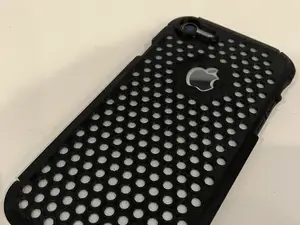
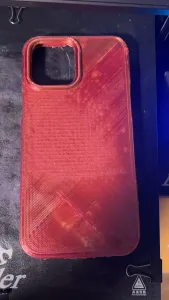
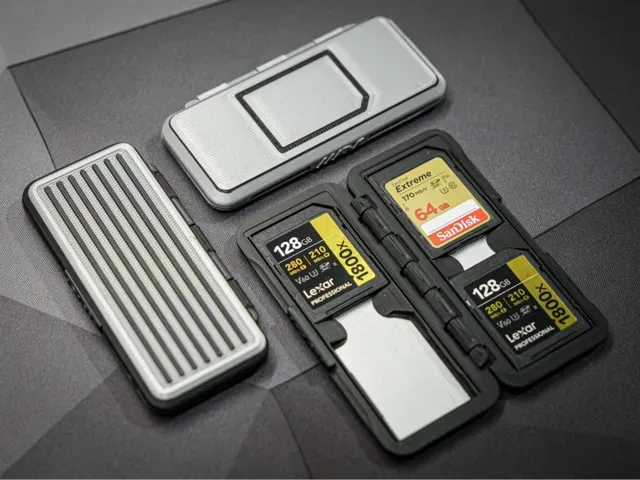
The largest group covers boards such as Raspberry Pi and ESP32 cameras, where the case wraps the board, the lens and often a heatsink, with openings for ribbon cables and ports. Phone designs work differently: they are thin shells with a raised ring or block around the camera bump, sometimes combined with a stand or a cage. A third group holds USB and module cameras, action cameras and small accessories such as memory cards, where the shape is closer to a box or a pouch.
When choosing a model, read the author's page rather than the preview image. Check the stated board or device version, the outer dimensions, the number of separate parts, and whether the design expects screws, magnets or inserts. Look at how the lens, cable and ventilation openings are placed, which material and layer height the author used, and whether supports are mentioned. Photos of real prints show more about wall thickness and tolerances than a render does.
Search results improve when you name the exact hardware: add the board model, the camera module number or the phone generation to the query. Related terms are enclosure, housing, mount, bracket, holder, shell and bumper, and some authors use words like cage or box for the same idea. If a specific device gives few results, try the module name alone or a neighbouring generation, then adjust the model in the slicer.
For printing, thin walls and small screw bosses are the usual weak points, so a slightly thicker shell or a smaller layer height can help. Parts that clip onto a device depend on the printer's dimensional accuracy, so test the fit before printing the whole set. If the case holds a lens or a screen, print the front and back separately to check alignment first.



%2Fhttps%3A%2F%2Ffbi.cults3d.com%2Fuploaders%2F13199296%2Fillustration-file%2Fab9c642d-2d80-43e1-83ab-c45e7624d95e%2FDSC05747.jpg&w=300)
Ev ve günlük yaşamdan CNC'ye kadar tüm konuların kataloğu; bağlı sitelerin hepsinde arama yapabilirsiniz.