Ücretsiz 
Hinge Canon - FC0-1637-000
Thingiverse
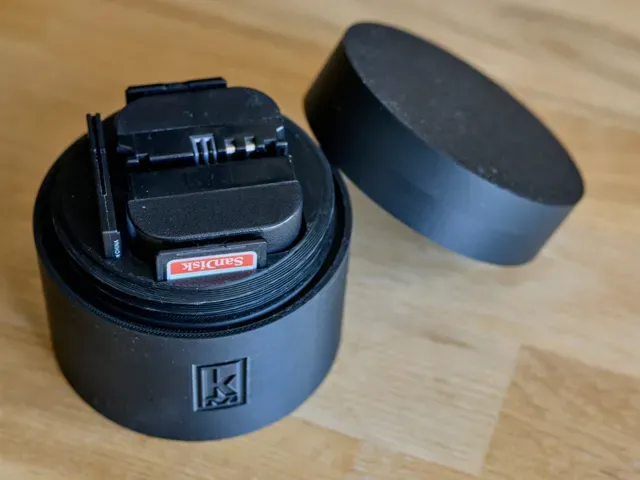
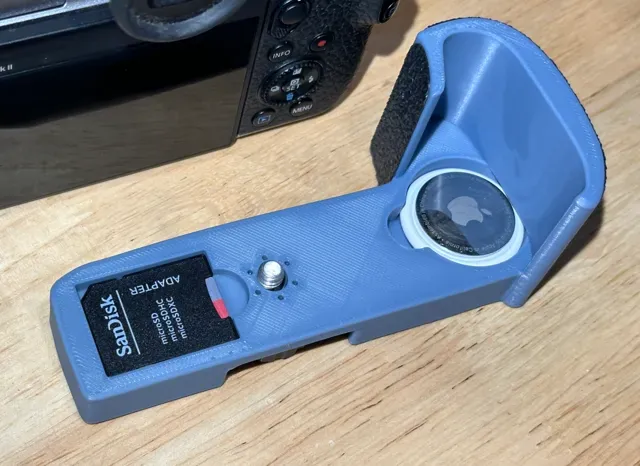
This collection gathers STL files for Canon MF216 and similar Canon devices. You will find battery and card holders, lens caps, grips, and replacement hinges. It helps you organize, repair, or customize your gear with a 3D printer. Polyzon does not confirm whether models are free, their price, license, official status, affiliation, safety or fitness. Check the current terms at the source.
Bu koleksiyonun metni İngilizce; arama ise her dilde çalışır.
 Bir Polyzon koleksiyonu · 41 model 3 siteden
Polyzon bu koleksiyonu bağlı sitelerdeki arama sonuçlarından oluşturur. Tekrarlar ve önizlemesi olmayan modeller çıkarılır, zayıf eşleşmeler sona alınır, geri kalanlar arama sırasını korur. Modeller yazarlarına aittir; her modelin sayfasındaki koşulları kontrol edin.
Seçim kuralları: Polyzon editör ekibi · Metin güncellendi: 15.10.2026


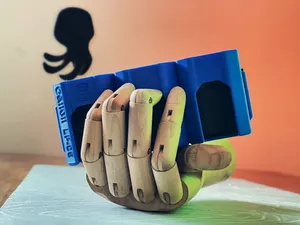
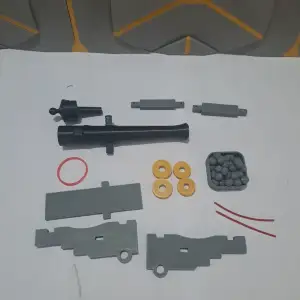
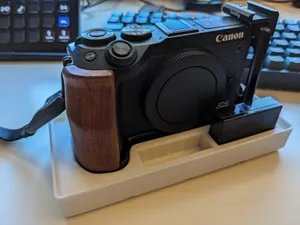
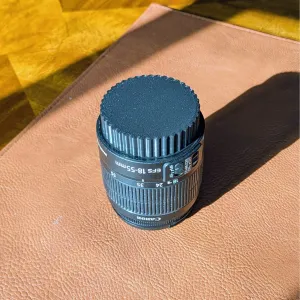
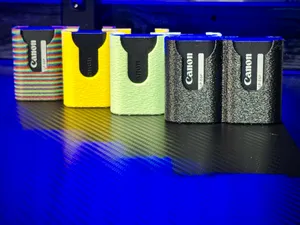
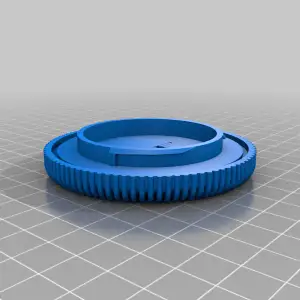
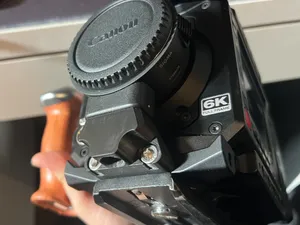
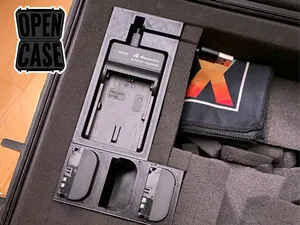
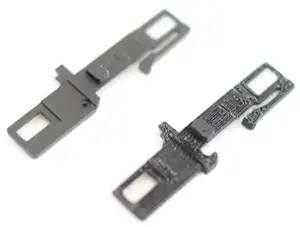
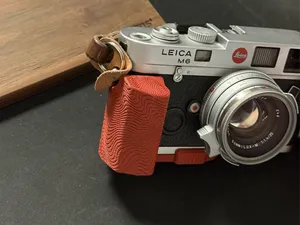
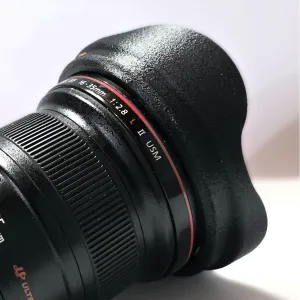
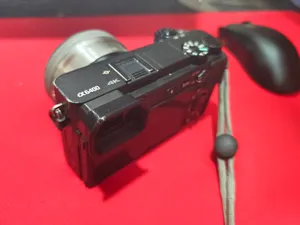

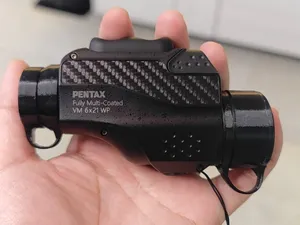
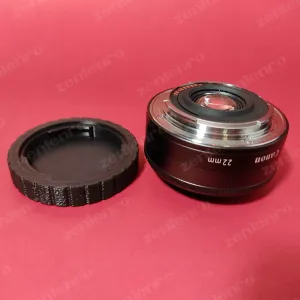
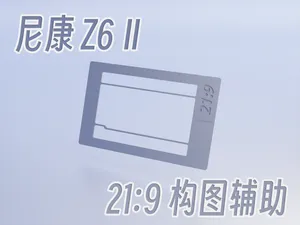
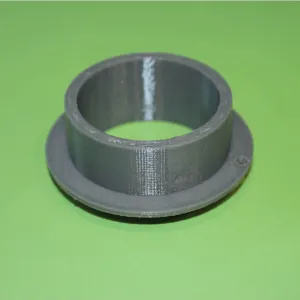

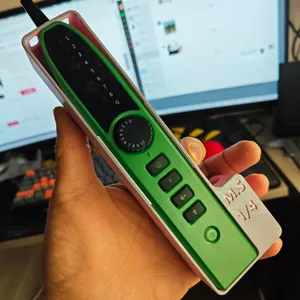
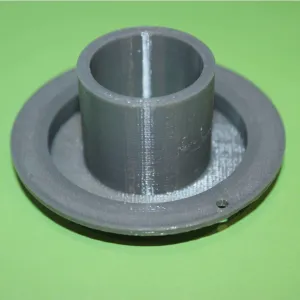
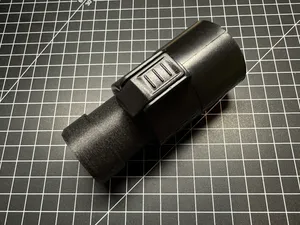
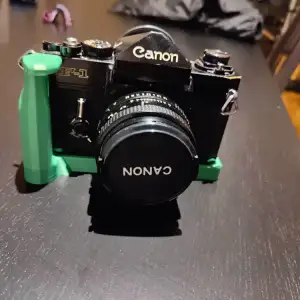
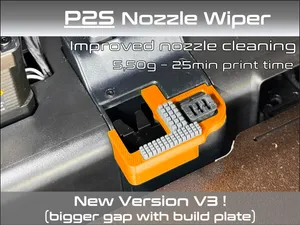
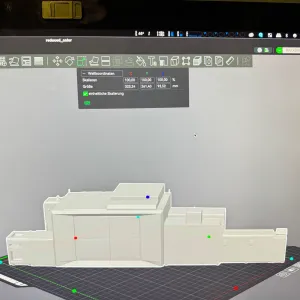
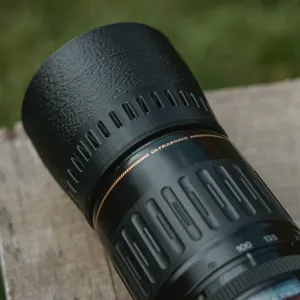
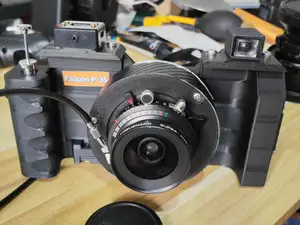
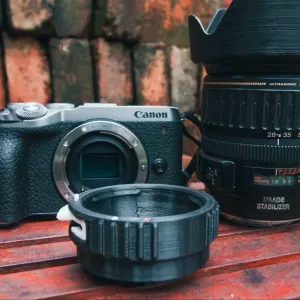
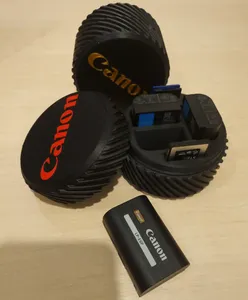
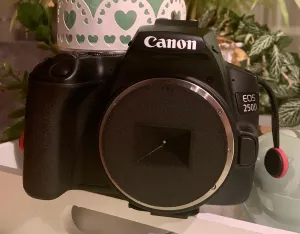
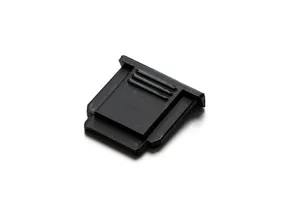
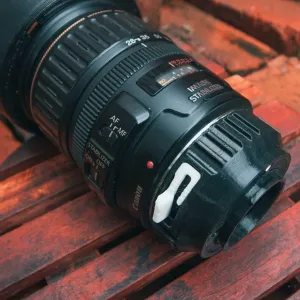
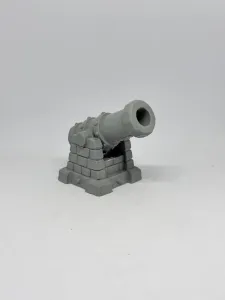

The models range from simple storage inserts for batteries and memory cards to functional parts like hinges and latches. Lens caps and hoods are usually single-piece prints, while grips and mounting brackets may involve multiple parts or hardware. Some designs are specific to a camera body, and others are generic holders that fit a range of Canon accessories.
Before printing, check the model page for the recommended scale, part count, and assembly steps. Look at whether the author lists supports, material, and slicer settings. Photos of finished prints can show how the part fits and whether any post-processing is needed.
To narrow results, try terms like battery holder, lens cap, camera grip, or hinge for Canon. You can also search by part name or the device series. Related topics include camera accessories, printer parts, and desk organizers.
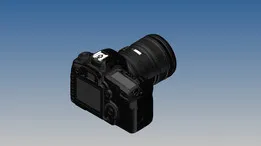
%2Fhttps%3A%2F%2Ffbi.cults3d.com%2Fuploaders%2F15684265%2Fillustration-file%2Fb2f1cdc9-304c-4e47-9732-0dd867488d33%2F008_top_view_rendering_.jpg&w=300)
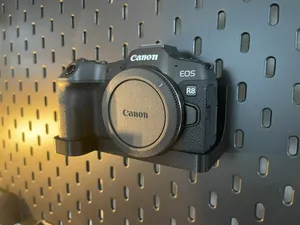


Ev ve günlük yaşamdan CNC'ye kadar tüm konuların kataloğu; bağlı sitelerin hepsinde arama yapabilirsiniz.