

Ücretsiz 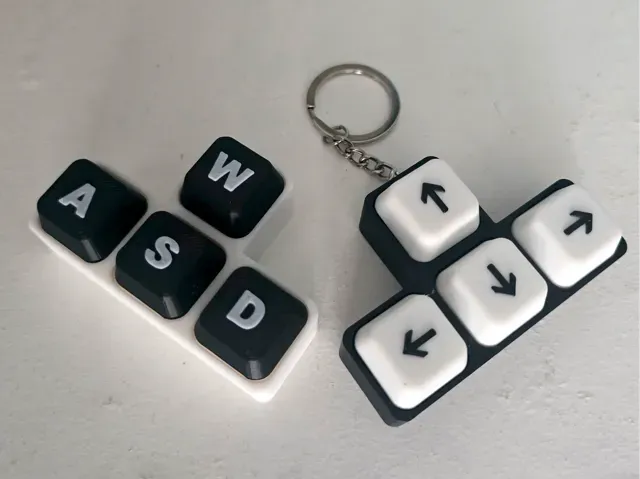
Keyboard Buttons Clicker - WSAD and ARROWS
MakerWorld
This collection gathers 3D models for keyboard buttons, keycaps, covers and DIY keyboard parts. It is useful when a single missing key, a custom layout or a themed set needs to be recreated with a 3D printer. You can also find macro, media and switch-based button designs for small control panels. Polyzon does not confirm whether models are free, their price, license, official status, affiliation, safety or fitness. Check the current terms at the source.
Bu koleksiyonun metni İngilizce; arama ise her dilde çalışır.
 Bir Polyzon koleksiyonu · 48 model 8 siteden
Polyzon bu koleksiyonu bağlı sitelerdeki arama sonuçlarından oluşturur. Tekrarlar ve önizlemesi olmayan modeller çıkarılır, zayıf eşleşmeler sona alınır, geri kalanlar arama sırasını korur. Modeller yazarlarına aittir; her modelin sayfasındaki koşulları kontrol edin.
Seçim kuralları: Polyzon editör ekibi · Metin güncellendi: 10.10.2026



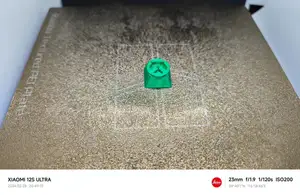
%2Fhttps%3A%2F%2Ffbi.cults3d.com%2Fuploaders%2F15453635%2Fillustration-file%2F9582a2ec-563d-4114-990e-68cc9dbe2466%2FScreenshot%25202020-08-22%2520at%252020.03.49.png&w=300)
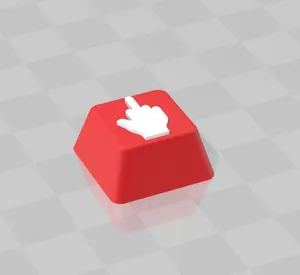


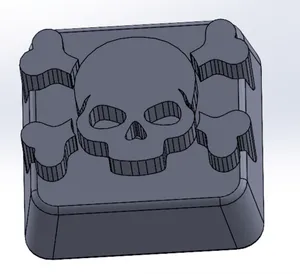
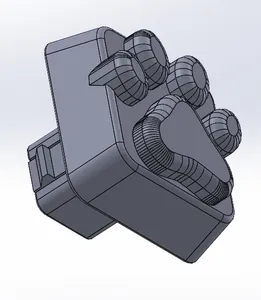
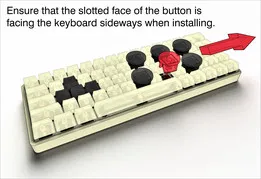

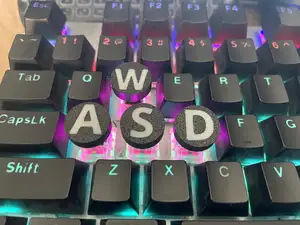

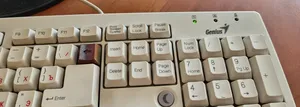
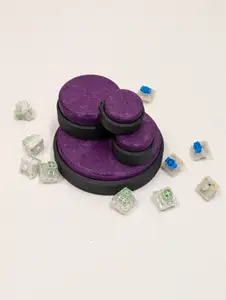





%2Fhttps%3A%2F%2Ffbi.cults3d.com%2Fuploaders%2F14262955%2Fillustration-file%2F8714176c-9f46-4b32-ba3a-317711d0a959%2Fkeypad-cover-002.jpg&w=300)


%2Fhttps%3A%2F%2Ffbi.cults3d.com%2Fuploaders%2F15100777%2Fillustration-file%2Fa1a42924-9476-4d9d-a3d8-ca7dae033773%2FKeycap%2520Puller%2520square.png&w=300)
%2Fhttps%3A%2F%2Ffbi.cults3d.com%2Fuploaders%2F15100777%2Fillustration-file%2F22b21f74-1684-4b59-9c66-012f7eb5e2ee%2FKeycap_Puller_4-3.png&w=300)

%2Fhttps%3A%2F%2Ffbi.cults3d.com%2Fuploaders%2F17009051%2Fillustration-file%2F9b2c38f5-18ba-43ad-8f6a-b9fb5e8dacb5%2Fwire-diameter-tester.png&w=300)
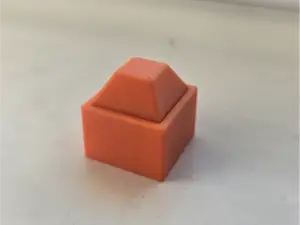

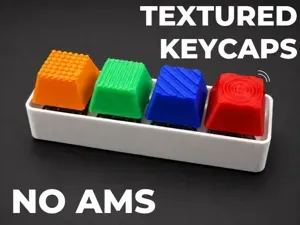
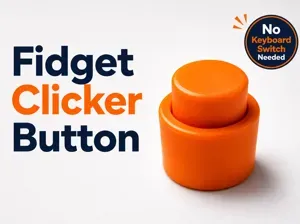
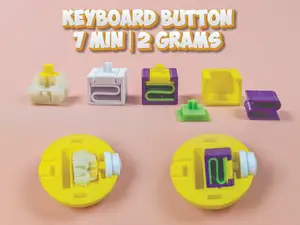
The models range from single replacement buttons and keycaps to full keyboard cases, covers and button guards. Some designs follow standard mechanical switch mounts, while others are built around specific layouts, low-profile switches or arcade-style controls. Themed and novelty buttons form a separate group, often shaped as characters, symbols or small fidget pieces.
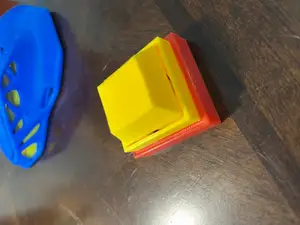
Before printing, check the model page for button dimensions, stem type, wall thickness and the number of parts. Look at whether the design expects supports, how the keycap or button is assembled, and which material the author lists for the intended feel and wear. Photos of printed parts help judge fit, legends and surface finish.
To narrow the search, try terms such as keycap, mechanical switch, keyboard cover, macro pad, media button, arcade button and DIY keyboard case. Related searches include replacement key, switch housing, key remover, braille keyboard and control panel button. Combining a layout name with a button type usually gives more focused results.
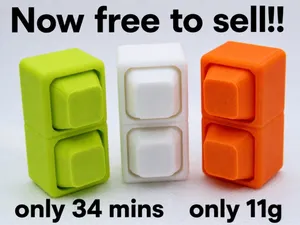
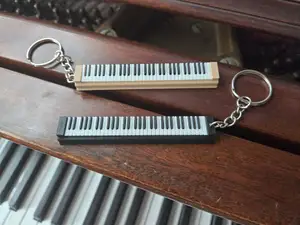
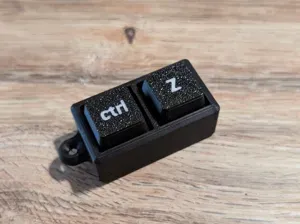

Ev ve günlük yaşamdan CNC'ye kadar tüm konuların kataloğu; bağlı sitelerin hepsinde arama yapabilirsiniz.

