Ücretsiz 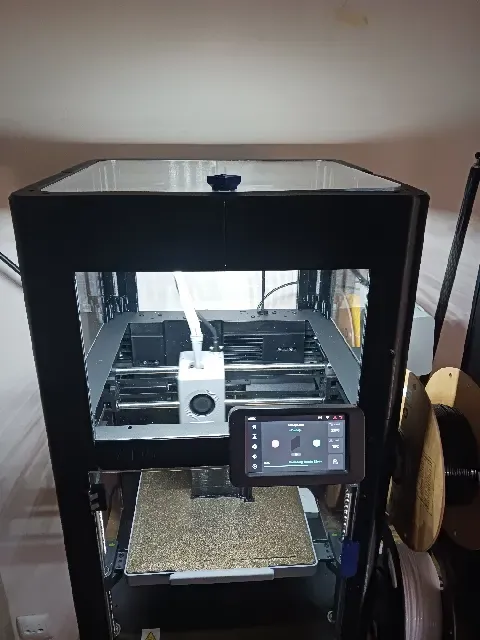
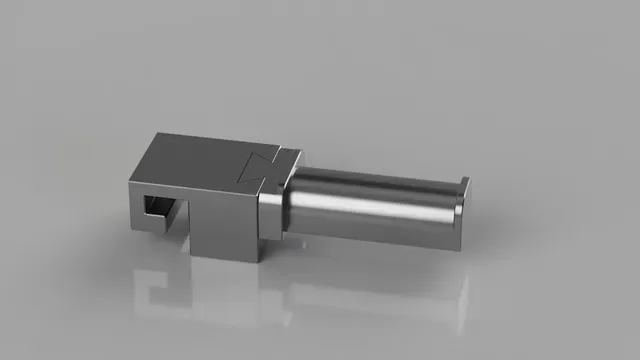
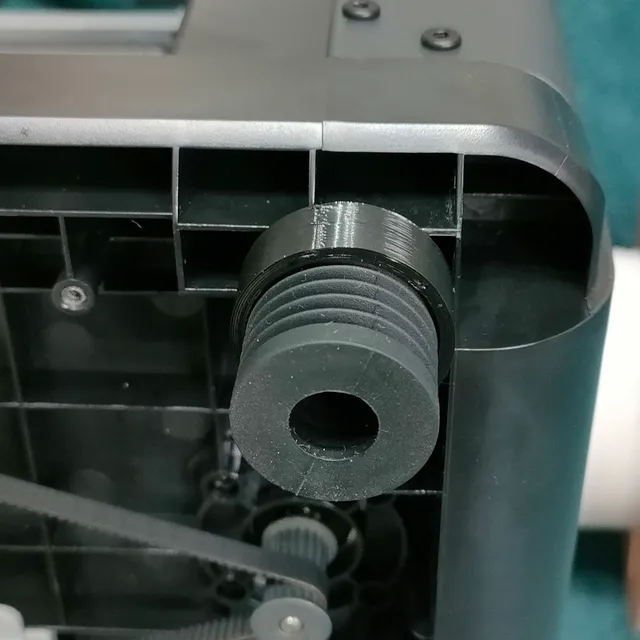
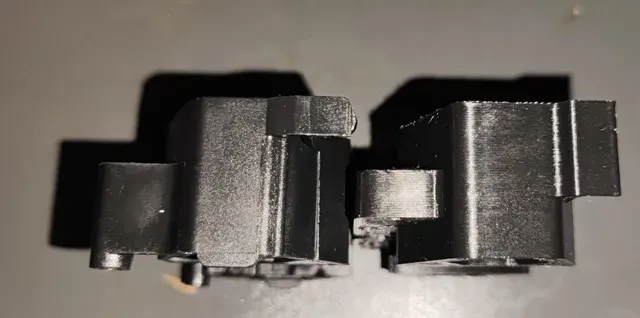
3D printer LED Mount for Flashforge Adventurer 5X (AD5X) with Enclosure — Switch controllable and Reversible Installation
Printables
This collection gathers STL files for enclosures, covers, spool holders, mounts and organizers made around a compact FlashForge 3D printer. You can find parts that close off the build area, route filament, tidy tools and add lighting or accessory mounts. The models vary in scope, from single brackets to multi-part panels, so the collection helps you plan a practical setup around the machine. Polyzon does not confirm whether models are free, their price, license, official status, affiliation, safety or fitness. Check the current terms at the source.
Bu koleksiyonun metni İngilizce; arama ise her dilde çalışır.
 Bir Polyzon koleksiyonu · 47 model 4 siteden
Polyzon bu koleksiyonu bağlı sitelerdeki arama sonuçlarından oluşturur. Tekrarlar ve önizlemesi olmayan modeller çıkarılır, zayıf eşleşmeler sona alınır, geri kalanlar arama sırasını korur. Modeller yazarlarına aittir; her modelin sayfasındaki koşulları kontrol edin.
Seçim kuralları: Polyzon editör ekibi · Metin güncellendi: 11.10.2026




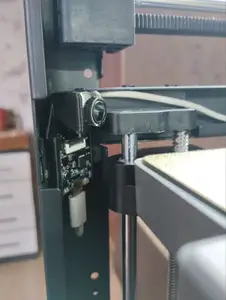
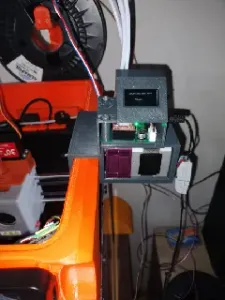


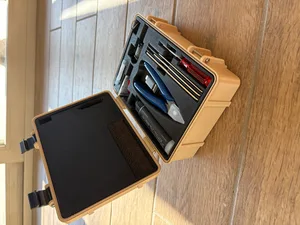
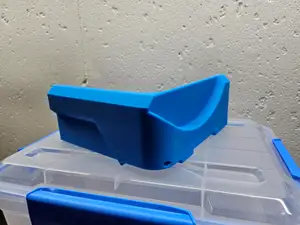
%2Fhttps%3A%2F%2Ffbi.cults3d.com%2Fuploaders%2F45020355%2Fillustration-file%2F38d24213-4af2-436c-a842-1739d66ccc44%2FIMG_1032.jpg&w=300)

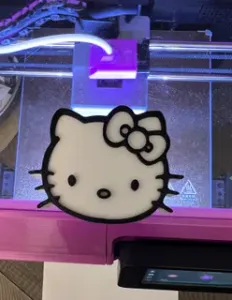
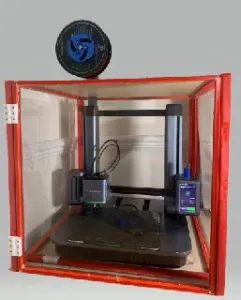


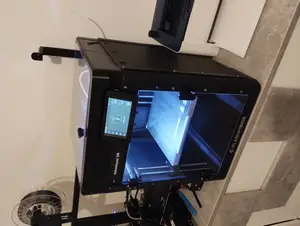

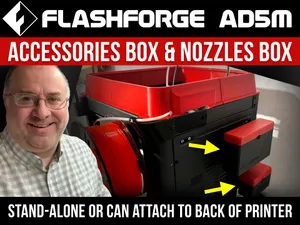


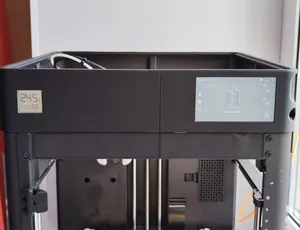


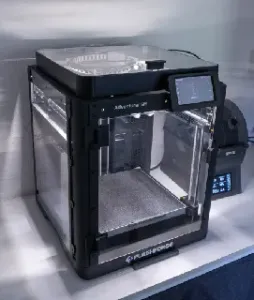

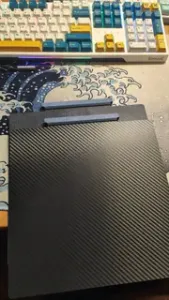


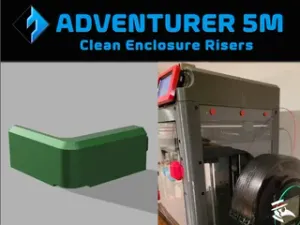

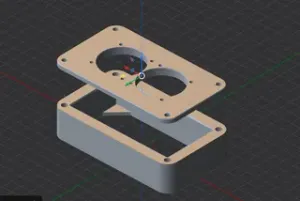
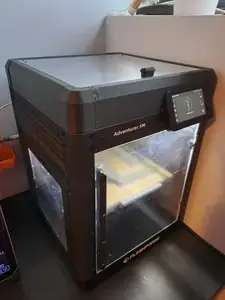
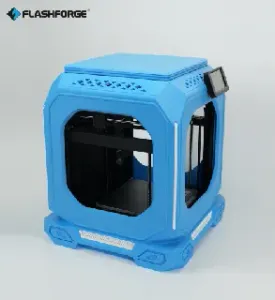

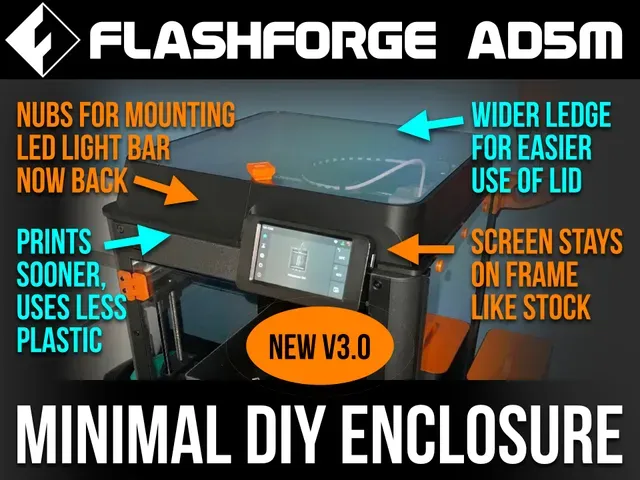
Enclosure projects range from full panel sets to single side or rear covers, and some include a raised lid or a waste chute. Toolhead covers and nozzle organizers address the front and upper area of the machine, while spool holders and rail mounts deal with filament routing and accessories. Organizers for tools and small parts appear as trays, bins or fixed mounts, and lighting brackets are usually simple printed arms or clips.
Before printing, check the model page for panel thickness, overall dimensions and number of parts, because large enclosure panels may need to be split for a smaller bed. Look at whether the author lists supports, screw or magnet hardware, and the material and settings used for the shown print. Photos of real prints help you judge clearances around the toolhead, cable paths and door or lid movement.
To narrow the results, try terms such as enclosure kit, side panel, upper cover, spool holder, tool organizer, LED bracket or rail mount. Related searches include filament guide, cable chain, riser, waste chute and accessory tray. If a part is listed for another machine, compare mounting points and dimensions on the model page before printing.


Ev ve günlük yaşamdan CNC'ye kadar tüm konuların kataloğu; bağlı sitelerin hepsinde arama yapabilirsiniz.