
Ücretsiz 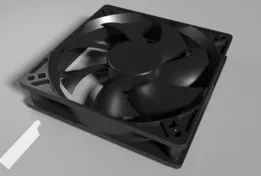
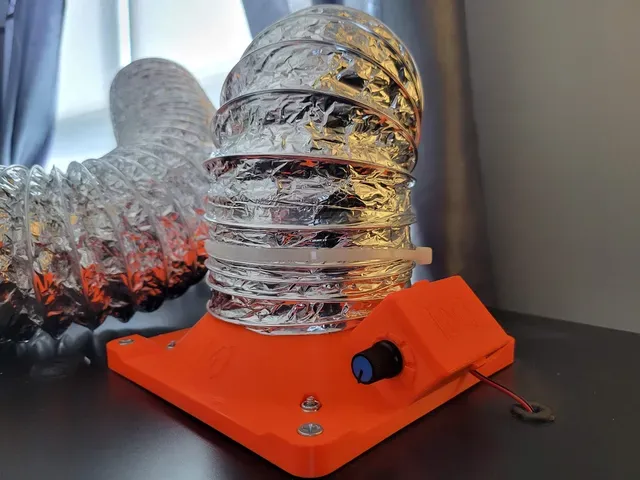
120mm PC Case Fan
GrabCAD
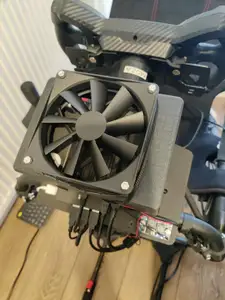
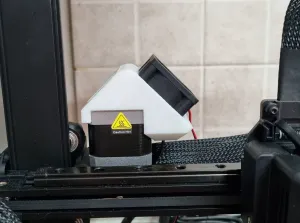
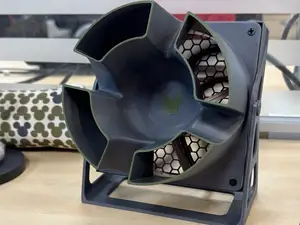
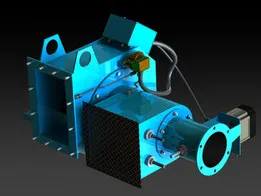
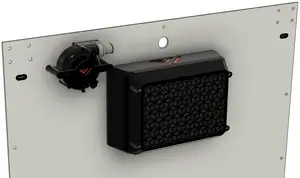
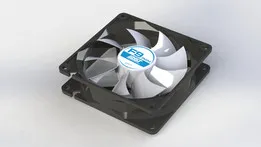
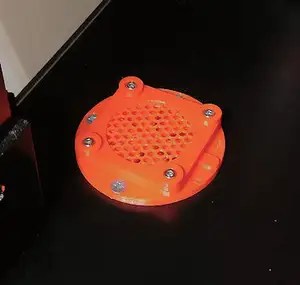
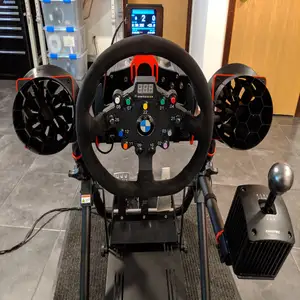
This collection gathers fan housing STL files: shrouds and brackets that hold a fan and direct its airflow. The models cover PC cases, printer toolheads, power supplies and ducted setups, so you can match a housing to the fan you already have. Each listing is made for 3D printing, and the useful details sit on the author's model page. Polyzon does not confirm whether models are free, their price, license, official status, affiliation, safety or fitness. Check the current terms at the source.
Bu koleksiyonun metni İngilizce; arama ise her dilde çalışır.
 Bir Polyzon koleksiyonu · 48 model 6 siteden
Polyzon bu koleksiyonu bağlı sitelerdeki arama sonuçlarından oluşturur. Tekrarlar ve önizlemesi olmayan modeller çıkarılır, zayıf eşleşmeler sona alınır, geri kalanlar arama sırasını korur. Modeller yazarlarına aittir; her modelin sayfasındaki koşulları kontrol edin.
Seçim kuralları: Polyzon editör ekibi · Metin güncellendi: 11.10.2026




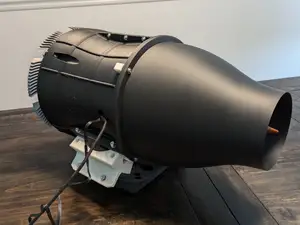
![Air Assist for Diode Lasers [33x33mm]](https://cache.polyzon.org/api/img?url=https%3A%2F%2Fresize.thingiverse.com%2F%3Furl%3Dhttps%3A%2F%2Fcdn.thingiverse.com%2Fassets%2F0e%2Fc7%2F3f%2Fd9%2F83%2FIMG_0493_small.JPG%26w%3D292%26h%3D219%26fit%3Dcontain%26cbg%3Dwhite%26n%3D-1&w=300)














%2Fhttps%3A%2F%2Ffbi.cults3d.com%2Fuploaders%2F13973947%2Fillustration-file%2F6ef0e9f1-eeb9-4dd9-9d49-88f2c4e9d2ea%2F0136a6b7fa2ed8523e9a03275ccb80550309df6f72_display_large.jpg&w=300)
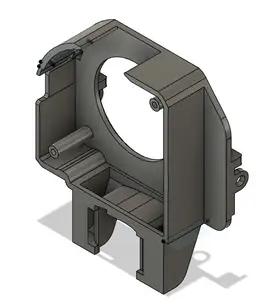
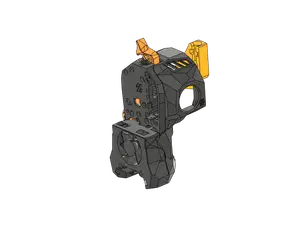
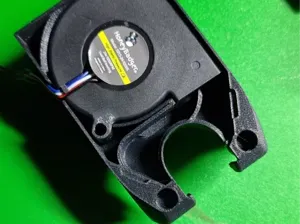
The models fall into a few groups. Case and enclosure housings hold a fan against a panel or an opening, while part-cooling housings sit on a printer toolhead and blow air onto a freshly printed layer. Adapter housings take a larger fan, such as a 120 mm or 140 mm unit, and fit it to a mount designed for something smaller. Ducted and inline versions add a channel that carries air to a vent or a work area.
Before printing, open the model page and read what the author states. Check the fan size and screw spacing, the number of separate parts and how they join, and whether the geometry needs supports. Look at the material and layer settings the author lists, and at photos of actual prints, since thin walls and long overhangs behave differently across materials. Measure your fan and the mounting surface first, then compare those numbers with the model.
If a search returns too little, try related wording. Terms such as shroud, duct, bracket, adapter, mount and blower describe much of the same category, and adding a fan size or a device name narrows the list. You can also search by the part being cooled, for example toolhead, power supply or motor, or by the space it fits into, such as an enclosure or a case panel.


Ev ve günlük yaşamdan CNC'ye kadar tüm konuların kataloğu; bağlı sitelerin hepsinde arama yapabilirsiniz.

