Ücretsiz 
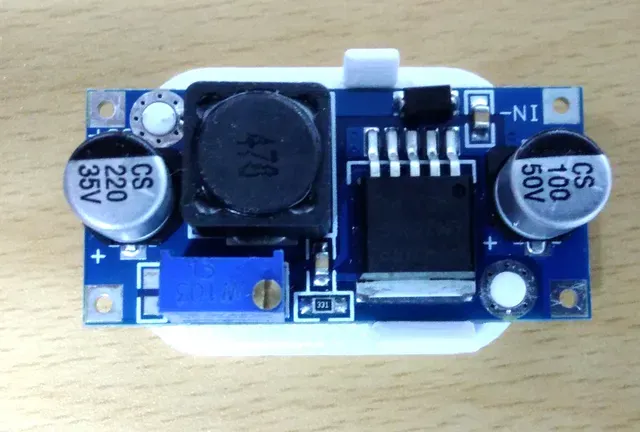
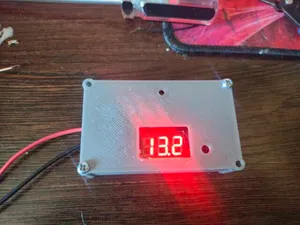
Box for step-down DC-DC buck converter
Thingiverse
This collection gathers STL files for brackets, boxes and mounts built around DC-DC converters, buck modules and small DC motors. It is useful when you need to fix a power module inside a case, on a panel or on a rail instead of leaving it loose. Many of the parts are designed around a specific board outline, so the shape of your own module matters more than the theme. Polyzon does not confirm whether models are free, their price, license, official status, affiliation, safety or fitness. Check the current terms at the source.
Bu koleksiyonun metni İngilizce; arama ise her dilde çalışır.
 Bir Polyzon koleksiyonu · 46 model 4 siteden
Polyzon bu koleksiyonu bağlı sitelerdeki arama sonuçlarından oluşturur. Tekrarlar ve önizlemesi olmayan modeller çıkarılır, zayıf eşleşmeler sona alınır, geri kalanlar arama sırasını korur. Modeller yazarlarına aittir; her modelin sayfasındaki koşulları kontrol edin.
Seçim kuralları: Polyzon editör ekibi · Metin güncellendi: 15.10.2026
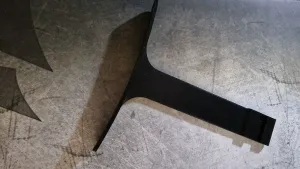

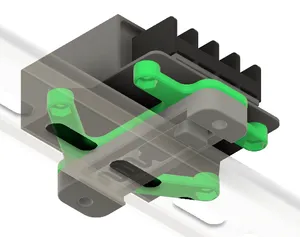

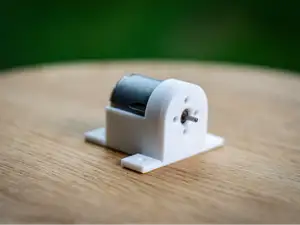
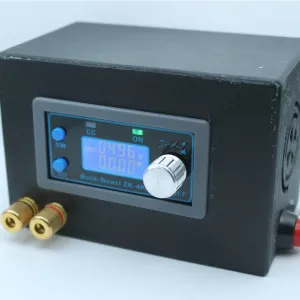


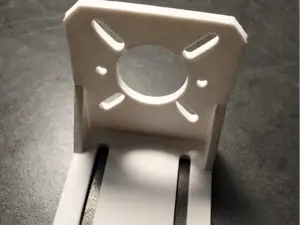
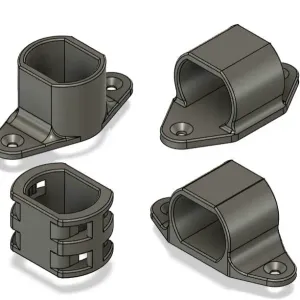


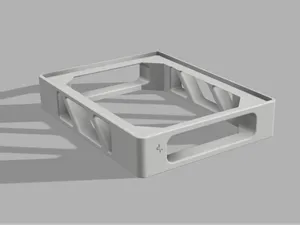
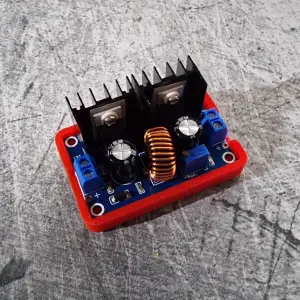

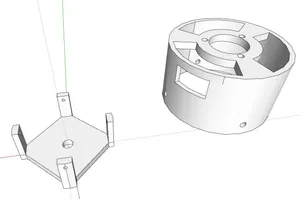
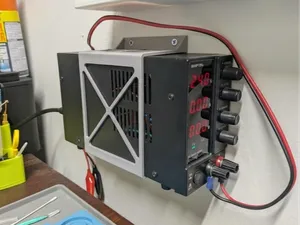
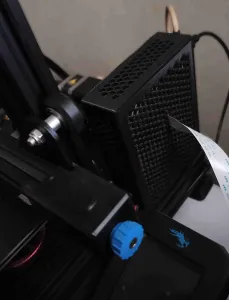


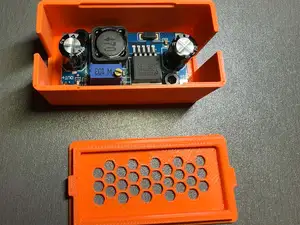
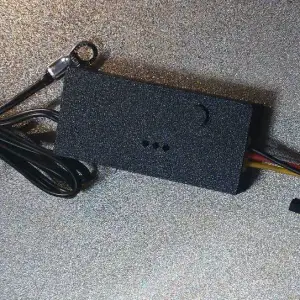


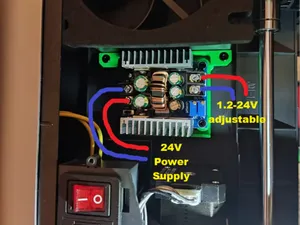
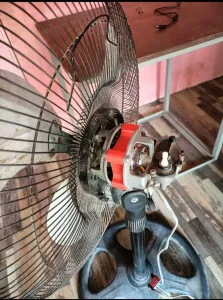


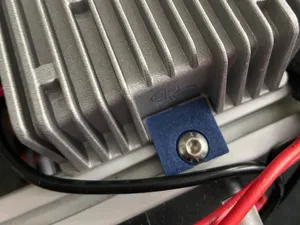
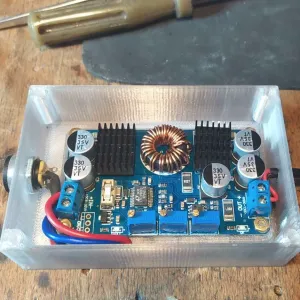

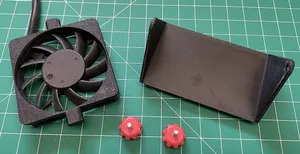

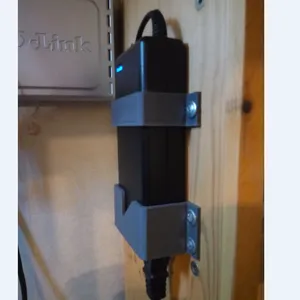


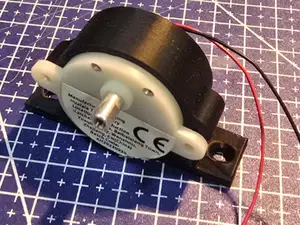
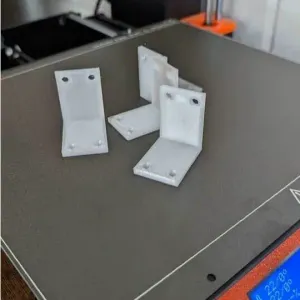

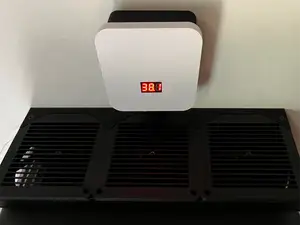


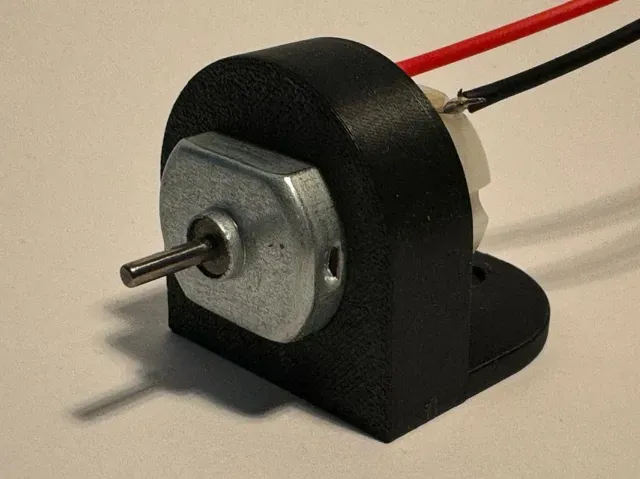
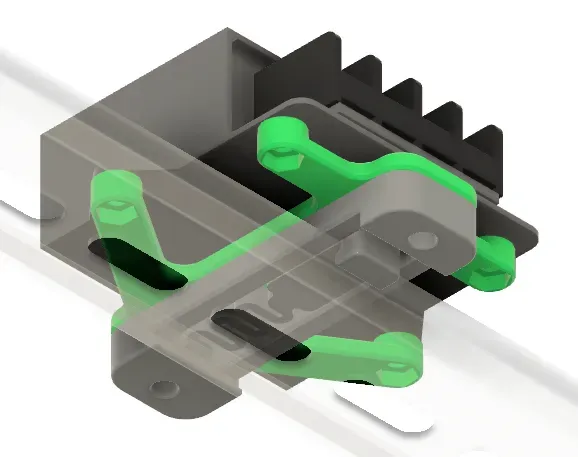
The models fall into a few practical groups. Enclosures wrap a converter board and often leave openings for terminals, screws and wiring, while open brackets hold the same board by its mounting holes. Motor mounts are a separate family: they usually consist of a cradle plus a base plate, and some versions offer screw holes or zip-tie slots. Plug and socket holders are smaller parts that keep a barrel connector or a cigarette-lighter socket fixed in a panel.
Before printing, compare the dimensions on the author's page with your own board: hole spacing, PCB thickness, terminal height and the space needed for wires. Check how many separate parts the model has and whether they join with screws, clips or glue, and read the notes on print orientation and supports. The material and settings the author lists are a starting point; a part that carries load or sits near heat benefits from a thicker wall and a higher infill.
If a search returns little, try the names of the parts rather than the whole assembly: buck converter, step-down module, DC jack, barrel plug, DIN rail clip, motor mount, project box. Related terms such as power supply enclosure, panel mount or cable strain relief often surface the same kind of part. Combining a converter name with a mounting word, or a motor frame size with the word bracket, usually narrows the results faster than a single broad query.
Photos of real prints on the model page show how the part sits once assembled, which is often clearer than the render. If the board you have differs slightly, look for a parametric or remixable version, or search for the same function under another name.


Ev ve günlük yaşamdan CNC'ye kadar tüm konuların kataloğu; bağlı sitelerin hepsinde arama yapabilirsiniz.