
Ücretsiz 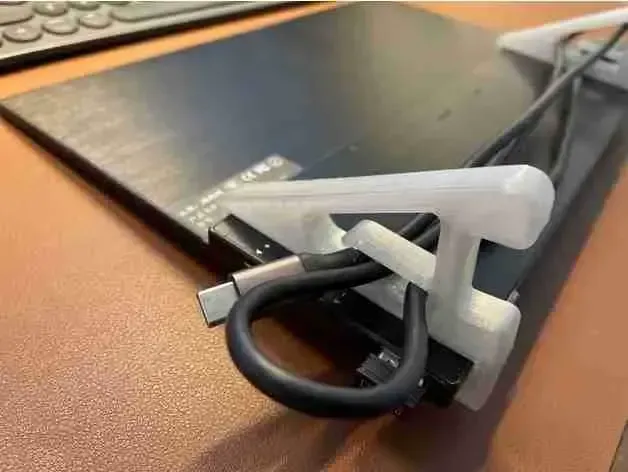
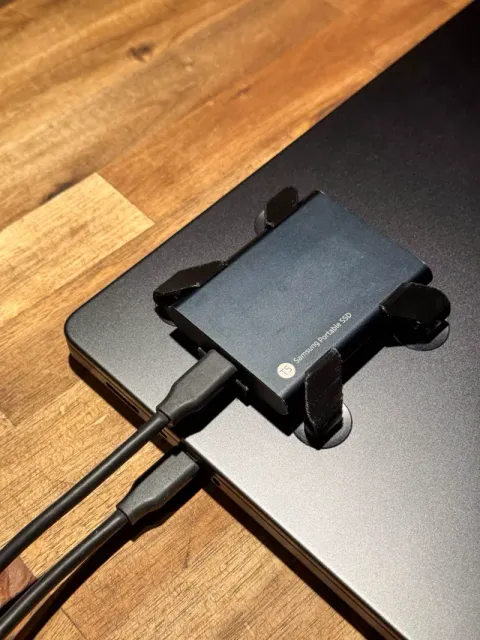
Mobile Monitor Notebook Mount
Creality Cloud
This collection gathers STL files for laptop brackets and mounts: VESA adapters, pegboard holders, under-desk supports and cooling stands. It helps you find a way to place a notebook on a wall, under a desk or on an arm. Each model page shows the dimensions and parts you need to check before 3D printing. Polyzon does not confirm whether models are free, their price, license, official status, affiliation, safety or fitness. Check the current terms at the source.
Bu koleksiyonun metni İngilizce; arama ise her dilde çalışır.
 Bir Polyzon koleksiyonu · 48 model 4 siteden
Polyzon bu koleksiyonu bağlı sitelerdeki arama sonuçlarından oluşturur. Tekrarlar ve önizlemesi olmayan modeller çıkarılır, zayıf eşleşmeler sona alınır, geri kalanlar arama sırasını korur. Modeller yazarlarına aittir; her modelin sayfasındaki koşulları kontrol edin.
Seçim kuralları: Polyzon editör ekibi · Metin güncellendi: 12.10.2026

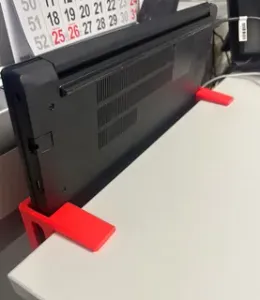
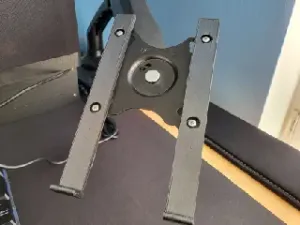
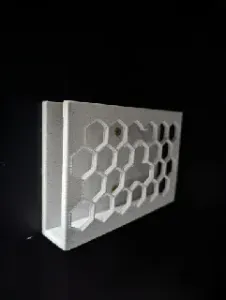
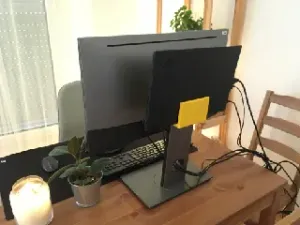

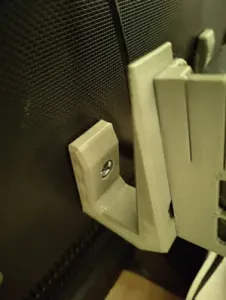


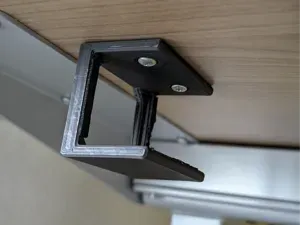


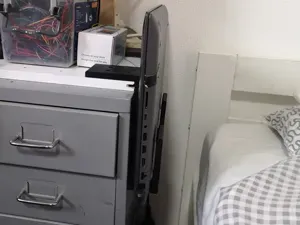
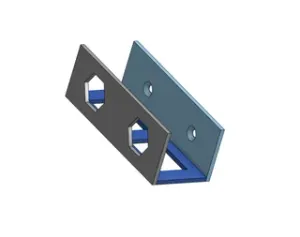
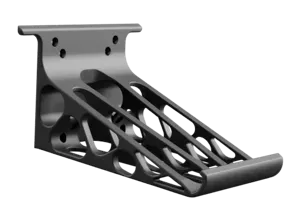


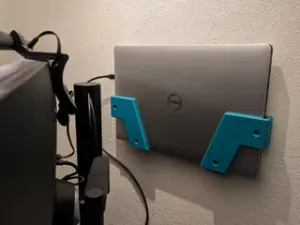
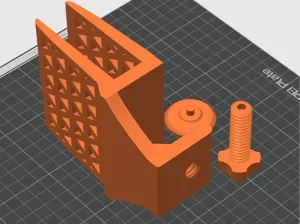
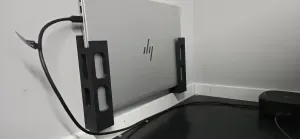

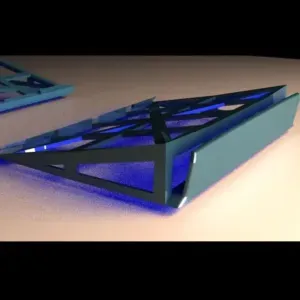
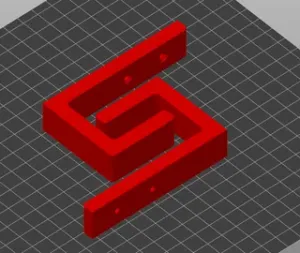
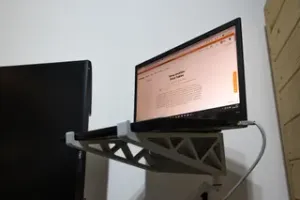
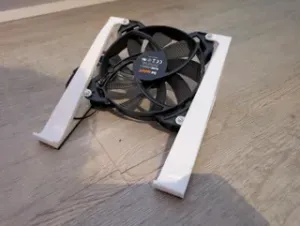


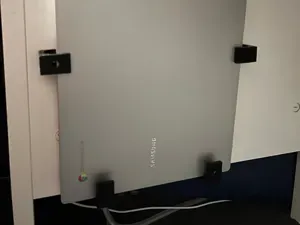
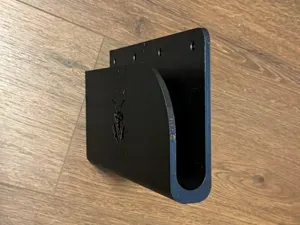


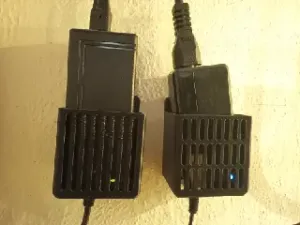
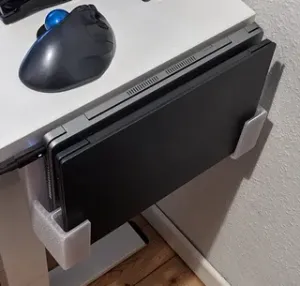

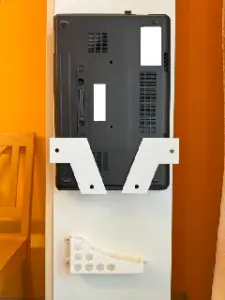

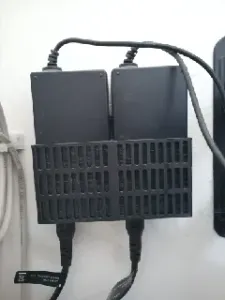

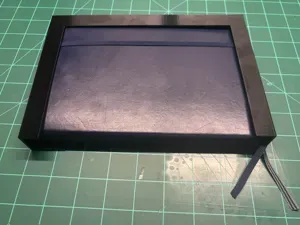
Mounts differ by where they attach: VESA plates connect to monitor arms, pegboard brackets hook onto perforated boards, and under-desk designs screw into a tabletop. Some hold a laptop vertically to save space, while others include a tray or shelf for the device. Cooling brackets add open space around the chassis, and wall mounts fix the notebook in a single position.
Check the model page for the laptop thickness range, the screw hole pattern and the number of printed parts. Look at whether the author lists supports, infill or material, and review photos of real prints to judge the fit. For load-bearing brackets, consider the layer orientation and the hardware needed for assembly.
To narrow results, try synonyms like laptop holder, notebook stand, VESA adapter or pegboard mount. Related topics include tablet mounts, monitor arms, cable clips and desk organizers. Adding a device size or a mounting standard to the query can filter out unrelated brackets.


Ev ve günlük yaşamdan CNC'ye kadar tüm konuların kataloğu; bağlı sitelerin hepsinde arama yapabilirsiniz.

