Ücretsiz 
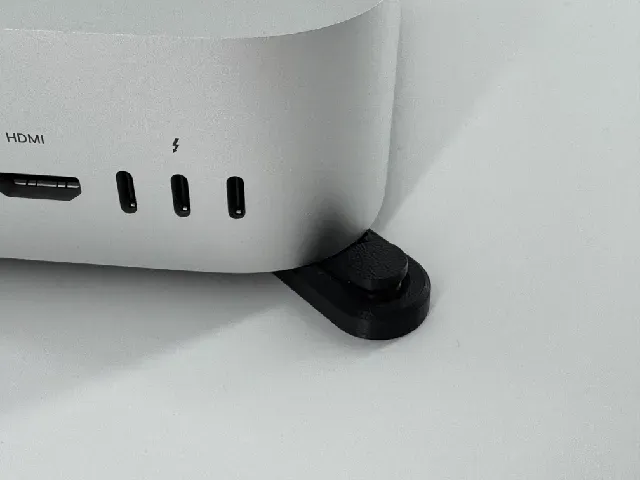
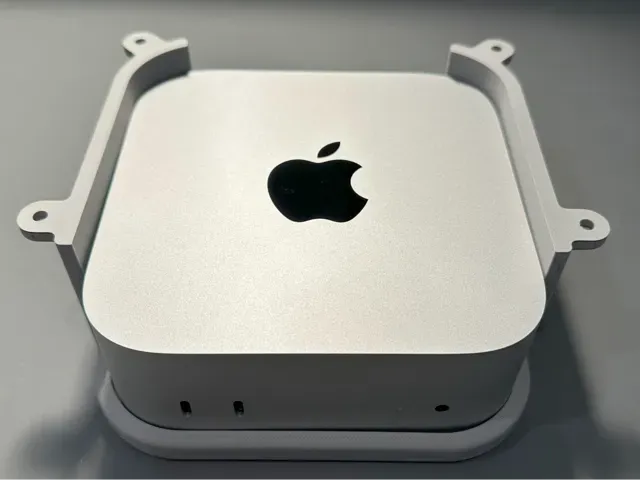
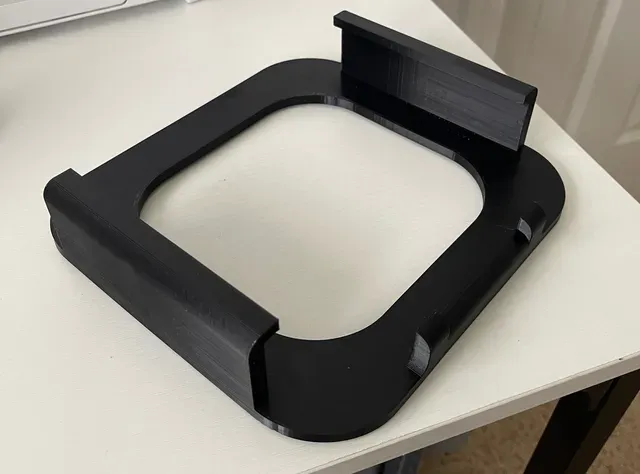
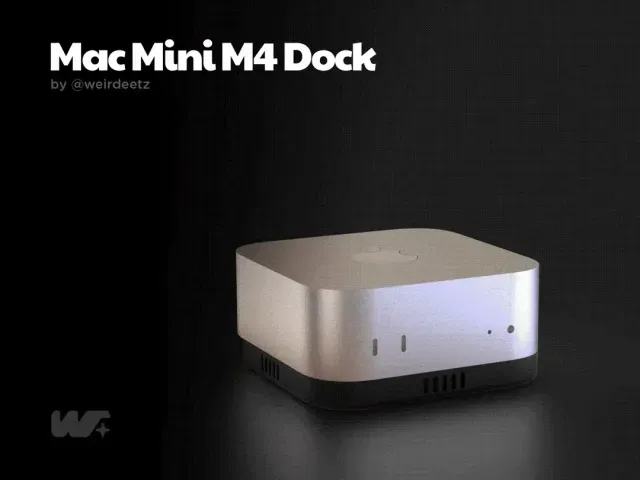
Apple Mac mini Vertical Dock
Thingiverse
This collection gathers 3D printing files built around the Mac mini: under-desk brackets, wall and VESA plates, rack shelves, vertical stands and small add-ons for the power button. Most of them solve a placement problem, moving the machine off the desk or into a fixed position. The files are aimed at anyone with a 3D printer who wants the case to sit where the cables and ports are easiest to reach. Polyzon does not confirm whether models are free, their price, license, official status, affiliation, safety or fitness. Check the current terms at the source.
Bu koleksiyonun metni İngilizce; arama ise her dilde çalışır.
 Bir Polyzon koleksiyonu · 48 model 4 siteden
Polyzon bu koleksiyonu bağlı sitelerdeki arama sonuçlarından oluşturur. Tekrarlar ve önizlemesi olmayan modeller çıkarılır, zayıf eşleşmeler sona alınır, geri kalanlar arama sırasını korur. Modeller yazarlarına aittir; her modelin sayfasındaki koşulları kontrol edin.
Seçim kuralları: Polyzon editör ekibi · Metin güncellendi: 12.10.2026
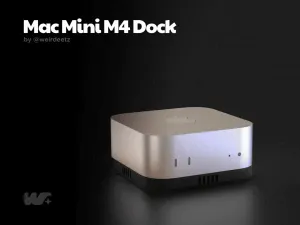


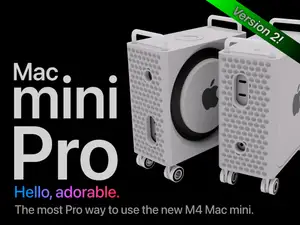
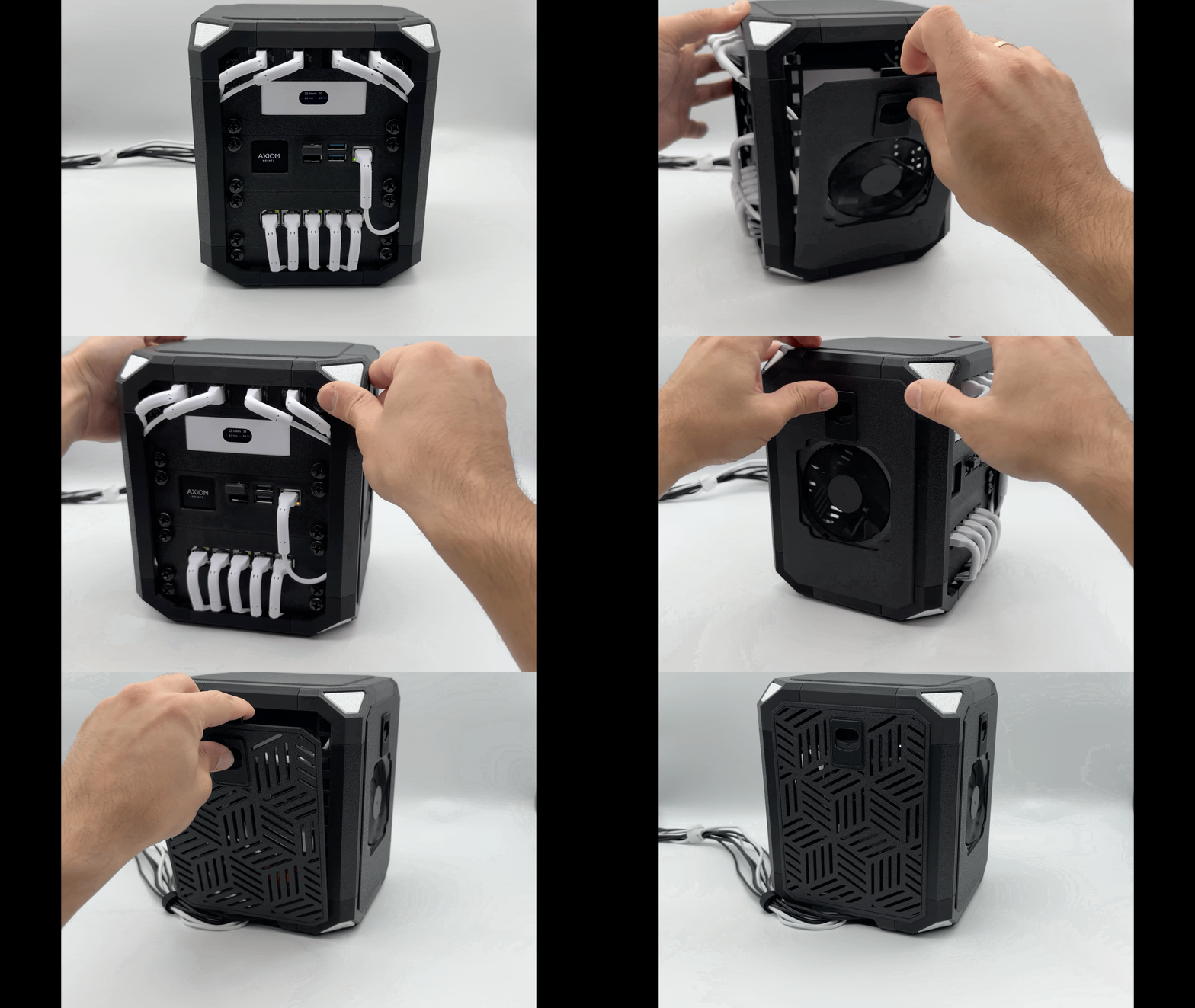

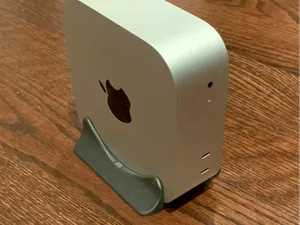
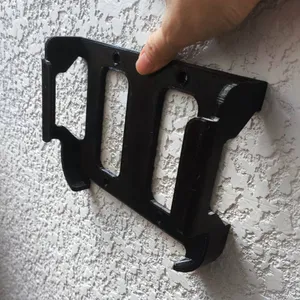


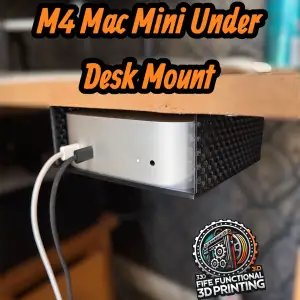


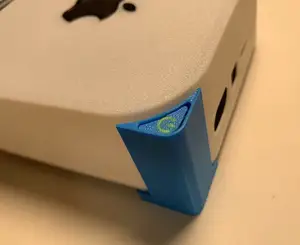
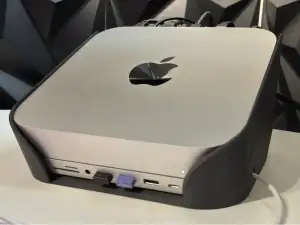


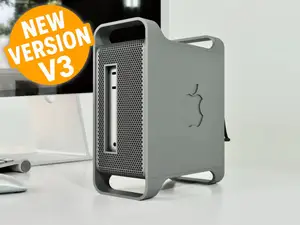



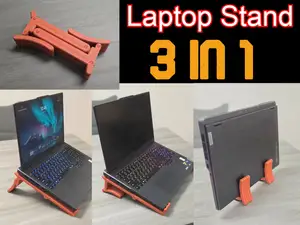
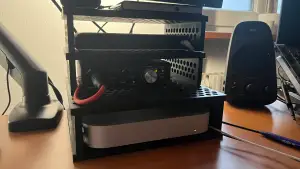


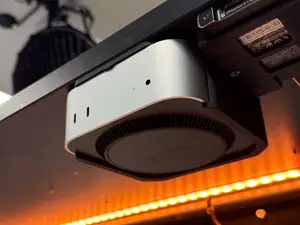
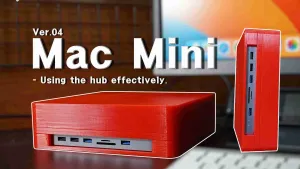


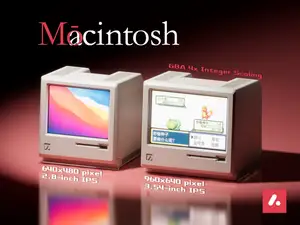
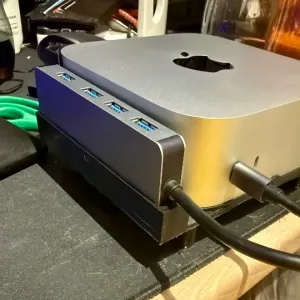


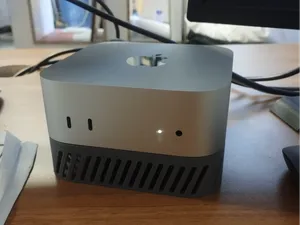
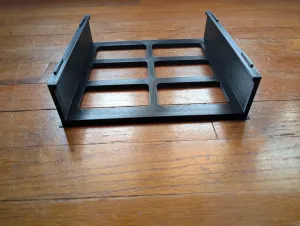

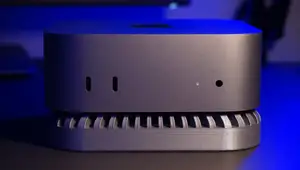
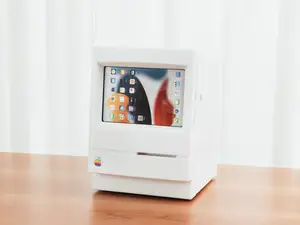
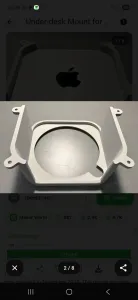

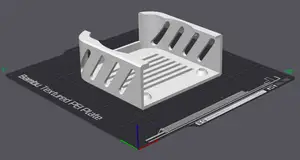
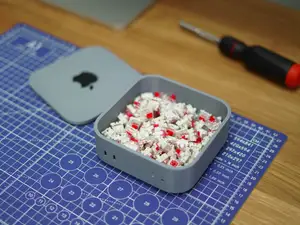
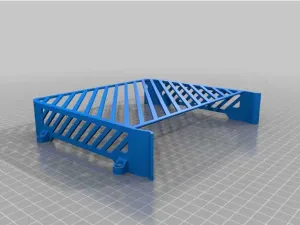
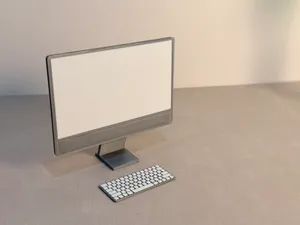
The models fall into a few groups. Mounting hardware covers under-desk brackets, wall plates and VESA adapters that attach the machine to a surface or to the back of a display. Rack-oriented designs turn the mini into a shelf unit inside a printed or metal rack. Stands and docks hold the machine vertically or at an angle, sometimes with a drawer or a front-facing port extension, while smaller parts deal with the top-mounted power button.
Before printing, compare the model page against your own machine. Check the stated dimensions and which generation the author measured, the position of screw holes and vents, the number of separate parts and how they join, and whether the author used supports. Look at the material and settings listed, and at photos of finished prints, since a thin bracket and a thick shelf behave differently on a desk.
If the first search is thin, try other words for the same object: bracket, holder, cradle, tray, shelf, dock, stand or VESA plate. Related searches include mini PC mounts, desk cable management, rack shelves and power button extenders, and scaling a design for a different small computer is a common follow-up. Narrowing by generation, by mount type or by the surface you want to attach to usually returns a shorter, more useful list.



Ev ve günlük yaşamdan CNC'ye kadar tüm konuların kataloğu; bağlı sitelerin hepsinde arama yapabilirsiniz.