
Ücretsiz 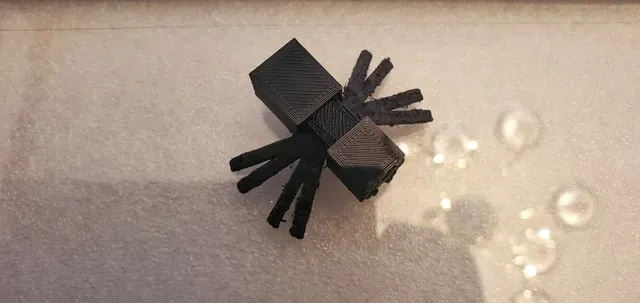
Minecraft Spider
Printables
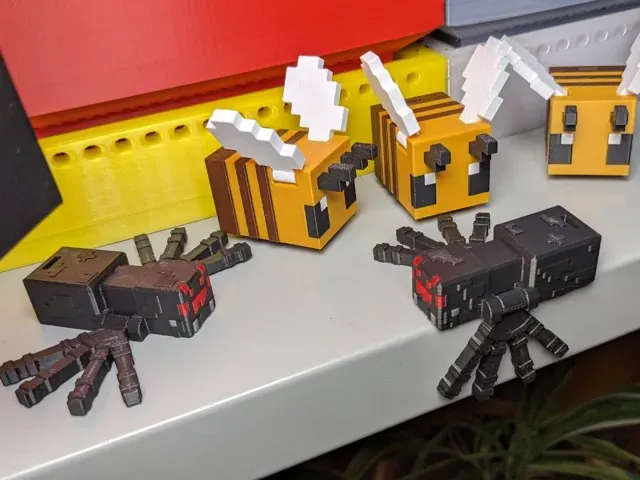
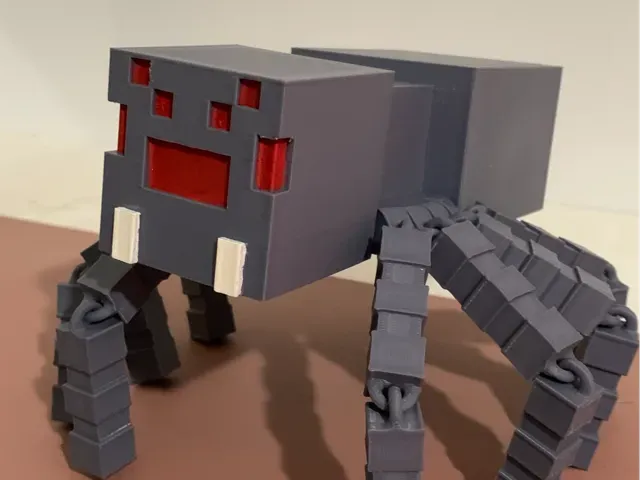
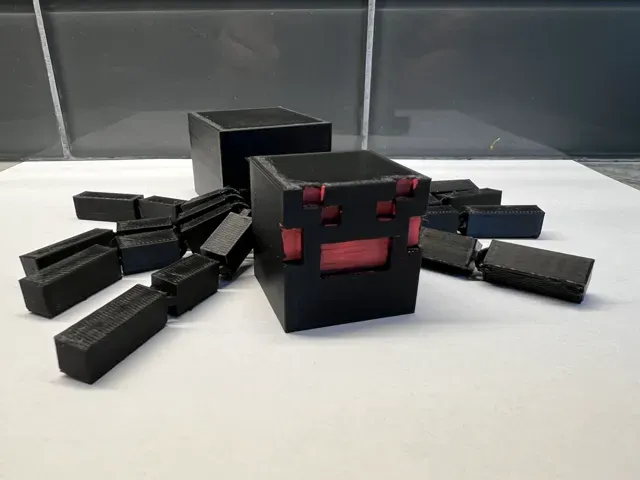
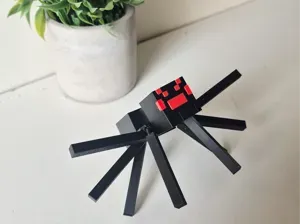
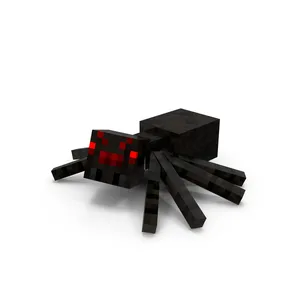
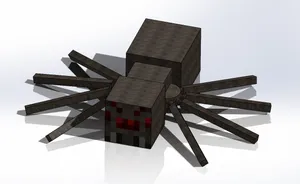
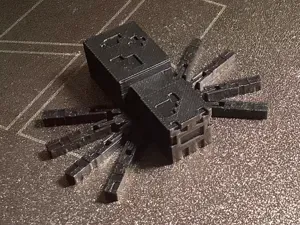
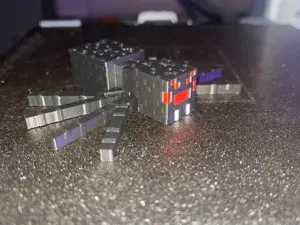
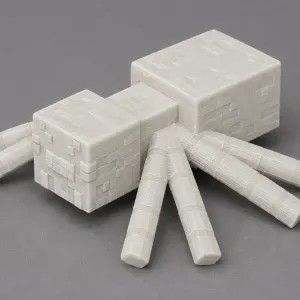
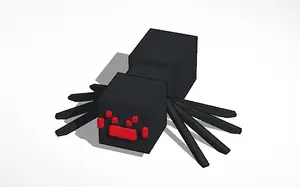
This collection gathers spider-themed 3D models that follow the blocky Minecraft look, alongside a few realistic articulated spiders. It covers several ways to use the same idea: a moving figure for a desk, a flat coaster, a cutter, or a small mob to print in a batch. Most files are meant for a standard FDM 3D printer, and some are built as a single STL that comes off the plate already jointed. Polyzon does not confirm whether models are free, their price, license, official status, affiliation, safety or fitness. Check the current terms at the source.
Bu koleksiyonun metni İngilizce; arama ise her dilde çalışır.
 Bir Polyzon koleksiyonu · 48 model 7 siteden
Polyzon bu koleksiyonu bağlı sitelerdeki arama sonuçlarından oluşturur. Tekrarlar ve önizlemesi olmayan modeller çıkarılır, zayıf eşleşmeler sona alınır, geri kalanlar arama sırasını korur. Modeller yazarlarına aittir; her modelin sayfasındaki koşulları kontrol edin.
Seçim kuralları: Polyzon editör ekibi · Metin güncellendi: 13.10.2026
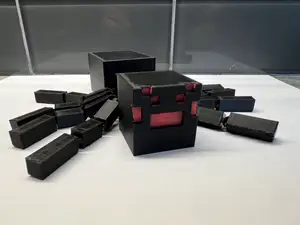

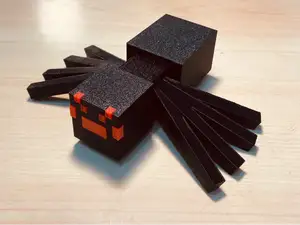
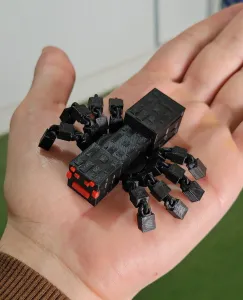
%2Fhttps%3A%2F%2Ffbi.cults3d.com%2Fuploaders%2F13596354%2Fillustration-file%2F692d075c-b942-4f7f-ab56-801747a9e905%2FMinecraft-Spider.gif&w=300)
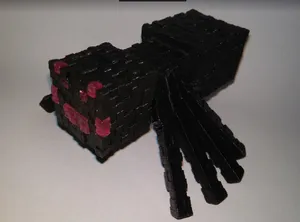


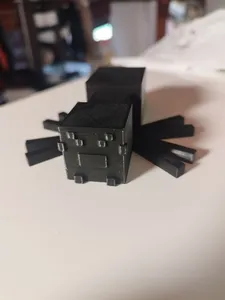
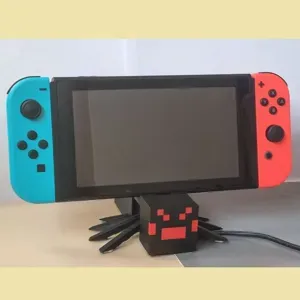
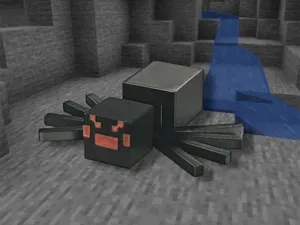



%2Fhttps%3A%2F%2Ffbi.cults3d.com%2Fuploaders%2F18353126%2Fillustration-file%2Fdb3354ea-cc69-40d4-8220-1f5c6568271b%2Fminecraft-spider.gif&w=300)
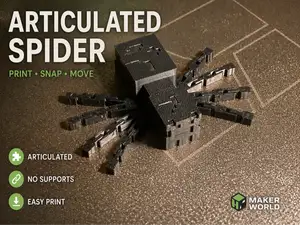


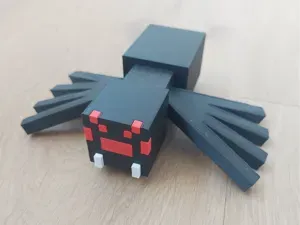
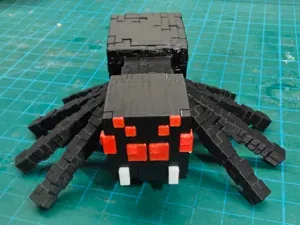
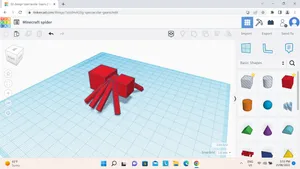

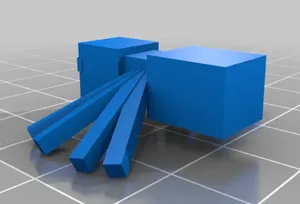

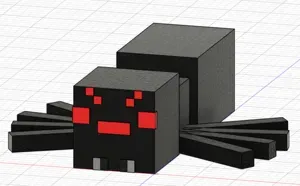
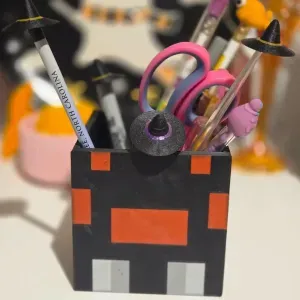

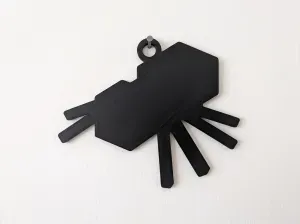

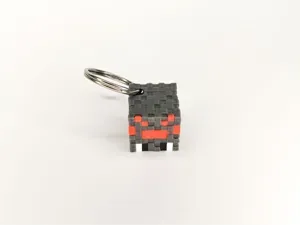
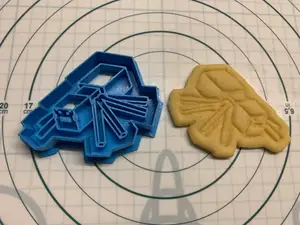

The most common group is the articulated spider: legs and body are modelled as one piece with gaps between the joints, so the model moves after printing without assembly. These differ mainly in how many legs are separate, how thick the joints are, and whether the model is scaled to a real spider or to a game-like blocky shape. Figurines and mob packs take the opposite approach: a static model, often split into parts, sometimes with several creatures arranged on one plate. Flat items such as coasters, cutters and web shapes are a third direction, where the spider is reduced to a silhouette or an outline.
Before printing, open the author's page and read what is listed there. Check the overall size and scale, since a keychain and a display figure need very different layer heights and wall counts. Look at the number of parts and whether the model is intended to be glued or clipped together, and whether the author mentions supports for the overhanging legs. Joint clearance matters on articulated versions: too tight and the legs fuse, too loose and they hang. Photos of real prints and the material and settings the author lists are more useful than the render.
If the results feel narrow, try related wording. "Flexi" and "print in place" describe the moving type, while "mob", "figurine" and "miniature" point to static models. Searching for a specific creature, a scale such as 50 mm, or a use such as keychain, coaster or stand usually narrows the list faster than adding adjectives. Combining a spider term with a game or film name brings in cross-over models, and swapping the creature name keeps the same style if you want a matching set.


Ev ve günlük yaşamdan CNC'ye kadar tüm konuların kataloğu; bağlı sitelerin hepsinde arama yapabilirsiniz.