Ücretsiz 
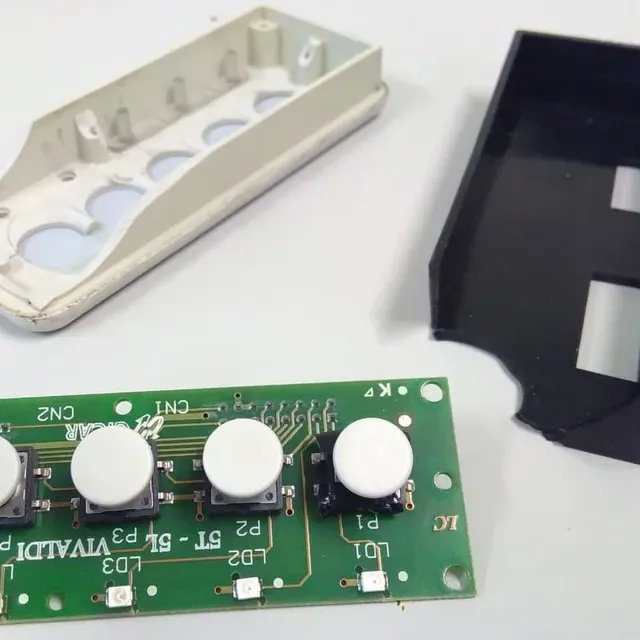
Ender-5 Control Panel Back Cover
Thingiverse
This collection gathers STL files for control panels and the boxes built around them: cockpit replicas, arcade consoles, machine faceplates and modular housings. It helps when you need a panel for a 3D printer, a simulator or a workshop build and want to compare several approaches before printing. The models differ in size, part count and the way buttons and displays are mounted. Polyzon does not confirm whether models are free, their price, license, official status, affiliation, safety or fitness. Check the current terms at the source.
Bu koleksiyonun metni İngilizce; arama ise her dilde çalışır.
 Bir Polyzon koleksiyonu · 47 model 4 siteden
Polyzon bu koleksiyonu bağlı sitelerdeki arama sonuçlarından oluşturur. Tekrarlar ve önizlemesi olmayan modeller çıkarılır, zayıf eşleşmeler sona alınır, geri kalanlar arama sırasını korur. Modeller yazarlarına aittir; her modelin sayfasındaki koşulları kontrol edin.
Seçim kuralları: Polyzon editör ekibi · Metin güncellendi: 13.10.2026

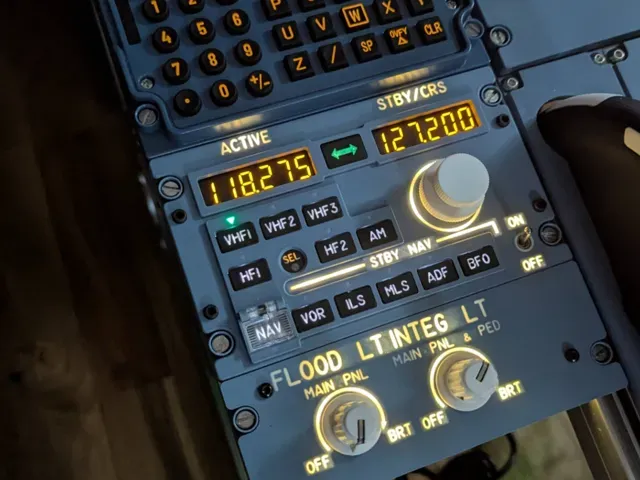
![Airbus A320 Radio Managment Panel [RMP]](https://cache.polyzon.org/api/img?url=https%3A%2F%2Fmakerworld.bblmw.com%2Fmakerworld%2Fmodel%2FUS87bbd2080f1b2e%2Fdesign%2F5b353fdf607dedb9.jpg&w=300)
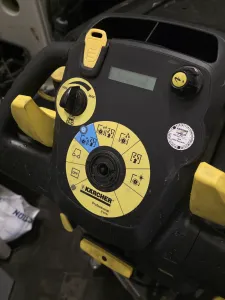

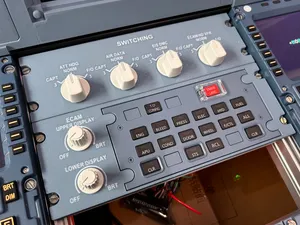
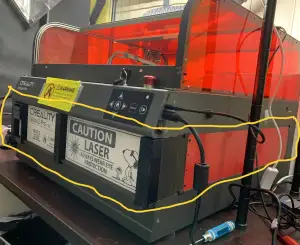

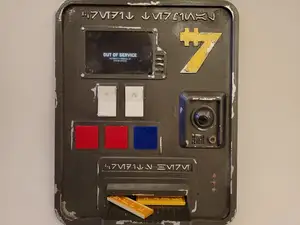
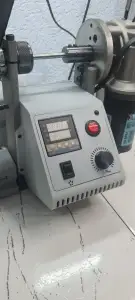

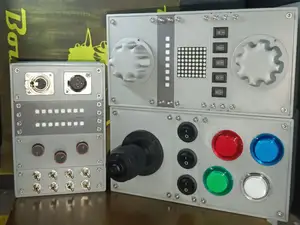


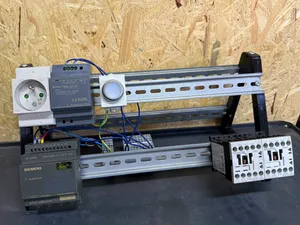
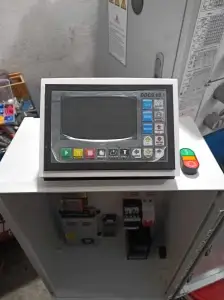

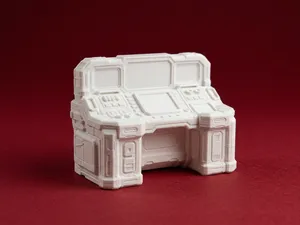
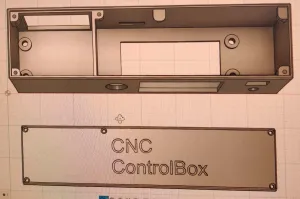

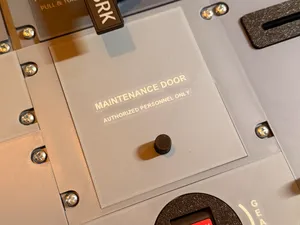
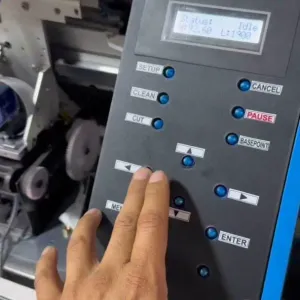
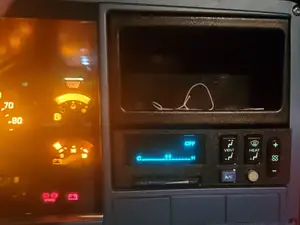
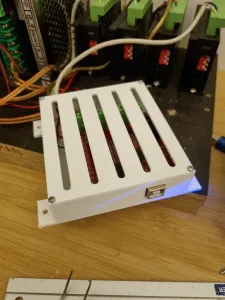

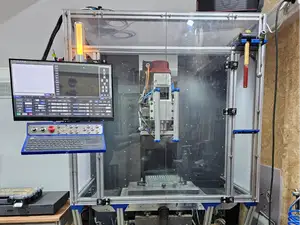

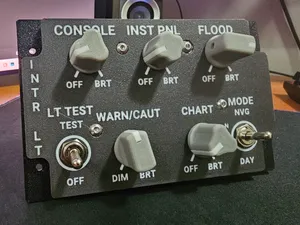

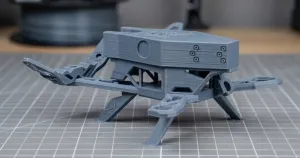

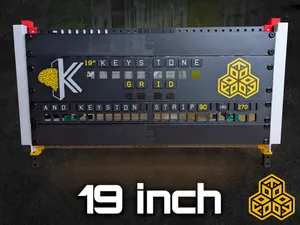
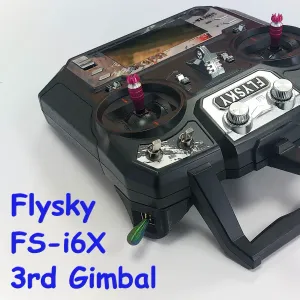

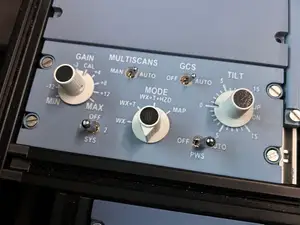

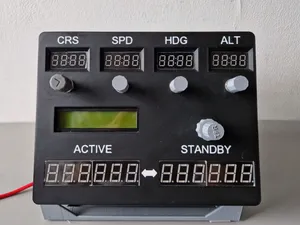

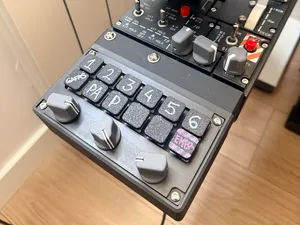
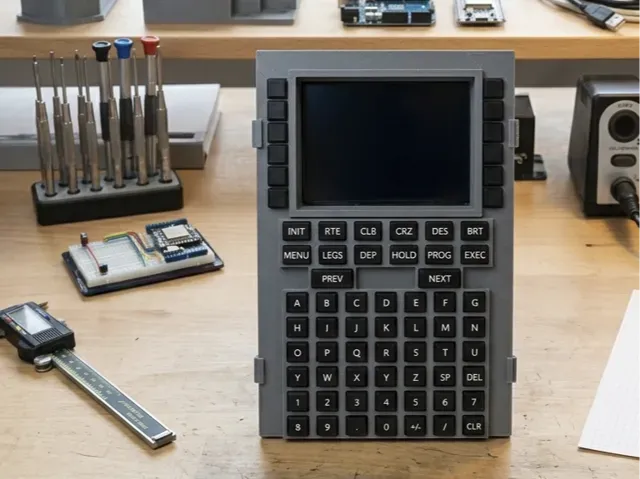
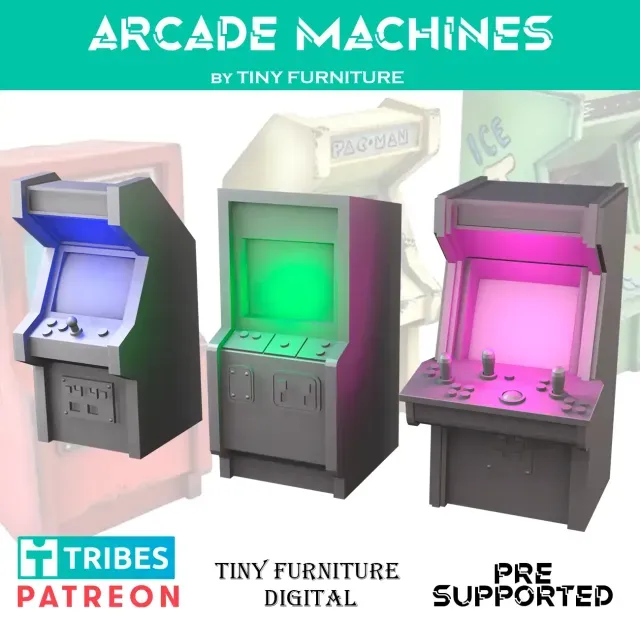
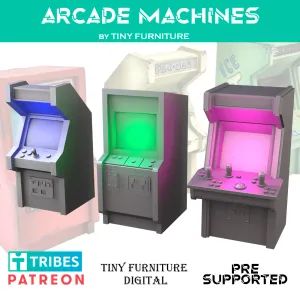
The range falls into a few groups. Aviation and simulator panels copy cockpit layouts, with labelled openings for switches, keypads and small displays. Arcade and game panels are organised around joystick and button holes, while machine and appliance panels replace or extend the front of an existing device. Modular and rail-mounted boxes take a different route: they hold electronics inside a frame or on a rail rather than presenting a decorated face.
Before printing, read the author's page for overall dimensions and scale, the number of separate parts, and how they join — screws, clips or slots. Check whether supports are needed, which material and layer height the author lists, and look at photos of finished prints to judge wall thickness and the fit around buttons. Cutouts for connectors and displays usually carry the tightest tolerance, so measure your own components first.
If the results feel too narrow, try other words for the same object: faceplate, bezel, enclosure, housing, console or box. Related searches such as DIN rail, arcade cabinet, cockpit, MIDI controller or CNC bring up panels that are named differently. Pairing a panel type with a device name or a size often narrows a long list faster than scrolling through it.


%2Fhttps%3A%2F%2Ffbi.cults3d.com%2Fuploaders%2F13996158%2Fillustration-file%2Fff14ba04-a9cc-40e6-a7da-9ed36a1344e0%2F4.png&w=300)
%2Fhttps%3A%2F%2Ffbi.cults3d.com%2Fuploaders%2F14219689%2Fillustration-file%2F32499f28-8aae-4c35-82f8-adaa1c14fe15%2Funtitled.120.jpg&w=300)

Ev ve günlük yaşamdan CNC'ye kadar tüm konuların kataloğu; bağlı sitelerin hepsinde arama yapabilirsiniz.