
Ücretsiz 
Soda Stream Bottle Rack
Thingiverse
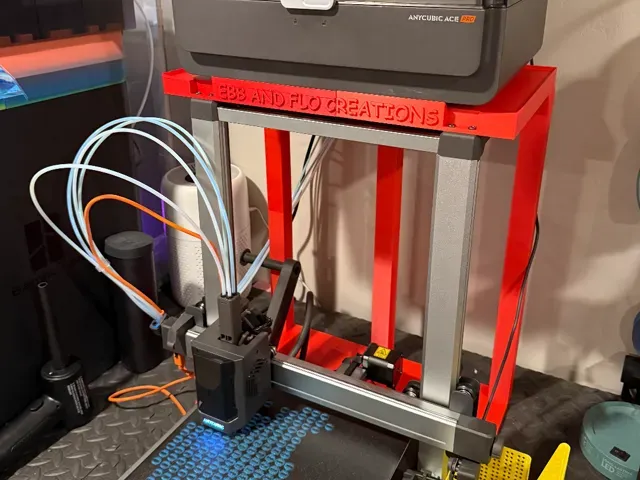
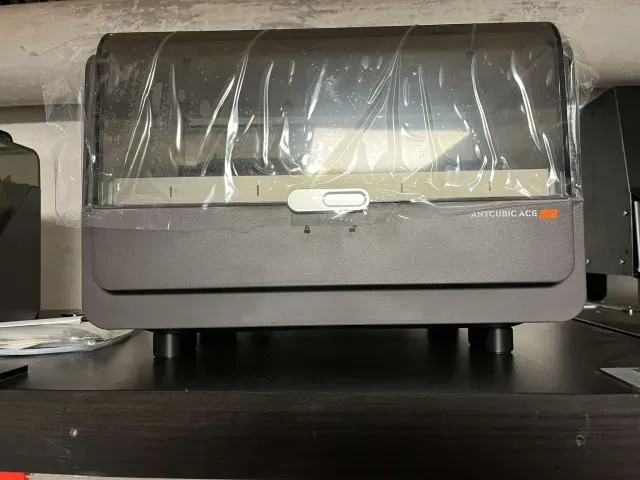
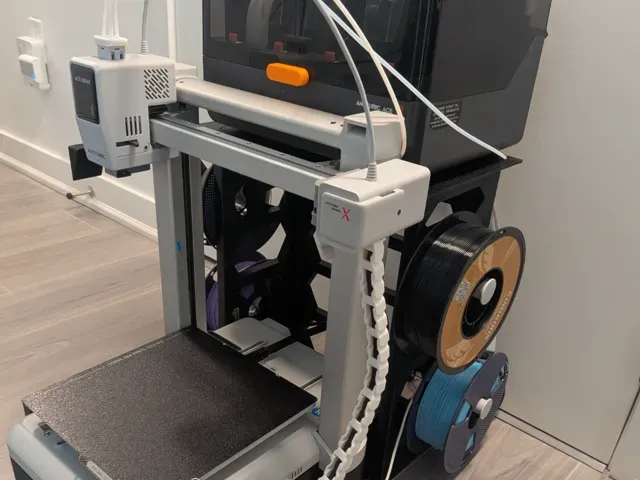
This collection gathers modular rack designs that attach to the rear or top of an Anycubic Kobra 3 frame, together with the brackets and routing parts that usually go with them. The parts are made for 3D printing, so you can adapt the layout to the space behind or beside the machine. It is a practical starting point if you want the ACE unit, spools and tubing arranged in one place instead of spread around the desk. Polyzon does not confirm whether models are free, their price, license, official status, affiliation, safety or fitness. Check the current terms at the source.
Bu koleksiyonun metni İngilizce; arama ise her dilde çalışır.
 Bir Polyzon koleksiyonu · 47 model 3 siteden
Polyzon bu koleksiyonu bağlı sitelerdeki arama sonuçlarından oluşturur. Tekrarlar ve önizlemesi olmayan modeller çıkarılır, zayıf eşleşmeler sona alınır, geri kalanlar arama sırasını korur. Modeller yazarlarına aittir; her modelin sayfasındaki koşulları kontrol edin.
Seçim kuralları: Polyzon editör ekibi · Metin güncellendi: 15.10.2026

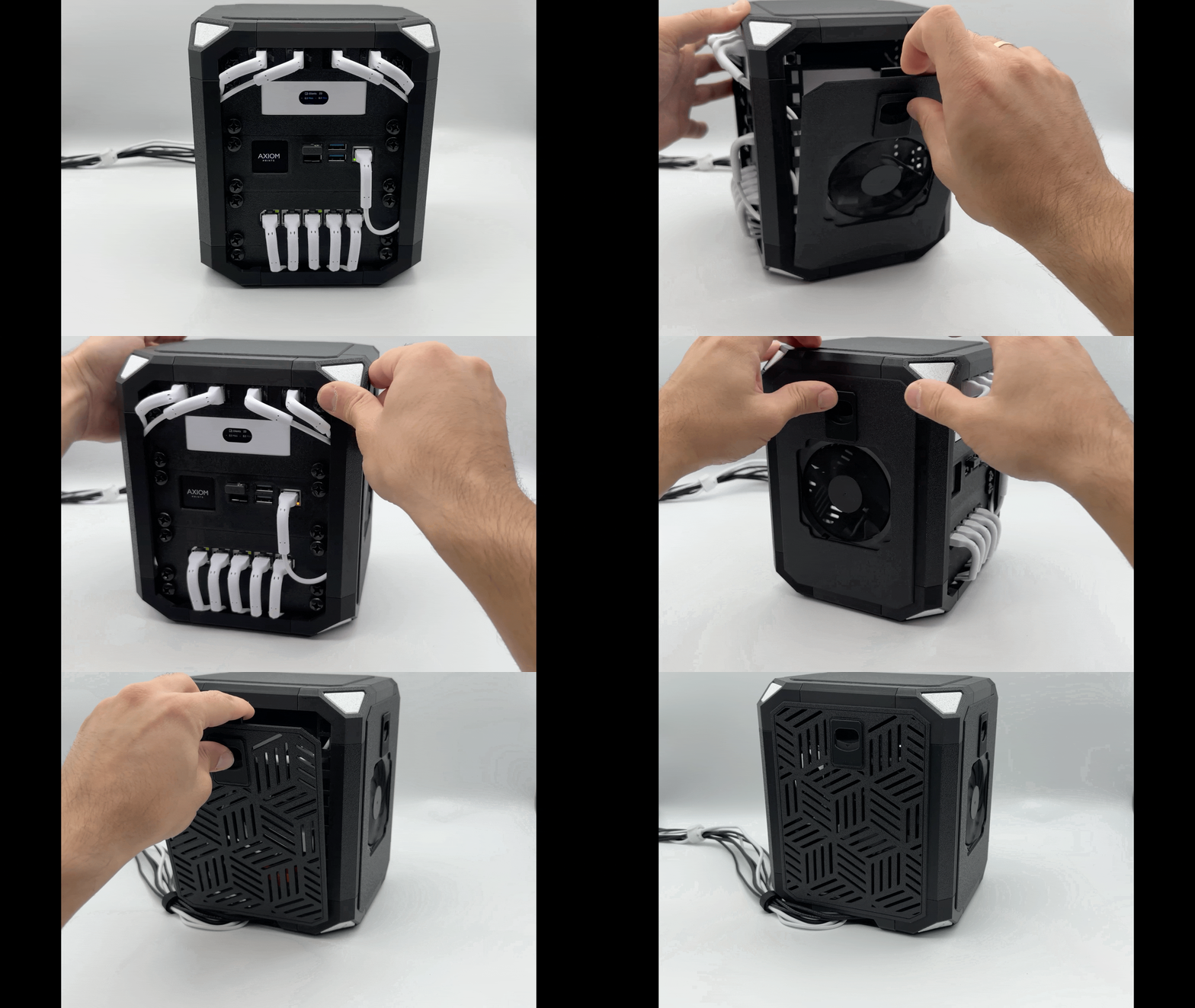

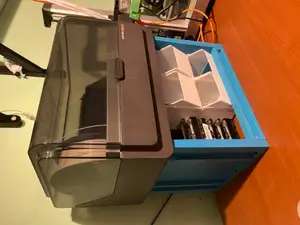
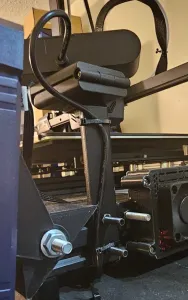


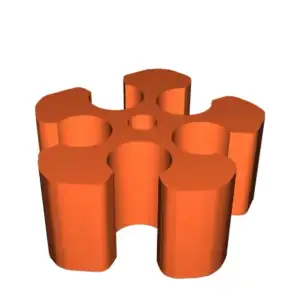

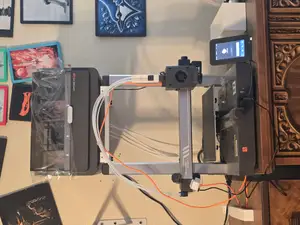
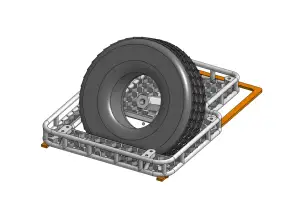

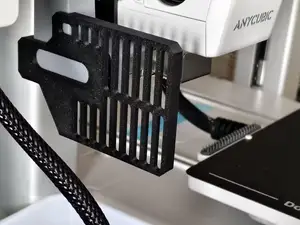
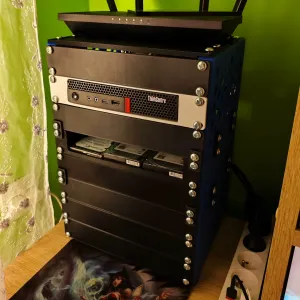

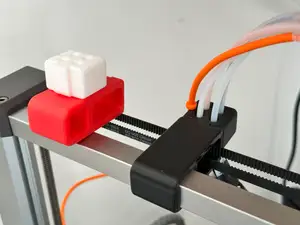
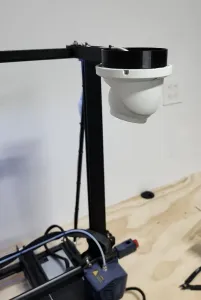

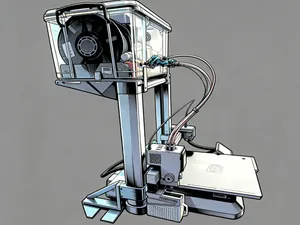
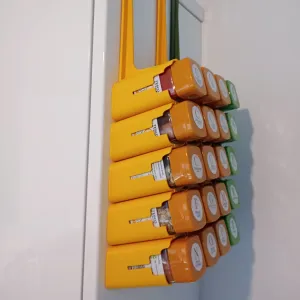

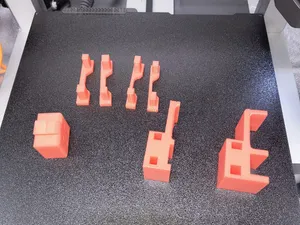
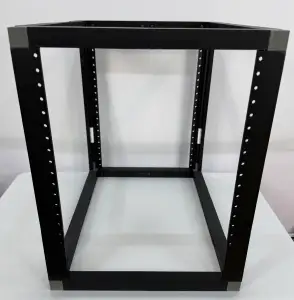

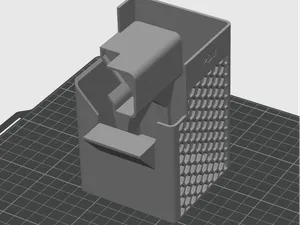
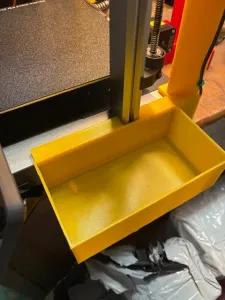

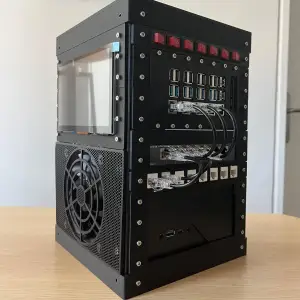


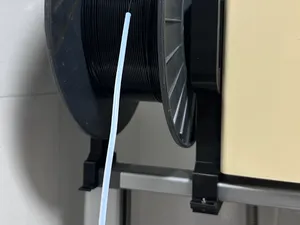
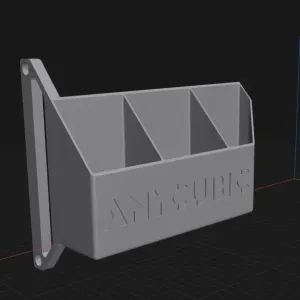

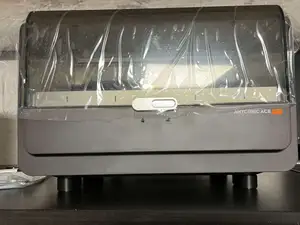
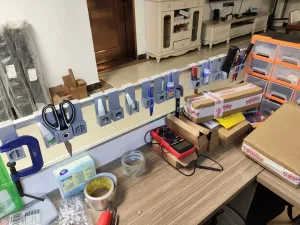

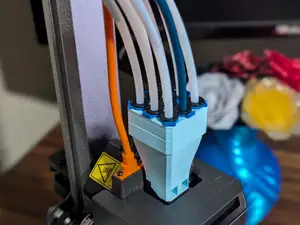

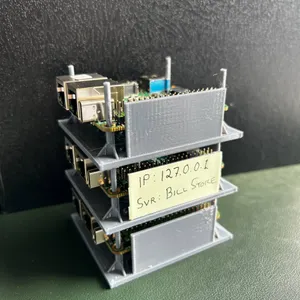
The designs fall into a few groups. Rear and top mounts carry an ACE unit on the frame itself, while stackable rack systems build upward from repeated printed modules. Filament routing pieces guide tubing away from the gantry, and combo base or leg parts change how the printer stands so the rack has room. Rack-mount modules for small computers and network gear appear under the same wording, so read the title carefully before assuming a part belongs to a printer.
When you open a model page, check the dimensions and scale first, then the number of parts and how they join. Look at whether the author lists supports, screw sizes, inserts or extra hardware, and which material and settings were used. Photos of finished prints show how the assembly sits on the machine and where clearances matter. If a rack carries a spool holder or an ACE unit, the load path and the mounting points are the details worth reading about before you commit filament.
Search results widen quickly with synonyms: rack, shelf, mount, holder, bracket and stand all describe similar parts, and adding the printer name or the extruder unit name narrows the list. Related topics include filament guide clips, tube relocation, spool arms, cable management and base feet. If a result set looks thin, try the shorter wording without the model name, or search for the hardware you want to mount rather than the printer it goes on.
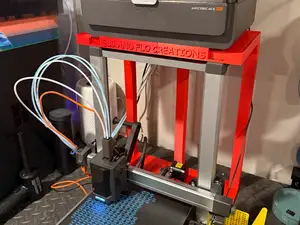


Ev ve günlük yaşamdan CNC'ye kadar tüm konuların kataloğu; bağlı sitelerin hepsinde arama yapabilirsiniz.