Ücretsiz 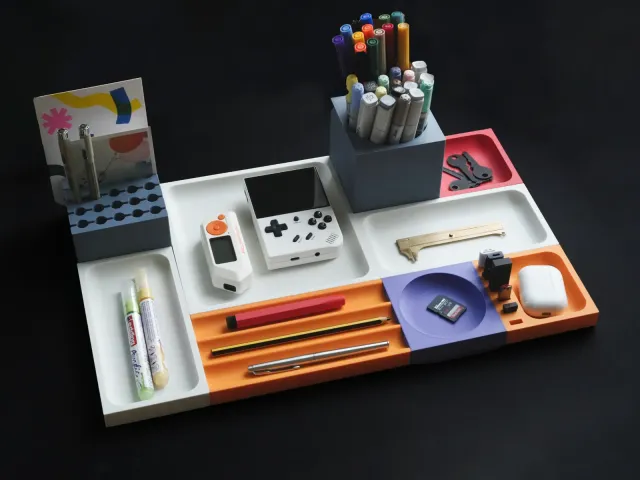
CubeForm - Modular Desk Organization System
Thingiverse
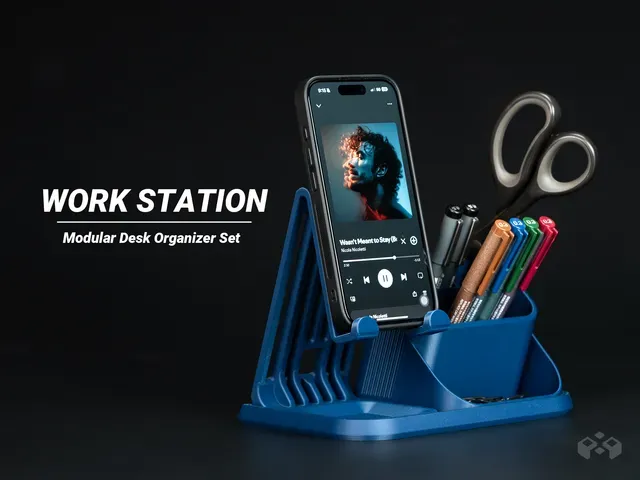
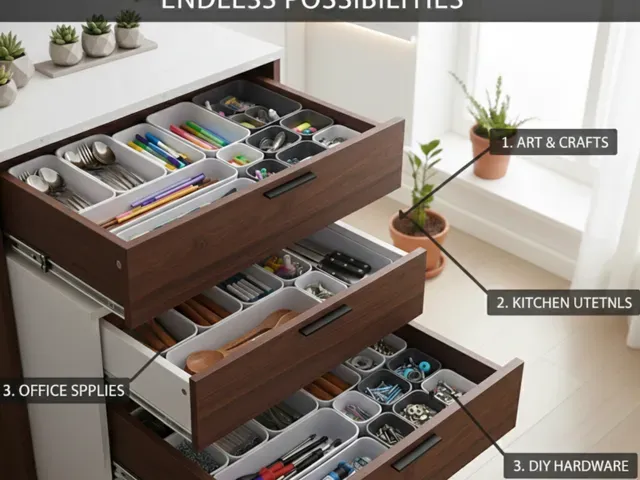
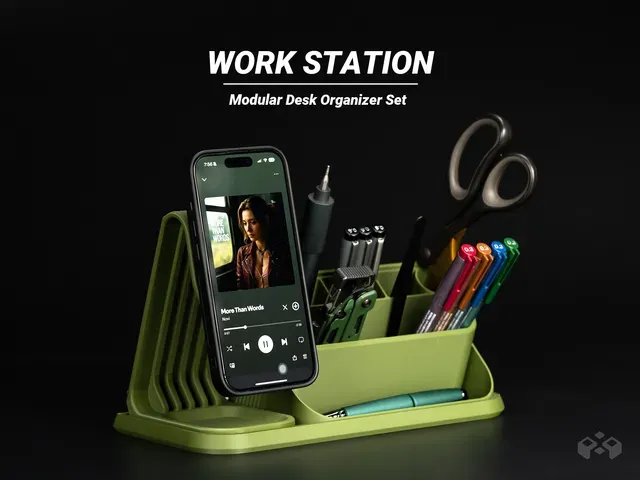
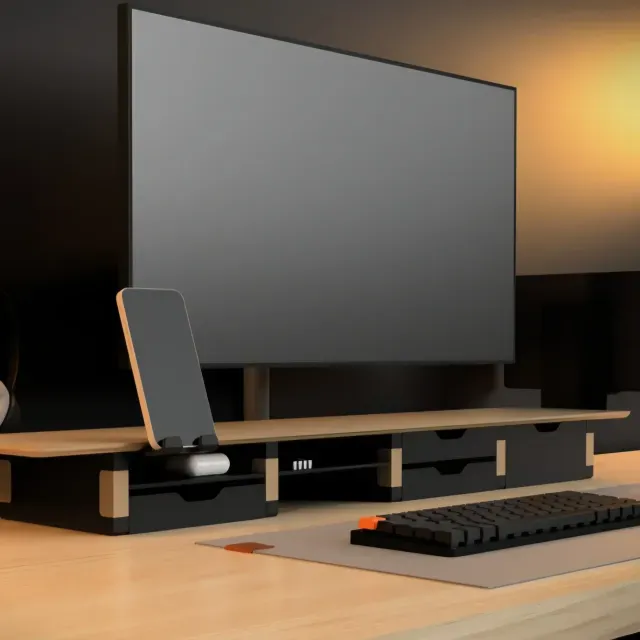
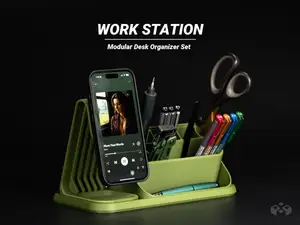
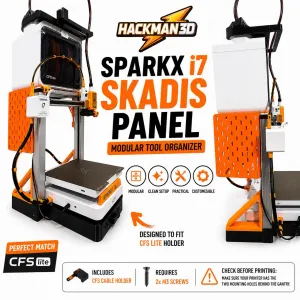
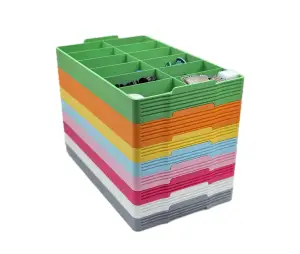
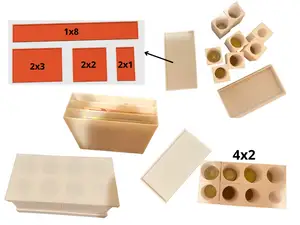
This collection gathers modular desk organizer systems made for 3D printing: stackable cubes, drawer units, device stands and small trays that combine into one layout. Because the parts are separate, you can start with a single module and add more as your desk changes. The listings come from several platforms, so the same idea appears in different shapes and joining methods. Polyzon does not confirm whether models are free, their price, license, official status, affiliation, safety or fitness. Check the current terms at the source.
Bu koleksiyonun metni İngilizce; arama ise her dilde çalışır.
 Bir Polyzon koleksiyonu · 45 model 4 siteden
Polyzon bu koleksiyonu bağlı sitelerdeki arama sonuçlarından oluşturur. Tekrarlar ve önizlemesi olmayan modeller çıkarılır, zayıf eşleşmeler sona alınır, geri kalanlar arama sırasını korur. Modeller yazarlarına aittir; her modelin sayfasındaki koşulları kontrol edin.
Seçim kuralları: Polyzon editör ekibi · Metin güncellendi: 15.10.2026
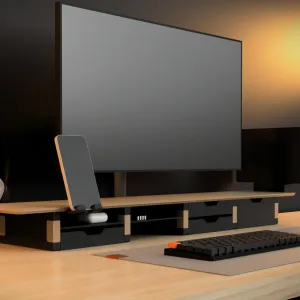


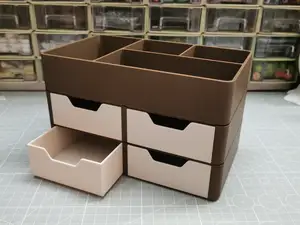
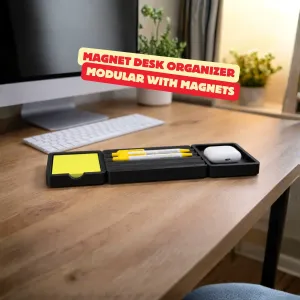

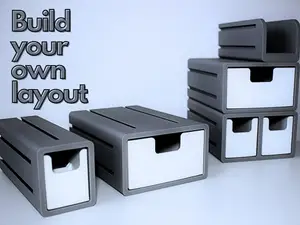
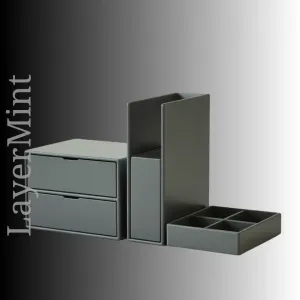


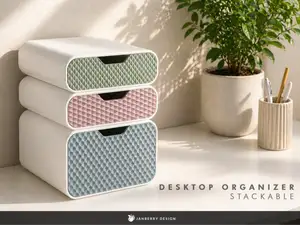
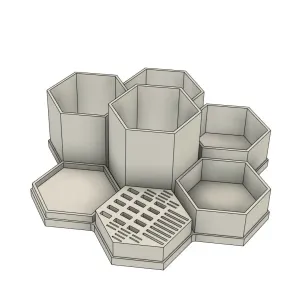


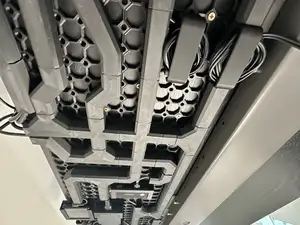
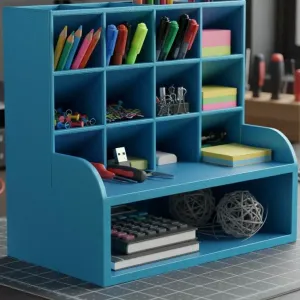


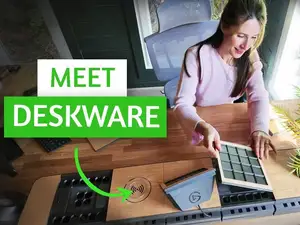
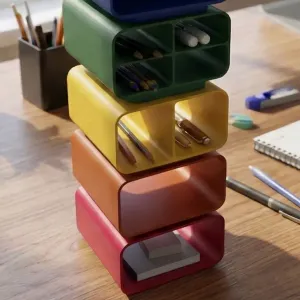


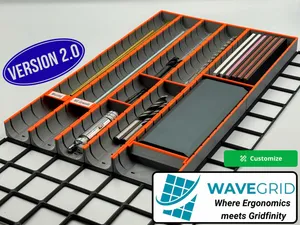
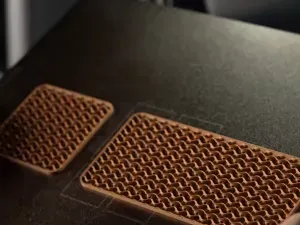

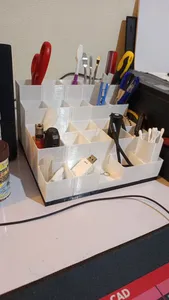
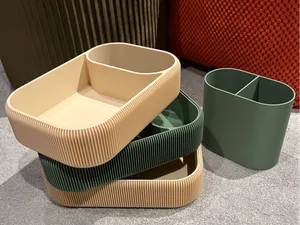
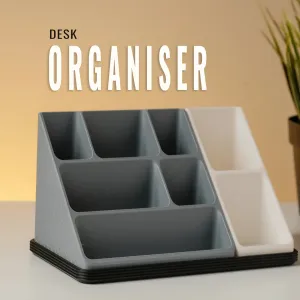


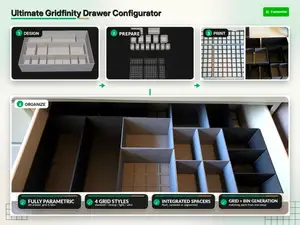
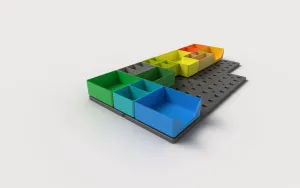


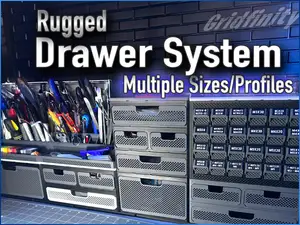
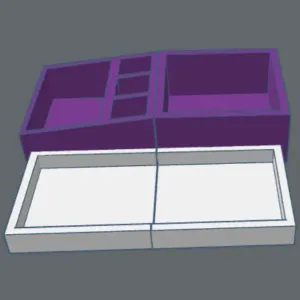

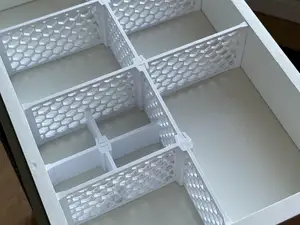

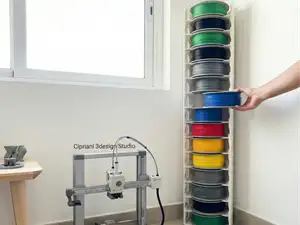

The modules differ mainly in how they connect and what they hold. Cube and box systems usually stack vertically and lock with magnets, rails or interlocking edges, while drawer units add sliding parts and need more clearance. Device stands and pen holders are often single-purpose pieces designed to sit on top of a base module, and under-desk or shelf variants move storage off the work surface entirely.
Before printing, open the author's model page and read the listed dimensions, part count and assembly notes. Check whether the model needs supports, which material and layer height the author used, and how thick the walls are on parts that carry weight. Photos of real prints show how the joints line up and how much space the drawers need to open.
If the results feel narrow, try related wording: desktop storage, stackable organizer, drawer insert, pen holder, cable tray or under-desk shelf. Combining a material or printer term with the module type often narrows a large result set. You can also search for the single part you need, such as a divider or a phone stand, instead of a full system.
Scale is the detail most often overlooked. A module sized for one printer bed may not match another set you already printed, so compare the stated outer dimensions and the joining features before mixing parts from different authors.


Ev ve günlük yaşamdan CNC'ye kadar tüm konuların kataloğu; bağlı sitelerin hepsinde arama yapabilirsiniz.