Ücretsiz 
Bulbasaur Multicolor
Thingiverse
This collection gathers 3D models designed to be printed in more than one color: articulated creatures, multipart figures and game pieces where the color split is already part of the design. Many listings also include a single-color variant of the same shape, so you can compare both approaches before starting a 3D printing job. It is useful when you want a model whose colors come from the geometry rather than from paint. Polyzon does not confirm whether models are free, their price, license, official status, affiliation, safety or fitness. Check the current terms at the source.
Bu koleksiyonun metni İngilizce; arama ise her dilde çalışır.
 Bir Polyzon koleksiyonu · 47 model 4 siteden
Polyzon bu koleksiyonu bağlı sitelerdeki arama sonuçlarından oluşturur. Tekrarlar ve önizlemesi olmayan modeller çıkarılır, zayıf eşleşmeler sona alınır, geri kalanlar arama sırasını korur. Modeller yazarlarına aittir; her modelin sayfasındaki koşulları kontrol edin.
Seçim kuralları: Polyzon editör ekibi · Metin güncellendi: 13.10.2026



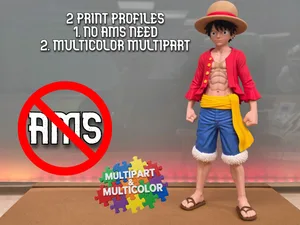


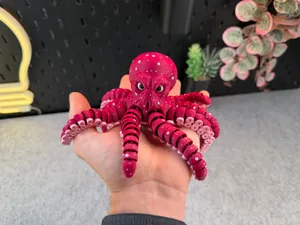
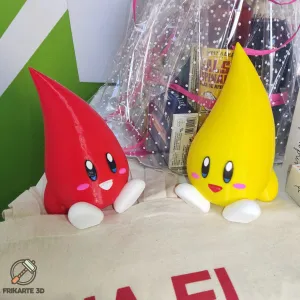


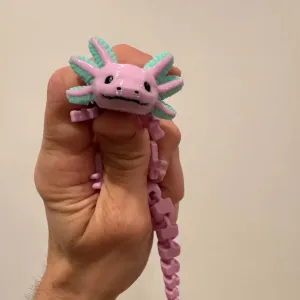

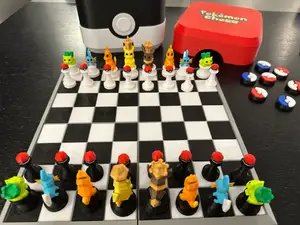
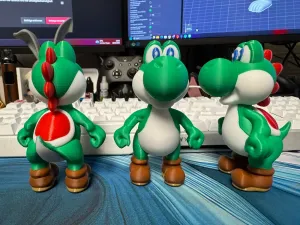

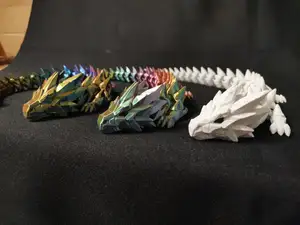
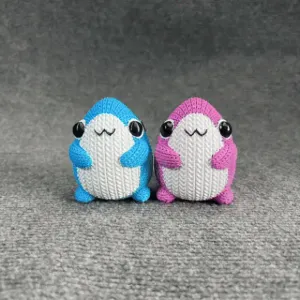

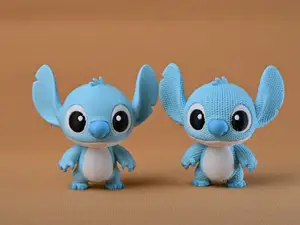
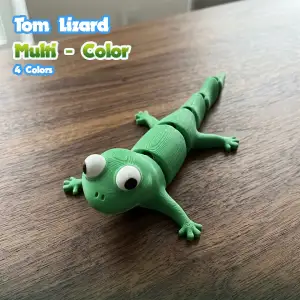


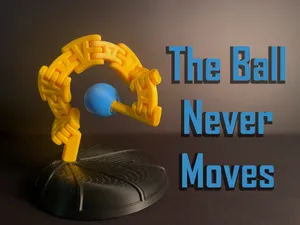

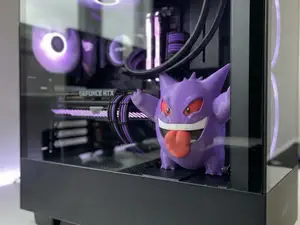
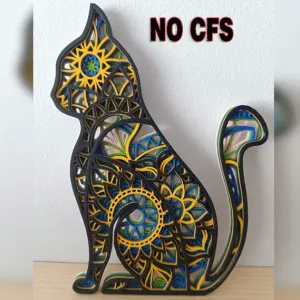


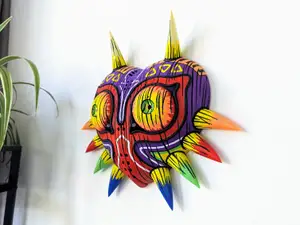
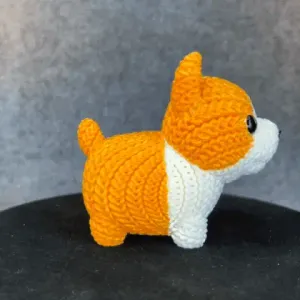


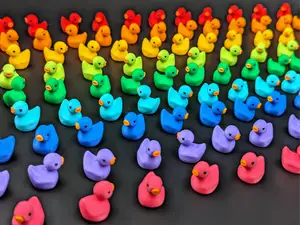



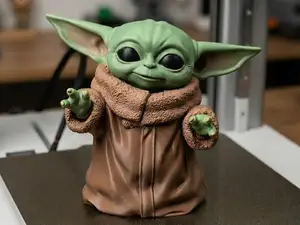
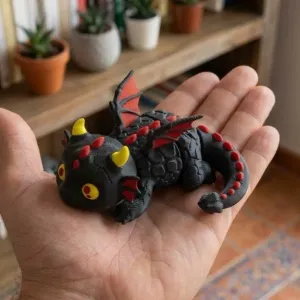


The models here fall into a few groups. Articulated animals and fantasy creatures are built as one printed piece with moving joints, and their multicolor versions separate the body, limbs and eyes into different filaments. Multipart figurines go the other way: the author splits the character into several bodies, shells or plates that are printed separately and then joined. Game-oriented sets, such as chess pieces or board tiles, use color to mark the two sides or the terrain, and small workshop items use it for handles, labels or contrast details.
When choosing, open the author's page and read how the color is achieved. Some files rely on a multi-material unit or a filament swap at a set layer, others are simply several parts printed in different spools and assembled afterwards. Check the number of parts, whether supports are needed, the layer height and nozzle the author lists, and the material the parts are meant to be joined with. Photos of real prints show how visible the seams and color boundaries are, which matters more on small figures than on flat tiles.
To widen the search, try synonyms and related wording: multi-material, color change, filament swap, multipart, articulated, and the names of the color-split file formats authors mention. Related topics worth browsing are articulated toys, tabletop game pieces, and figurine sets, since the same color-splitting approach appears there. If a model exists only in a single color, the same shape is often published in a multicolor variant under a slightly different title.
If you print on a single-extruder machine, a multipart version is usually easier to handle than a mid-print color change, because each piece is printed in its own spool and joined later. On a multi-material setup, the one-piece articulated files avoid assembly but need more purging and waste. Either way, slice a small test piece first to confirm the color boundaries land where the author intended.



Ev ve günlük yaşamdan CNC'ye kadar tüm konuların kataloğu; bağlı sitelerin hepsinde arama yapabilirsiniz.