Ücretsiz 
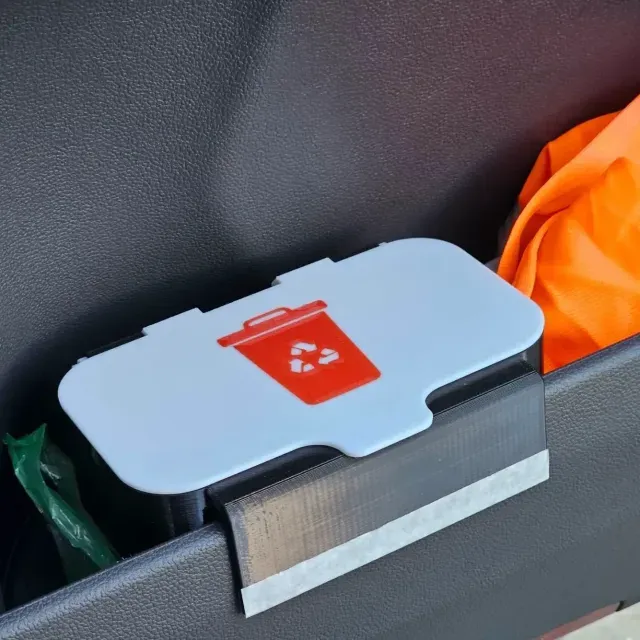
Small Bucket trash Bambu P1S
Thingiverse
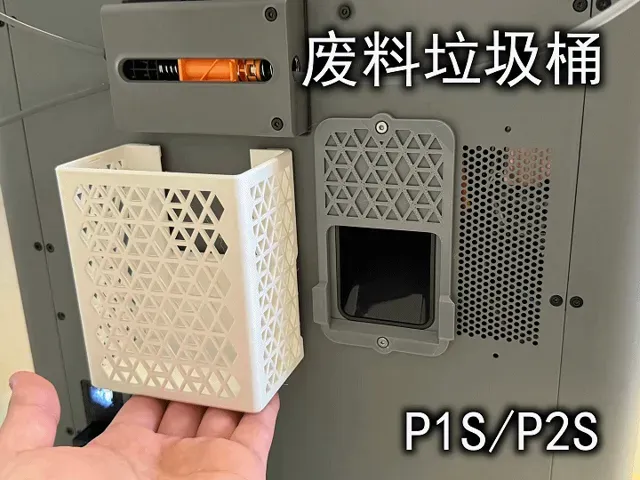
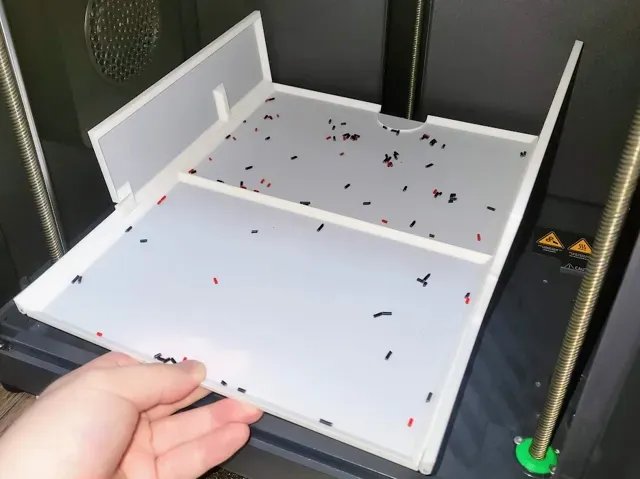
This collection gathers STL designs for managing waste around a P1S 3D printer. You will find bins, chutes, trays, and mounting options that appear in different sizes and assemblies. It helps you compare how each approach handles purged filament and cleanup. Polyzon does not confirm whether models are free, their price, license, official status, affiliation, safety or fitness. Check the current terms at the source.
Bu koleksiyonun metni İngilizce; arama ise her dilde çalışır.
 Bir Polyzon koleksiyonu · 37 model 4 siteden
Polyzon bu koleksiyonu bağlı sitelerdeki arama sonuçlarından oluşturur. Tekrarlar ve önizlemesi olmayan modeller çıkarılır, zayıf eşleşmeler sona alınır, geri kalanlar arama sırasını korur. Modeller yazarlarına aittir; her modelin sayfasındaki koşulları kontrol edin.
Seçim kuralları: Polyzon editör ekibi · Metin güncellendi: 14.10.2026
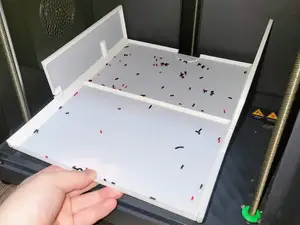
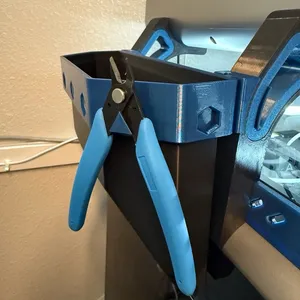





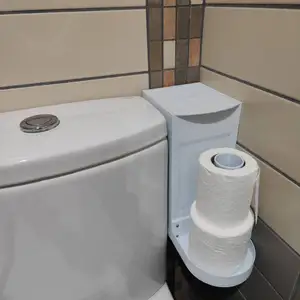



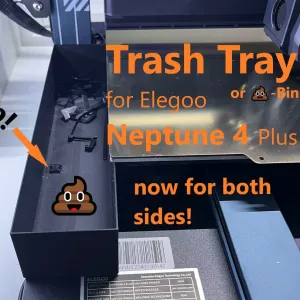


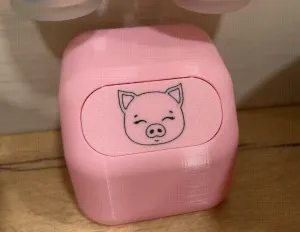
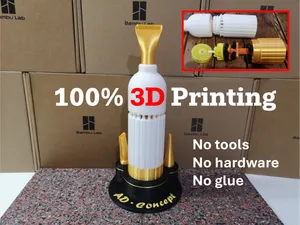
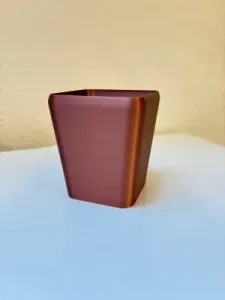

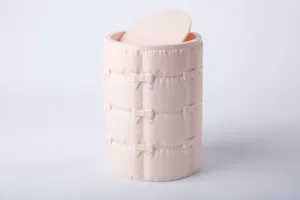

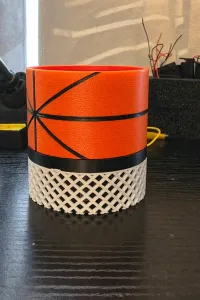


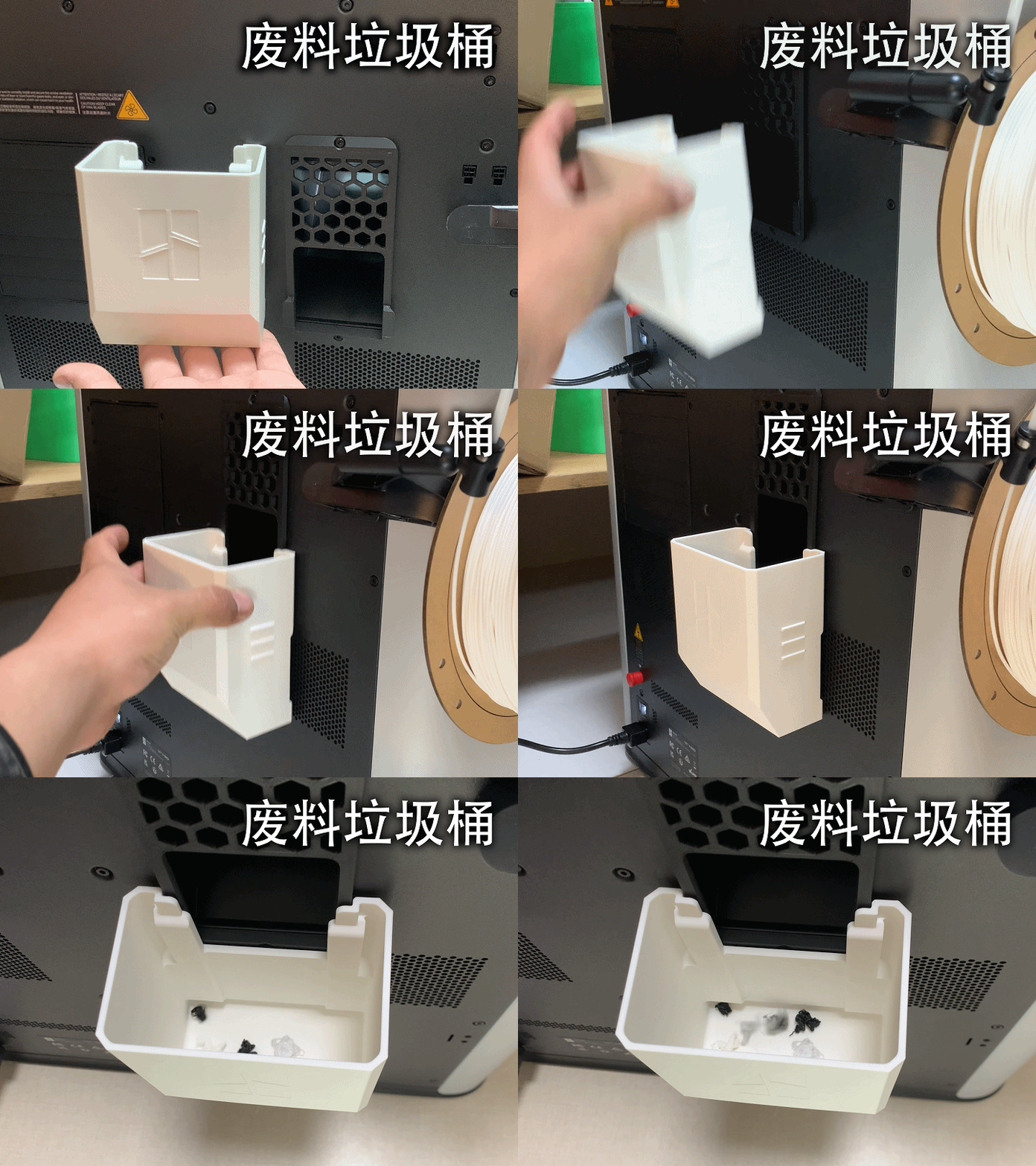
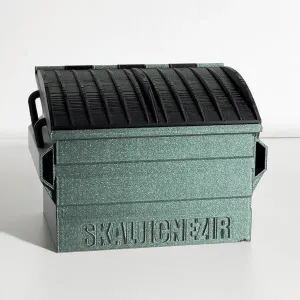

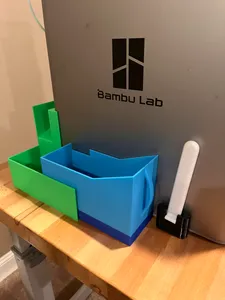
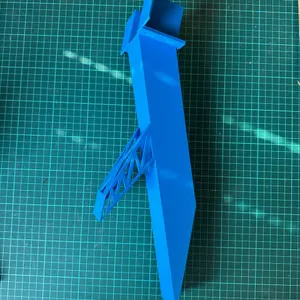

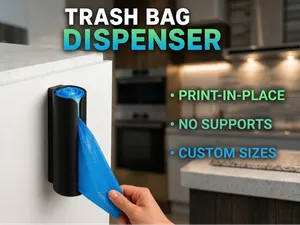
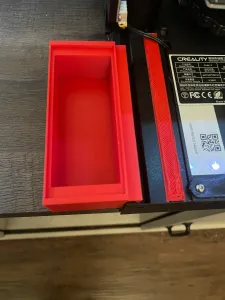
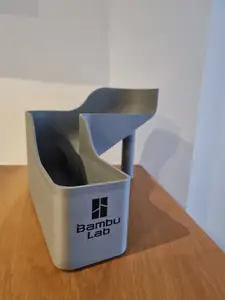
The results include open bins and buckets, enclosed boxes, chute extensions, and trays that sit under the waste path. Some designs use magnets or screws, while others rely on clips or a tool-less mount. You will also see larger containers for a desk or floor, which change how often you empty them.
When choosing, look at the model page for overall size and scale, wall thickness, and the number of parts. Check how the bin attaches, whether the chute needs extra clearance, and if the author lists supports, material, and slicer settings. Photos of real prints can show how the opening is positioned and how the container is emptied.
To refine the search, try terms such as poop chute, flush bucket, filament waste bin, purge container, and debris tray. Related searches include magnetic mount, quick-release chute, under-desk bin, and replacement rim. Combining the printer name with the part you want, such as bin, tray, or chute, usually narrows the list.


Ev ve günlük yaşamdan CNC'ye kadar tüm konuların kataloğu; bağlı sitelerin hepsinde arama yapabilirsiniz.