Ücretsiz 
GoPro Mount for Dell P2419H
Thingiverse
This collection gathers 3D-printable accessories built around the Dell P2419H monitor: soundbar mounts, VESA brackets, stands, docking station holders and small hooks for desk gear. Most of these parts exist to solve a specific desk problem, so they are usually simple shapes that print without much fuss. If you own this monitor and a 3D printer, the collection is a quick way to find a starting point before you open your slicer. Polyzon does not confirm whether models are free, their price, license, official status, affiliation, safety or fitness. Check the current terms at the source.
Bu koleksiyonun metni İngilizce; arama ise her dilde çalışır.
 Bir Polyzon koleksiyonu · 44 model 4 siteden
Polyzon bu koleksiyonu bağlı sitelerdeki arama sonuçlarından oluşturur. Tekrarlar ve önizlemesi olmayan modeller çıkarılır, zayıf eşleşmeler sona alınır, geri kalanlar arama sırasını korur. Modeller yazarlarına aittir; her modelin sayfasındaki koşulları kontrol edin.
Seçim kuralları: Polyzon editör ekibi · Metin güncellendi: 15.10.2026
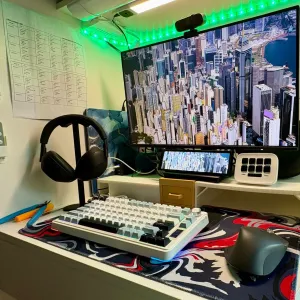

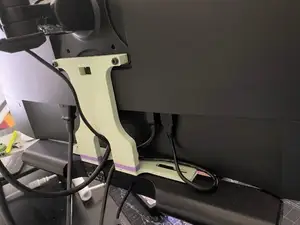
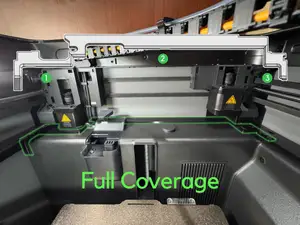
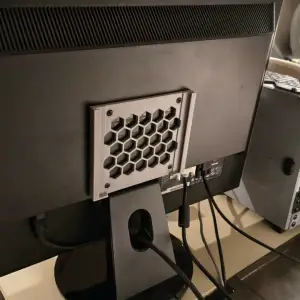

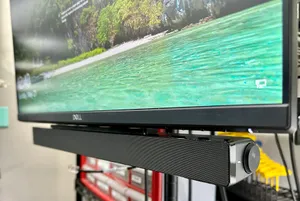
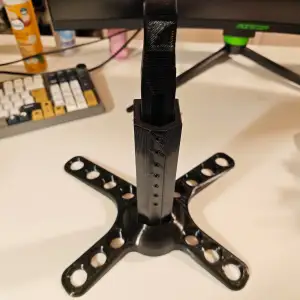

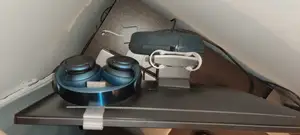
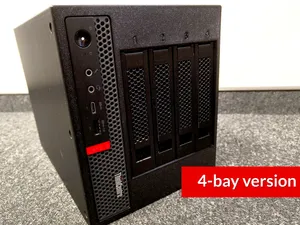
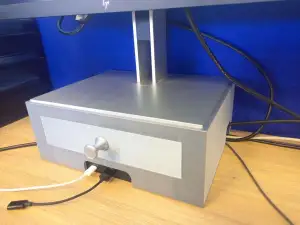

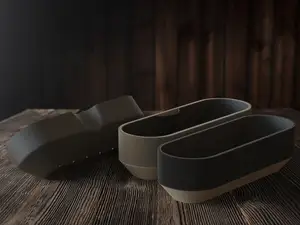
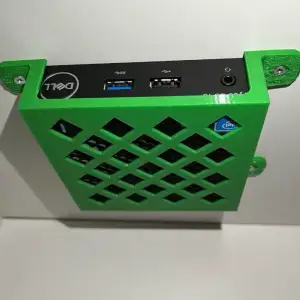

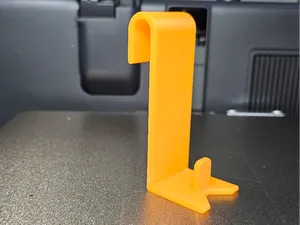
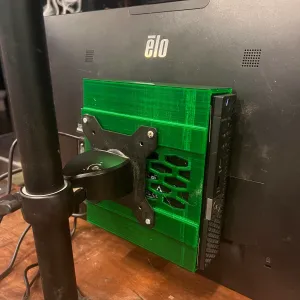

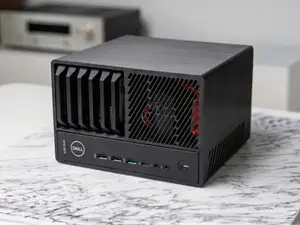

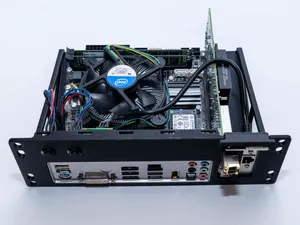
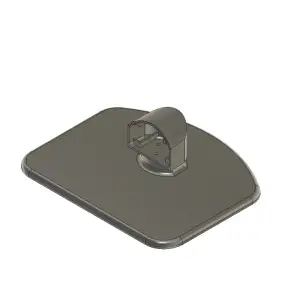

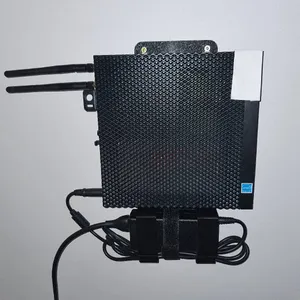



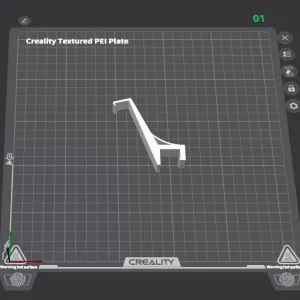

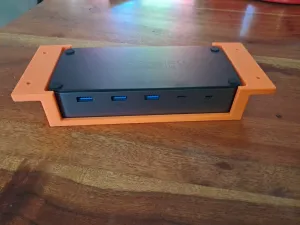
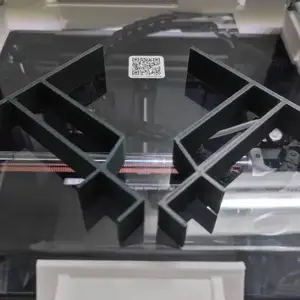

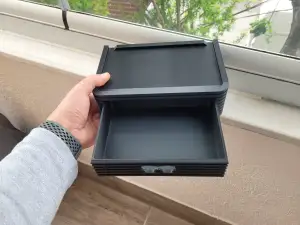

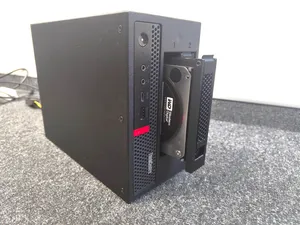
The models fall into a few groups. Soundbar mounts attach an AC511-style speaker bar under or beside the screen, while VESA brackets and printed stands replace or extend the original foot. Docking station holders and trays keep a dock off the desk surface, and smaller brackets carry thin clients or mini PCs on the back of the panel. Headphone hooks and similar accessories are the simplest of the set and often print in a single piece.
Before printing, open the author's model page and read what they measured. Check the VESA hole spacing on the back of your monitor, the thickness of the panel edge where a clip grips, and the width of the soundbar or dock you want to hold. Look at the number of parts, whether screws or inserts are needed, and whether the author shows photos of a real print. Material and settings matter here: a bracket that carries weight behaves differently from a hook that holds a cable, so follow the listed material and wall count rather than guessing.
If the results feel narrow, try other phrasings. Searching for the monitor series instead of the exact model, or for the accessory type alone, brings up more options. Related terms such as monitor arm adapter, under-desk mount, cable clip, desk organizer or VESA 100 bracket often lead to parts that fit the same setup. You can also search by the device you want to attach, for example a dock, a speaker bar or a small computer, and then check the mounting dimensions against your screen.

%2Fhttps%3A%2F%2Ffbi.cults3d.com%2Fuploaders%2F13676409%2Fillustration-file%2F7a8605f2-3863-4b92-9567-aa38f4535014%2F1da86e847d82c1432dd71773b4c27193_display_large.jpg&w=300)


Ev ve günlük yaşamdan CNC'ye kadar tüm konuların kataloğu; bağlı sitelerin hepsinde arama yapabilirsiniz.